Academy / Edit video in Design
Lesson 6 of 6 · 4 min
Export the video and post it
Quick recallWhy add captions to a film?Think of your answer, then open.
Many people watch with the sound off. Captions let people follow the film without sound.
Pick a cover
The cover is the picture people see before the video starts. Reels and TikTok use it when the film is posted.
- Move the playhead to a clear moment, like the full cup with your words on it.
- Press the percent at the right of the timeline and pick Cover.
A round mark shows on the ruler. A click on it removes the cover. On a phone, tap a tile and press Cover in the bar.
Last check
- Play it from the start with the sound on, then off. Can you follow it?
- Does the first page show your best shot?
- Does the last page say who you are?
Export the video
- Press Export at the top right. On a phone it says Next.
- A bar shows how far it has come. Most videos are ready in about 2 minutes, and you can keep working.
Ready to share opens when it is done: your video, then New post, Download, Play and Done. The video is already in Media. The small arrow beside Export opens Share design, with more ways to send it. A video uses one of the day's pictures for each page, or one for each 5 seconds when that is more. One video is made at a time.
To change it later, pick the video in Media and press Edit design. Exporting again makes a new video and the first one stays.
Post it
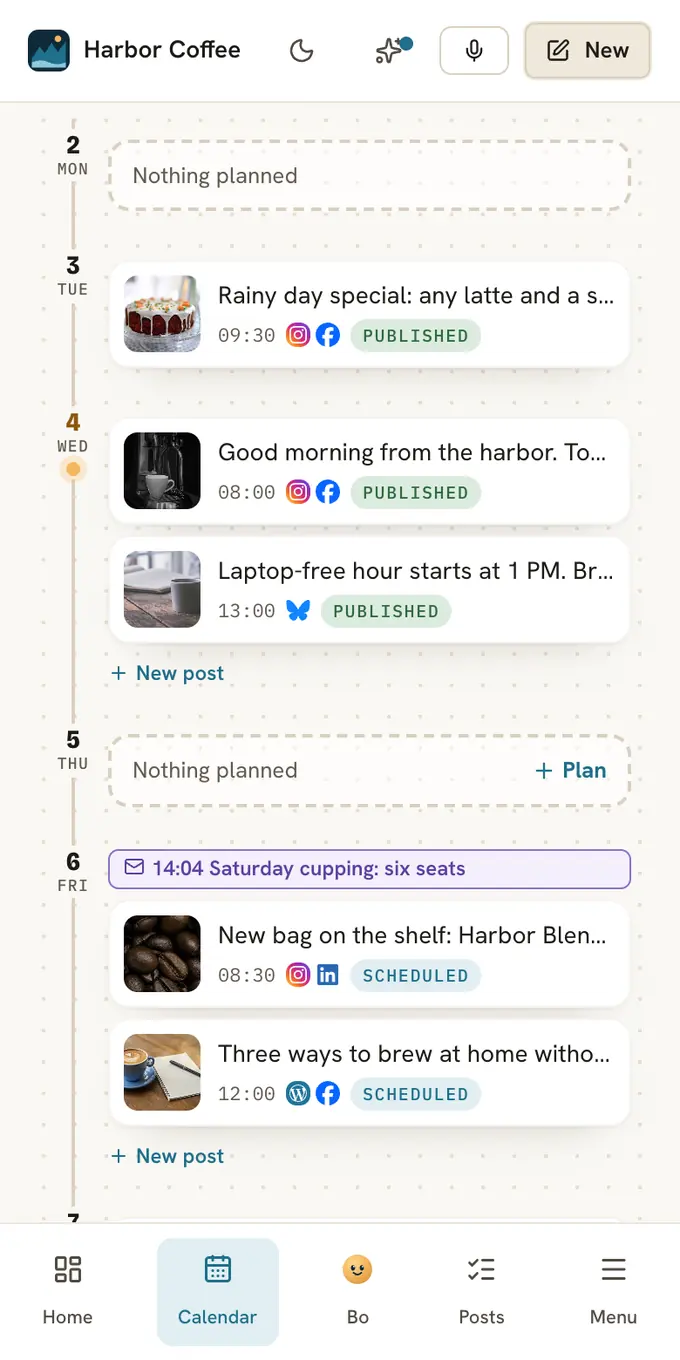
Press New post. A post opens with your film in it. Write a short caption, pick your channels and schedule it. Download gives you the MP4. For a short silent GIF loop of the first 15 seconds, open the small arrow beside Export, then Download, and pick GIF under File type.
Do it
- Set a cover on a clear moment.
- Press Export (Next on a phone).
- Press New post and schedule it.
Quick check · 3 questions
Check what stuck
What is the cover?
Show the answer
The picture people see before the video plays. Instagram Reels and TikTok use the cover when the film is posted.
You saved a video and want to change the second page. What do you do?
Show the answer
Pick the video in Media and press Edit design. Edit design opens the pages, timing and music again. Exporting makes a new video and keeps the first.
How long does Export usually take?
Show the answer
About 2 minutes, and you can keep working. Most videos are ready in about 2 minutes. A bar shows how far it has come.
In this course
- 1Start a filmPick a video template or your own clips, read the timeline, and know the limits. · 4 min
- 2Trim, split and speedKeep the best seconds of a clip, cut it in two, and make it faster or slower. · 5 min
- 3Order, length and stock videoPut pages in story order, set how long each shows, add a transition, and use free stock video. · 5 min
- 4Music and cutting to the beatAdd a song, set its start and volume, and let Postfjord move your cuts onto the beat. · 5 min
- 5Words, a voice and clean soundAdd captions so the film works with the sound off, put a voice on it, and clean up noise. · 5 min
- 6Export the video and post itPick a cover, export the film as an MP4, and send it to a new post. · 4 min