


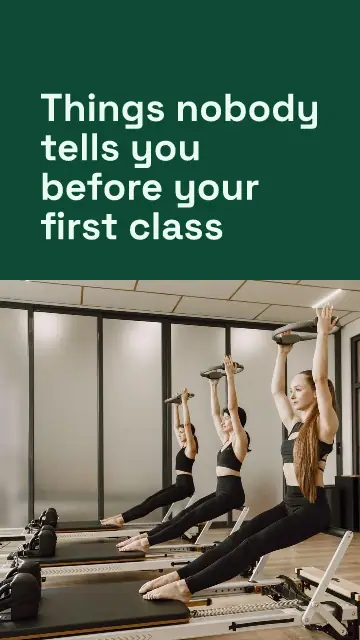

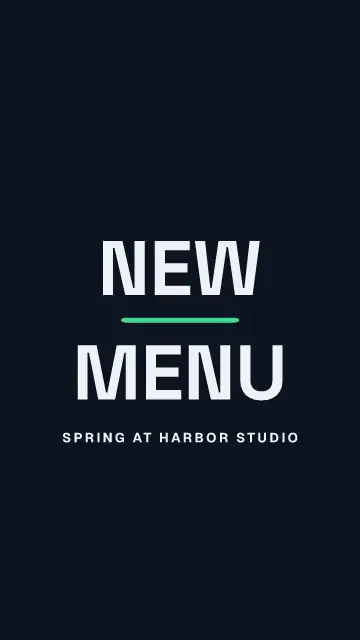




A video here is a design that moves. Your pages play one after the other on a timeline, each for as long as you say. Start from a template, a clip you shot, or a post you already made, and save it as an MP4 for Reels, TikTok, Shorts or the feed.
- 90 slongest video, in up to 20 pages
- 3sizes: tall 9:16, wide 16:9 and square
- 42transitions, each one playing before you pick it
From a clip to a post in four steps
Start with what you have
Pick a video template, or press New design and pick Video. Add your own MP4 or MOV from your phone or computer with the plus on the timeline.
Cut it
Drag the handles on the strip to pick the part you want. Autotrim takes the silence off the start and the end.
Add words and music
Captions writes what you say. Add music adds a song you have the right to use, and Sync to beat moves the cuts onto the beat.
Export and post it
Export makes the MP4 (Next on a phone), most in about 2 minutes, while you keep working. Ready to share has New post first, then Download.
Start without filming anything
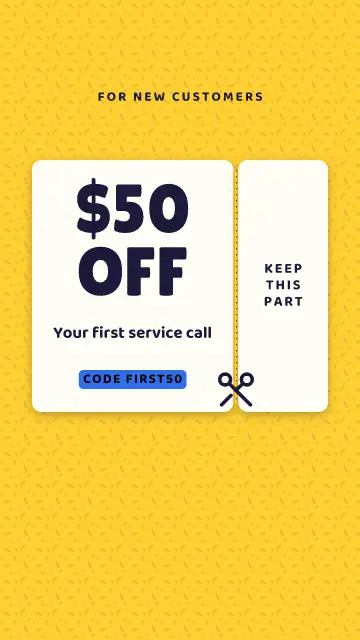
The video templates are 7 to 15 seconds long, and the movement is already done. Words slam in, a number counts up, a price drops, a coupon tears, polaroids land on a pile, a chat types itself out. There are hooks, POV, lists, before and after, for all eight kinds of business and in all three sizes.
No clip of your own? Search free stock videos from Pixabay in the same place as the photos. Video templates have clip slots: drop your own video on a numbered slot, and it is cut to fit while the movement stays.
Change the words and photos on the first page, and they follow to the next pages where they showed the same thing. See the video templates or the ones for TikTok.
A timeline you can read
Each page is a tile, as long as the page shows. Drag its edge to change the length, in steps of 0.1 seconds. Drag the tile to move it. Press Space to play, and drag the red playhead to any moment. Every text, photo and shape has its own bar on rows above the pages: texts are purple, photos blue and shapes yellow. Drag a bar to move it, or an end to change when it comes and goes. Drag the top edge of the timeline up to make room for more rows.
The editor is dark, so your video is the brightest thing on the screen. Light editor, in the menu with the three dots, turns it light again, and Postfjord remembers it for each device.
Press Split or Cmd+B to cut a page where the playhead stands. Pages follow each other with no gaps, so a removed part closes by itself.
Your own clips
A page can play your video behind its words and pictures. Fill the page crops it to fit, Show it all leaves it whole, and Move and size puts it in a box you can drag and turn. Keep the clip's sound, mix it with your music, or turn it off. Go on in a new page adds a page with the rest of a long video.
Set a clip to play from 0.25x to 4x, or pick a curve to slow down or speed up one part. Effects gives a clip a look or a move, and Opacity makes it see-through.
Have a long talk or a podcast? Highlights listens to the first 15 minutes and suggests up to five parts that start and end at the edge of a sentence, with what is said and why it works. Tick the ones you want and they become pages, captions ready. It is on every paid plan, and it is still in beta.
Captions, like in CapCut and Edits
Captions listens to the clip and writes every word with the moment it is said. One press is enough. Click a word to fix it. Pick one of 31 styles: outlines, a box behind each line or the word being said, clean and plain, or fun. Bookmark the ones you like. Set the language people speak, add a second line in another language with Bilingual captions, and hide swear words with asterisks.
On a tall video the captions stay clear of the buttons and text that Reels, TikTok and Shorts put on top. Captions are on the paid plans and uses a little of your AI allowance per minute of sound. What you see in the editor is what the saved video shows, letter for letter.
Music on the beat
Pick a song from Media or upload an mp3, m4a, aac or wav file. For a Reel, pick a song from Instagram under Trending or Original audio. Sound FX has free sound effects, like a whoosh or a pop. Set where it starts, the volume, and a fade of up to 5 seconds. Turn on Sync to beat and Postfjord finds the beat, shows it as ticks under the timeline, and moves every page change onto it. Move the music and the cuts follow. Turn it off and your own lengths come back.
Movement you can control
Animate gives the whole video a style in one press, or sets each layer on its own: how it comes in, when it waits, how it goes out. Moving text has finished looks like neon, 3D letters, typewriter and glitch. Transitions is a grid of 42 tiles, and each one plays so you see it before you pick it: Dissolve, Slide, Wipe, Pan, Zoom, Circle wipe, Cube and more. Save the ones you like. With Match and move the same things glide from one page to the next.
The same on your phone
On a phone the video takes most of the screen, with one thin row for play and the time. One row of tools sits at the bottom: Clip, Music, Text, Voice, Captions, Animate and Add. Slide the timeline sideways under a fixed playhead to move through the video, and pinch to zoom. Tap a text, a photo or a sticker to change it. Tap a tile for the clip's tools, its length, its transition and the cover. A video you start on the computer opens there too.
Then it goes out
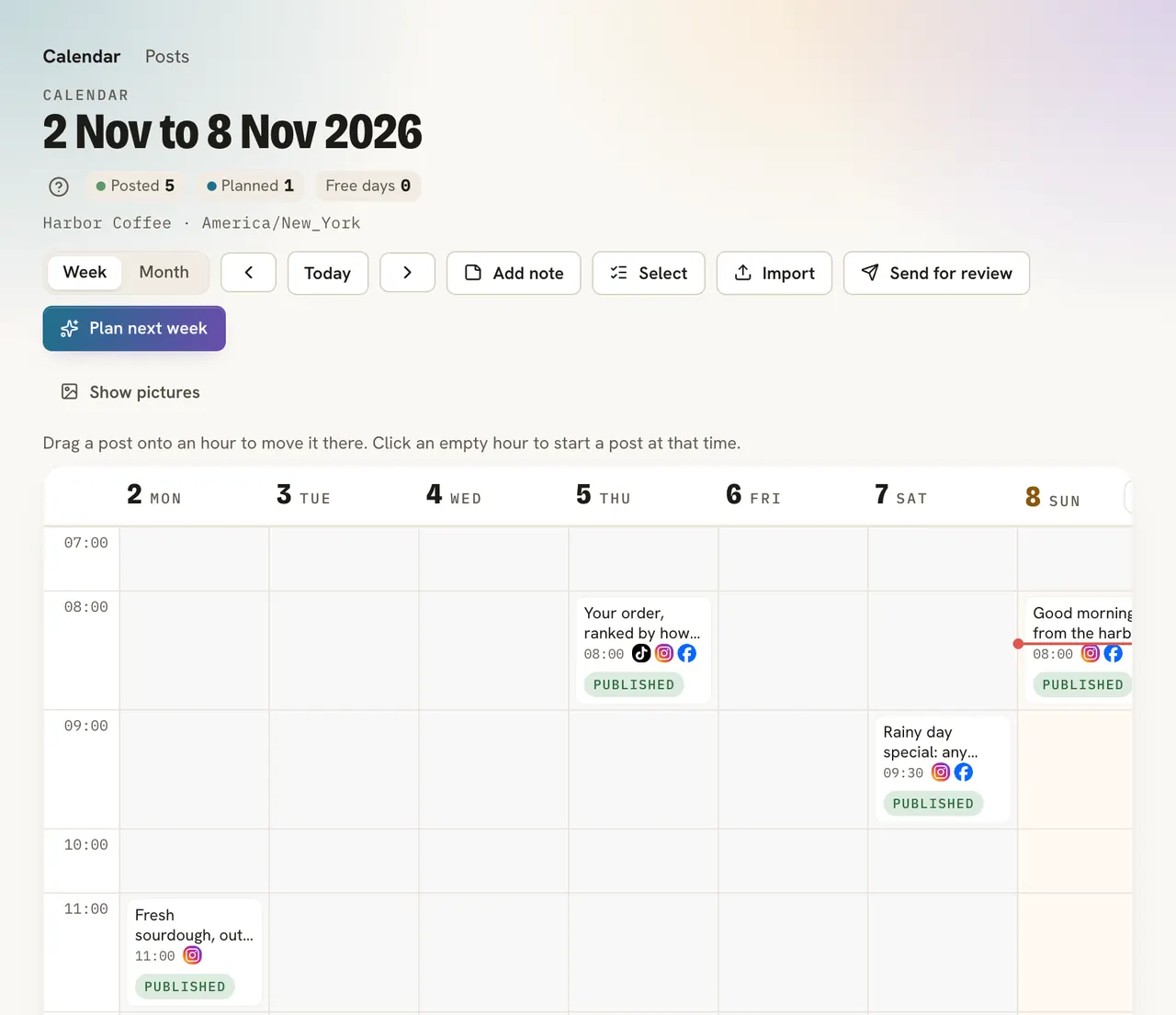
The video lands in Media, and it keeps the design it was made from: press Edit design to change a word and save it again. Pick the moment for the cover with Cover, and Instagram Reels and TikTok use that picture. Then schedule it in the same calendar as the rest of your posts.
FAQ
How long can a video be?
Up to 90 seconds and 20 pages. A page shows for 0.5 to 30 seconds.
Does it work without a computer?
Yes. The editor works in a phone's browser, with its own layout for the small screen.
Do I need to install anything?
No. It runs in your browser. The MP4 is made on our side, so your computer stays free while it works.
Can I add my own music?
Yes. Upload a file of up to 25 MB, and use music you have the right to use.
Can I keep working while it saves?
Yes. A bar shows how far it is, and most videos are ready in about 2 minutes. The MP4 lands in Media.