

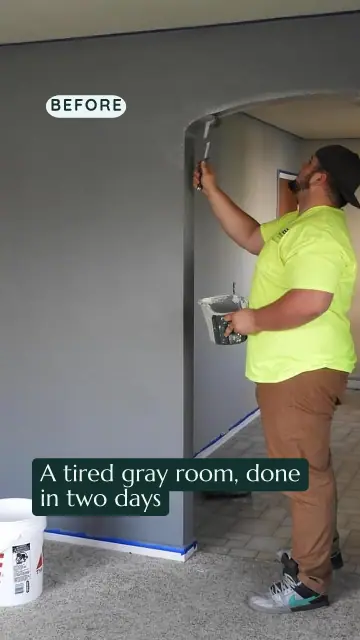
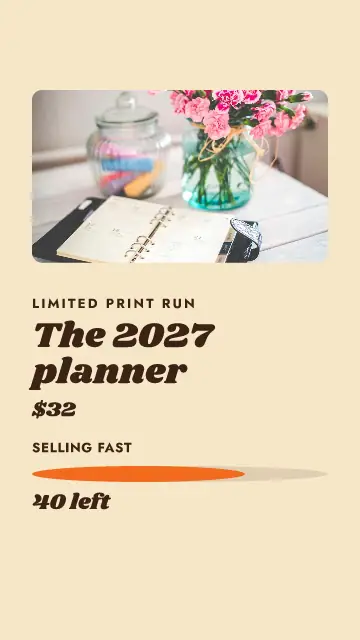
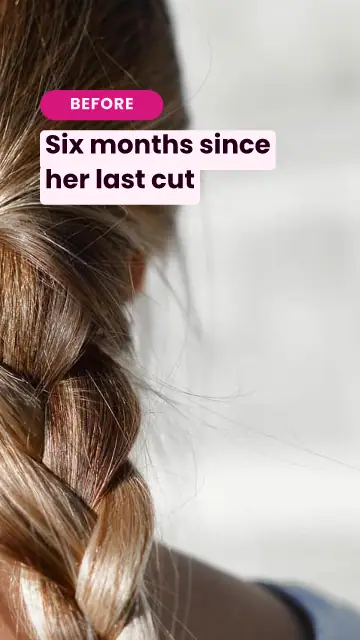
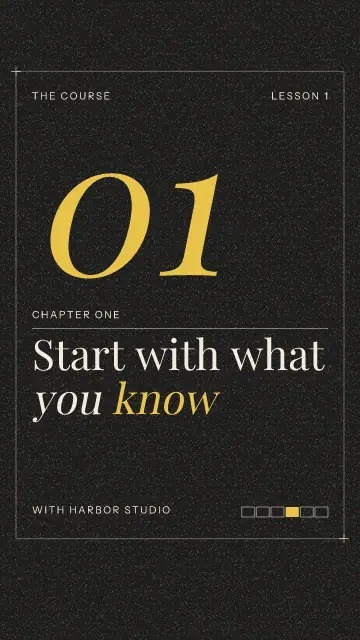

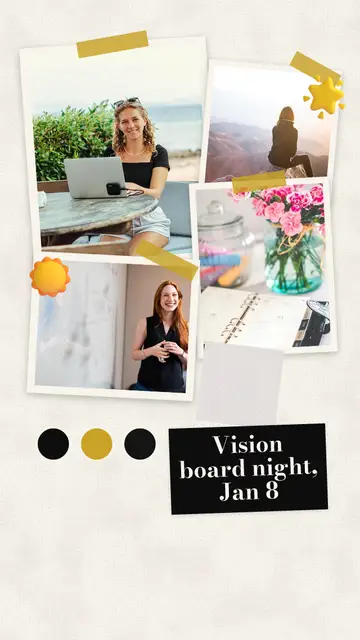
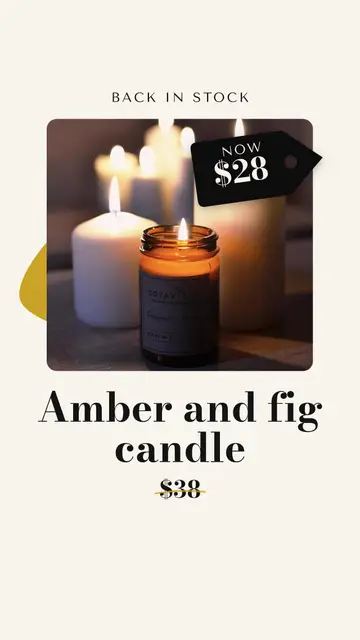
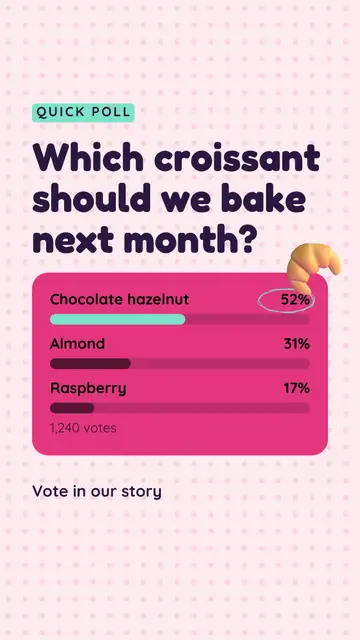
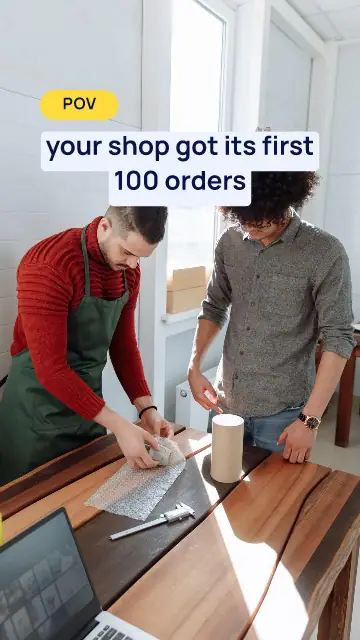
You do not need to film anything
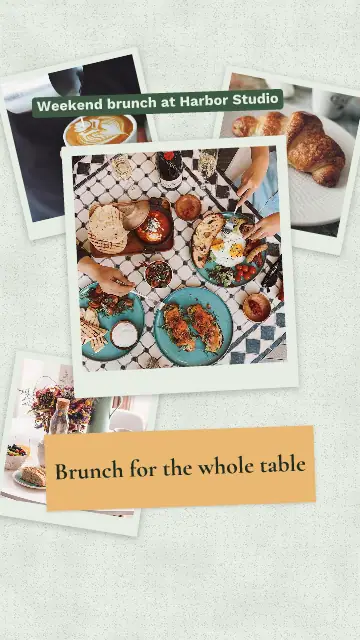
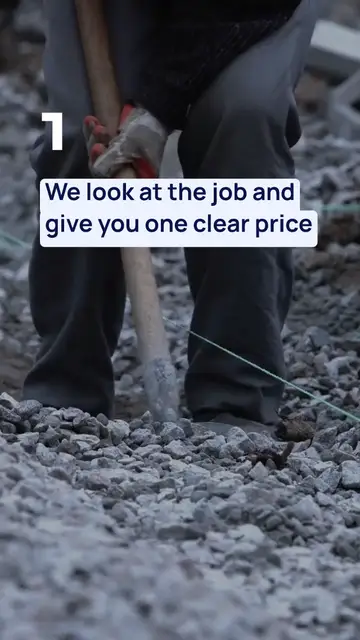
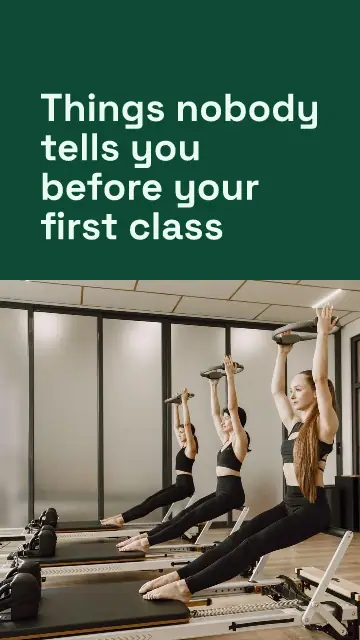
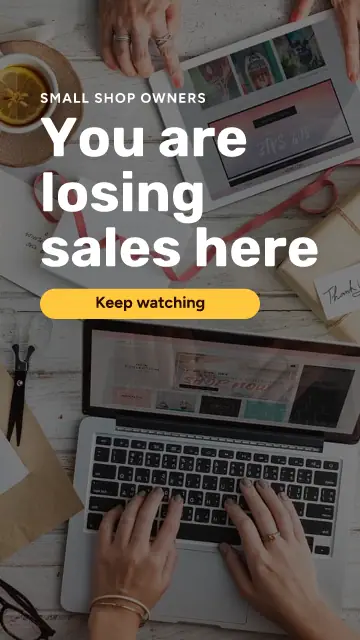
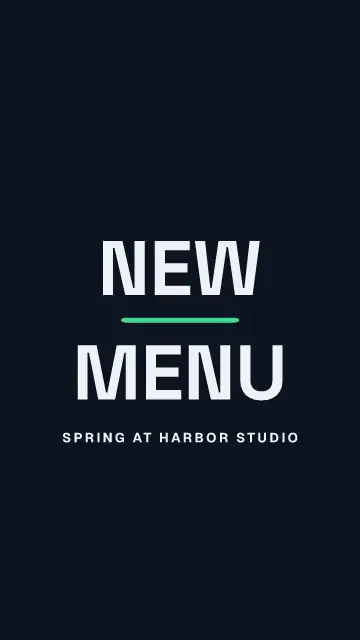
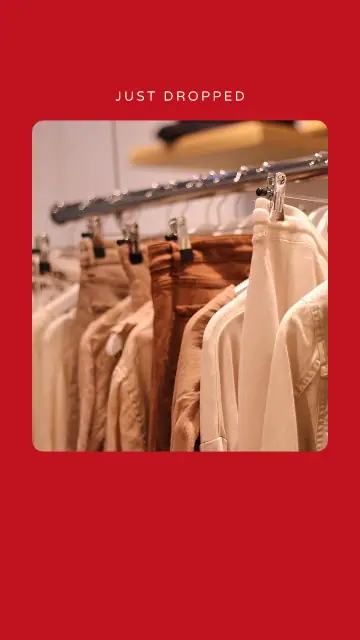
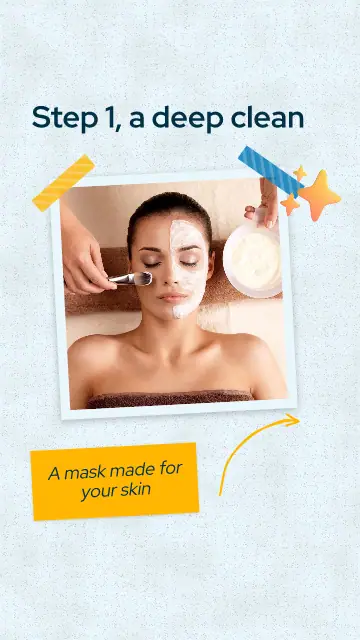
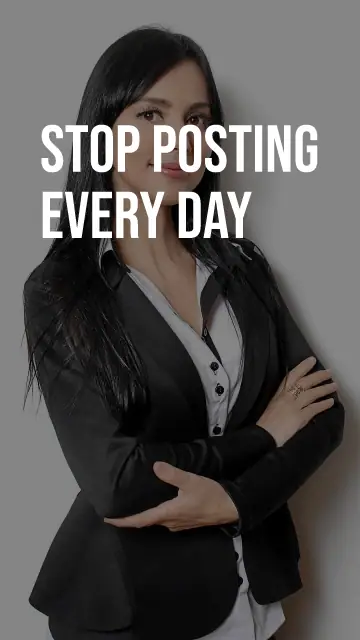
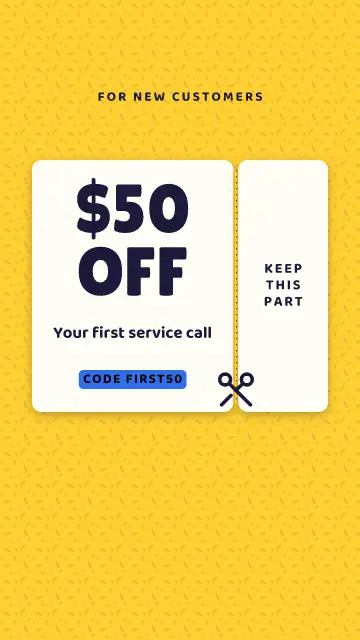
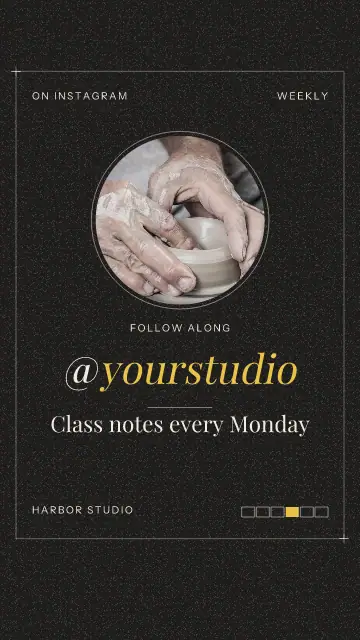
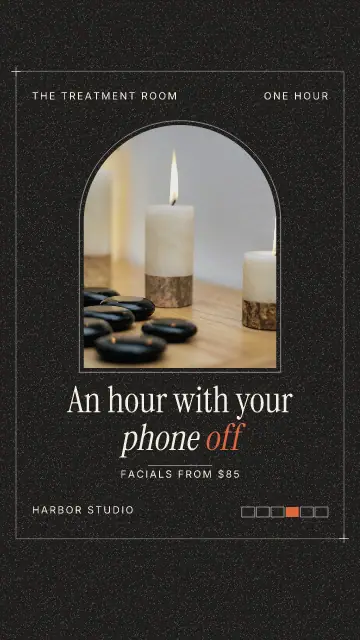
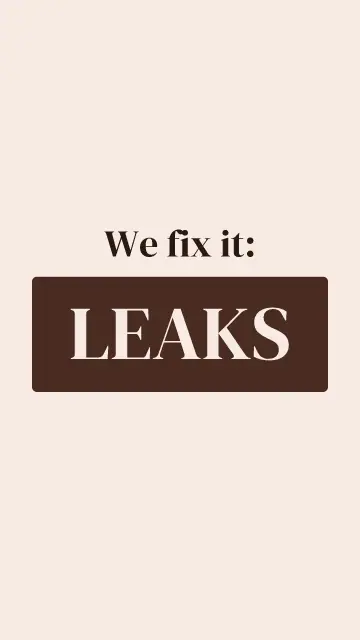
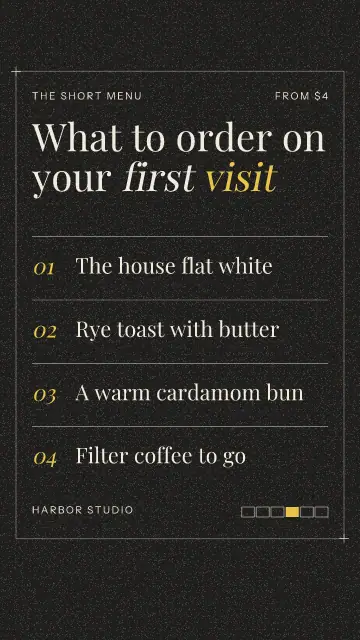
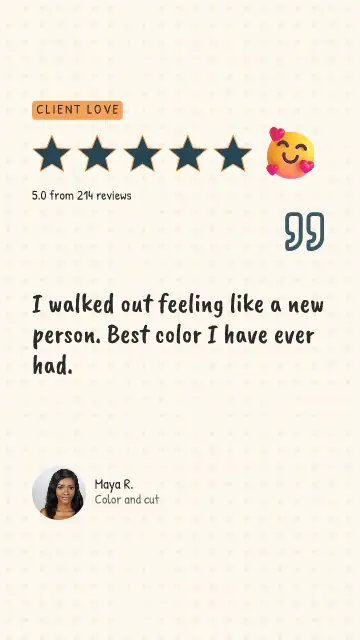
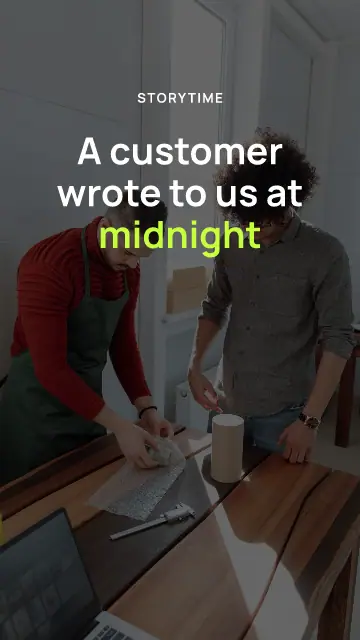
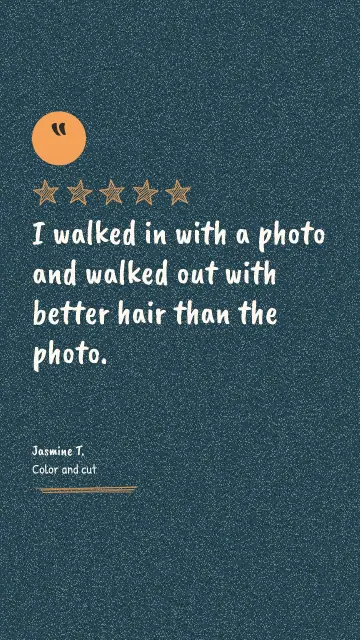
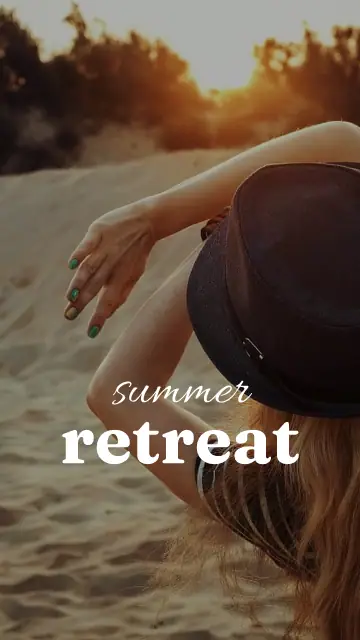
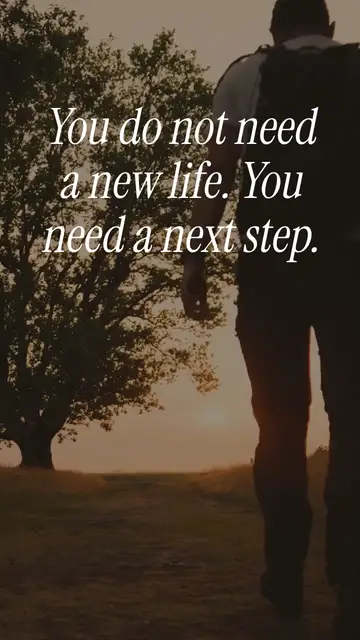
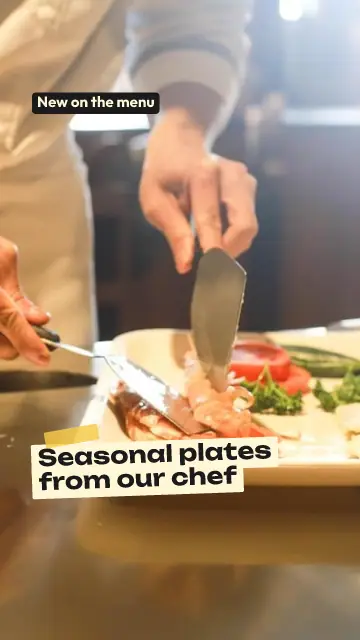
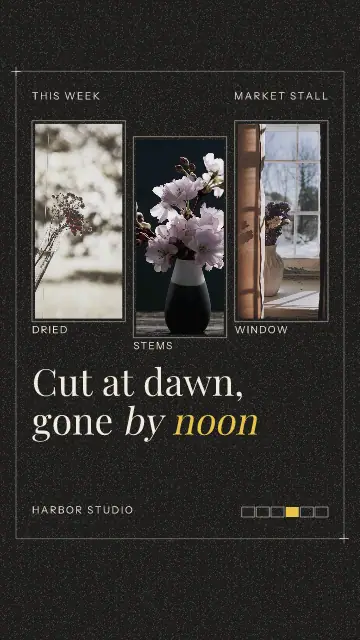
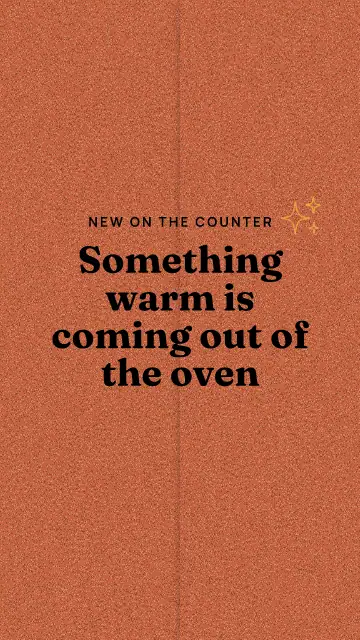
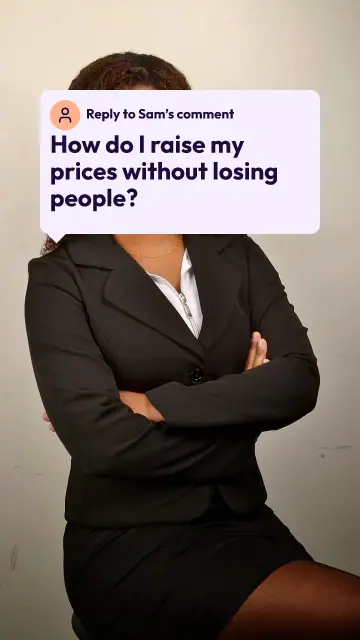
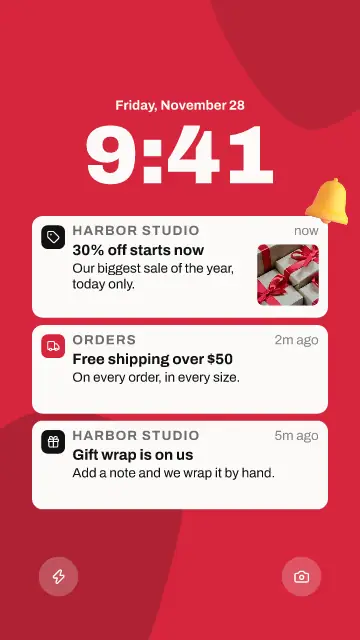
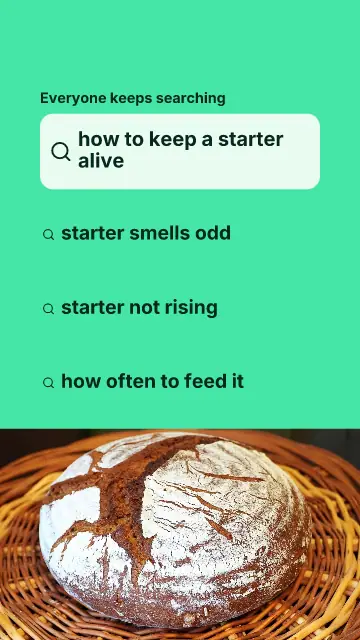
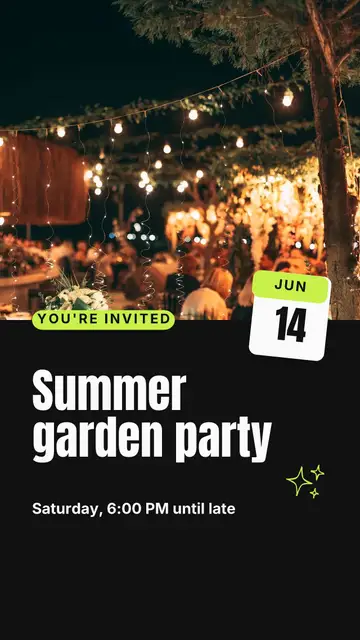
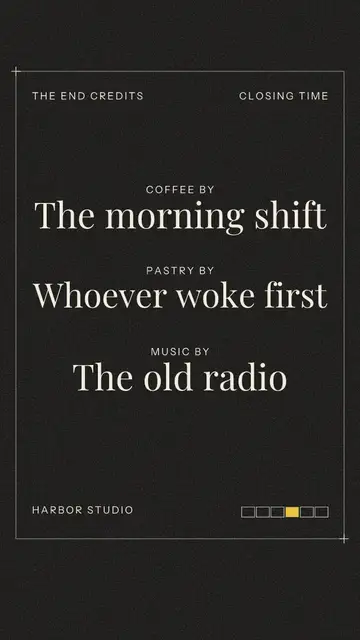
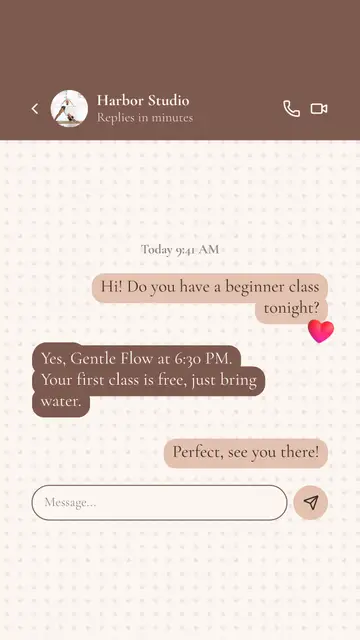
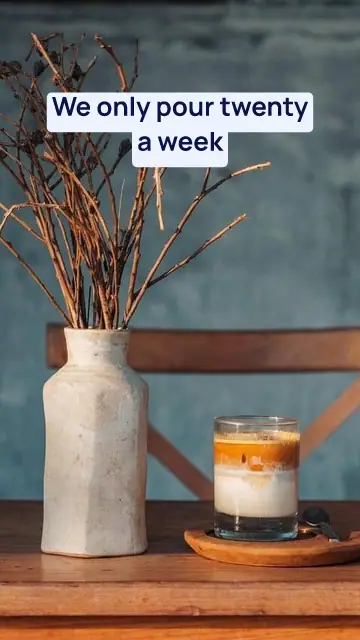
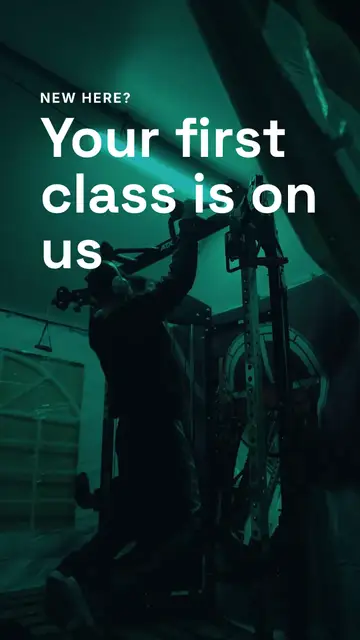
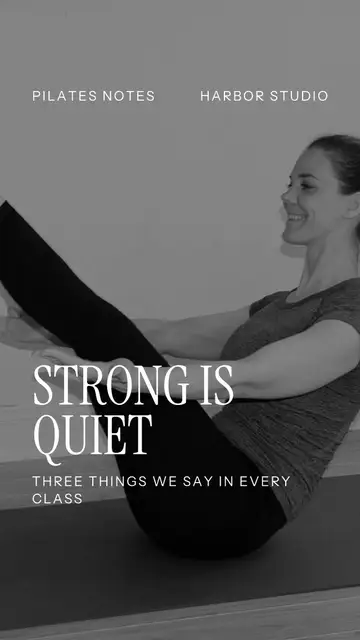
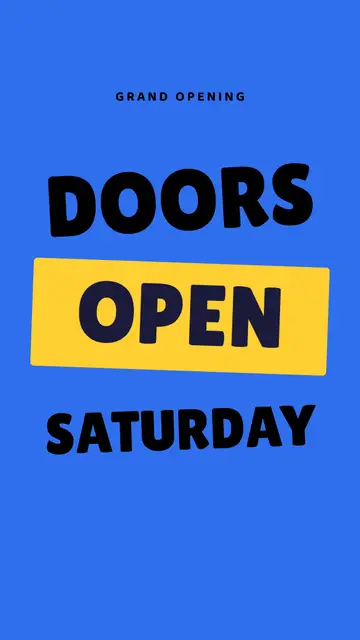
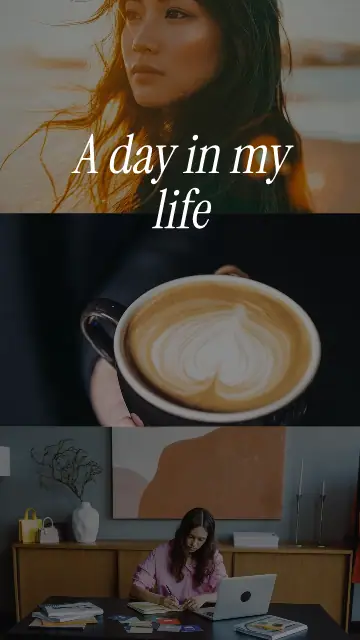
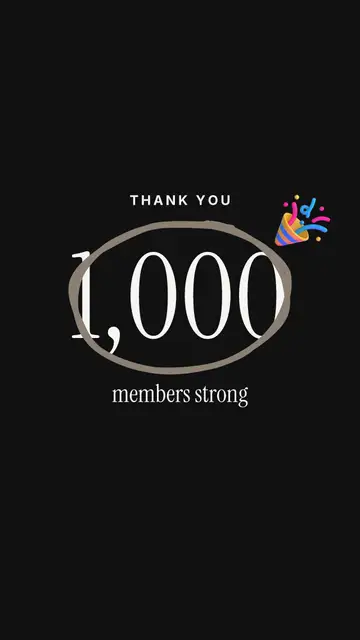
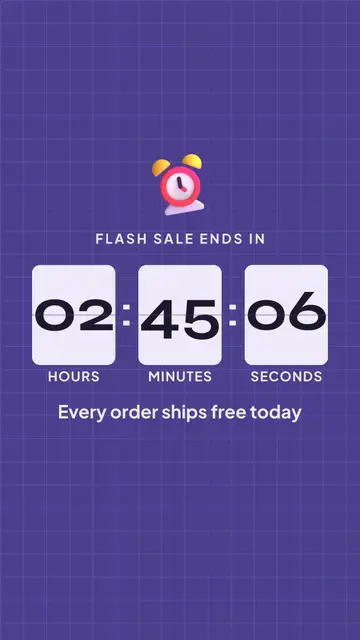
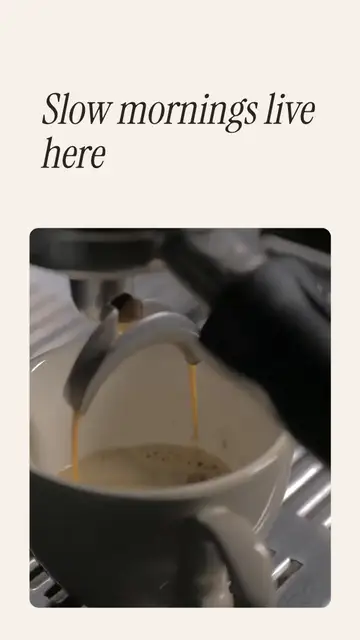
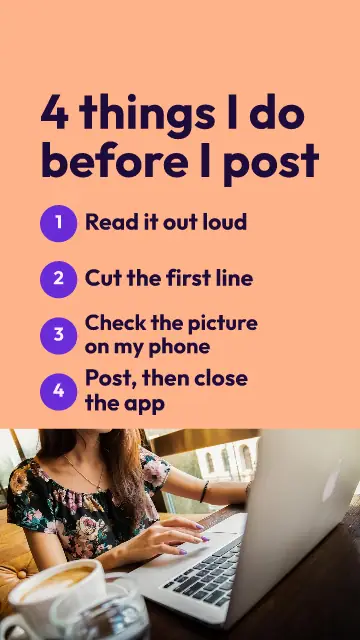
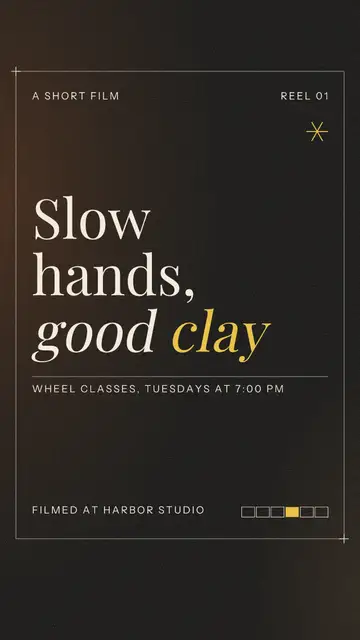
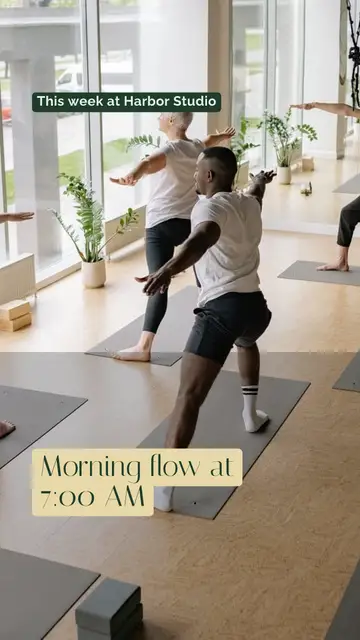
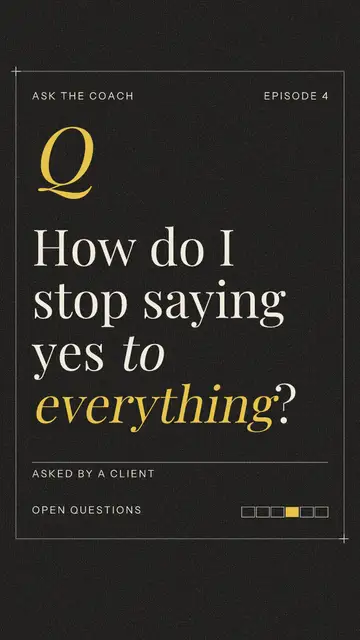
One template counts down a clock, another tears a coupon in two, another types out a chat. Each is 7 to 15 seconds long. The movement belongs to the pages, so it stays when you change the words.
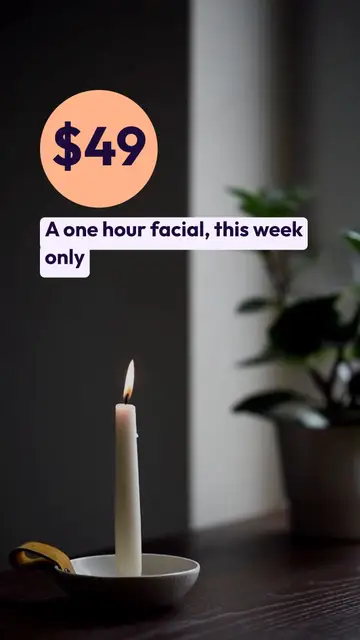
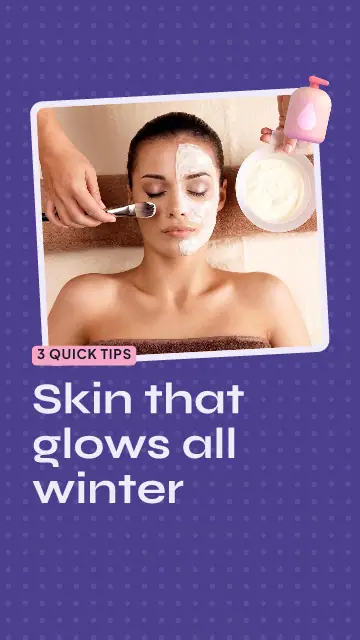
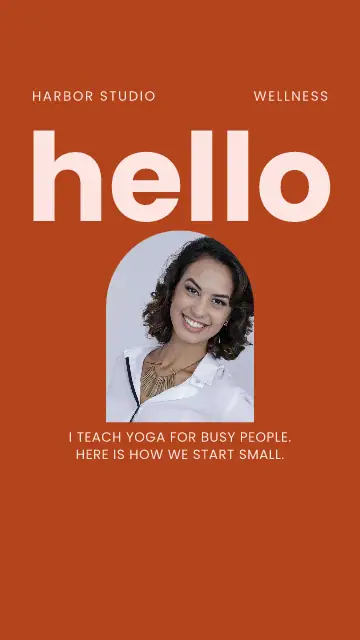
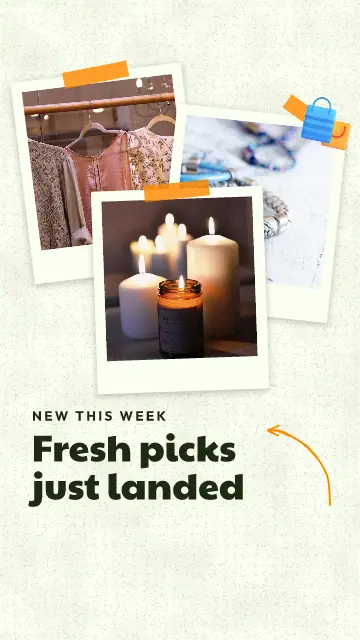
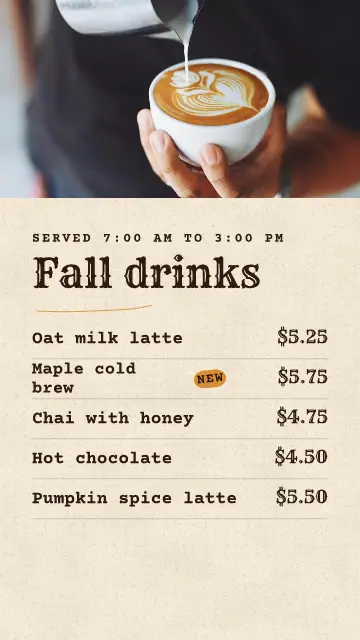
That makes these good for the news a small business has every week: a new product, a price, an opening, a review. You would never set up a shoot for that, and now you do not have to.
Three sizes
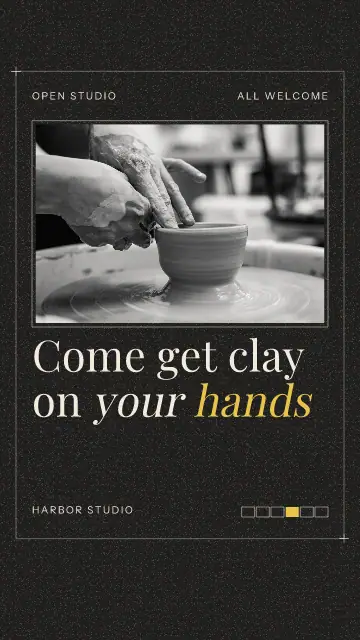
Tall 9:16 for Reels, TikTok, Shorts and stories. Wide 16:9 for YouTube and a website. Square 1:1 for the feed. Pick the size your channel shows in full, and search for the kind of video you need, like coupon or review.
Change the first page first
A word or photo you change on the first page also changes on the next pages, where they showed the same thing. So start there, and you skip most of the typing. A page you already changed keeps what you gave it.
Rest the pointer on a card in the app and it plays. On the timeline each scene is a tile, and you drag its edge to make it longer.
Make it sound right
Press Add music for a song you have the right to use. Sync to beat moves the scene changes onto the beat. Many people watch with the sound off, so the words have to say it all, and in these they do.
FAQ
How long does it take to make the video?
Save video gives you a bar that shows how far it is. Most videos are ready in about 2 minutes, and you can keep working meanwhile. The MP4 lands in Media.
Can I put my own clip in a video template?
Yes. Press Clip on any page to play your own video behind the words, or upload one from your phone.
Do these work on a phone?
Yes. The editor on a phone has the same pages and timeline, with the tools in one row at the bottom.