



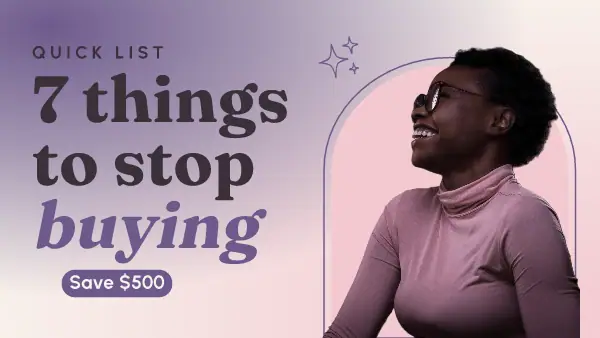
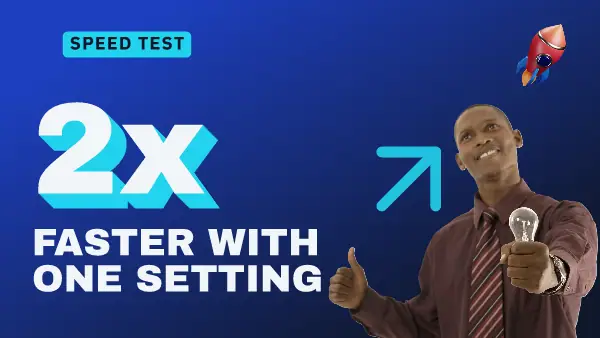
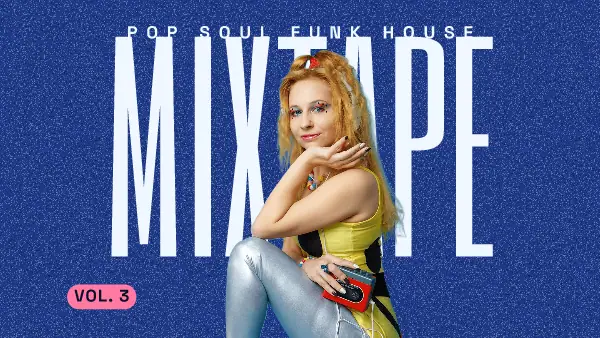

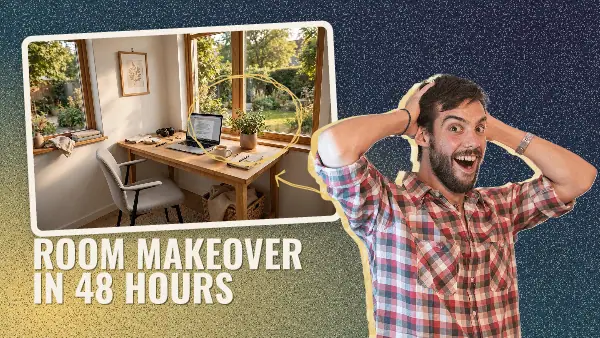
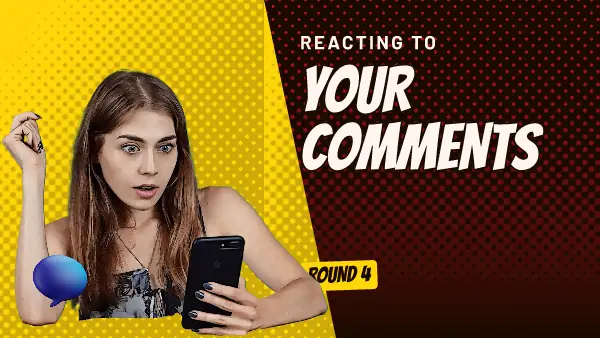


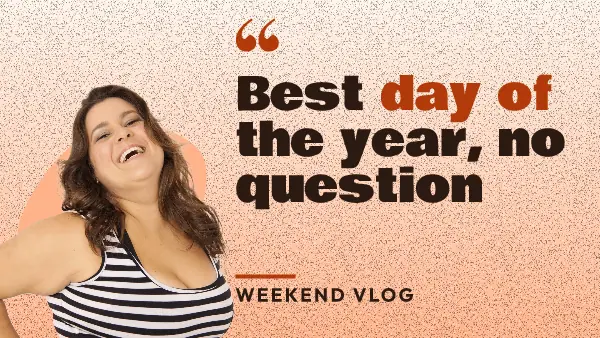
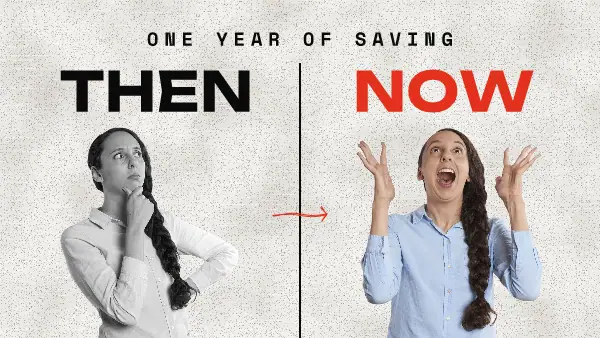
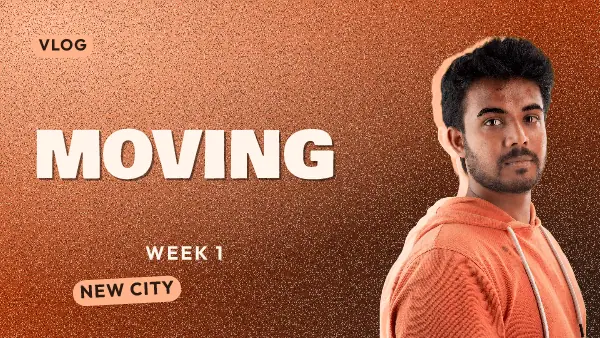

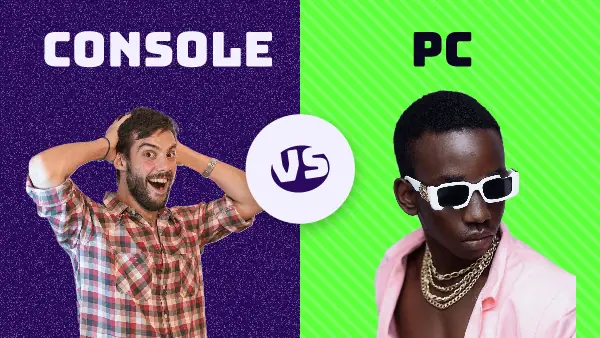
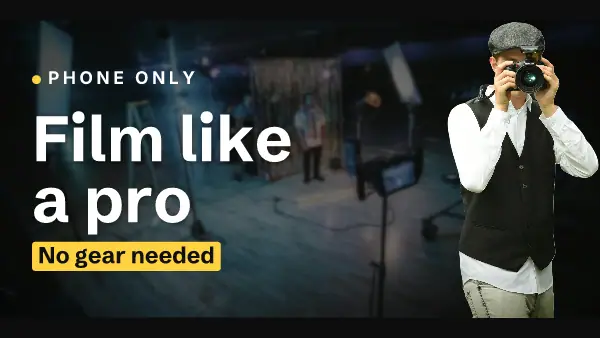
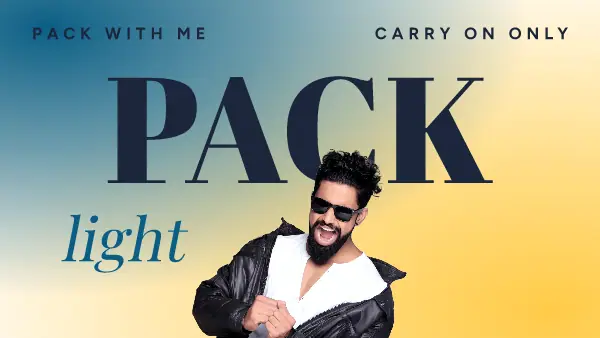


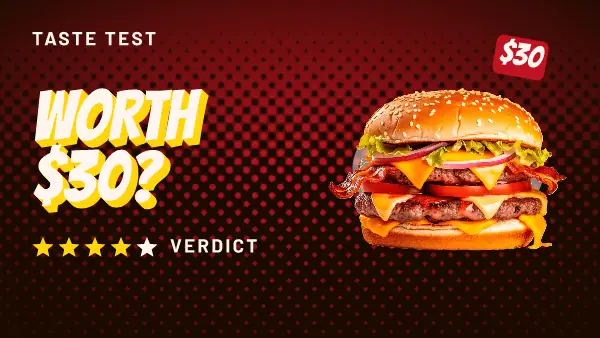
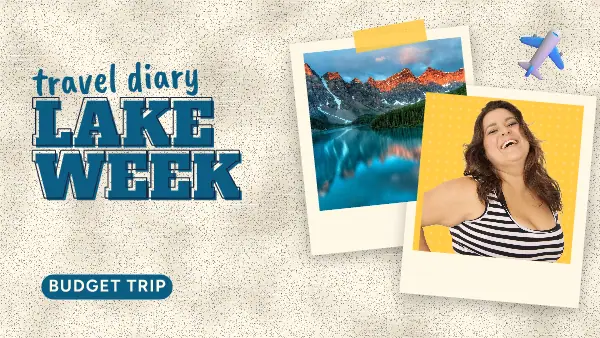
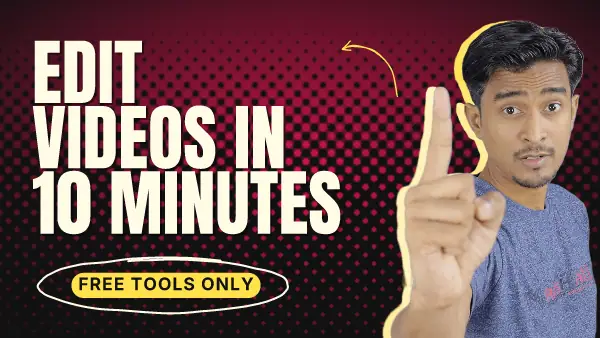
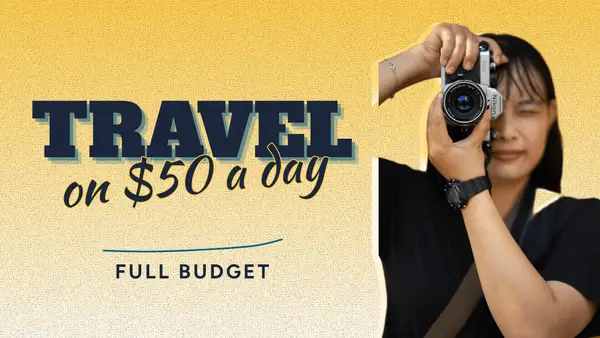
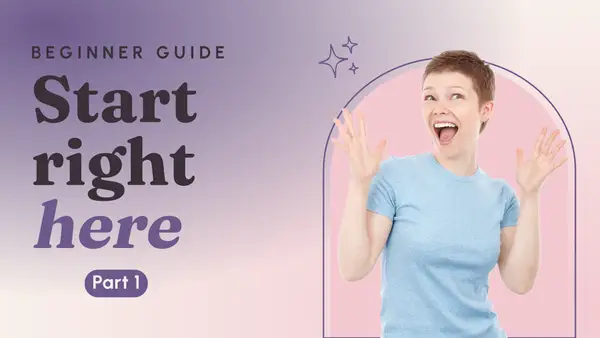



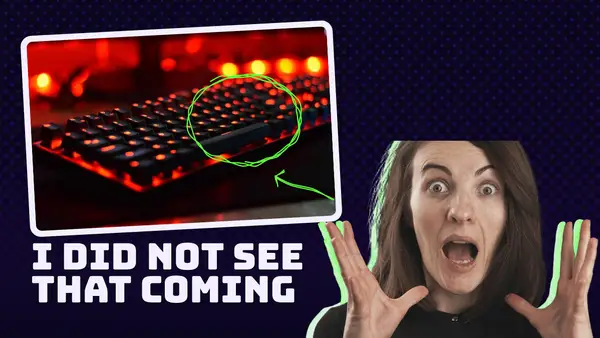

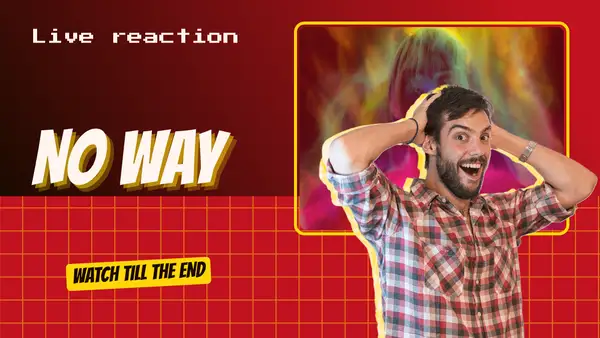
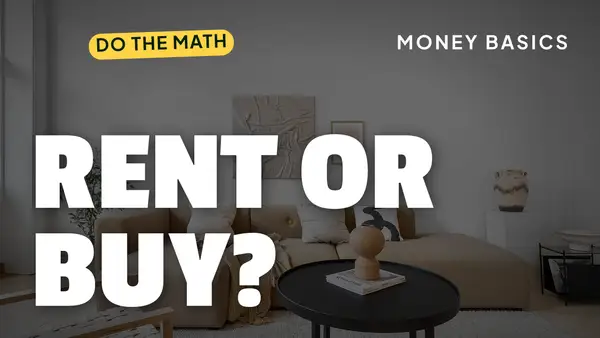
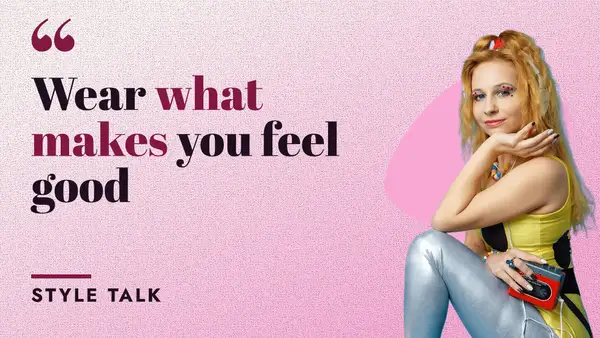


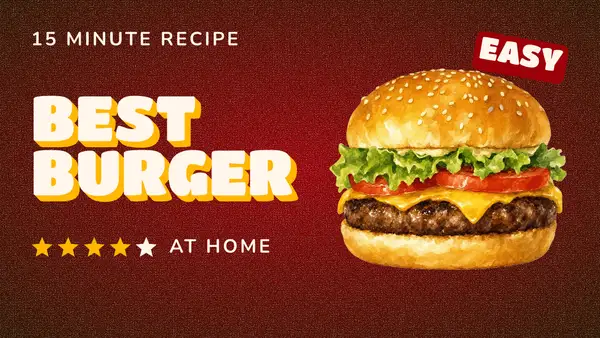
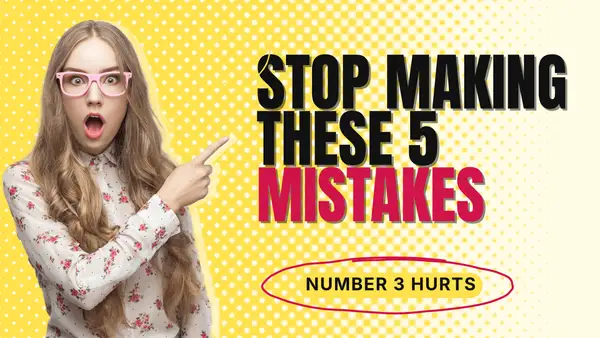
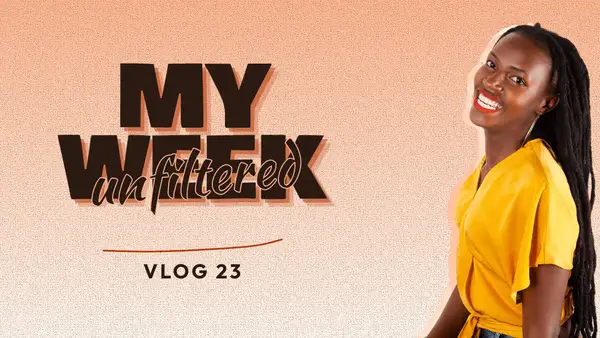
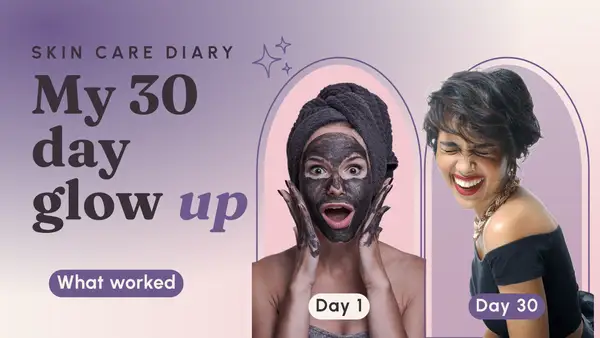


Read it at the size of a stamp
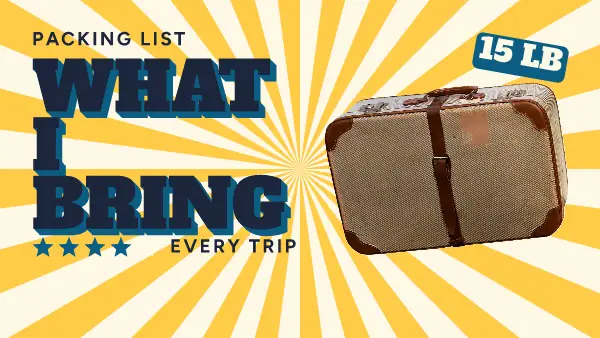
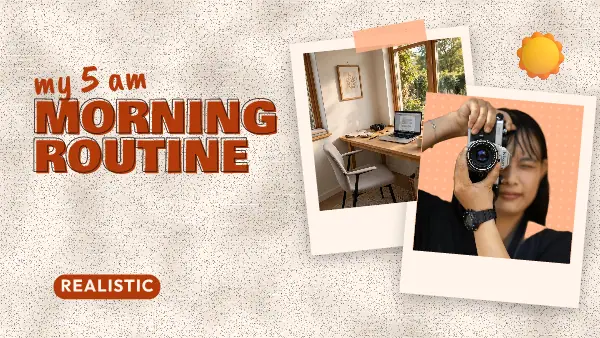
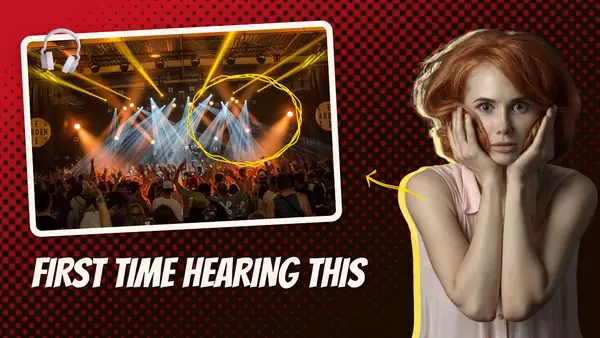
Most people see your thumbnail about as big as a postage stamp, next to ten others. So test it small. In the app, zoom out until the page is the size of your thumb. If you cannot read the words, cut them. Three or four words do the work, and the title under the picture can say the rest.
Say something the title does not
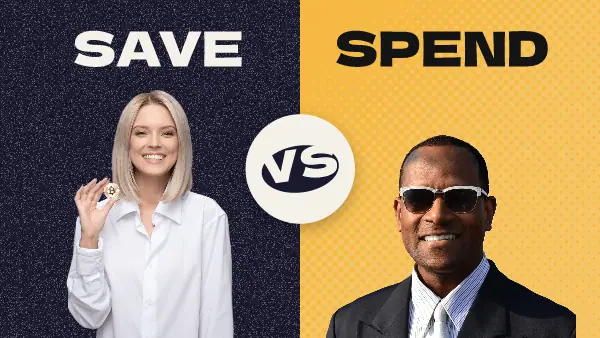
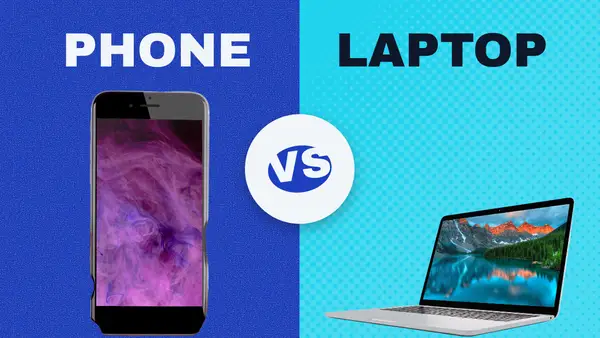
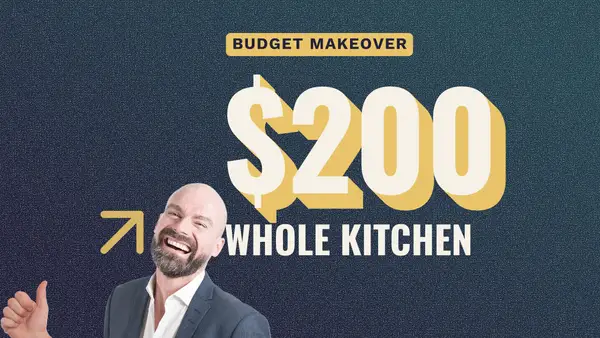
If the title is "How I saved $500 in a month", a thumbnail that repeats it wastes the space. Try "$500" and a surprised face, or "Save" and "Spend" side by side. The two together should make someone curious, which a copy of the same words will not.
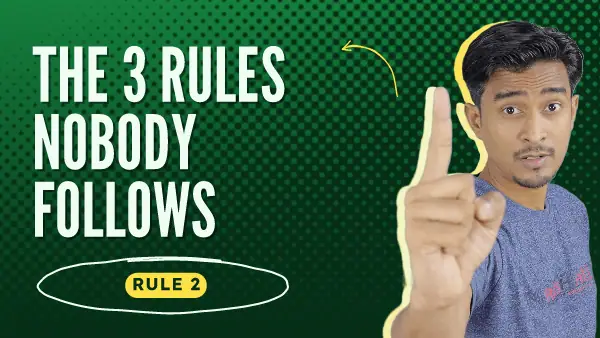
Use your own face
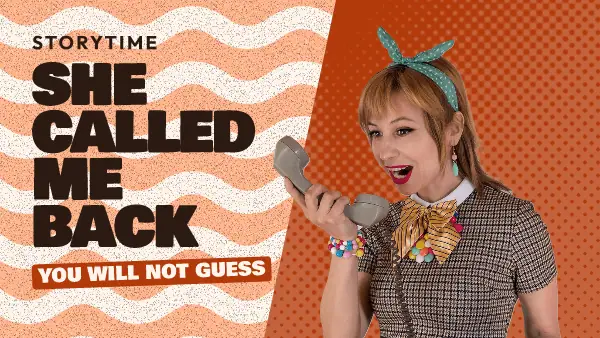
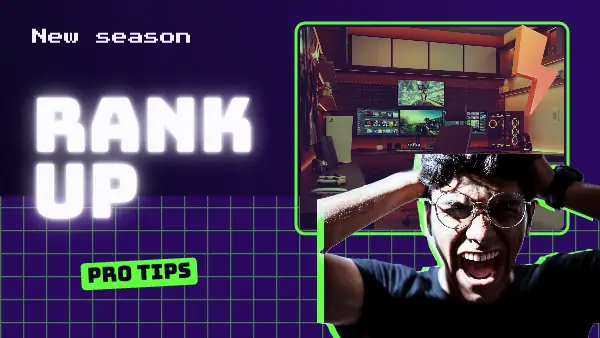
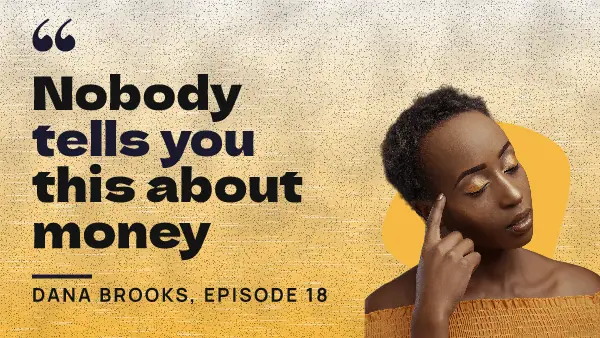
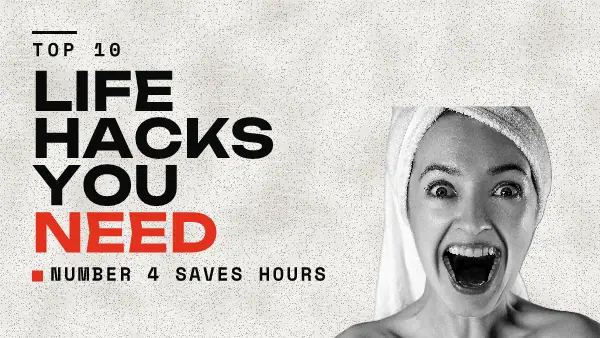
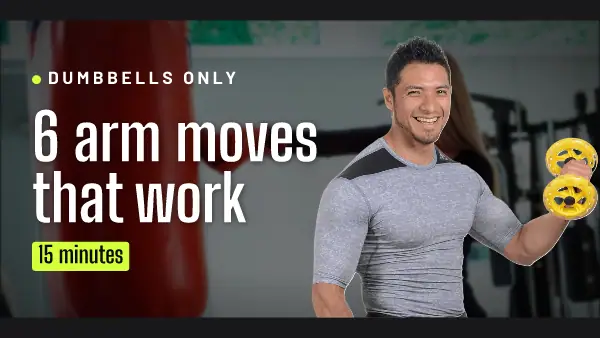
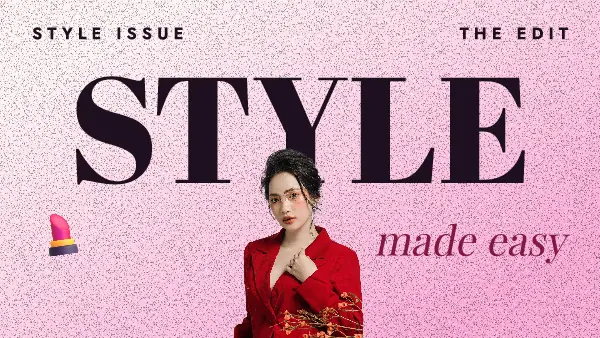
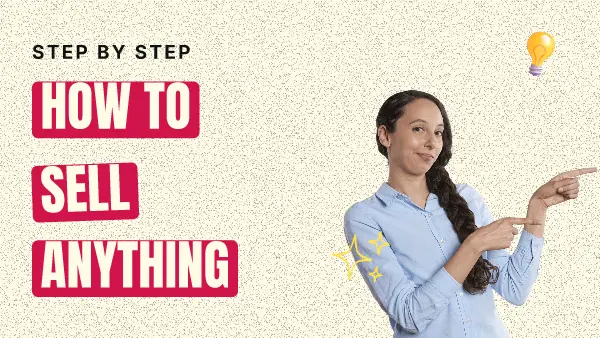
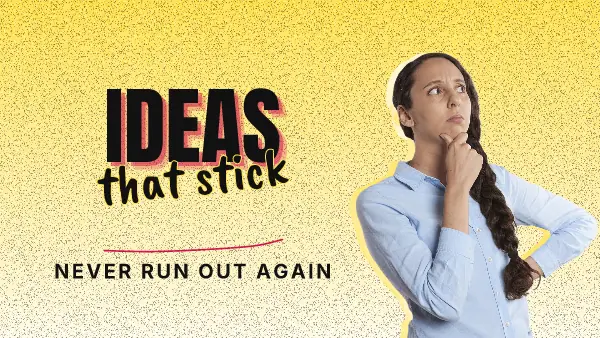
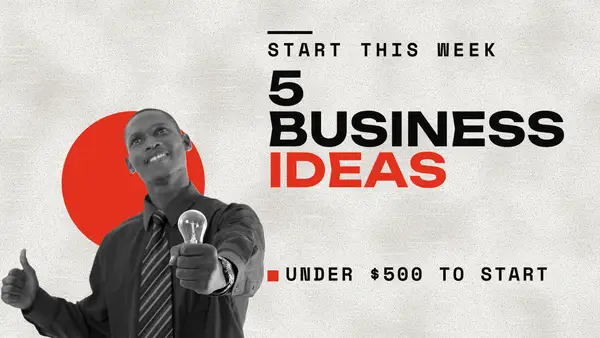
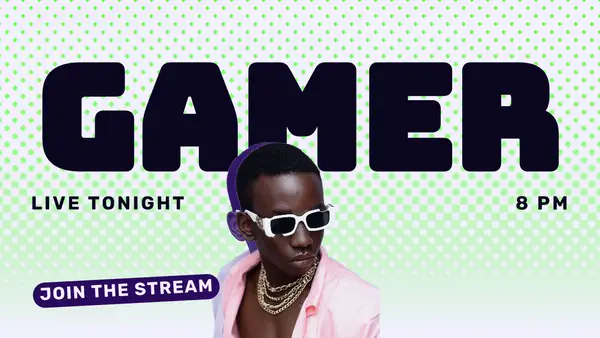
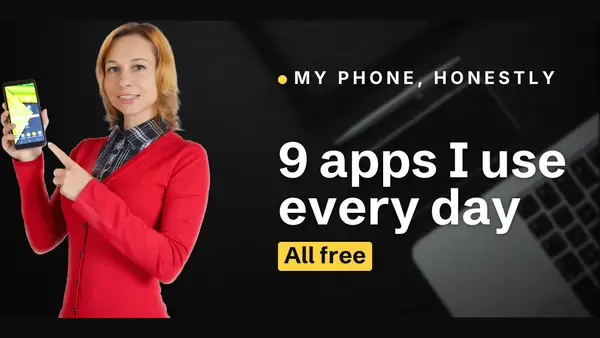
A person looking at the camera or pointing at the words draws the eye, and these templates leave room for it. Replace the sample person with a photo of you and press Remove background on a paid plan. The cut-out sits in front of the words, like the sample does.
Pick one or two looks and stick with them. After ten videos people know yours in the feed before they read a word.
Keep it true
Promise what the video delivers. A thumbnail that oversells gets the click and loses the viewer in the first minute, and the next video pays for it.
FAQ
What size is a YouTube thumbnail?
YouTube asks for 16:9 and recommends 1280 x 720 pixels, under 2 MB. These templates are drawn at 16:9 and save at 1200 x 675, which YouTube accepts.
How do I add it to my video?
Press Download in the editor, then upload the picture under Thumbnail in YouTube Studio.
Do I need a photo of myself?
No. Many of the templates work with a product or a place, and the words carry them. Swap the sample person for anything with a clean edge.