































How a carousel earns the swipe
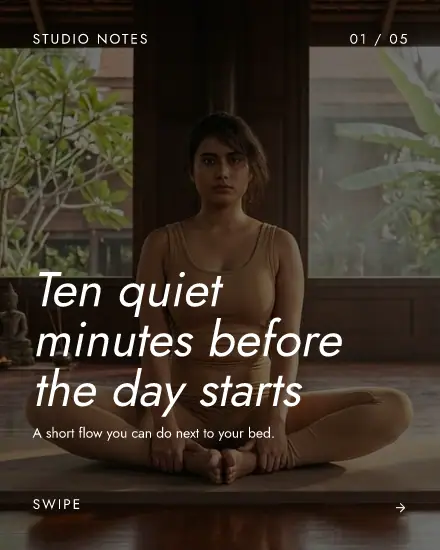
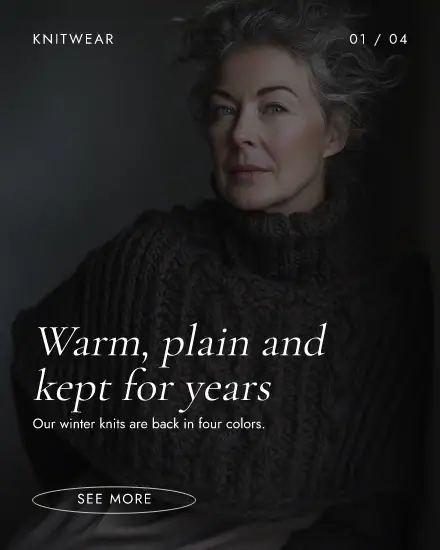
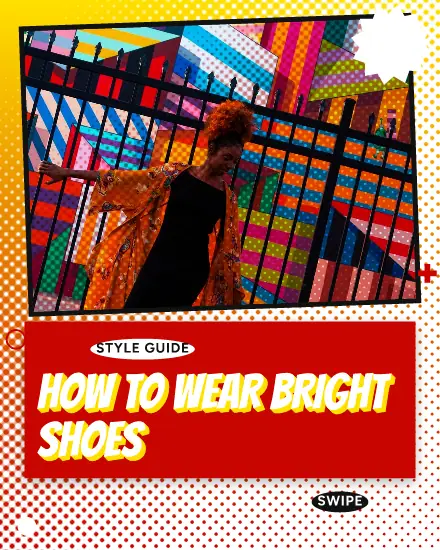
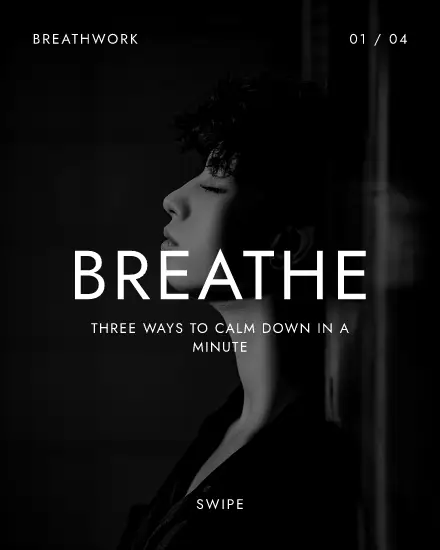
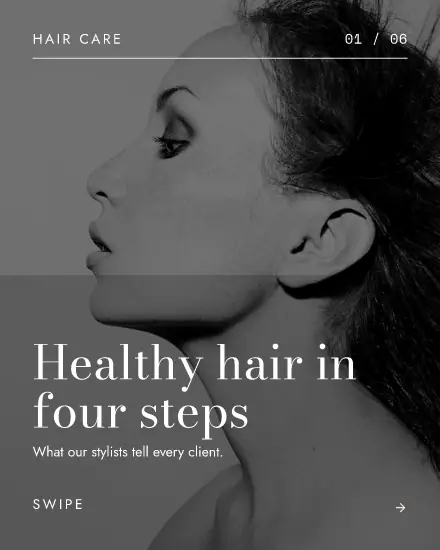
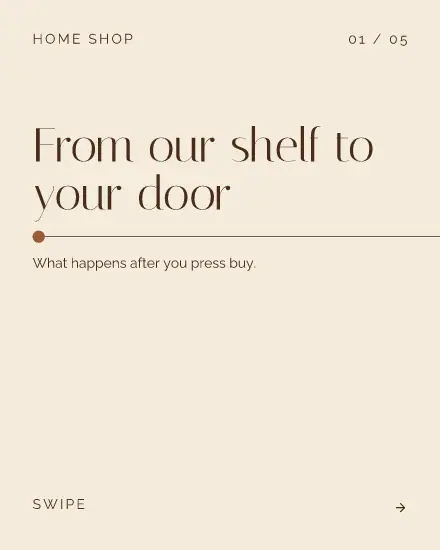
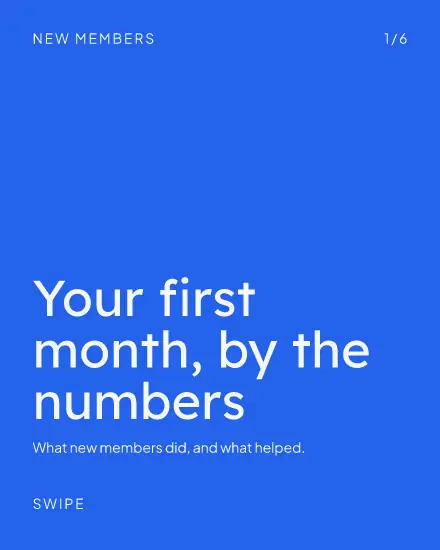
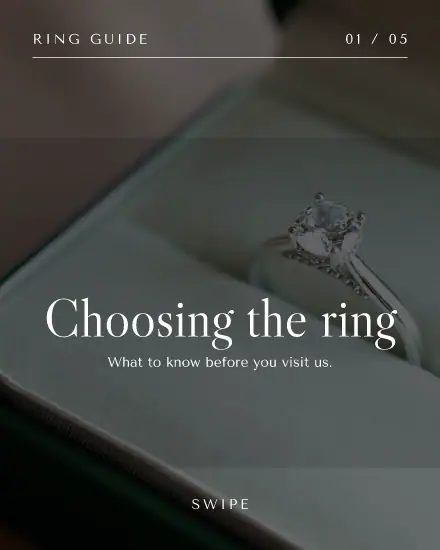
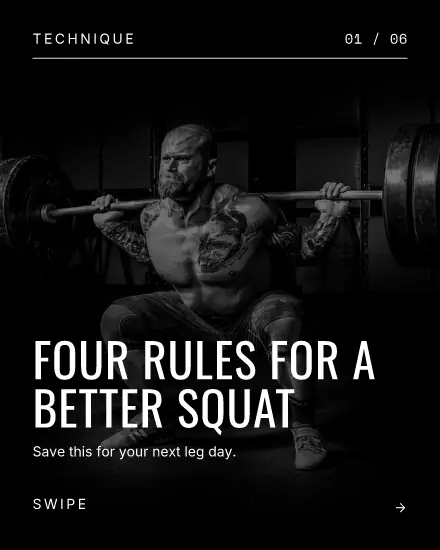
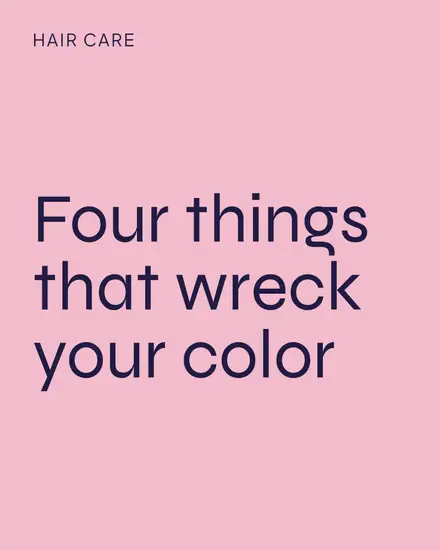
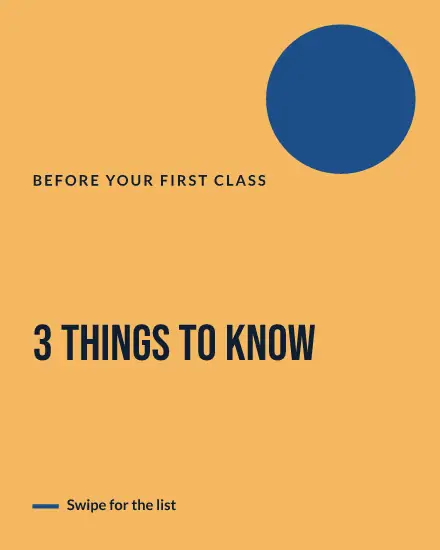
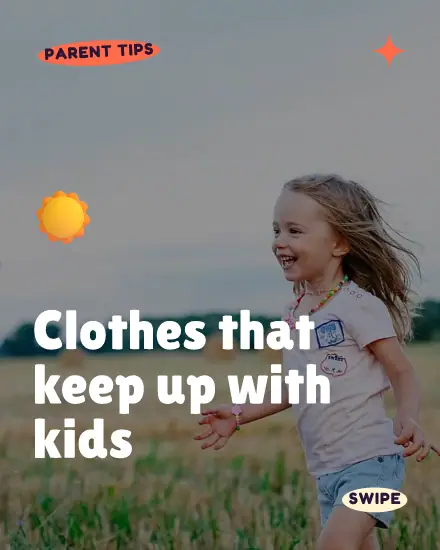
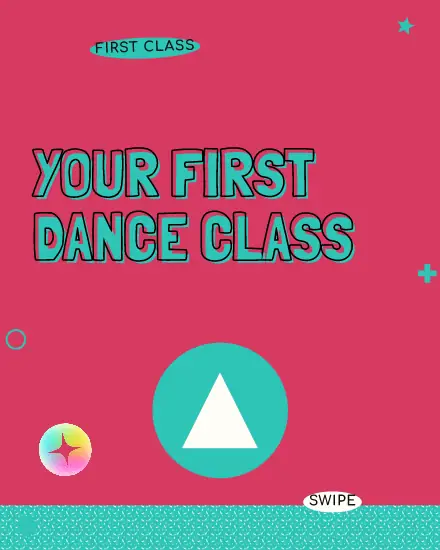
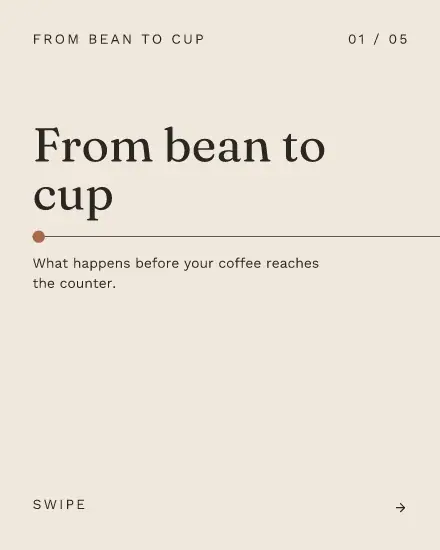
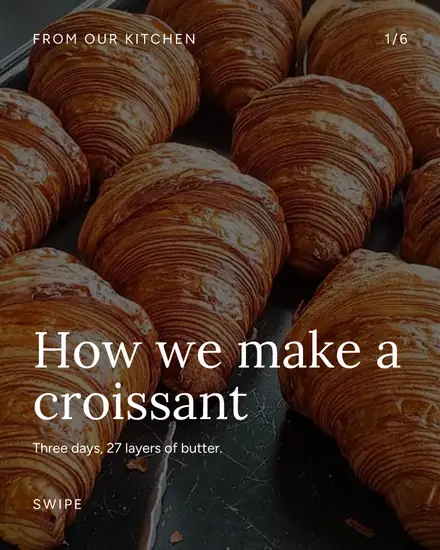
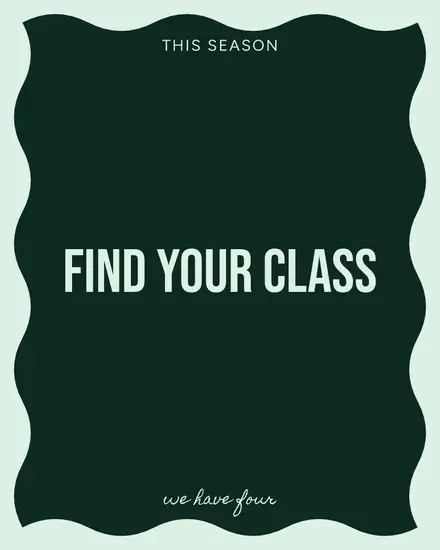
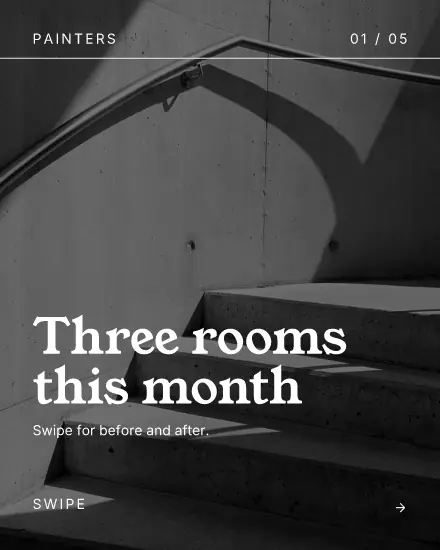
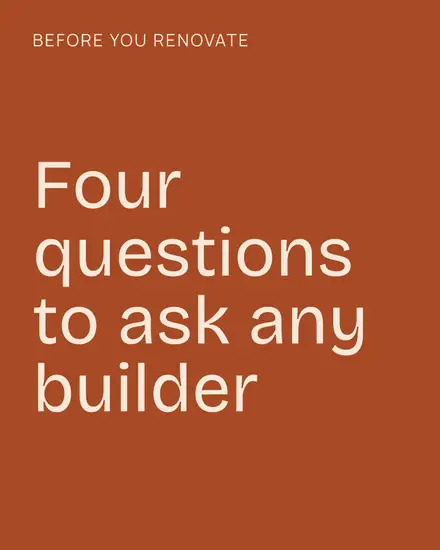
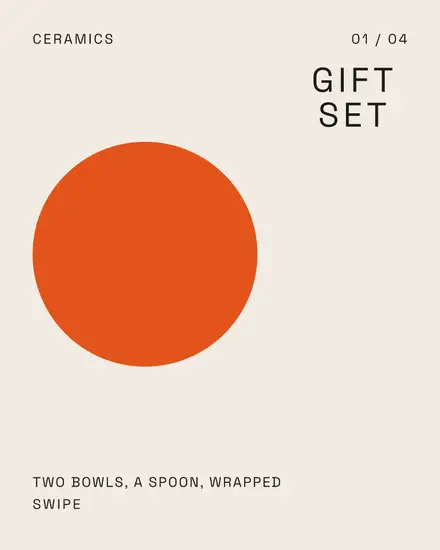
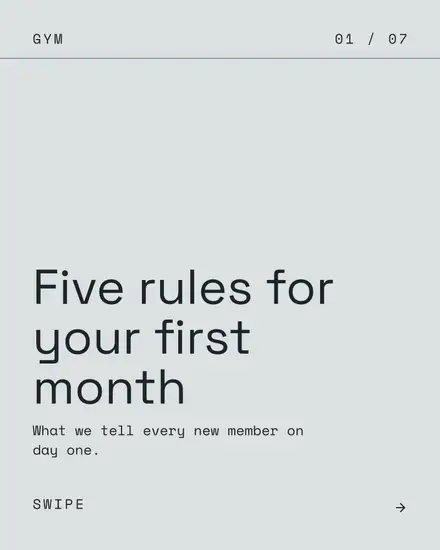
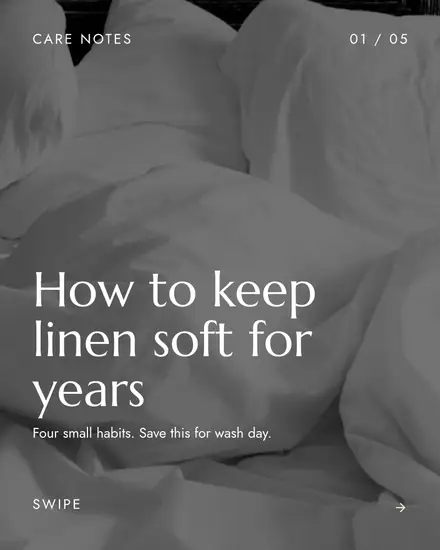
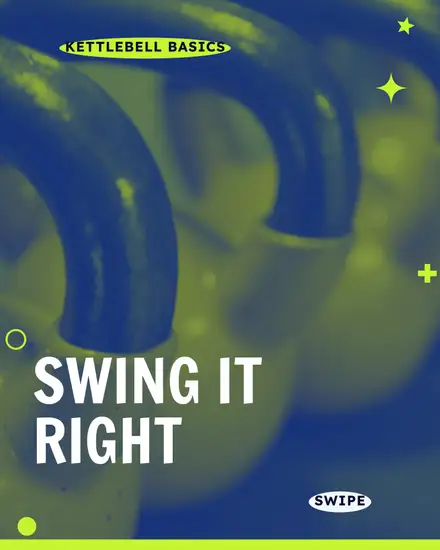
The first page has one job: make someone want the second. Name a problem they have or promise a number. "Five mistakes in a first pilates class" gets a swipe. "Pilates tips" does not.
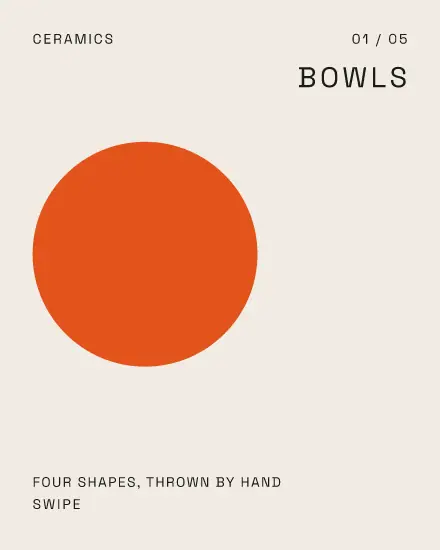
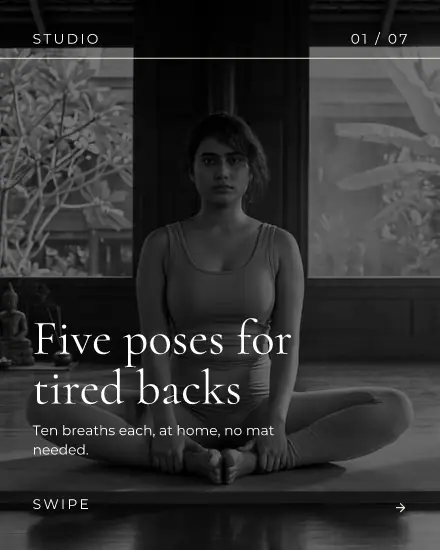
Then give each page one idea, in a few words. If a page needs a paragraph, it is two pages. End on a page that says what to do next: save this, comment a word, book a class.
How many pages
Instagram takes up to 20 slides, and a design here saves up to 10 pages. Most good carousels stop well before that, since a tip that takes six pages rarely gets better at ten. Each template comes with its own number of pages. Press the plus under the pages to add one, or delete the ones you do not need.
The middle pages are the easy part
Pick a template, write your first page, and press Say it, see it on a paid plan to write your idea across the pages, or type them in yourself. The look stays the same from first to last, so the swipe feels like one thing. Change a color on one page and press Match a style to give that look to the others.
Good carousels for a small business
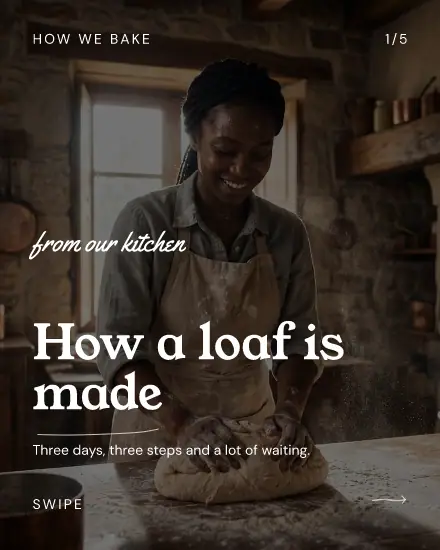
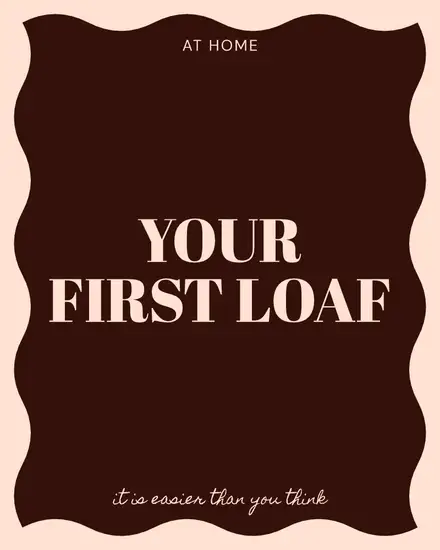
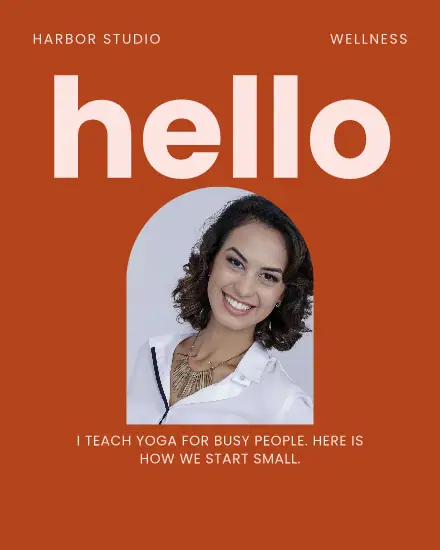
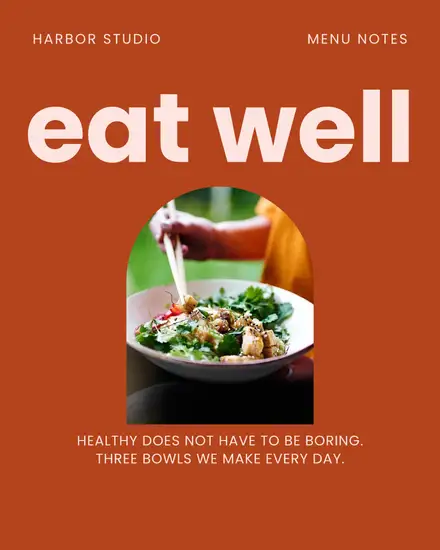
A cafe can walk through how the sourdough is made. A salon can show one color in three steps. A coach can answer the question they get every week. People save these, which keeps them useful long after the day you posted.
FAQ
What size is an Instagram carousel?
1080 x 1350 pixels gives you the most room, and these templates use it. Square works too, and every slide in a carousel takes the shape of the first.
How do I post it as a carousel?
Press Share, then New post with this design. A design with several pages becomes a carousel, with the pages in order.
Can I use a carousel on other channels?
Yes. The same pages go to any channel that takes several pictures in a post, like Facebook and Threads.