

Pick the format before the topic
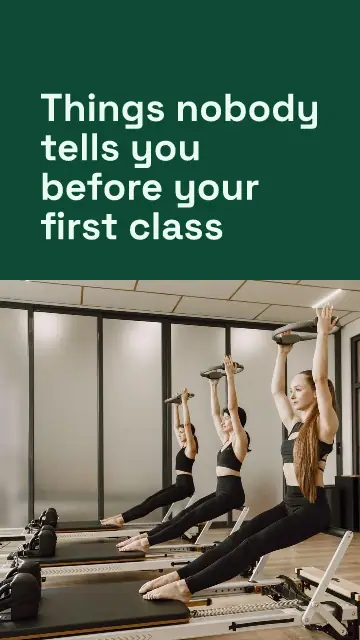
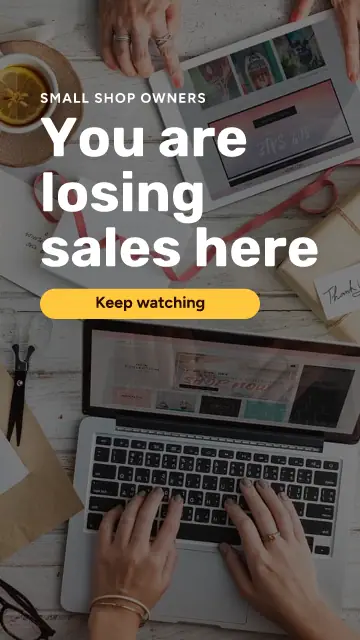
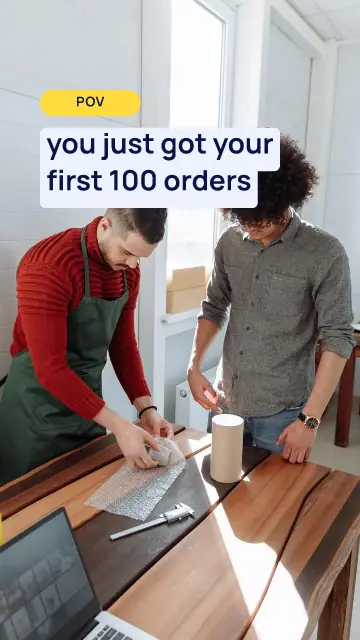
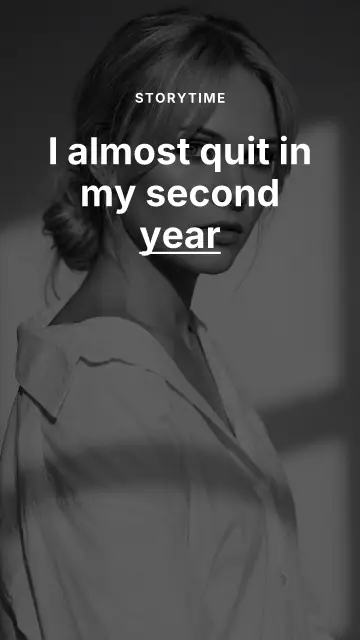
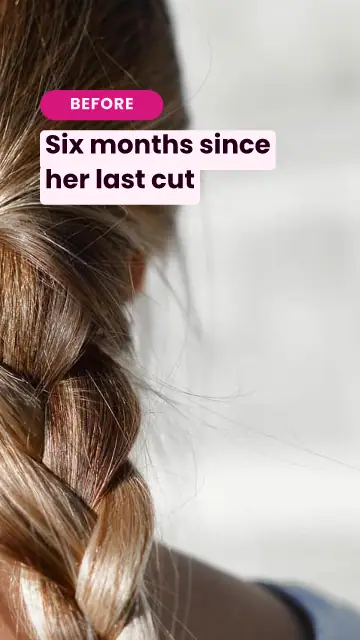
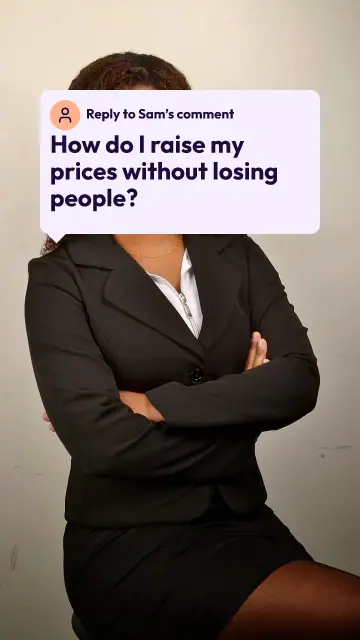
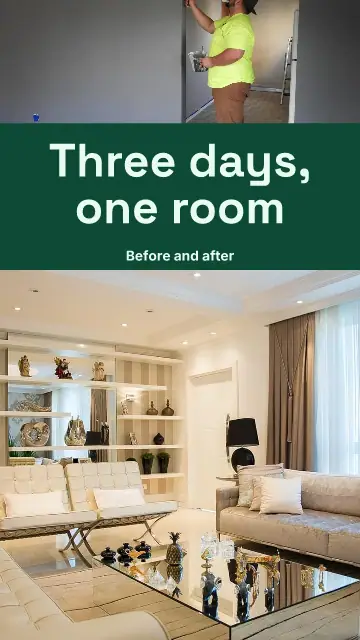
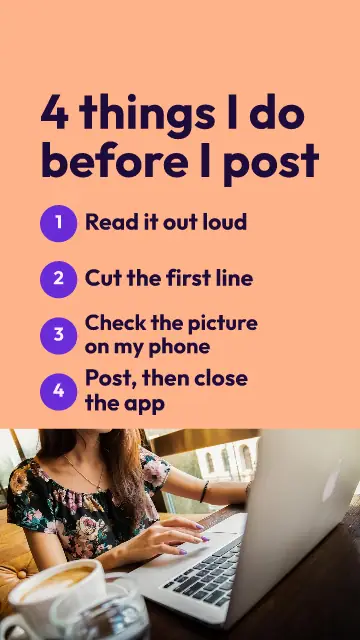
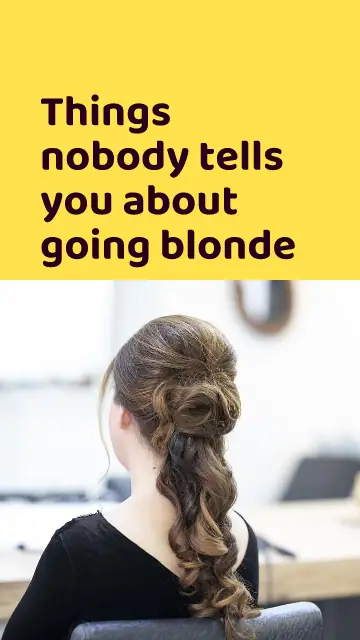
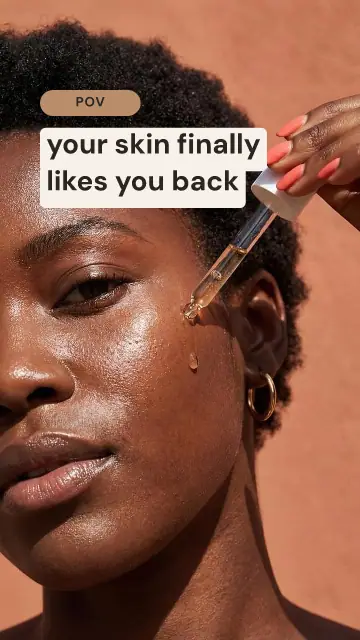
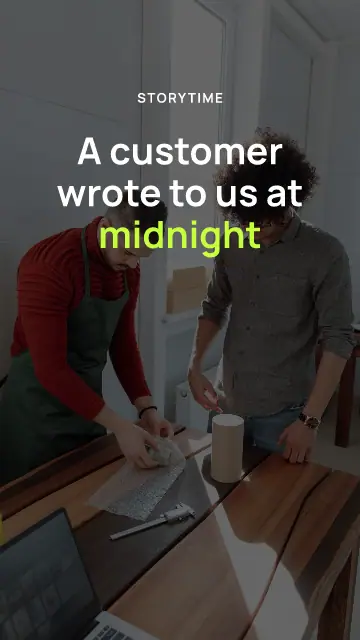
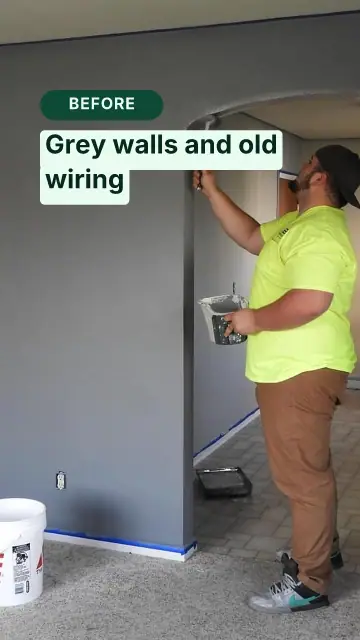
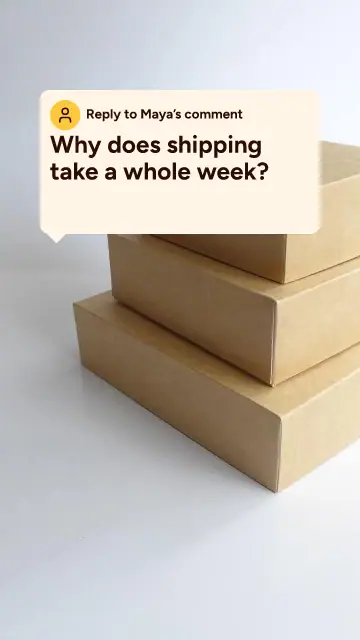
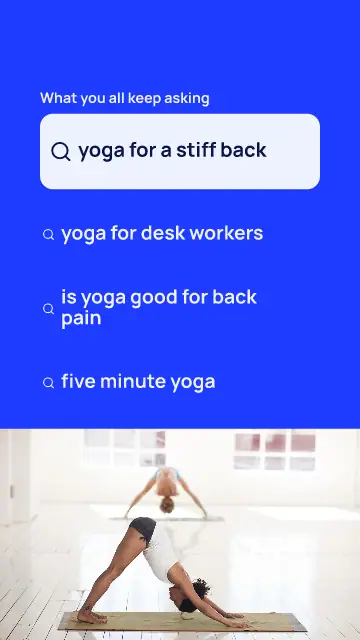
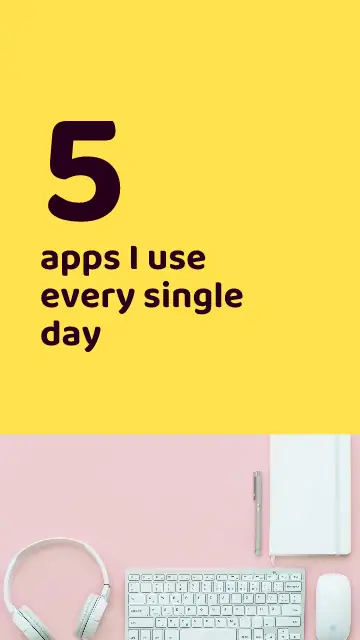
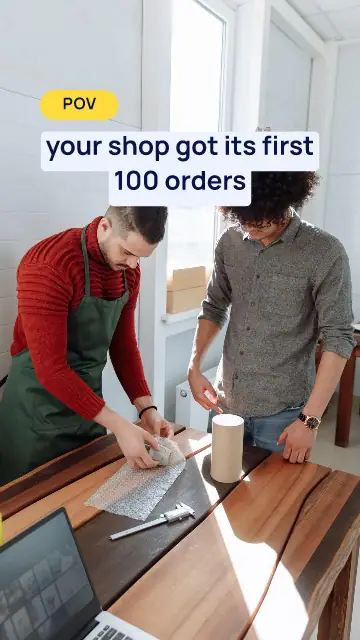
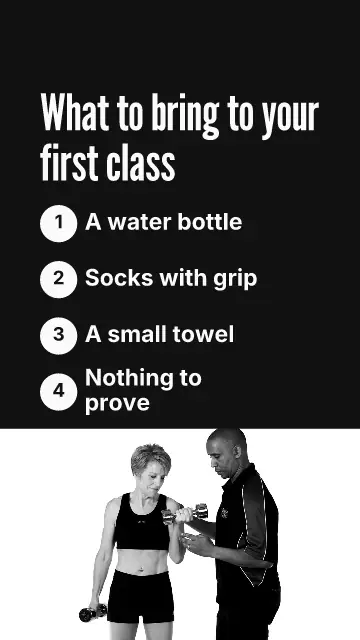
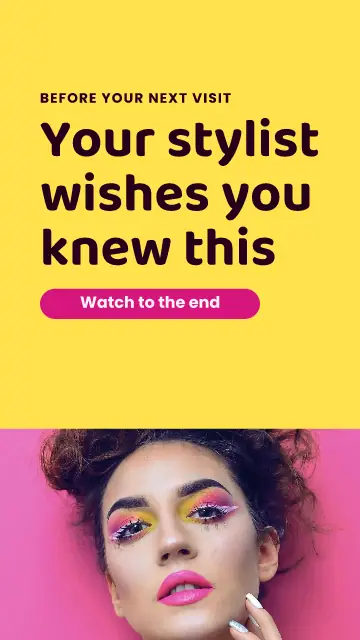
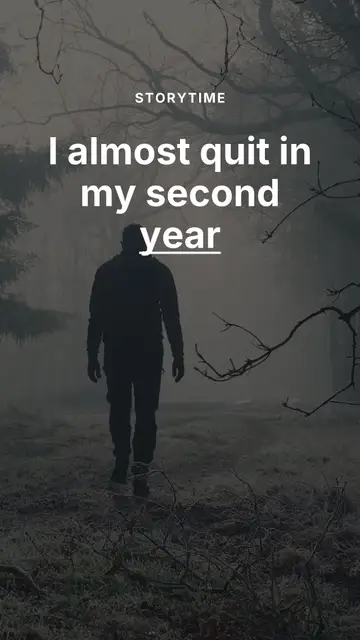
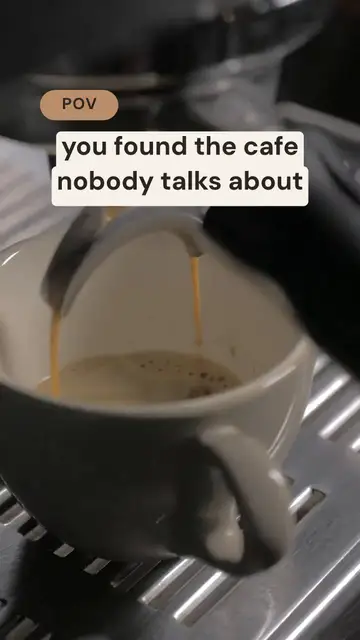
On TikTok people know the formats, and that makes yours quicker to follow. A POV starts the story in the viewer's shoes. A numbered list promises an end. A reply to a comment answers someone real. Before and after makes people stay for the after. These templates each start from one of those.
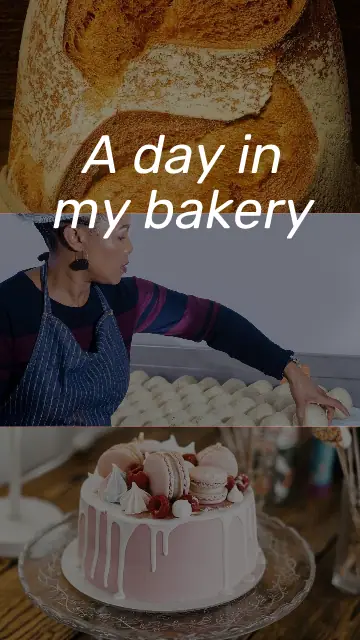
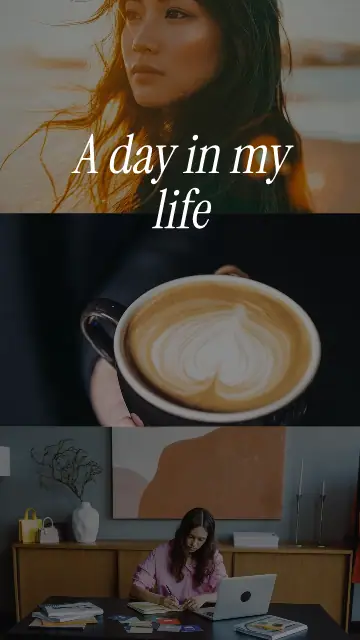
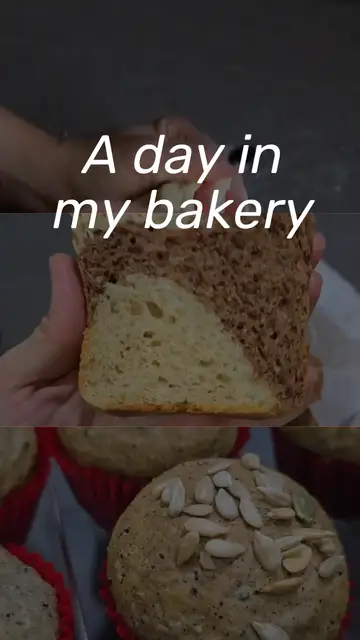
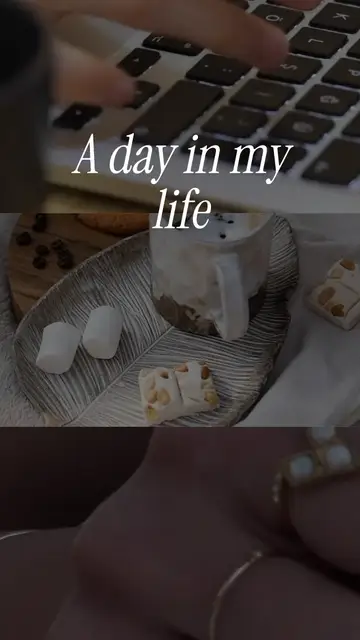
Start from what you have this week. A question someone asked in the shop is a comment reply. A busy Saturday is a day in your life.
The hook is on screen within a second
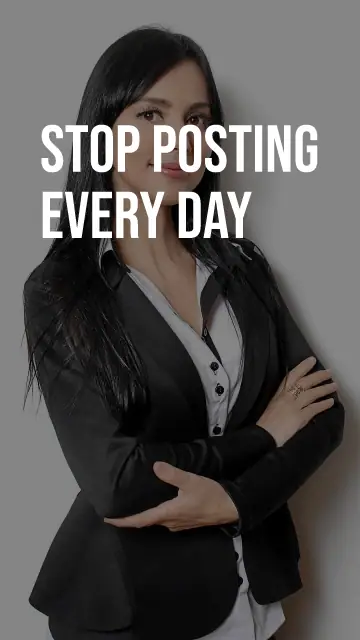
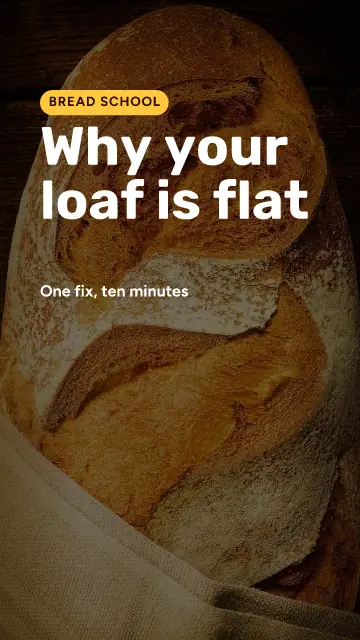
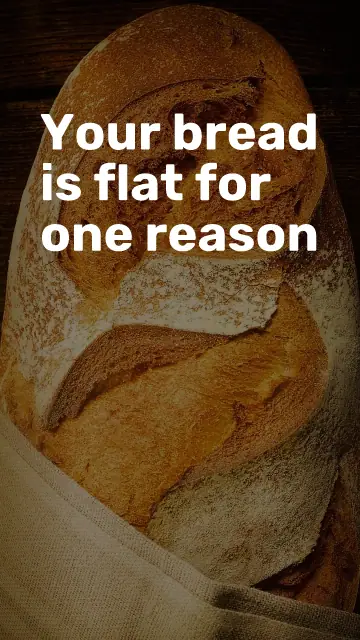
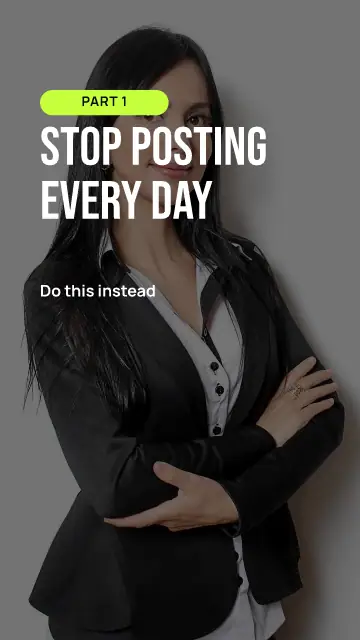
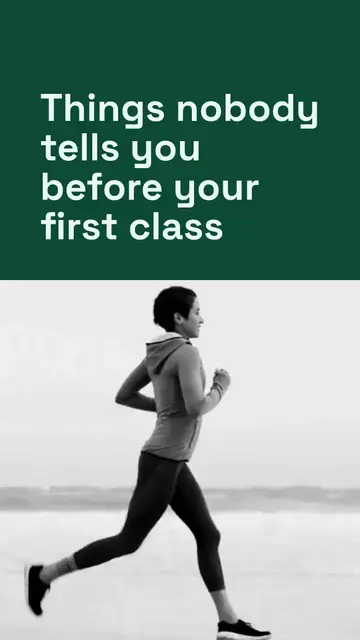
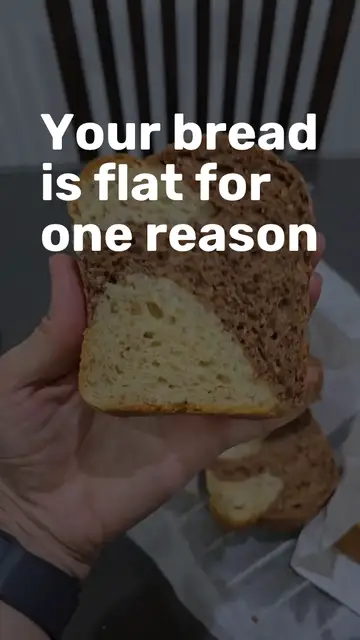
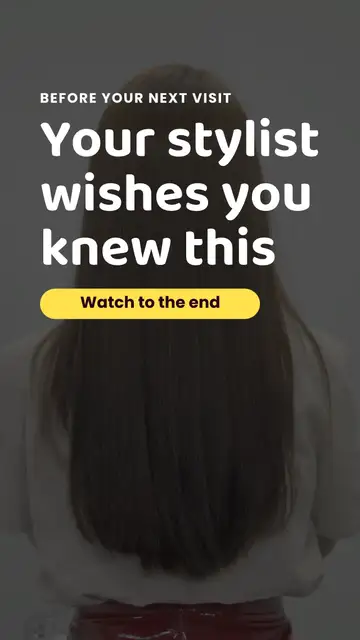
If nothing happens in the first second, the thumb moves on. Every template here has its first words up before then. Write them yourself, and make them about the viewer: "Your bread is flat for one reason" beats "Baking tips from our bakery".
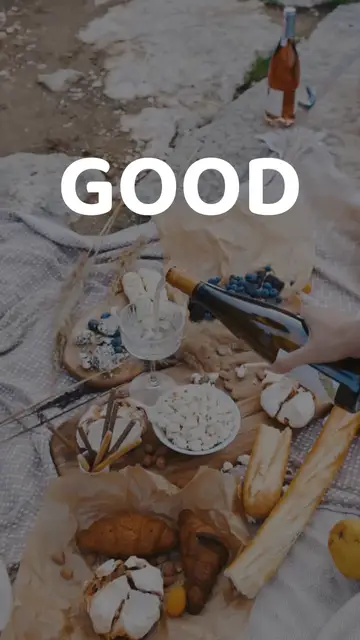
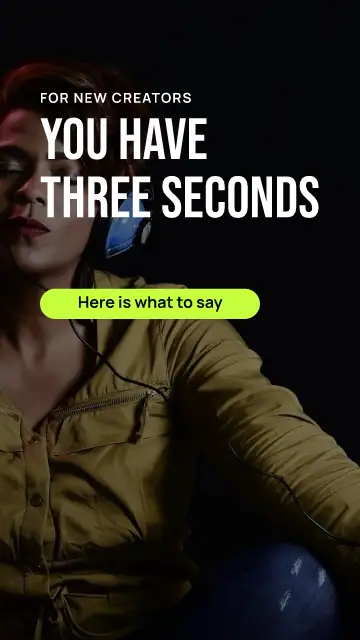
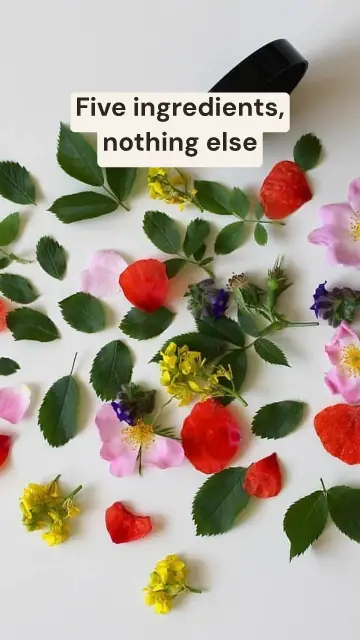
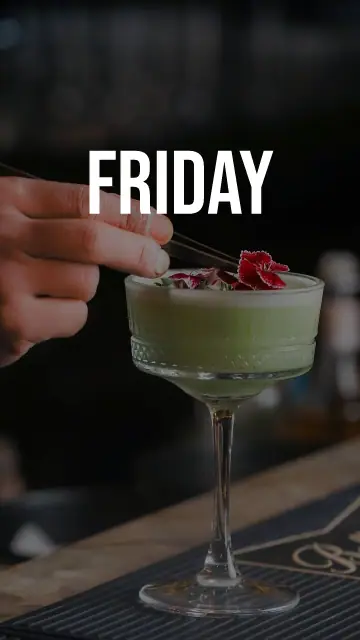
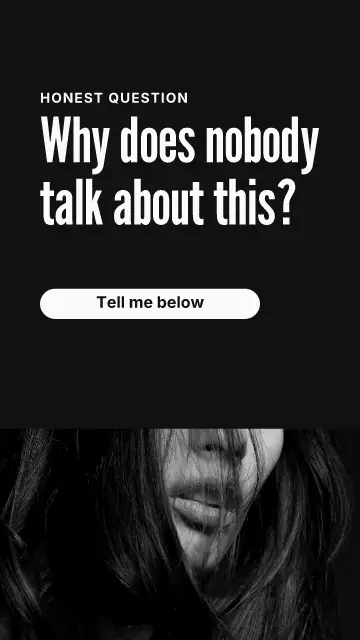
There are hooks on their own too, a few seconds of big words you can put in front of any clip.
Words where TikTok leaves room
TikTok covers the right side with its buttons and the bottom with your caption. In all these templates the words stay inside the safe area, and we check that for every one. Change the words as you like, but look at your longest line again before you save.
Your own clip works too
A template uses photos until you put in your own video: press Clip on any page. On a paid plan Make captions writes the words you say and colors each one as it is spoken. Many people watch with the sound off, so captions keep them.
FAQ
What size is a TikTok video?
1080 x 1920 pixels, which is 9:16. All these templates use it.
Can I post to TikTok from Postfjord?
Yes. Connect your TikTok account under Channels and pick a time in the calendar. At that time the video lands in your TikTok inbox, and you finish it in the TikTok app. Postfjord can also post it for you, but until TikTok has finished its check of Postfjord only you can see a video posted that way.
Can I use these on Reels and Shorts?
Yes. The size is the same, so save once and use the same MP4 in all three.