














Why a story needs its own layout
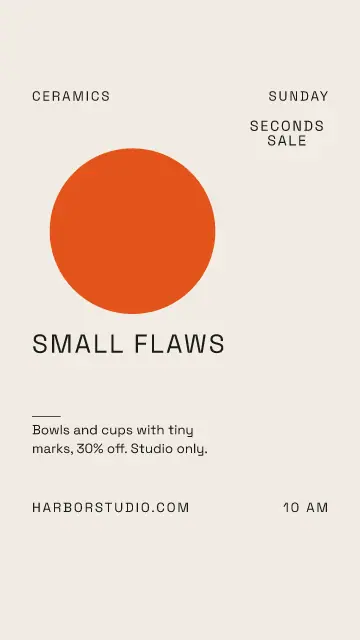
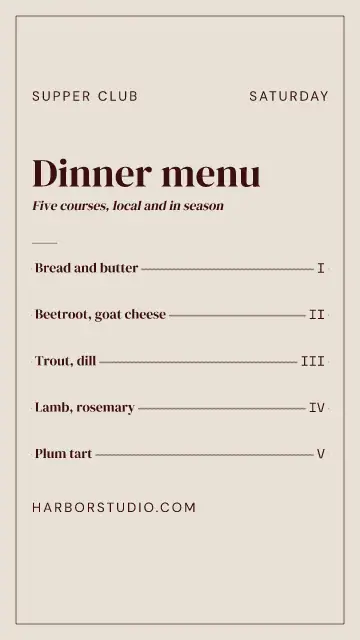
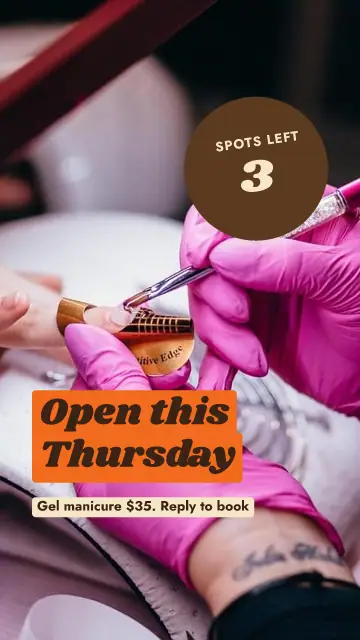
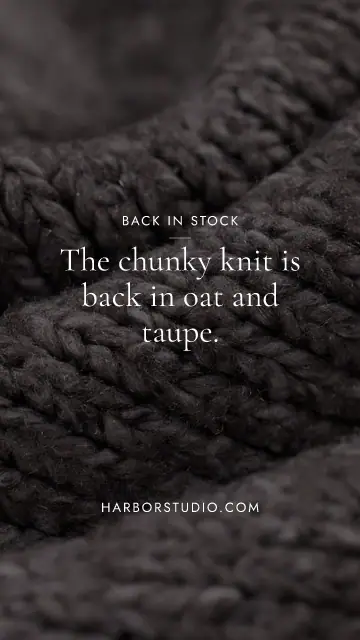
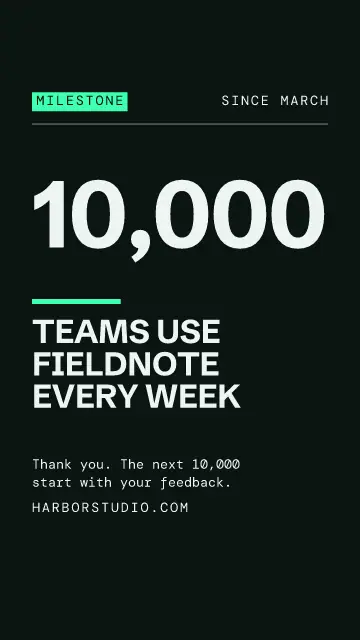
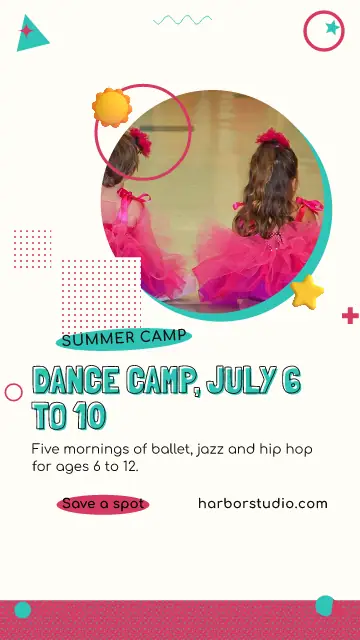
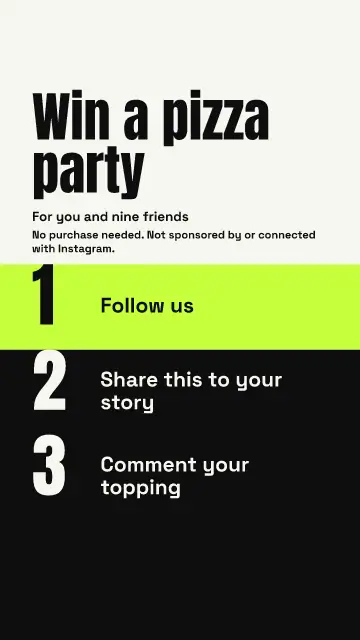
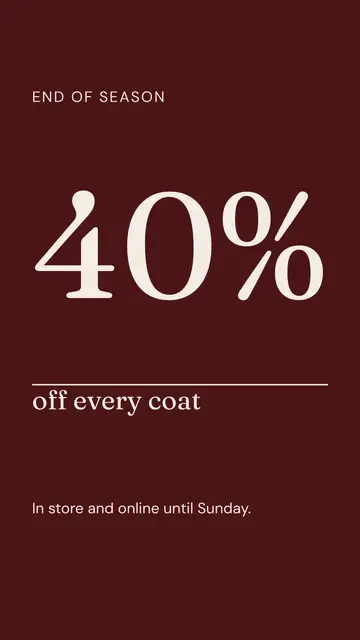
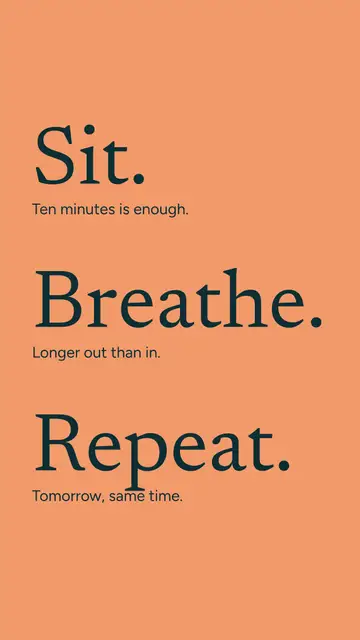
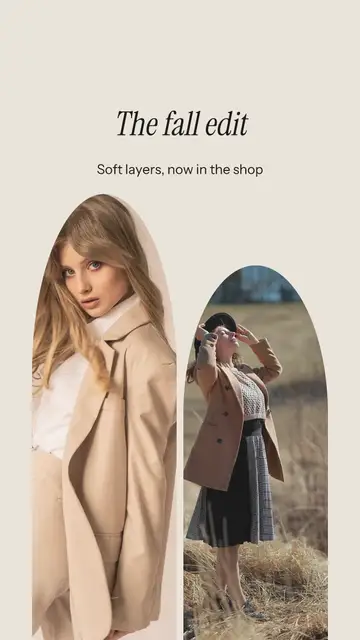
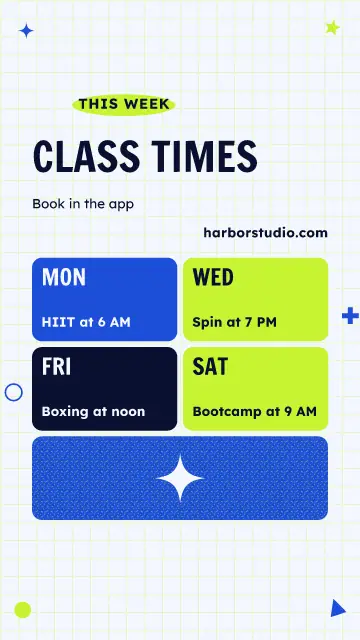
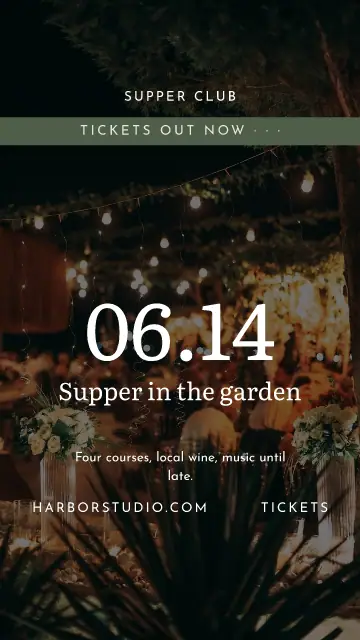
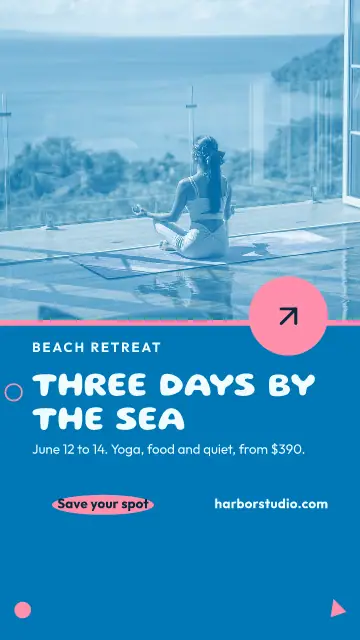
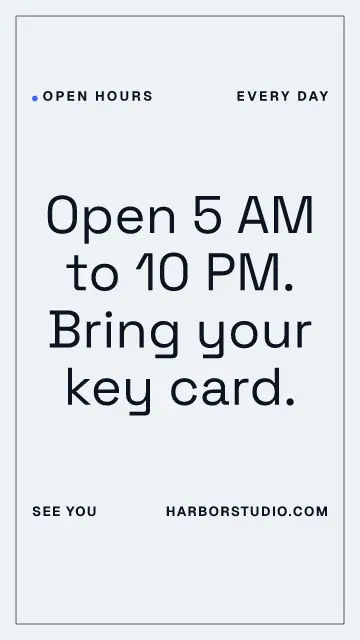
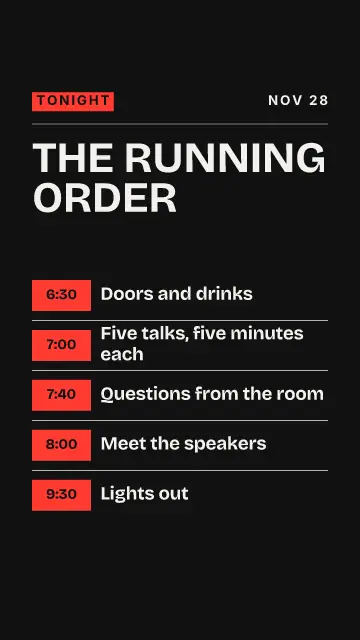
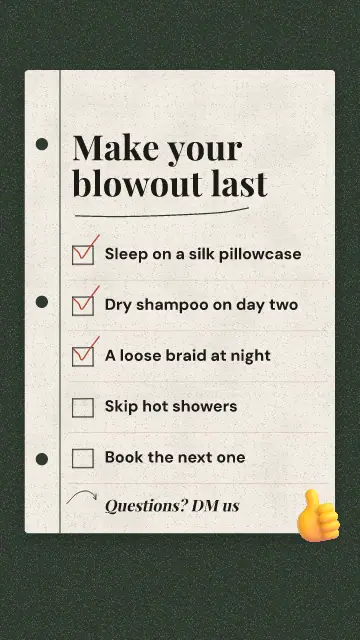
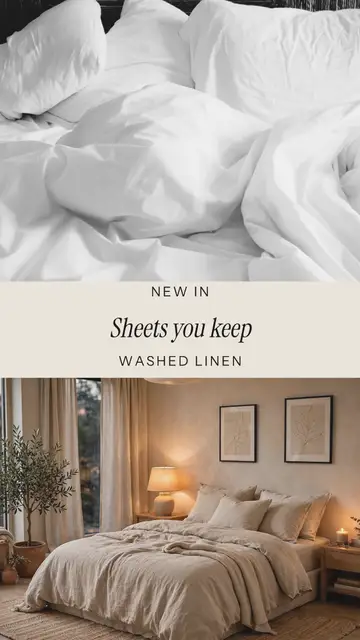
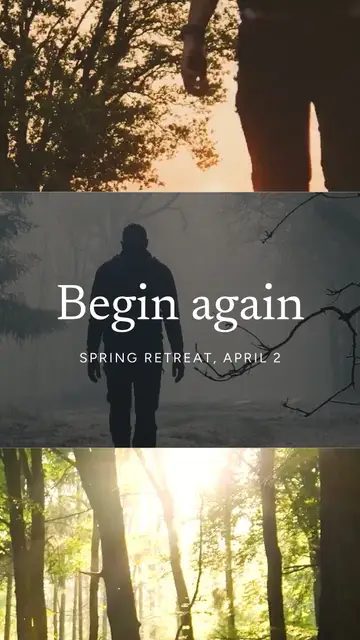
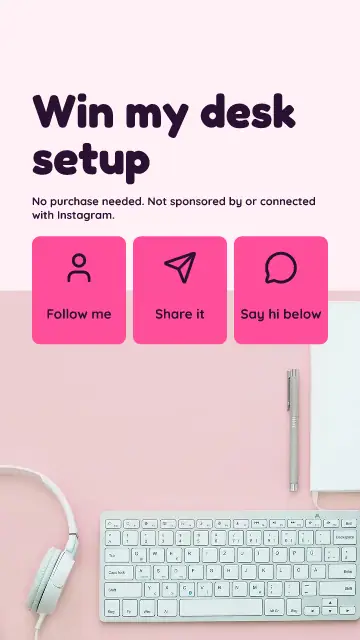
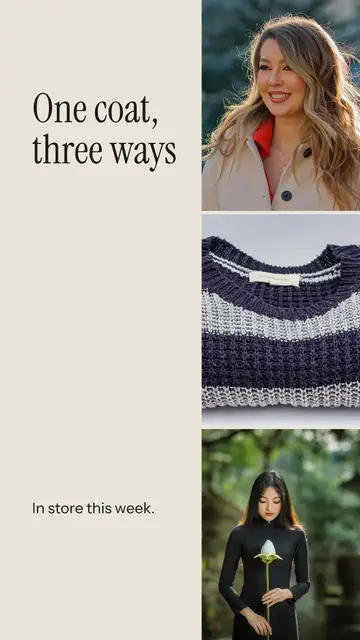
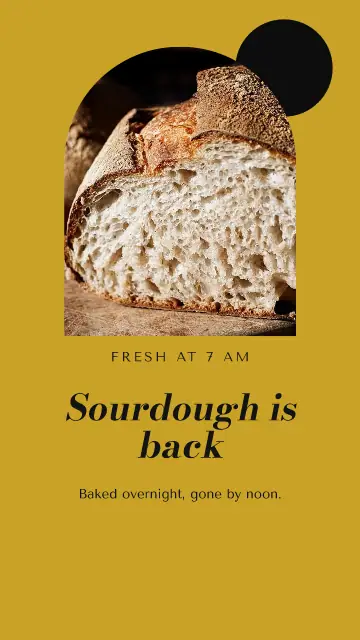
A story is 1080 x 1920, and Instagram puts your name at the top and the reply bar at the bottom. Text placed there gets covered. These templates keep the words in the middle part of the page, so you can change them without checking your phone each time. The large preview in the app shows the covered zones in a phone frame before you open a template.
Stories are for today
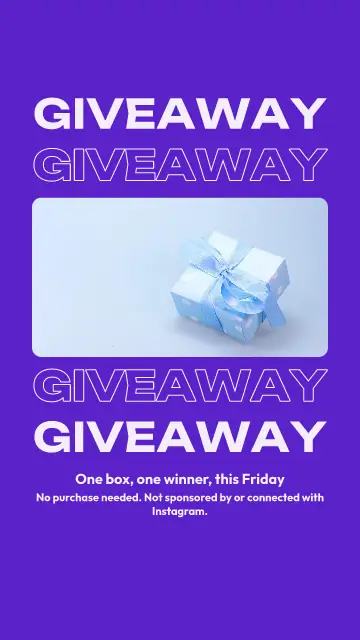
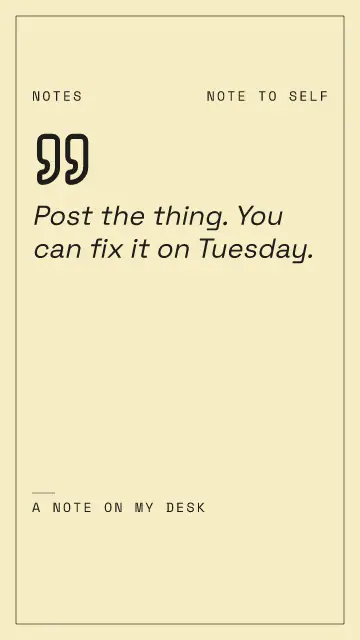
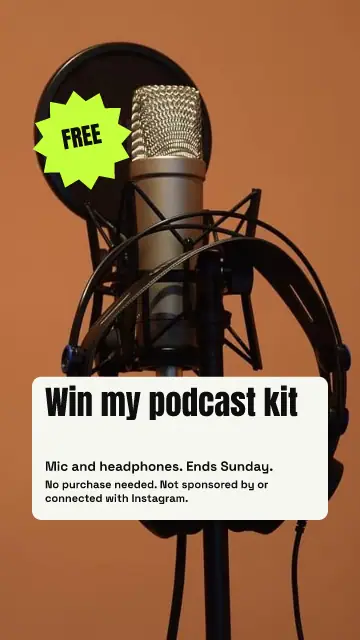
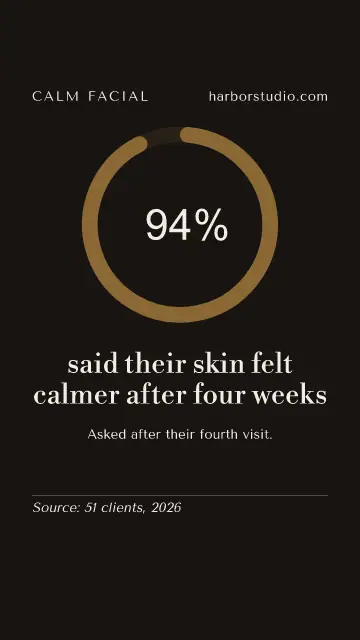
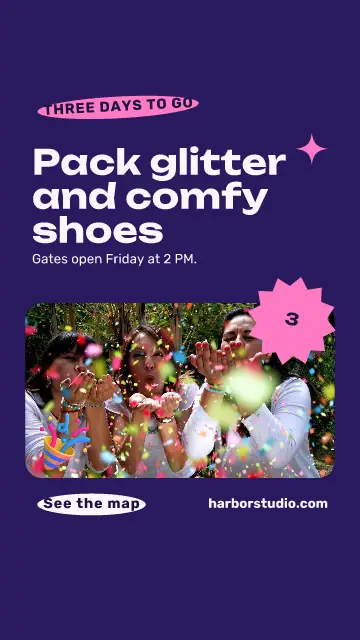
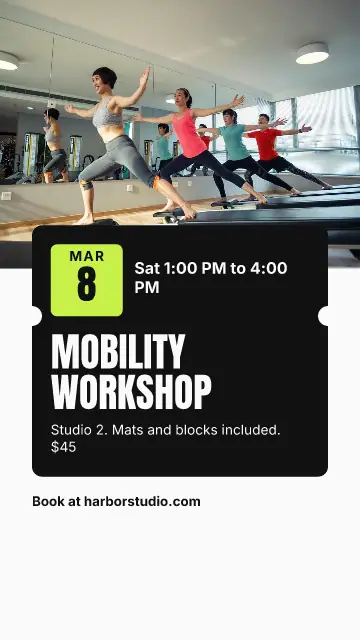
A story is gone in 24 hours, so use it for what will not last: two spots left at 6 PM, the soup of the day, a code that ends tonight. A person sees it for a few seconds at most. One sentence and a time is plenty, so pick a template with big words and use the small line for the detail.
Make a week of them at once
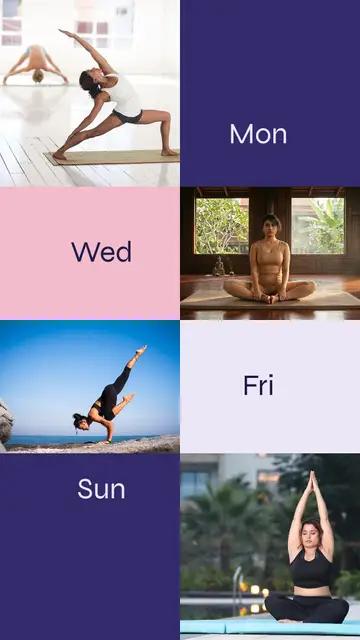
Stories work when they show up often, and that is where they cost the most time. Open a template, change the words, and press Duplicate for the next day. On Sunday you can have five ready and in the calendar.
Instagram lets people tap through fast, so give each story one thing to do: reply, tap the link, or come by. Asking for all three means nobody does any of them.
From a post to a story
Have a post you like already? Press Sizes and tick the story size. The design is redrawn for the tall page, and you edit it from there if something should sit differently.
FAQ
What size is an Instagram story?
1080 x 1920 pixels, which is 9:16. Keep words away from the top and bottom of the page, where Instagram puts its own buttons.
Can a story be a video?
Yes. Press the video picture on the start screen to see the video templates in the same tall size. Save it as an MP4 and it goes out like any other story.
Can Postfjord post a story for me?
Yes, on an Instagram account you have connected. Schedule it in the calendar like any post.