




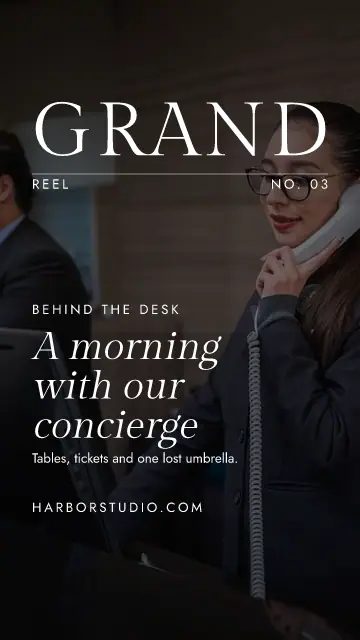
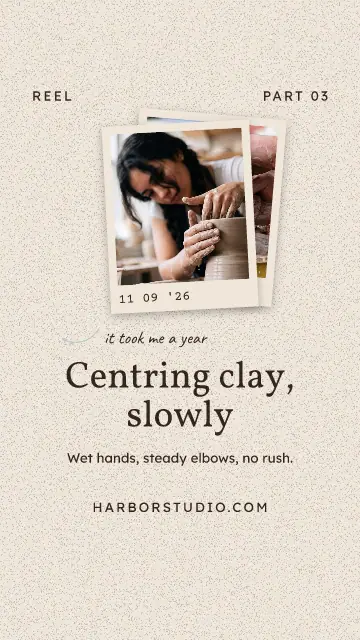
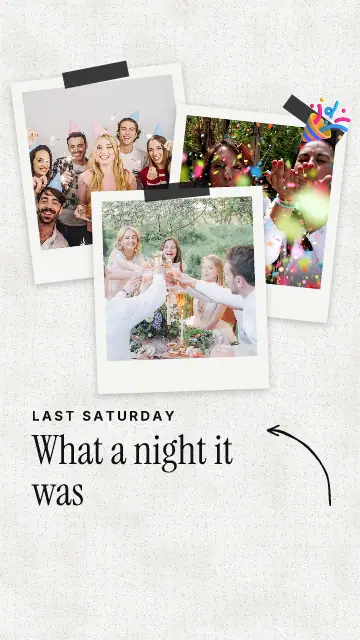
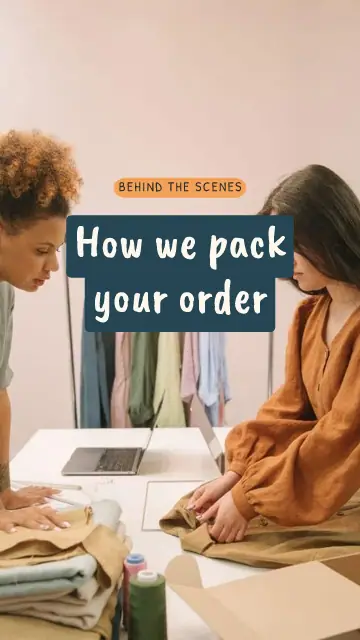

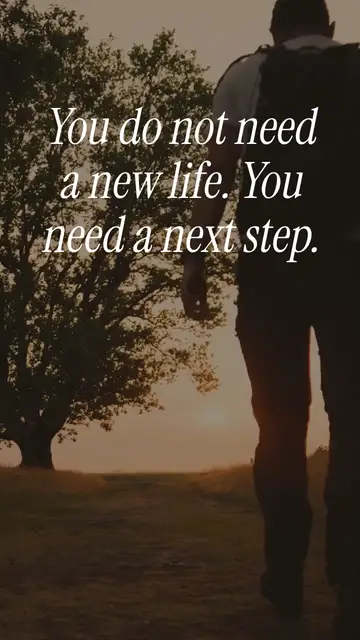
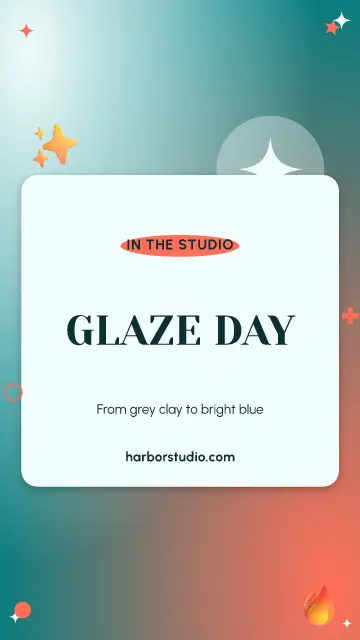
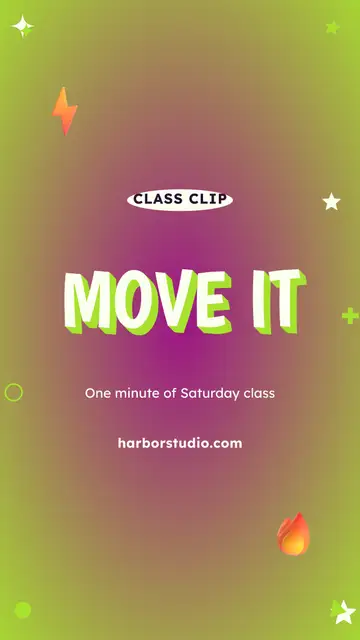
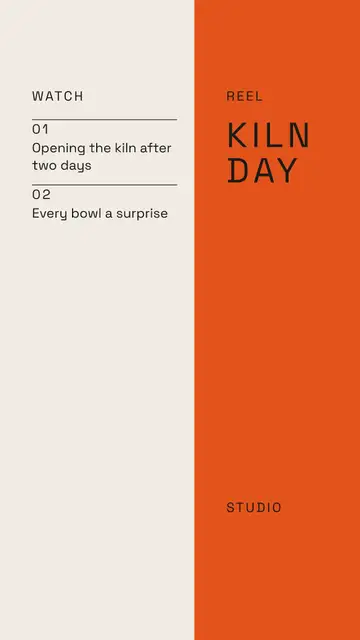

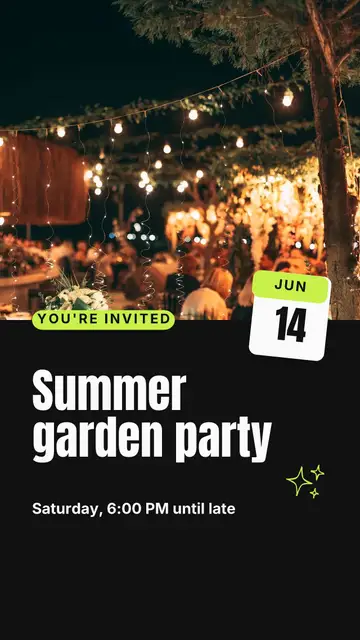
A video template, or a cover?
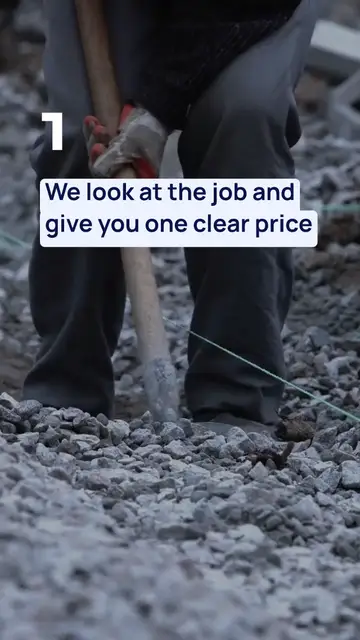
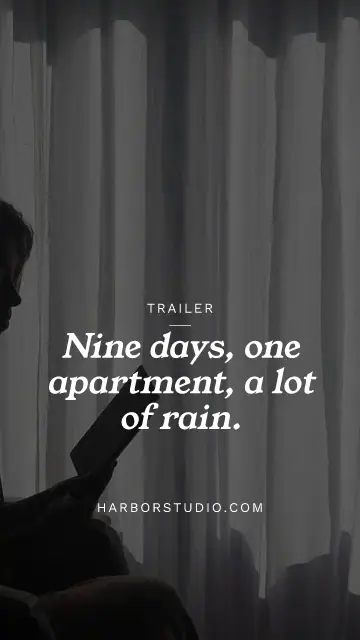
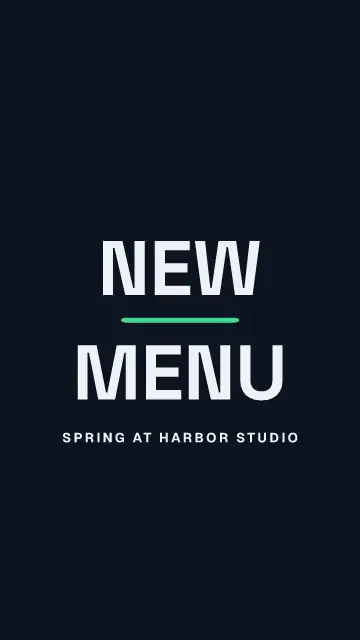
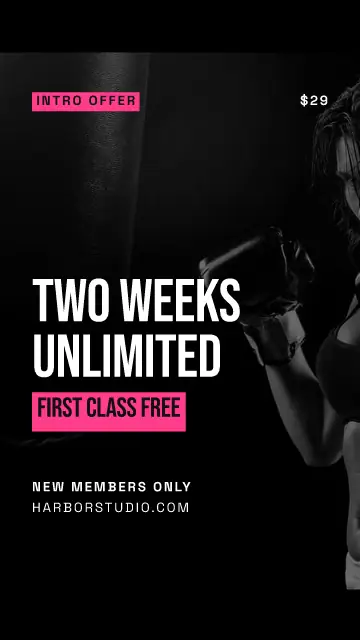
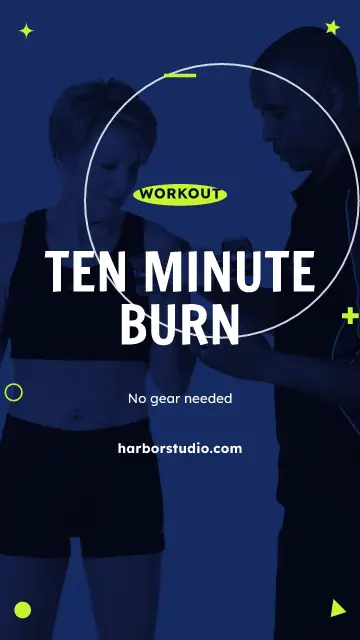
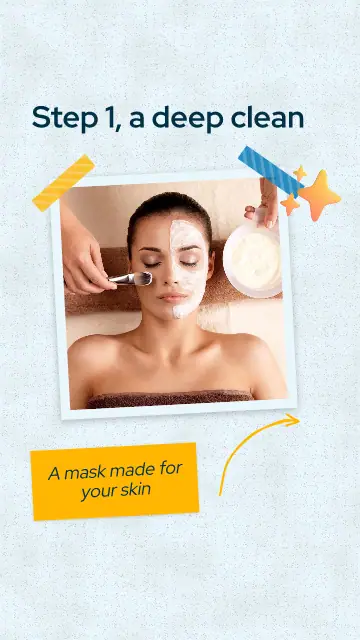
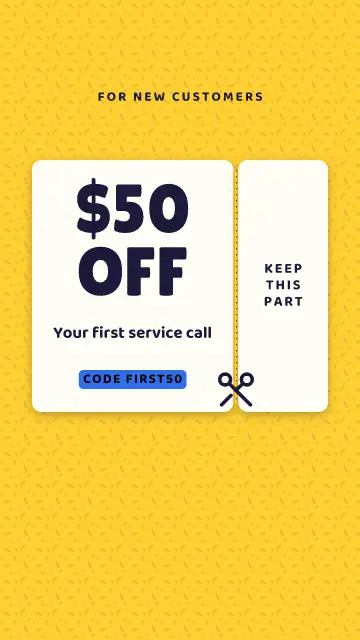
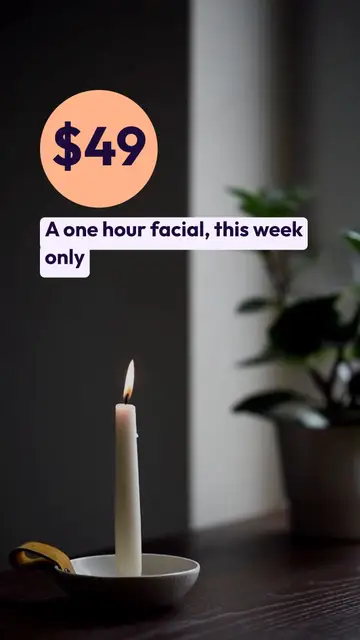
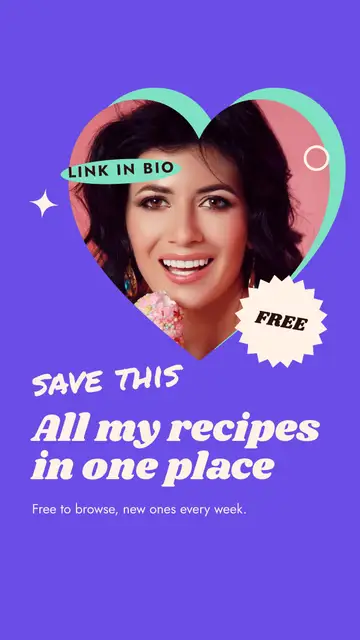
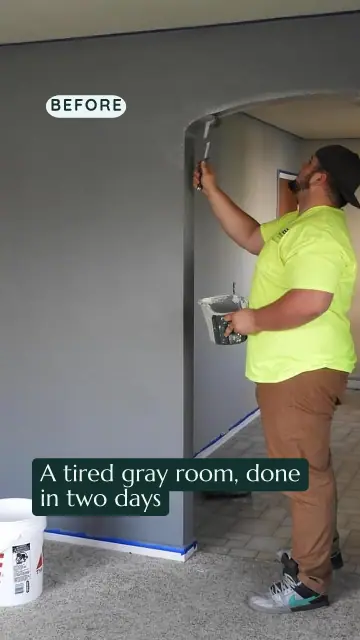
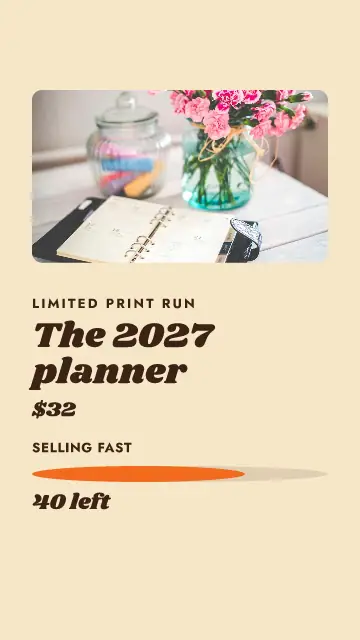
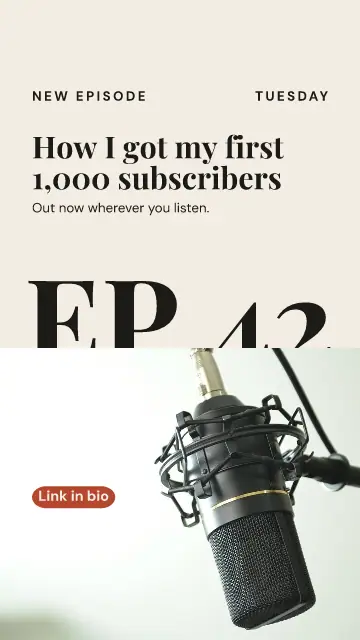
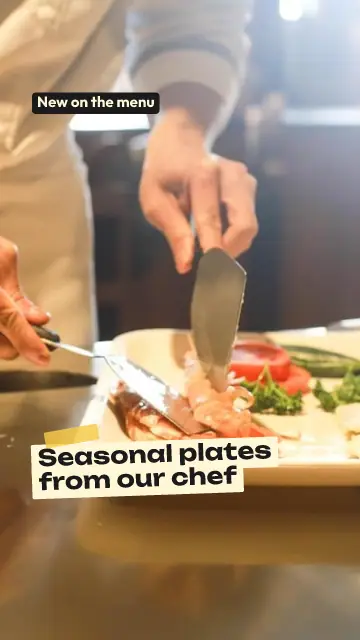
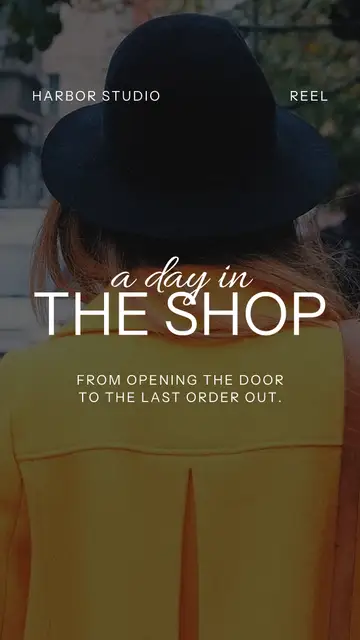
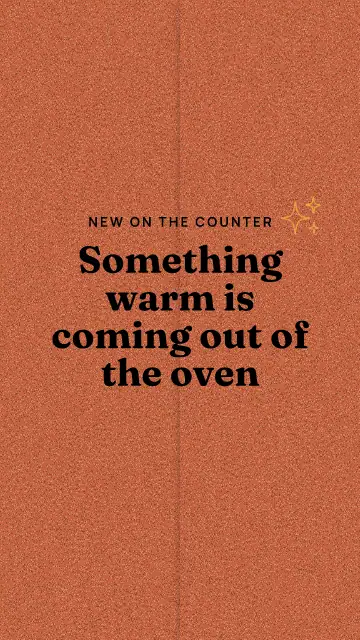
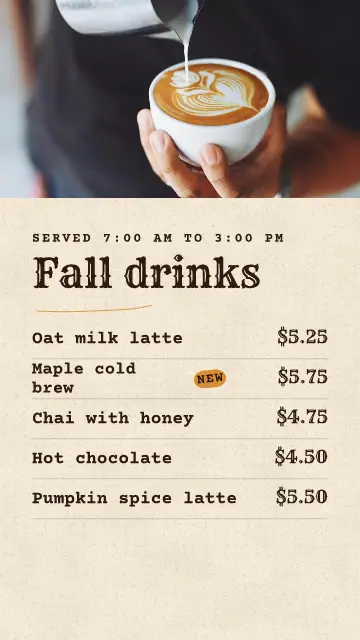
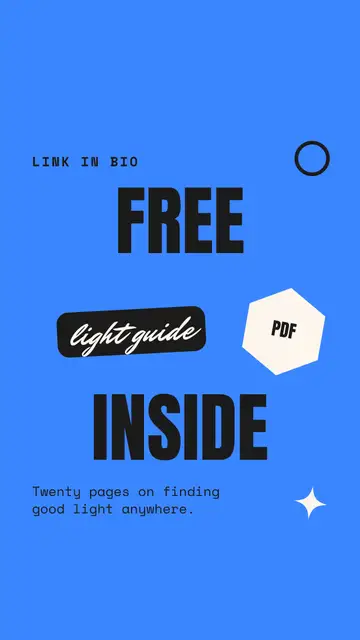
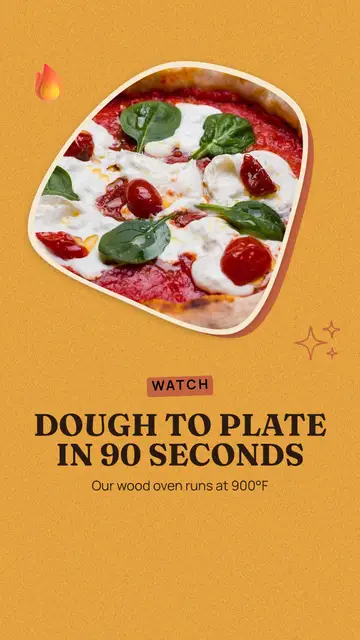
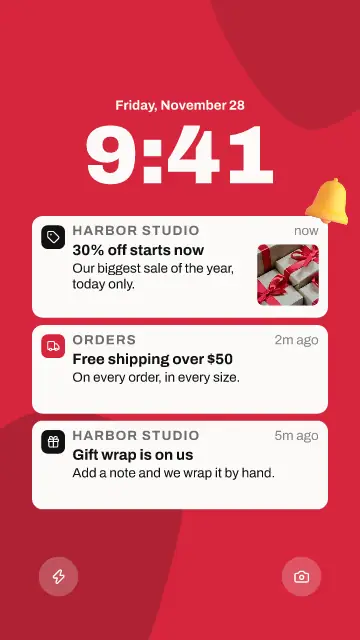
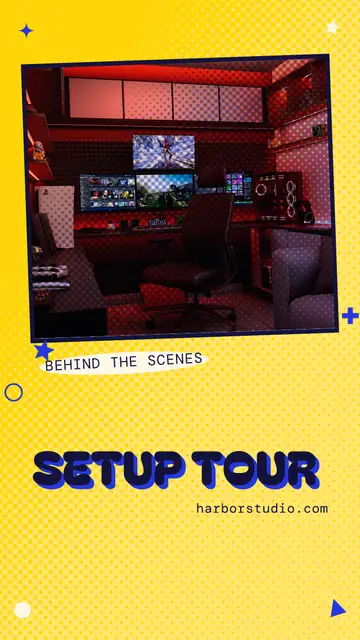
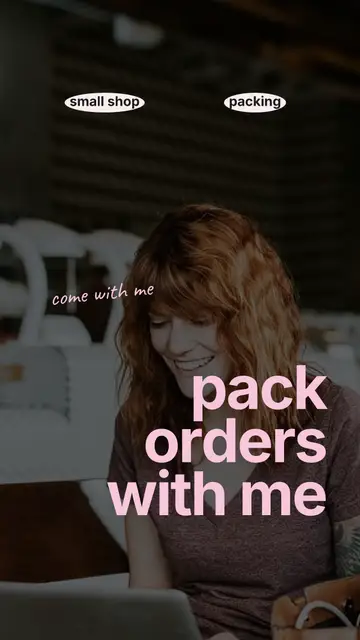
You will see two kinds here. A video template already moves: words come in, a number counts up, a coupon tears. Change the words and photos, press Save video, and you have an MP4 of 7 to 15 seconds without filming anything.
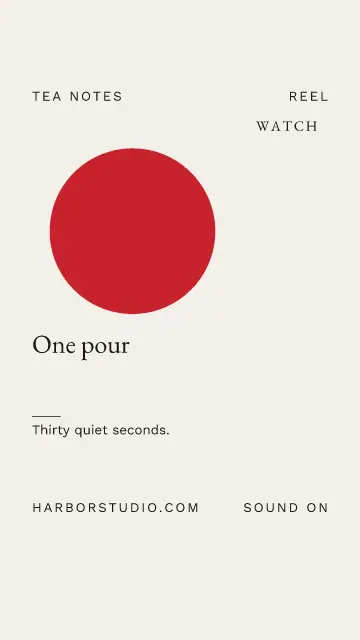
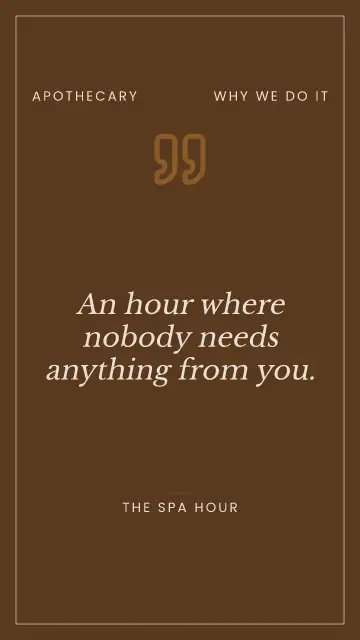
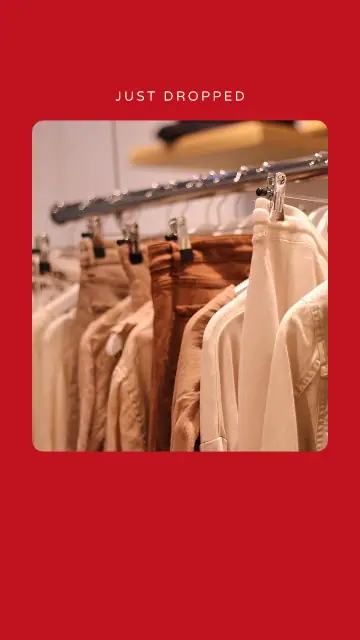
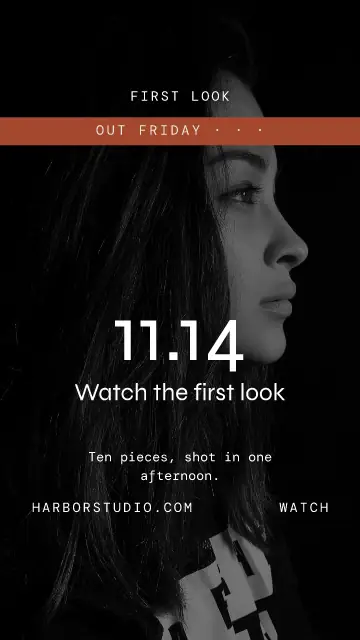
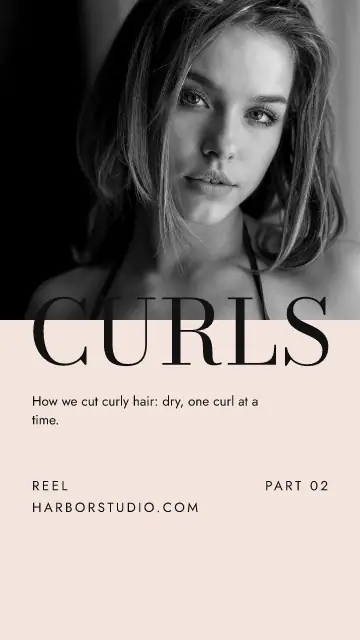
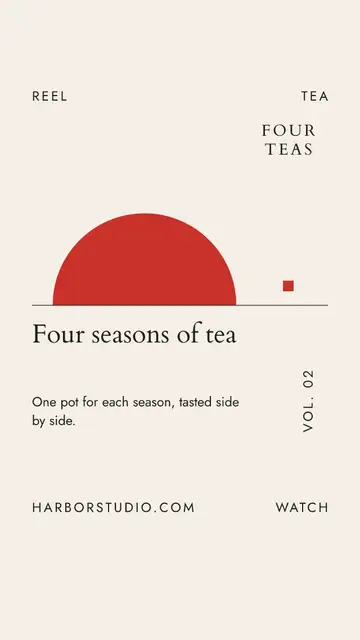
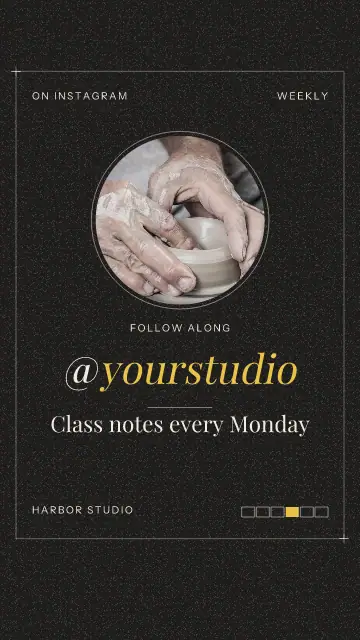
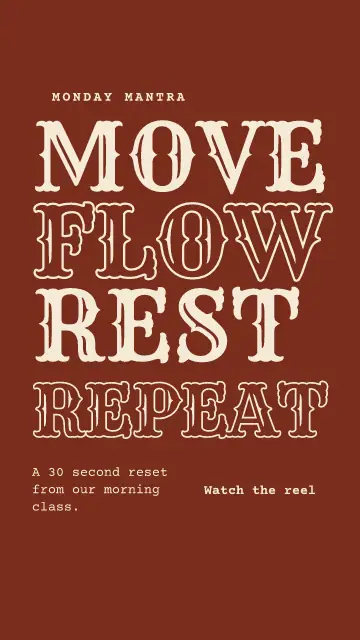
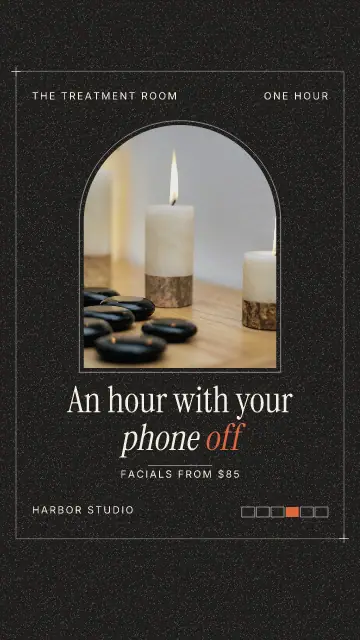
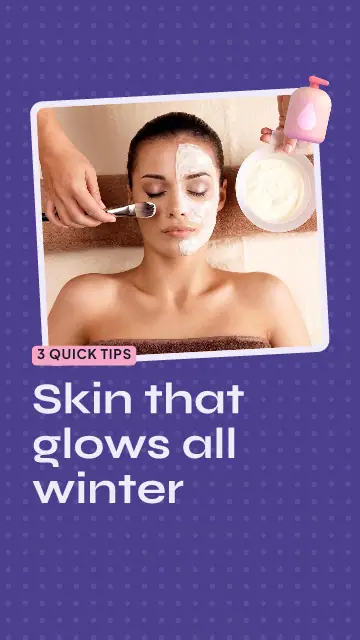
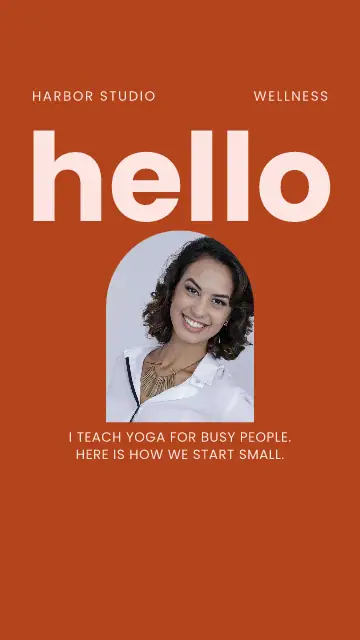
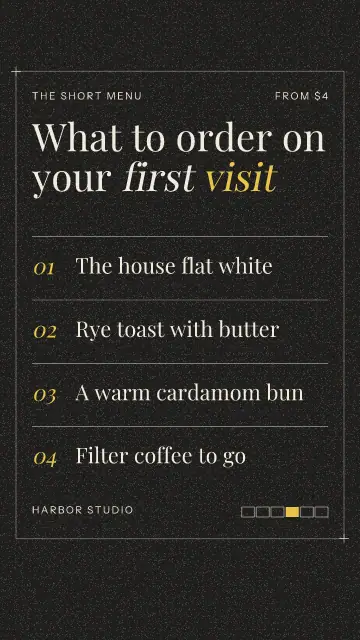
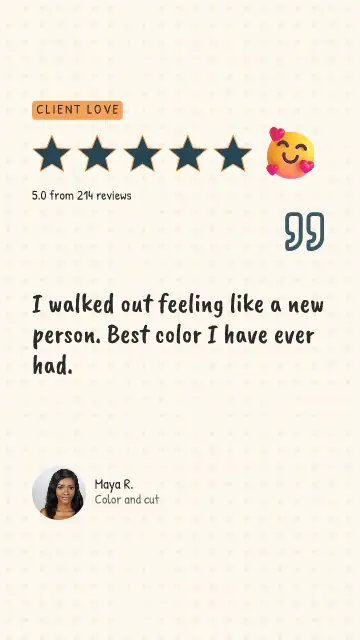
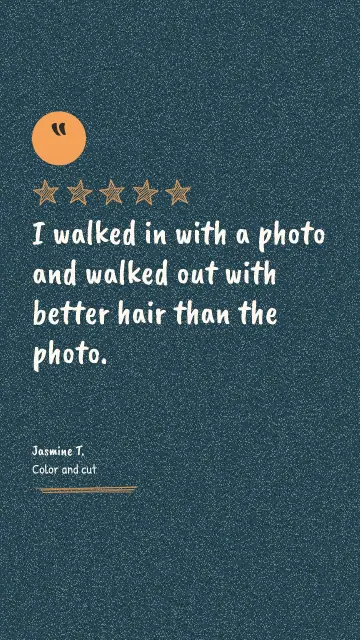
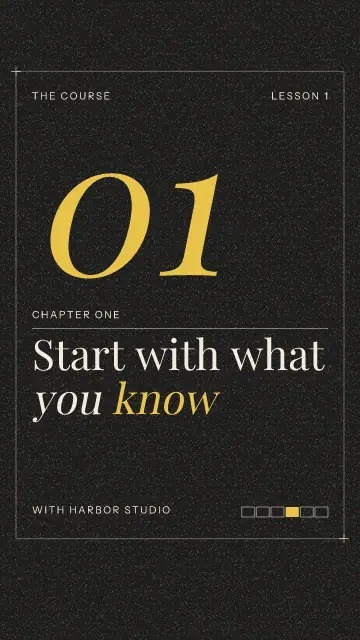
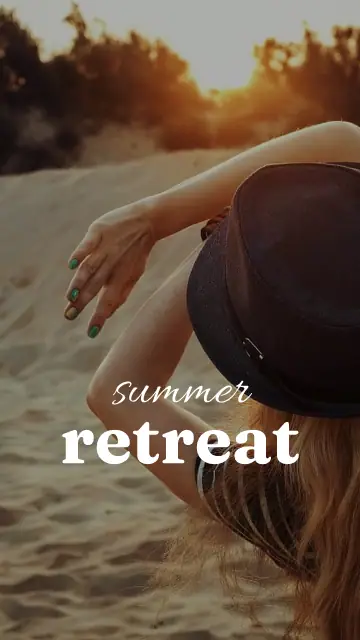
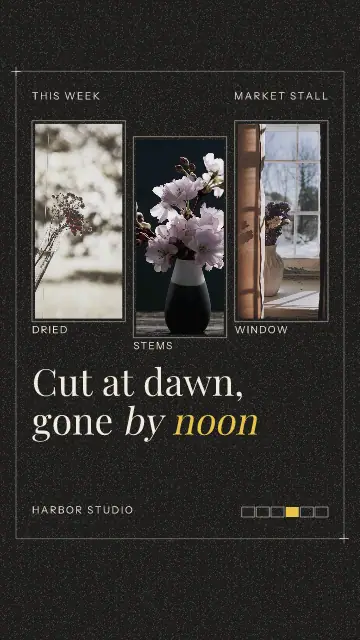
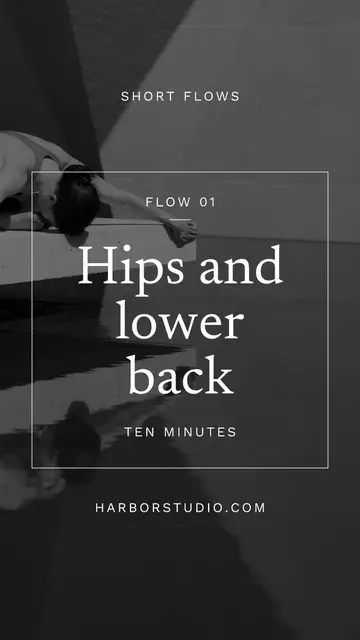
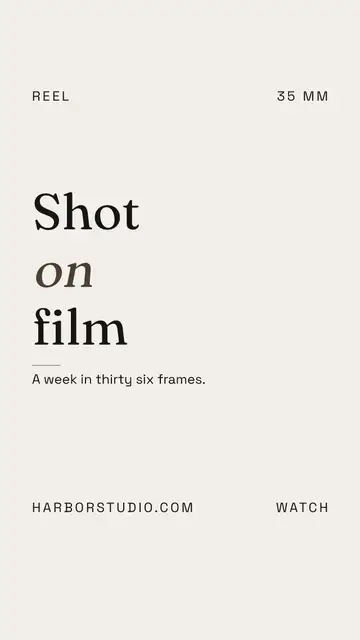
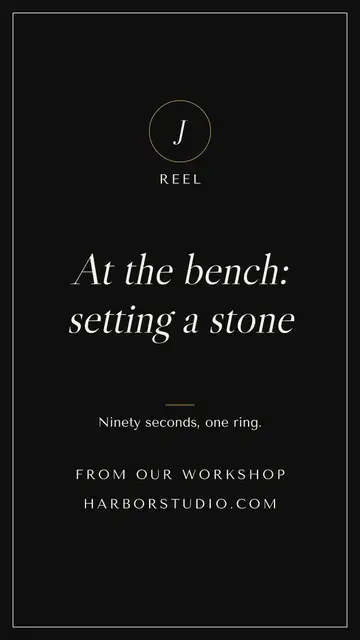
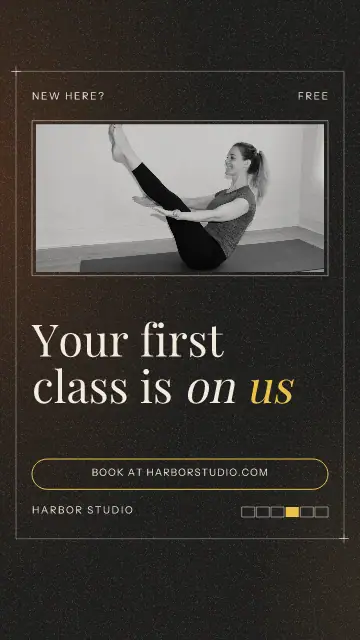
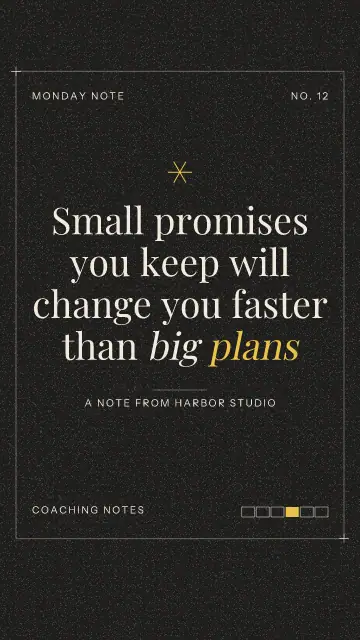
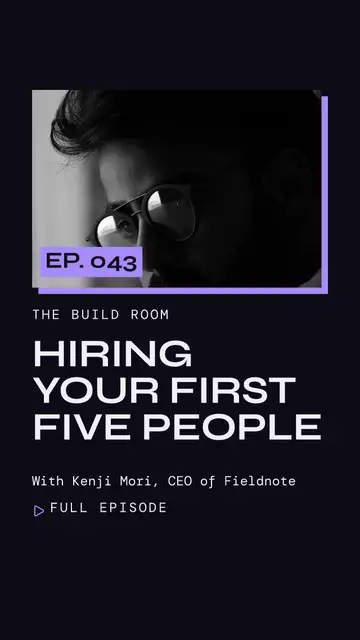
A Reel cover is one still picture that goes on a video you already shot. It is what people see on your profile, where a row of covers in the same style makes the whole page look cared for.
The first second decides
People decide fast, so the first line has to work with the sound off. Write what the viewer gets, not who you are: "Why your loaf is flat" beats "Bread school, episode 4". All the templates put the words up large right away for this reason.
Covers crop in the grid
A cover is 9:16, but your profile grid shows less of it. Keep the words in the middle of the page and away from the top and bottom edges. These covers are drawn that way. Look at it next to your last three posts before you save, since a cover is seen in a row.
Add your own clip and music
Press Clip to play a video of yours behind the words, and Add music to pick a song you have the right to use. Sync to beat moves the page changes onto the beat. Reels with a clip of you talking also get Make captions on the paid plans, so people who watch without sound can follow along.
FAQ
What size is an Instagram Reel?
1080 x 1920 pixels, which is 9:16. Every Reel template and cover here uses it.
How long can the video be?
A video made here is at most 90 seconds and 20 pages. The templates start out at 7 to 15 seconds, and you can make any page longer.
Can I set the cover when I post?
Yes. Move the playhead to the moment you want and press Cover. Instagram Reels uses that picture when the video goes out.