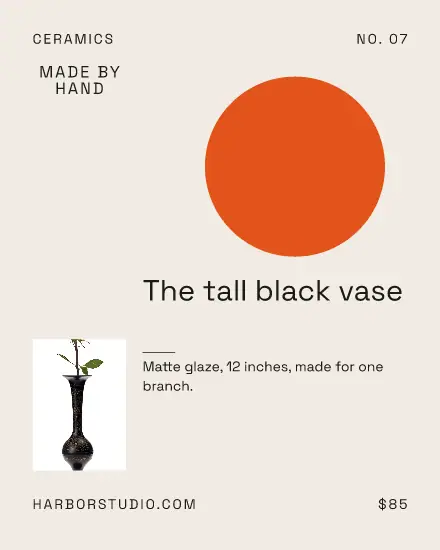
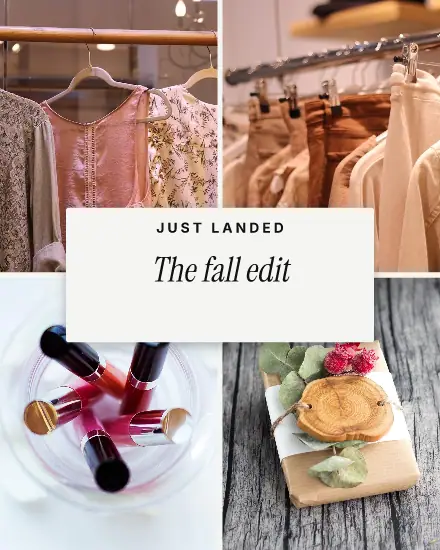
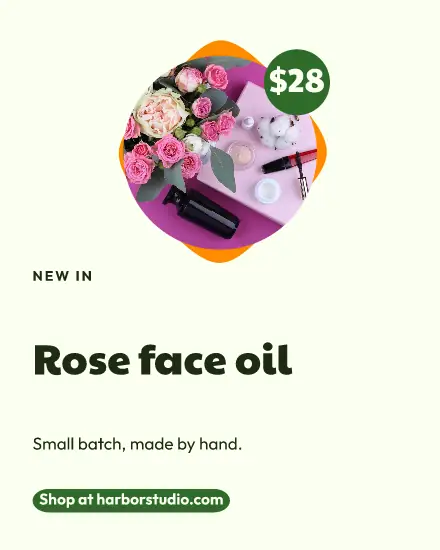
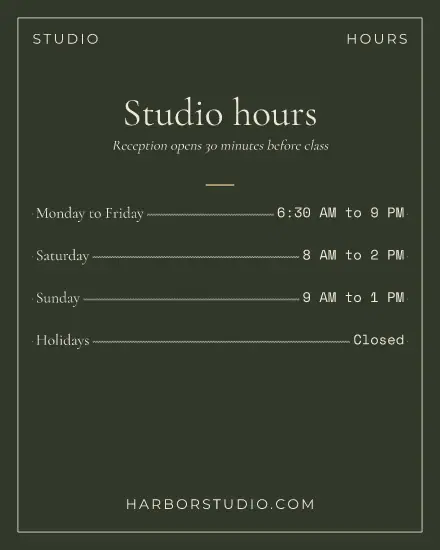



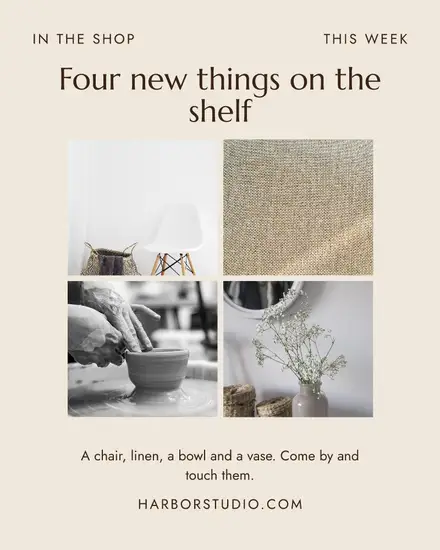
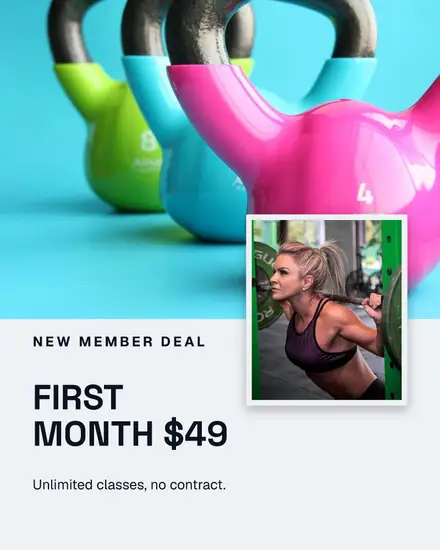
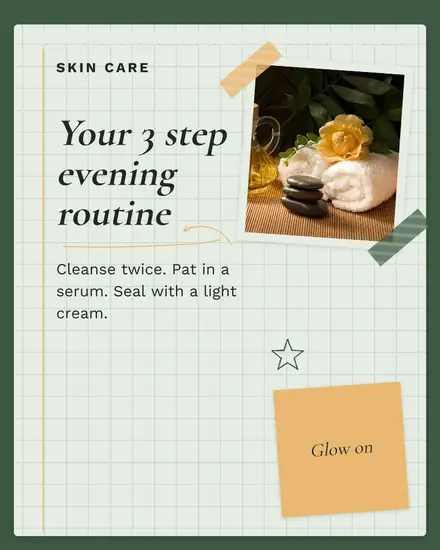
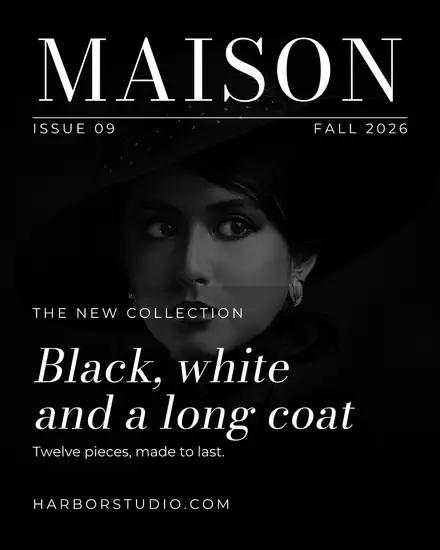


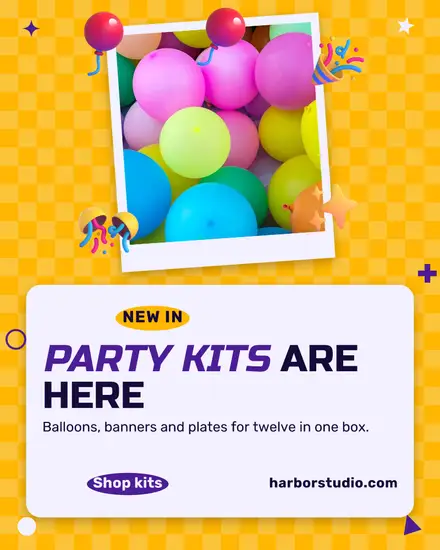
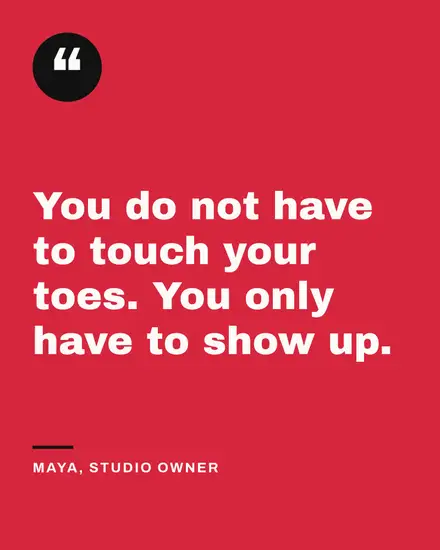
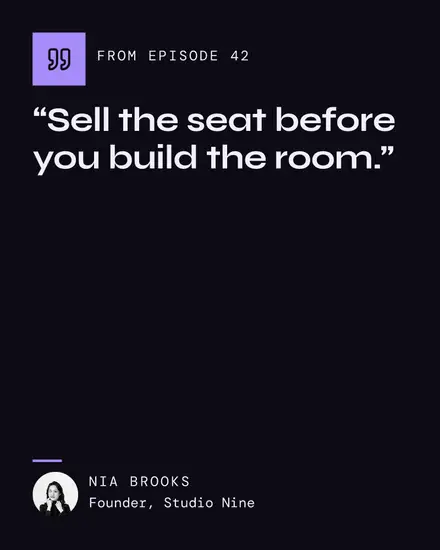
4:5 or square
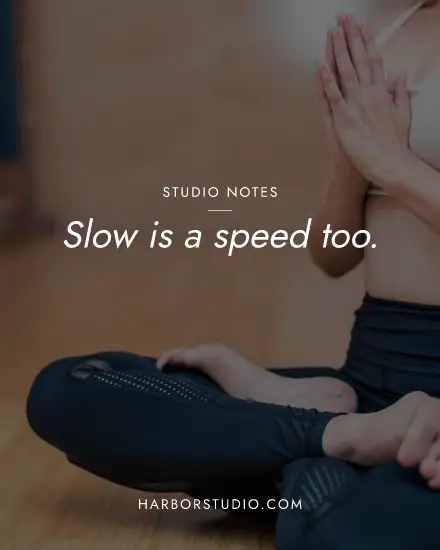
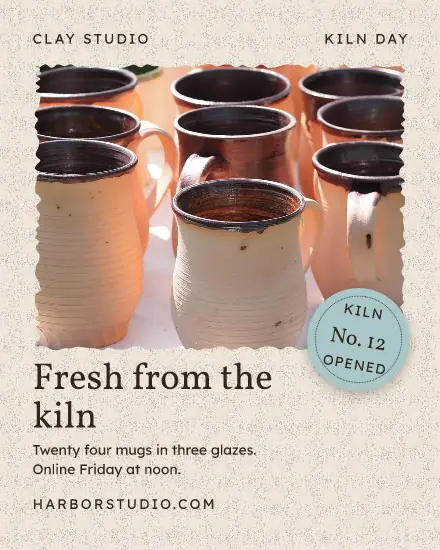
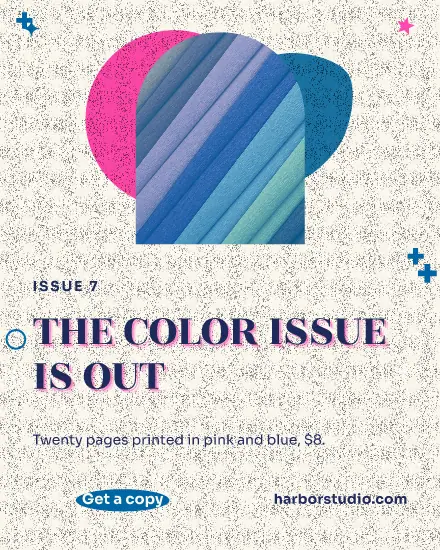
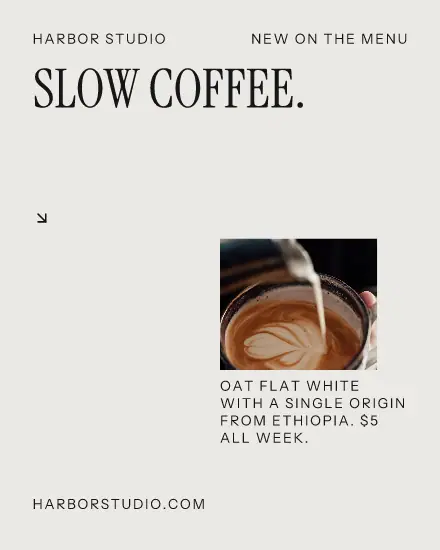
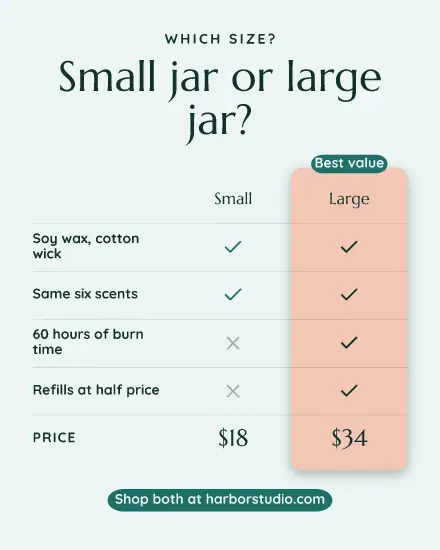
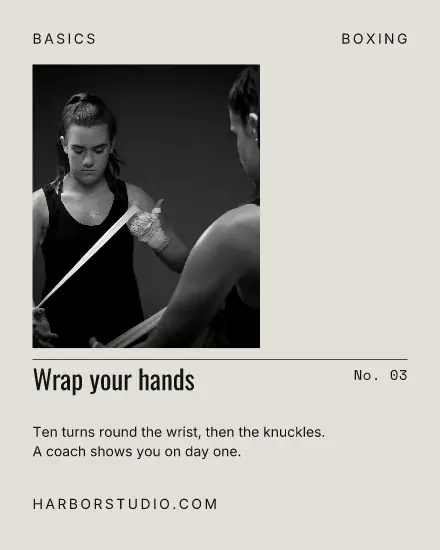
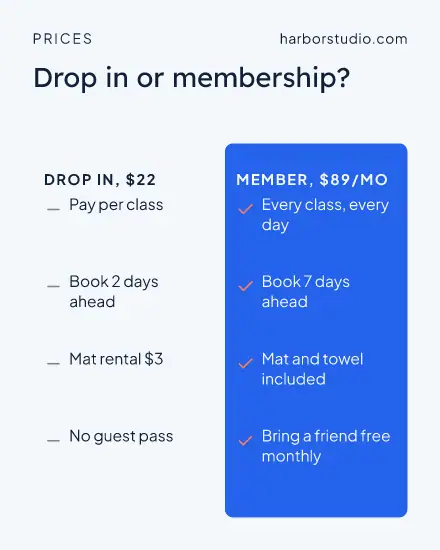
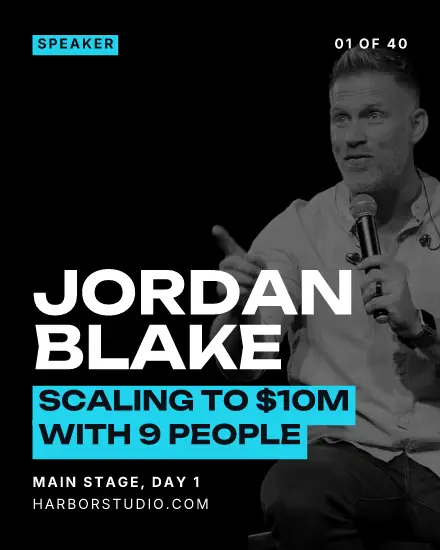
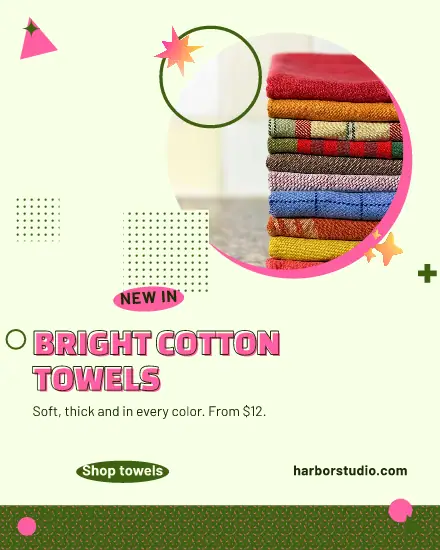
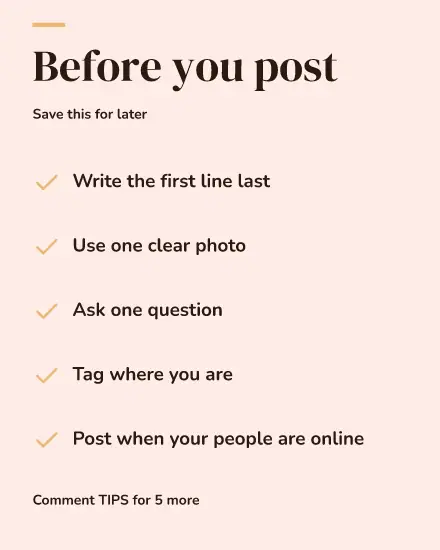
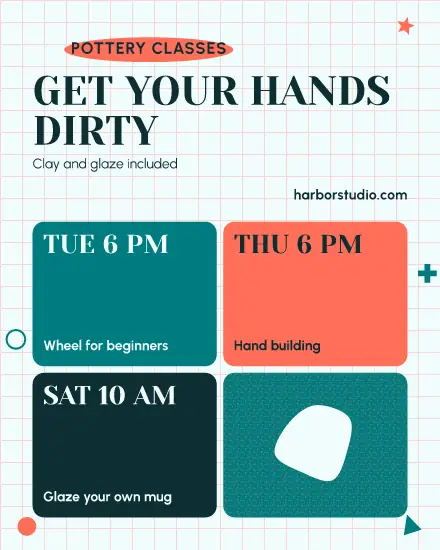
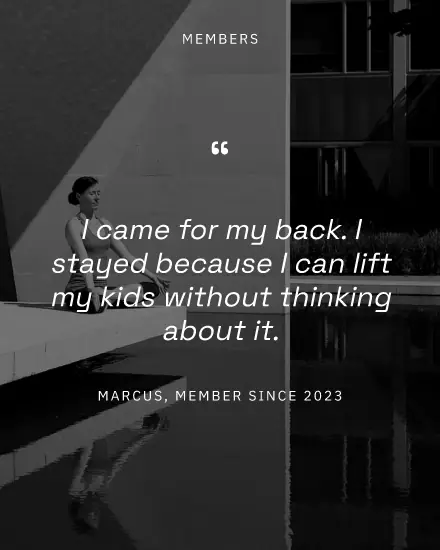
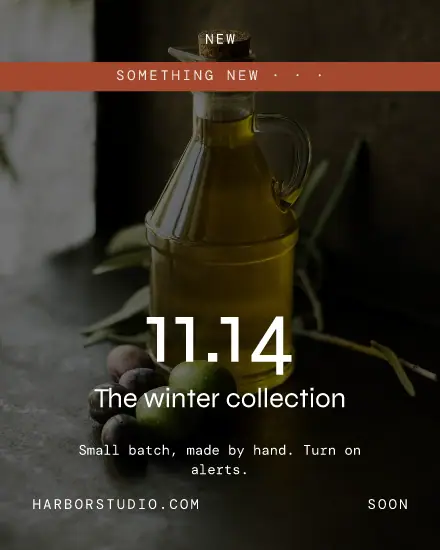
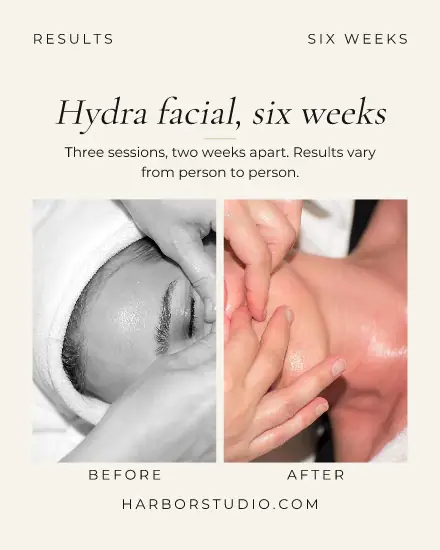
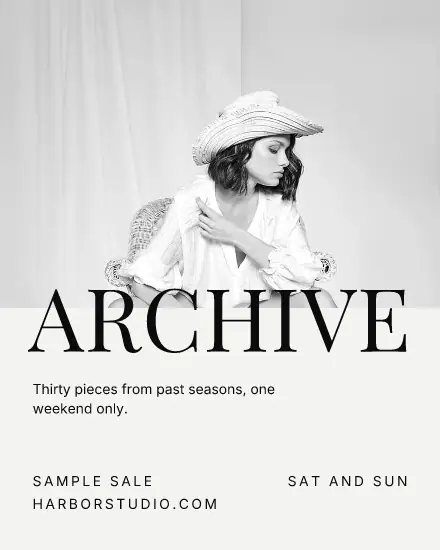
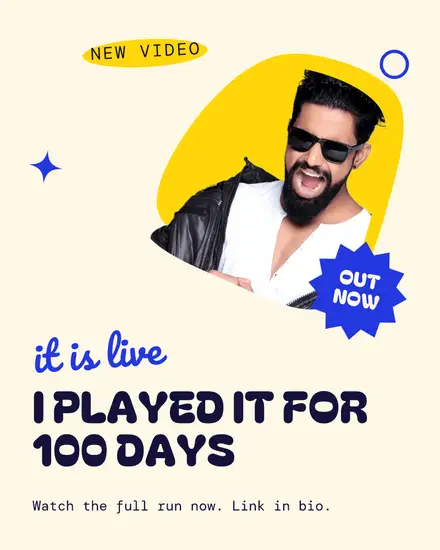
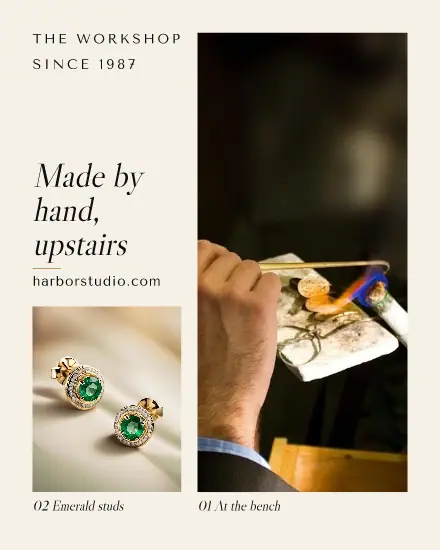
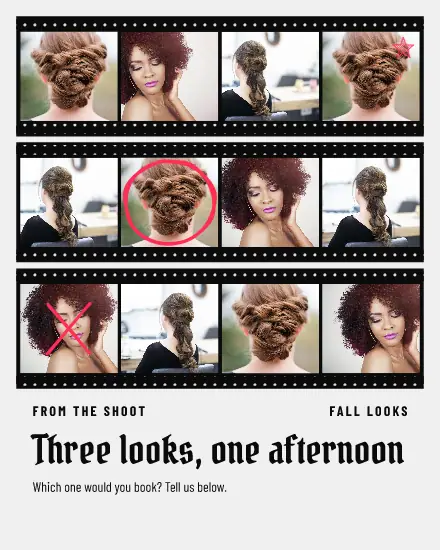
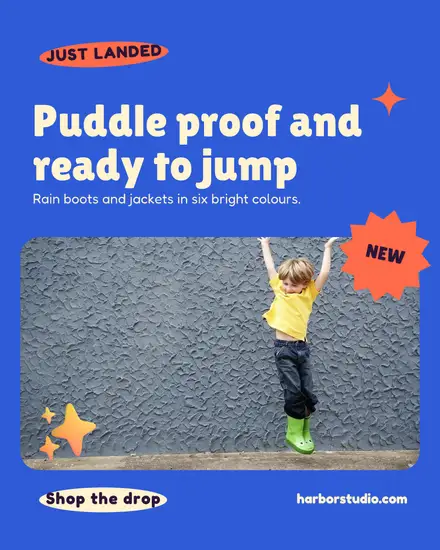
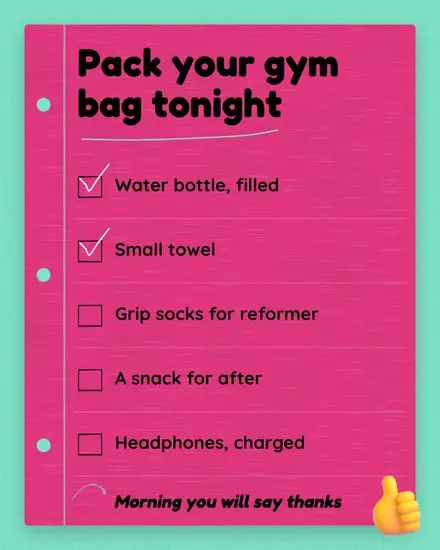
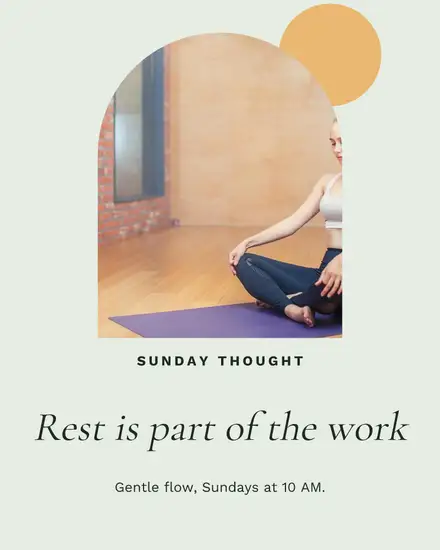
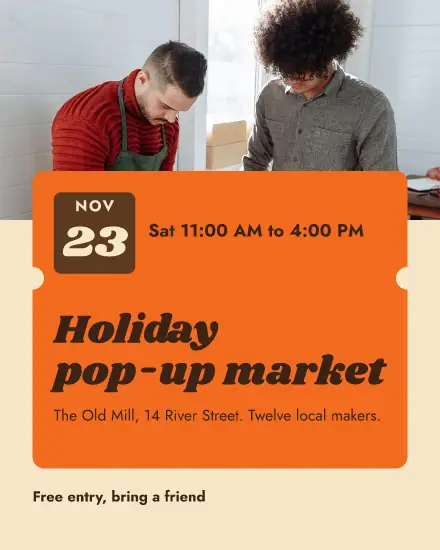
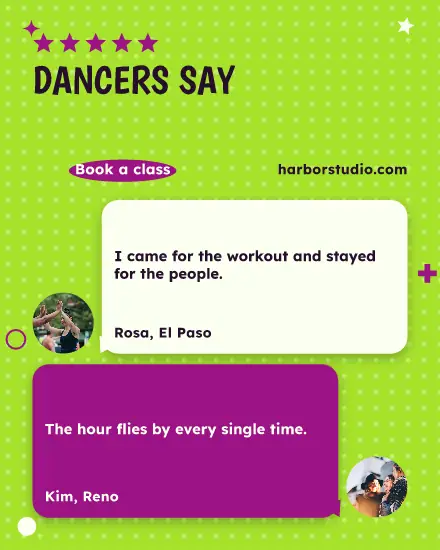
A post at 4:5 (1080 x 1350) takes up more of the phone screen than a square one, so most of these templates are drawn at 4:5. Press Sizes in the editor and tick square too if you also post to a channel that likes it better. The design moves to fit, and you are not starting over.
What to change first
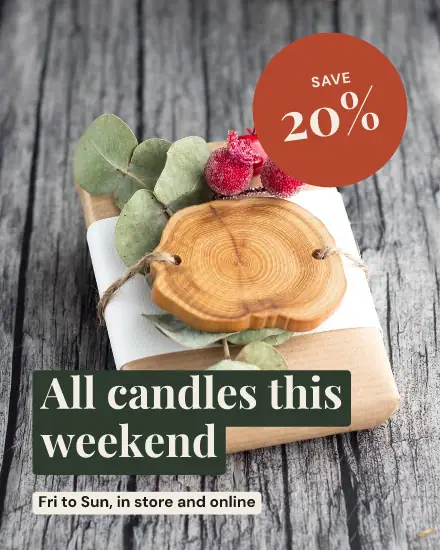
Start with the first line. It is the only thing most people read, so write it the way you would say it across the counter: "All candles this weekend" beats "Exciting news from our shop". Then swap the photo for one of yours. A real photo of your shelf or your hands does more than a perfect stock picture, and the template keeps it framed and readable.
Leave the rest alone until those two are right. A price, a date and one short line are usually all a post can carry.
Keep a post to one job
A post with a sale, new opening hours and a thank you does none of them well. Make three posts. Open one of these, press Duplicate, and change the words. Your three posts will look like they belong together, because they do.
In your brand with one press
Press Your brand and every part takes the brand color closest to the one it has. Shuffle tries another mix of your own colors and fonts. Undo goes back one look at a time.
FAQ
What size is an Instagram post?
1080 x 1350 pixels is the tallest size Instagram shows in the feed, and 1080 x 1080 is the square. These templates come in both.
Can I use my own photos and fonts?
Yes. Replace any photo with one from your Media, and add your own fonts under Settings, Brand. Every template then opens in them when you pick In my brand.
Can I schedule the post from here?
Yes. Press Share, then New post with this design. The picture lands in a new post, and you pick the time in the calendar.