
































Start from the question in the room
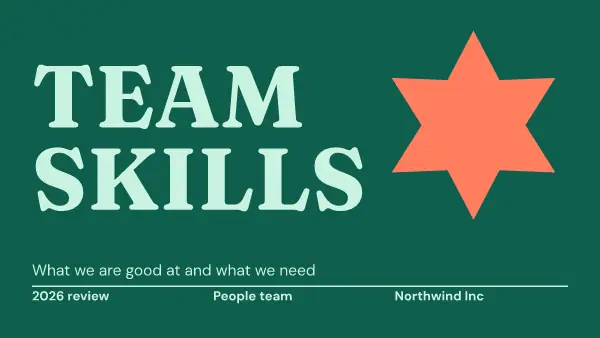
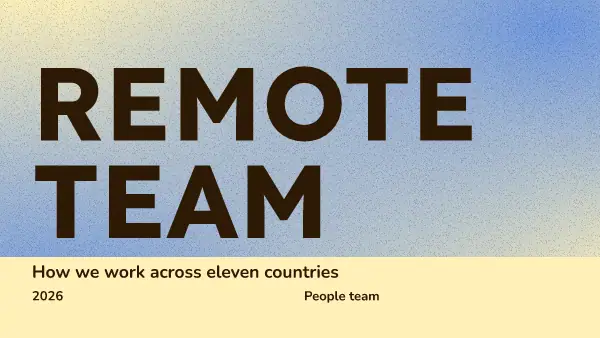
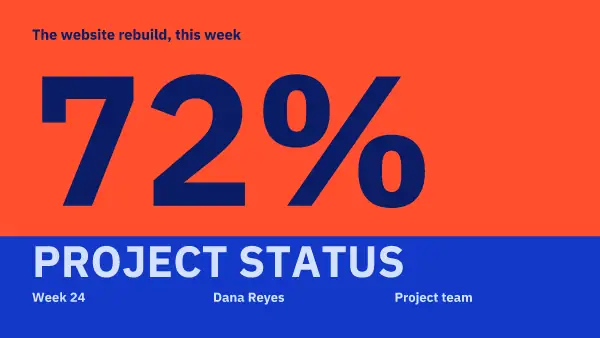
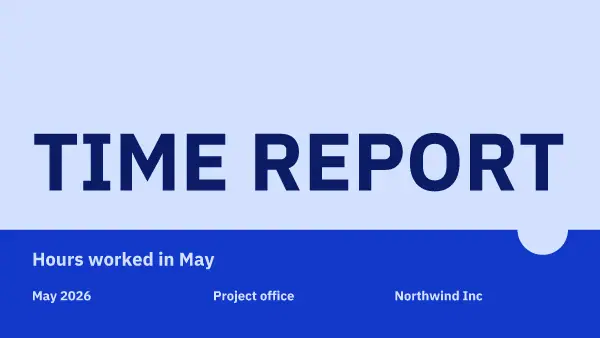
Each deck is about one kind of meeting: where the money went, how sales are doing, who is on the team, why customers stay. Pick the one closest to your meeting. The words in [brackets] tell you what goes where, so you never stare at a blank page.
One chart, one point
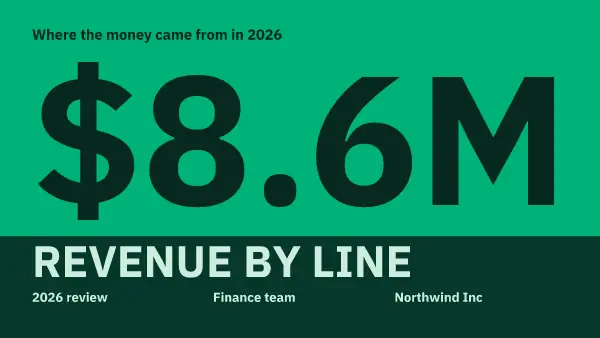
A chart slide should say its point out loud in the headline. "Revenue by line" asks people to work it out. "Coffee beans now bring in half our money" tells them. Then the chart is there to prove it.
Click a chart and press Edit chart. Type the numbers, or copy cells from Google Sheets, Excel or Numbers and paste them in. The bars, slices and words fit by themselves.
Your colors, without the extra hour
Press Your brand and the deck takes your colors and fonts, the charts too. That is usually the longest part of making a deck look like yours, and here it takes one press.
Keep to the slides you will use. A deck here holds up to 10 pages, which is plenty for most meetings: a short deck gets you more time for questions.
Show it from the same place
Press Share, then Present. The deck fills the screen on a computer or a phone. Arrow keys or a swipe move between pages.
FAQ
Can I add my own charts?
Yes. Press Elements, then Charts to add one. It looks the same in the editor, in the saved picture and when you present.
How many pages can a presentation have?
Up to 10 pages. A template opens with its own number of pages, and you can add or remove them.
Can I present on my phone?
Yes. Present works on a computer and on a phone, and you swipe to the next page.