

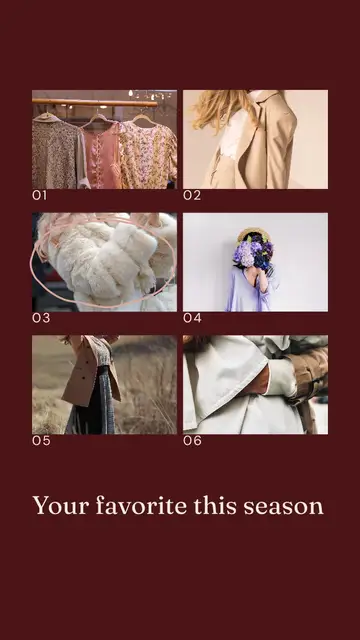
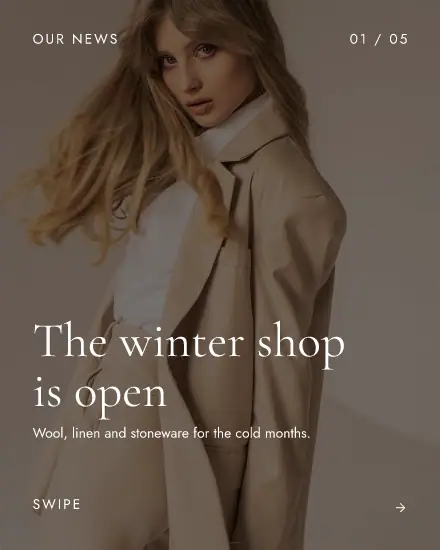
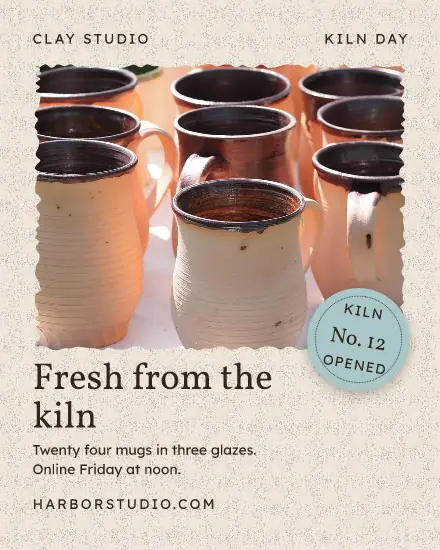
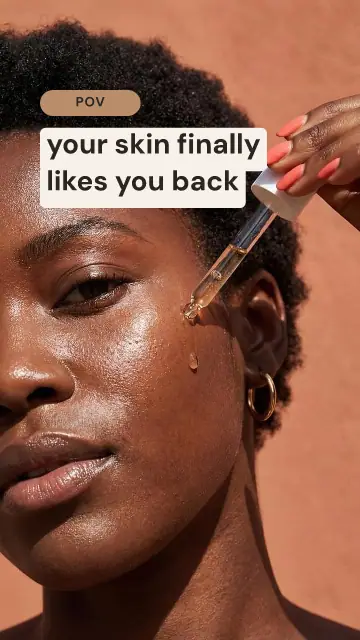




Start from what you need to say
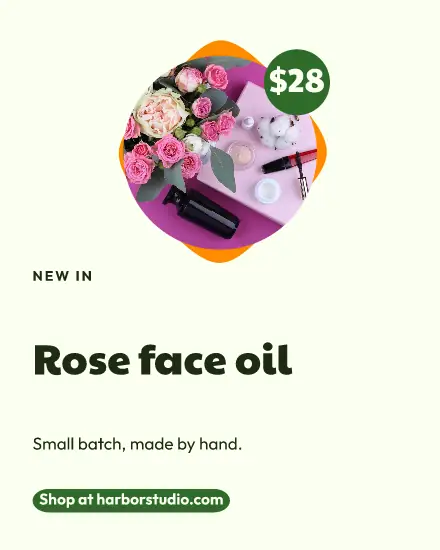
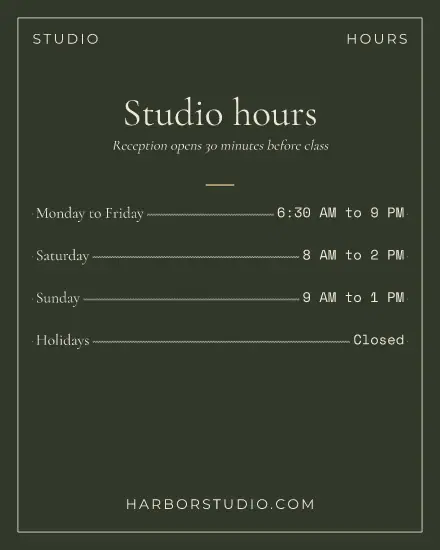
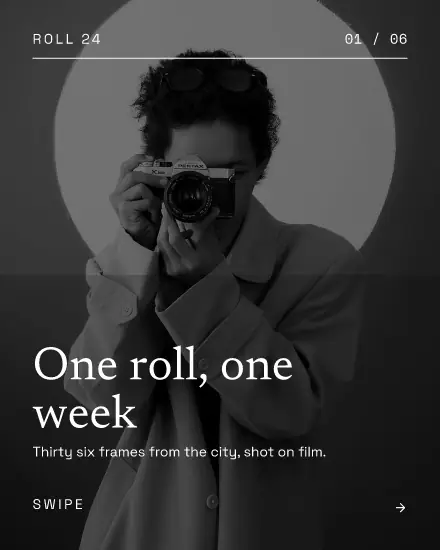
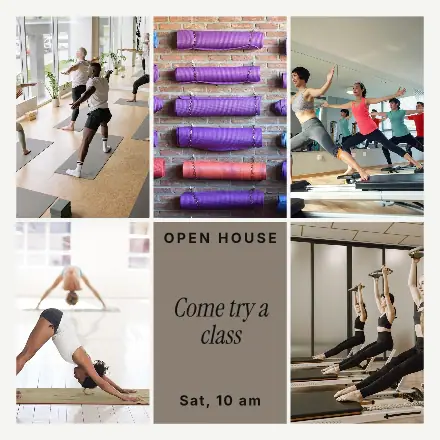
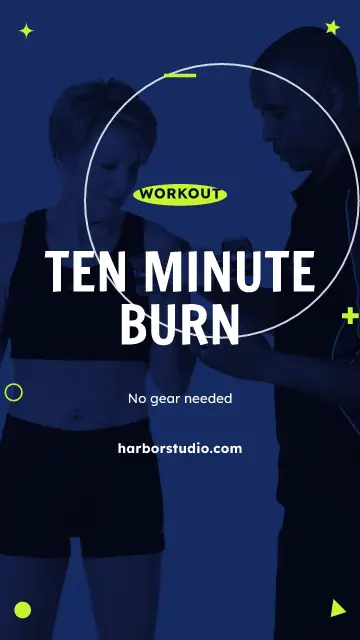
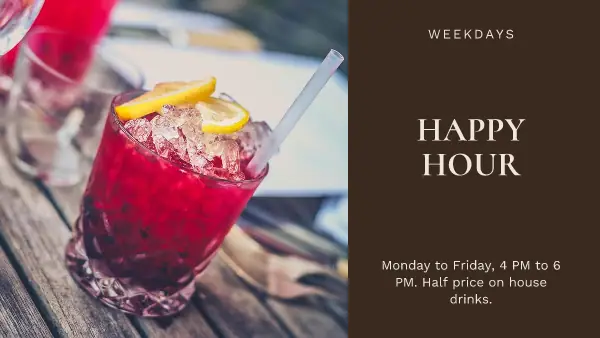
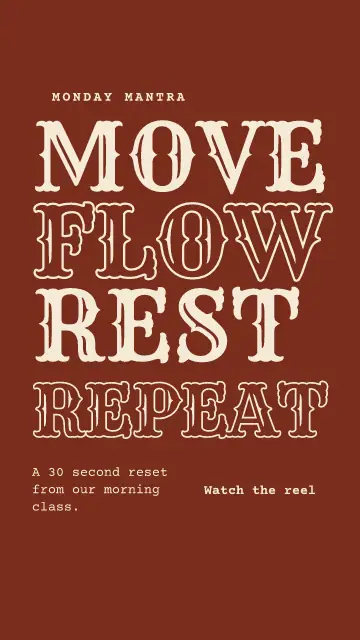
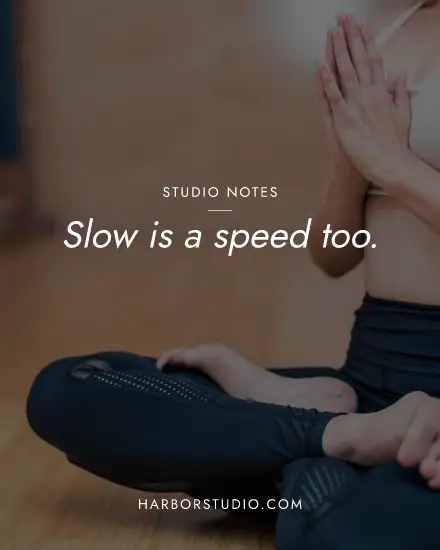
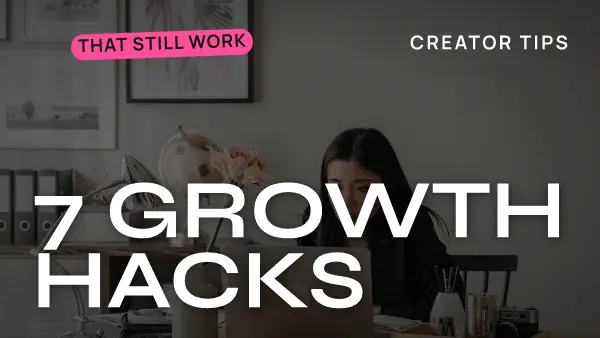
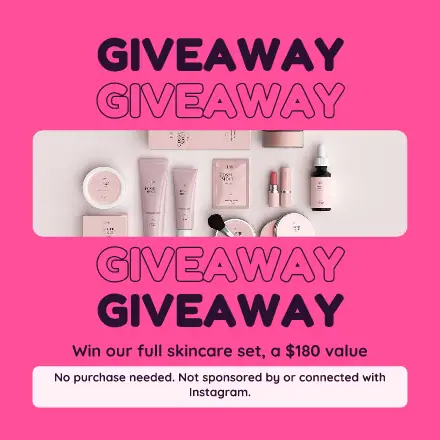
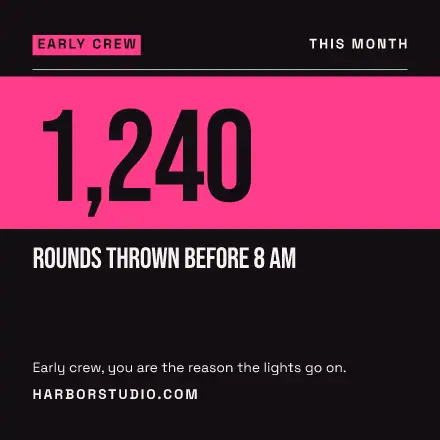
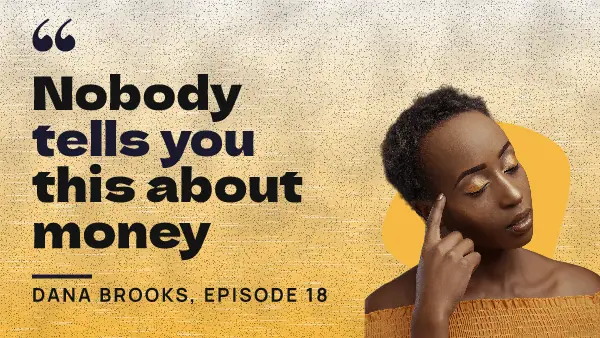
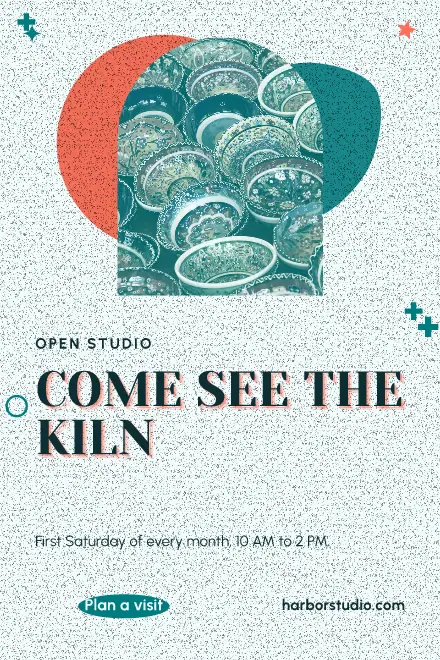
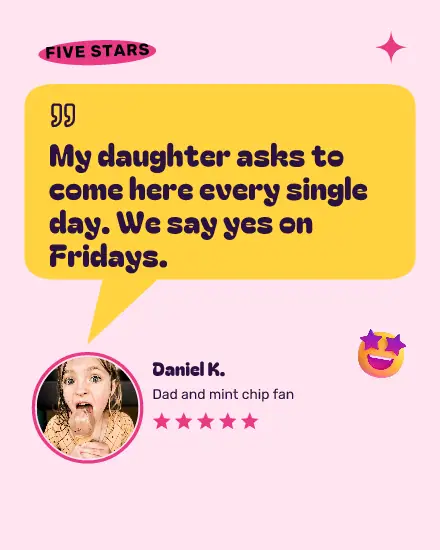
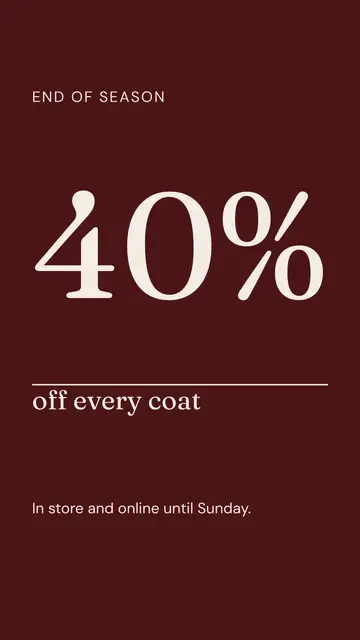
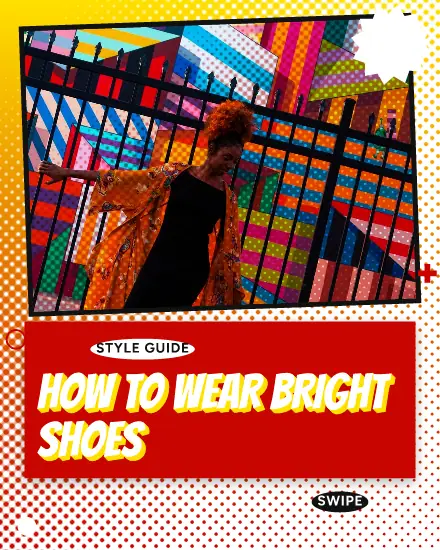
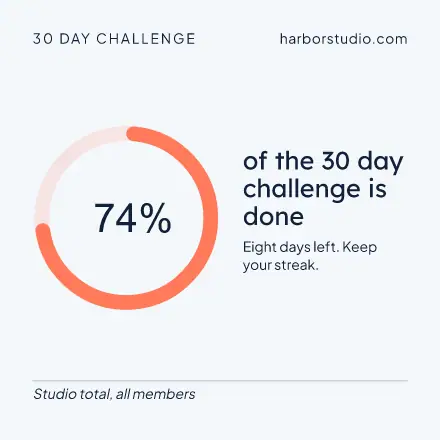
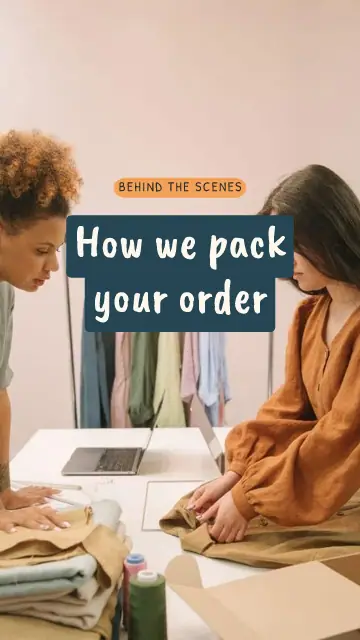
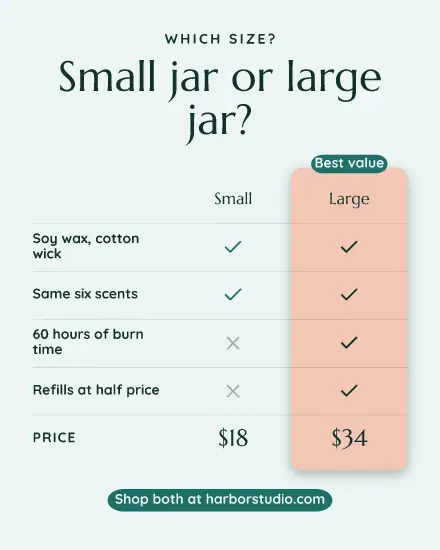
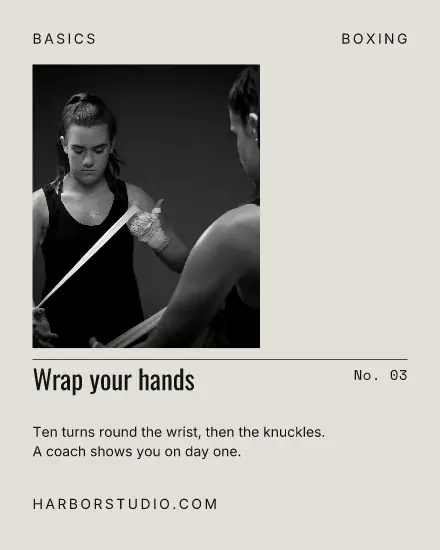
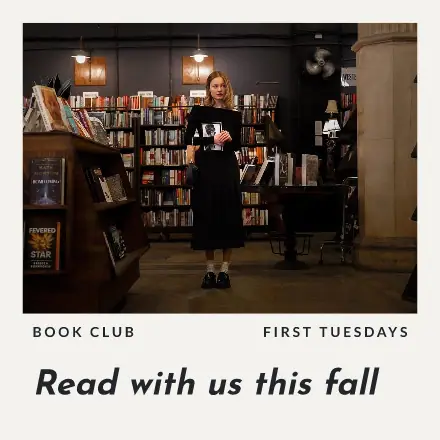
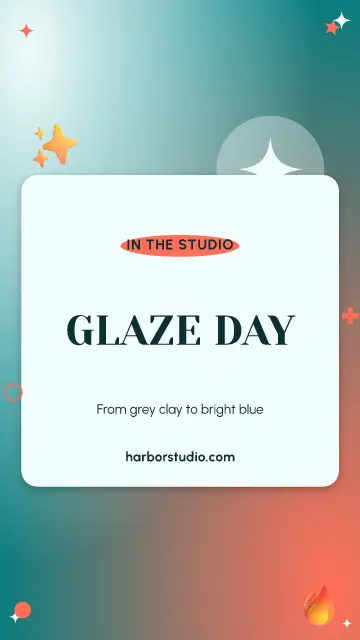
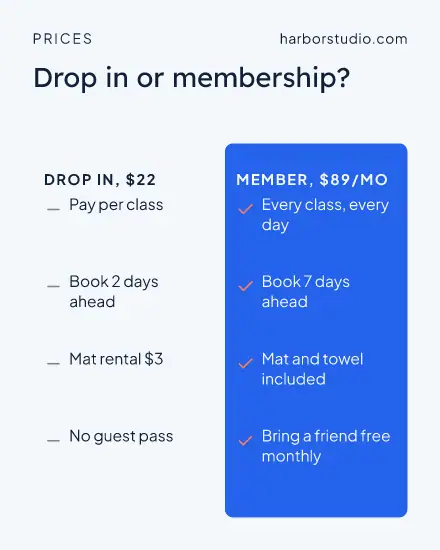
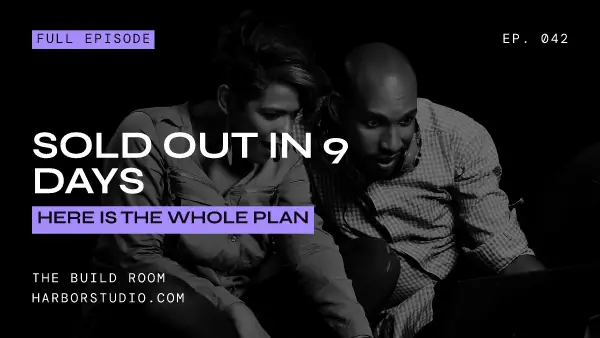
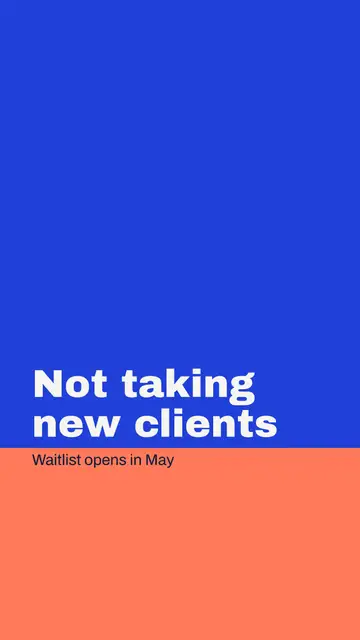
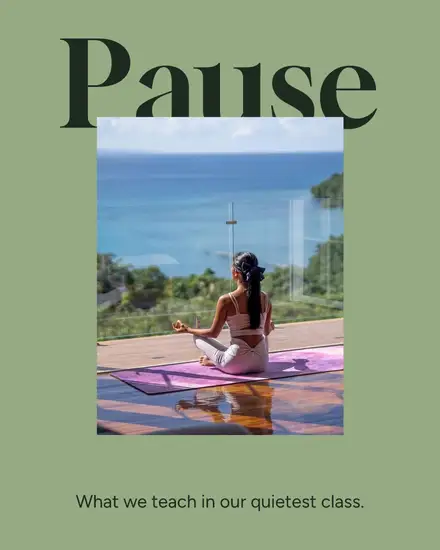
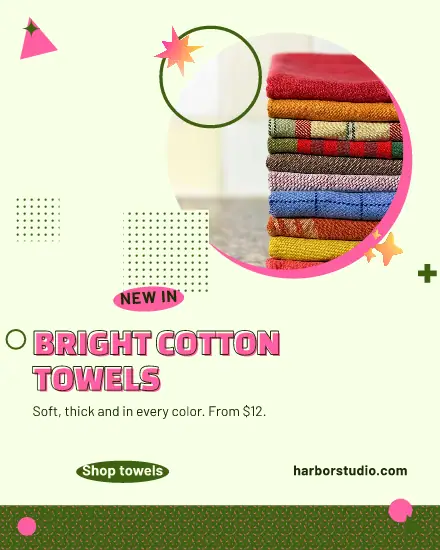
Most posts by a small business fall into a few kinds: a sale, something new, a review, a date, a tip, your opening hours. Search for the one you need, like hours or review, and pick the look you like second. Starting from the look tends to end with a pretty post that says nothing.
One design, every size
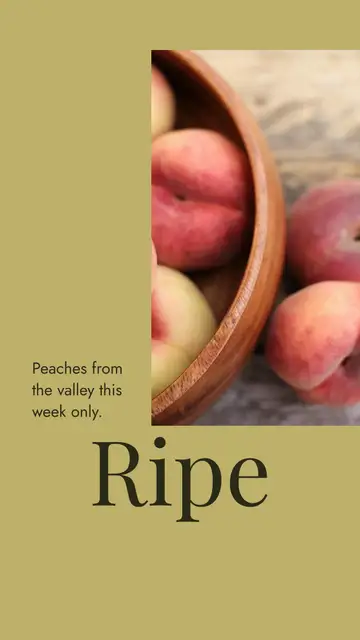
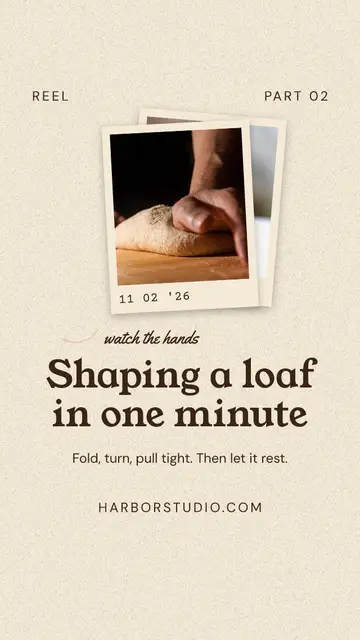
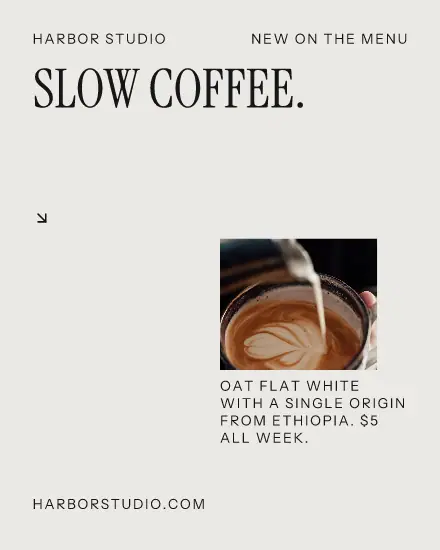
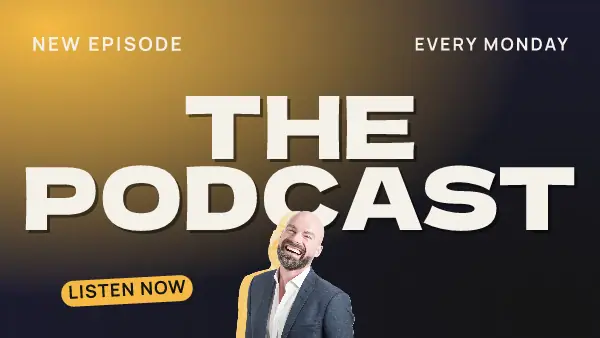
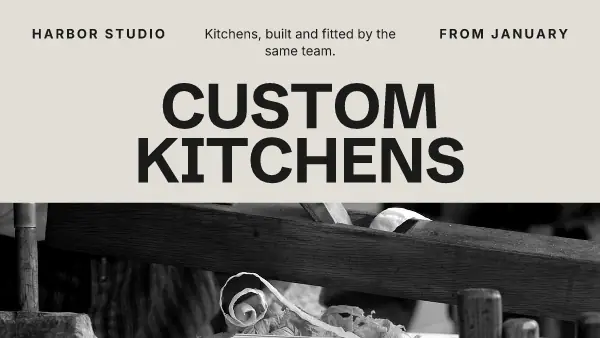
Square, 4:5, story and wide all come from the same design. Press Sizes, tick the ones your channels show, and each one is redrawn to fit. Your words stay the same in all of them. Change one word later and it follows everywhere you have not changed by hand.
Keep to a few looks
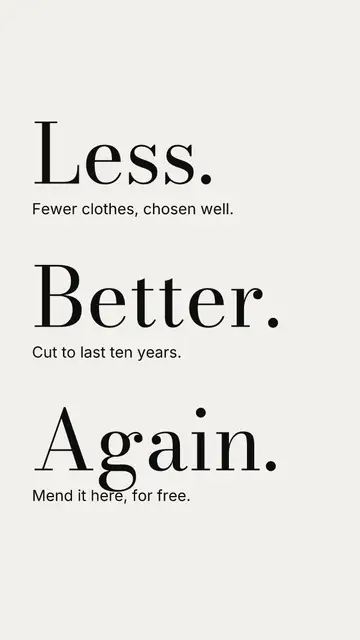
A feed looks planned when it uses the same fonts and a few colors, not when every post is a work of art. Add your colors and two fonts once under Settings, Brand. In my brand then draws every template in them. Pick three templates you like and use those for the next month. You will spend less time, and people will start to know your posts before they read your name.
A week in one sitting
Monday a tip, Wednesday a review, Friday your weekend hours. Make them all on Sunday with Duplicate and put them in the calendar. Bo, the assistant in Postfjord, can draft the words in your voice on the paid plans.
FAQ
Are the templates free?
Every plan has the same templates, the free one too. The Free plan saves 50 pictures a day, and the paid plans save more.
Do I need design skills?
No. Change the words and the photo. If text would be hard to read on a color, Shuffle will not put it there.
Which channels do they work on?
Instagram, Facebook, LinkedIn, Threads, TikTok, Pinterest and more. Press Share, then New post with this design, to send it to any channel you have connected.