










What people come to your Page for
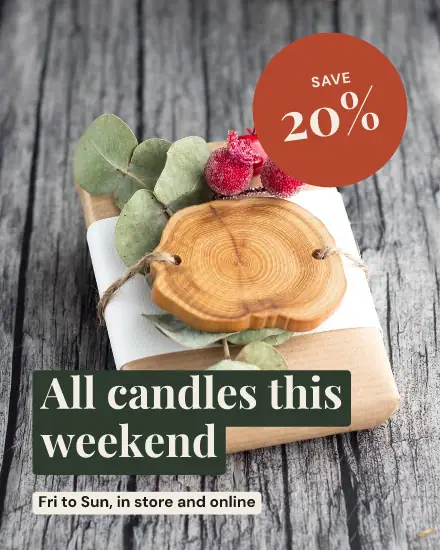
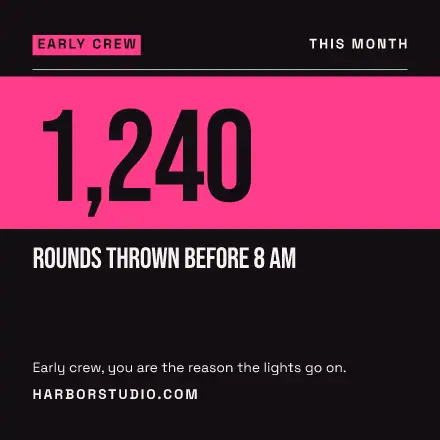
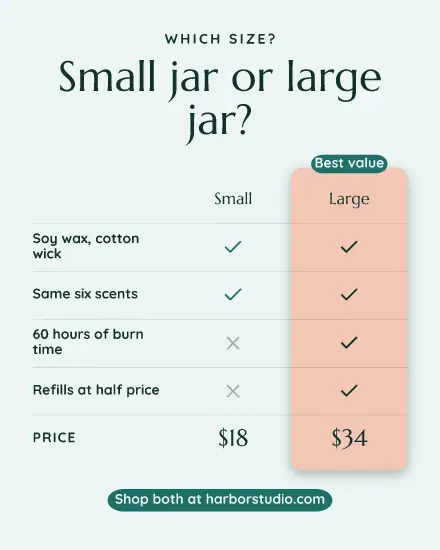
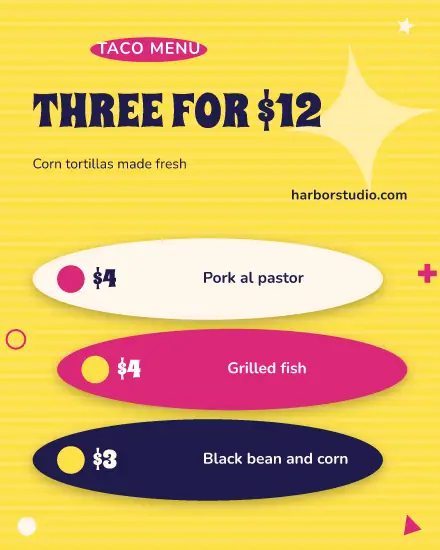
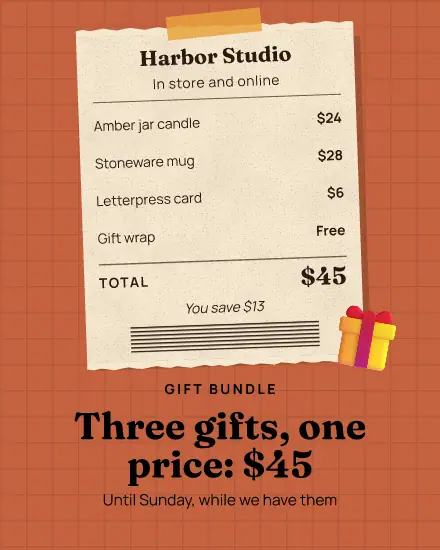
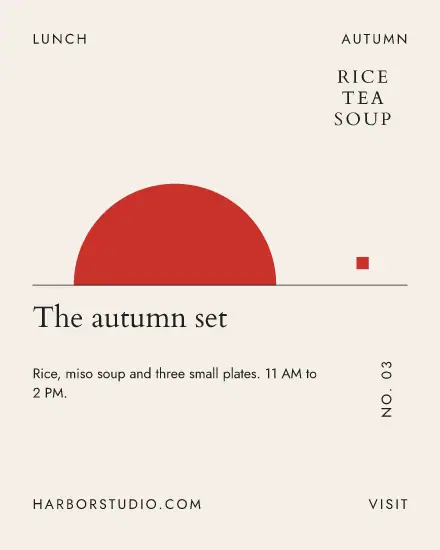
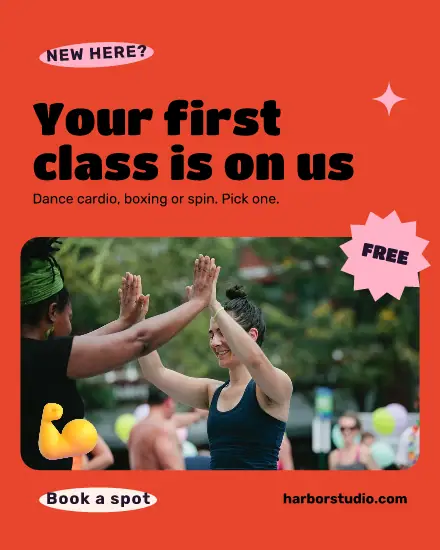
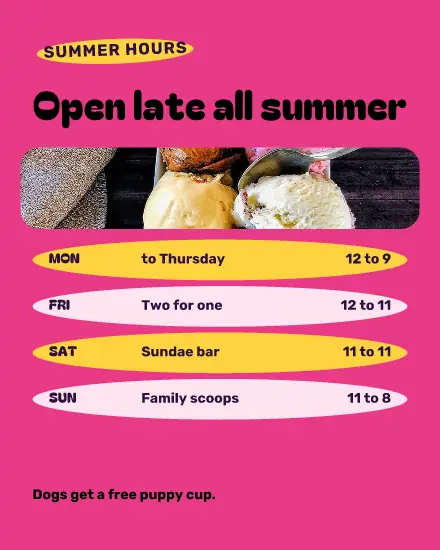
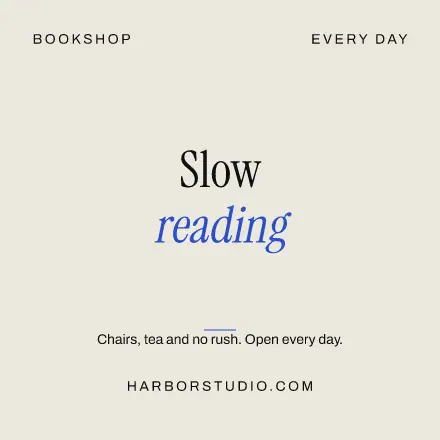
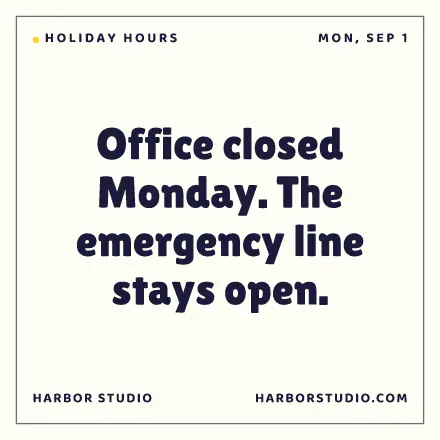
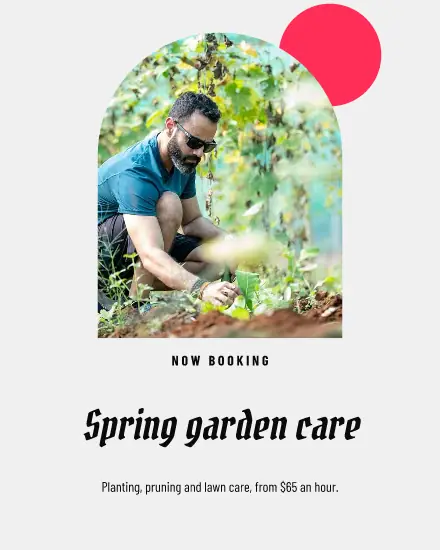
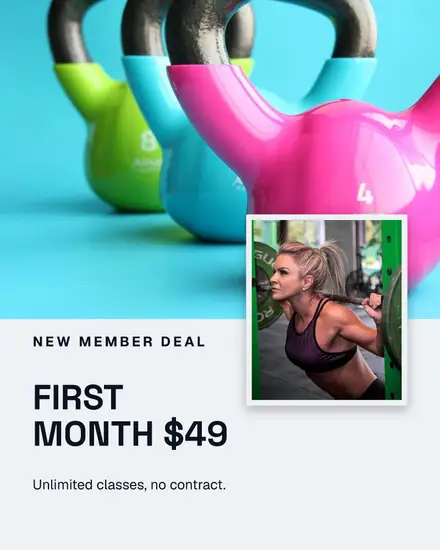
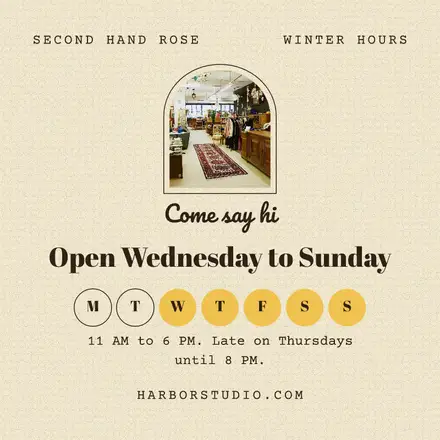
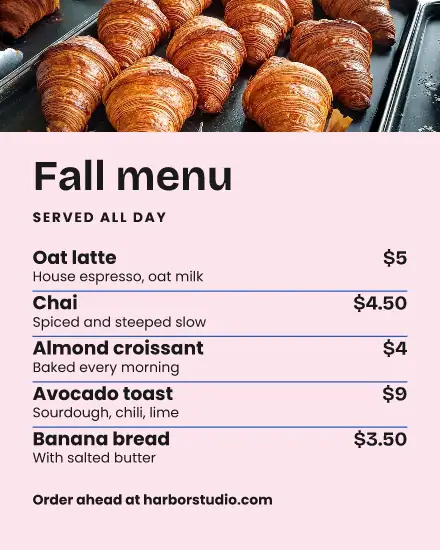
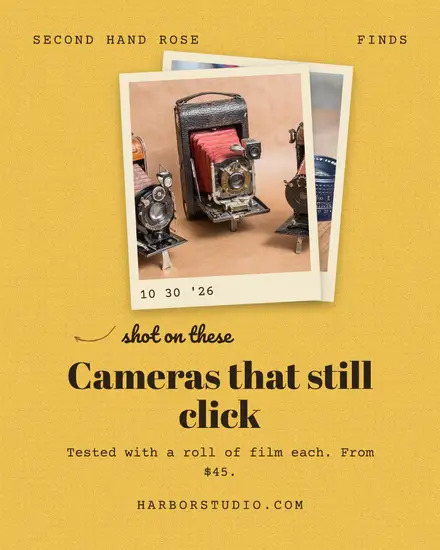
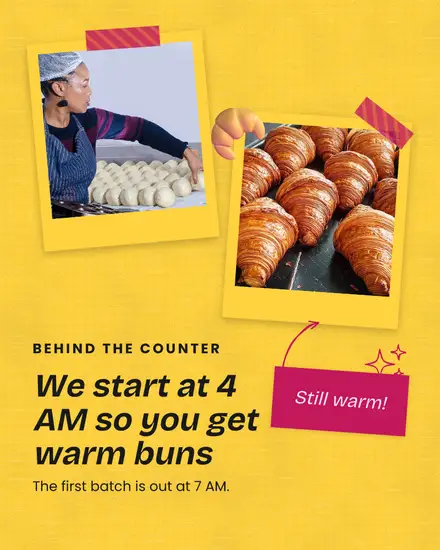
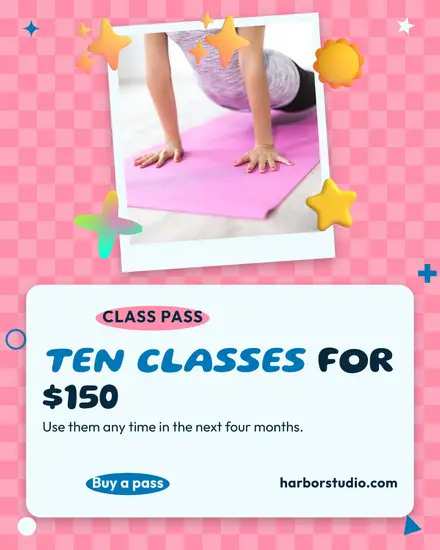
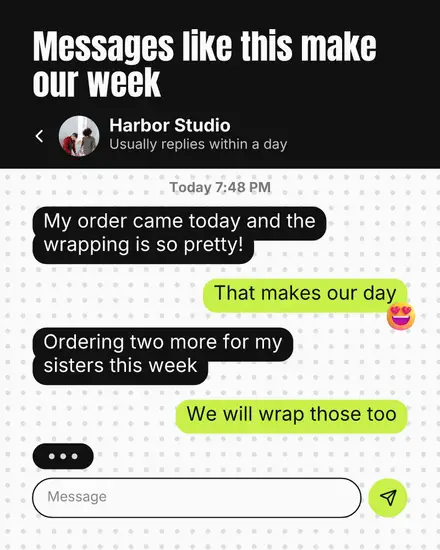
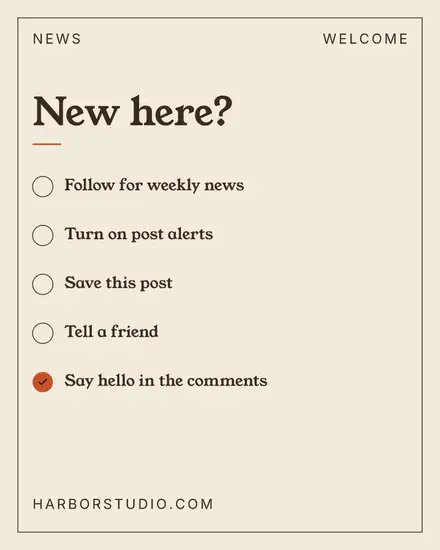
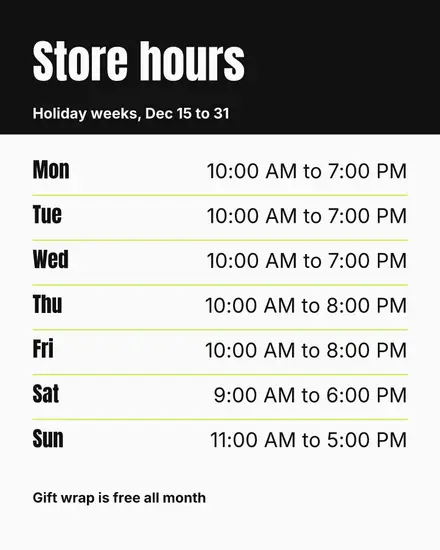
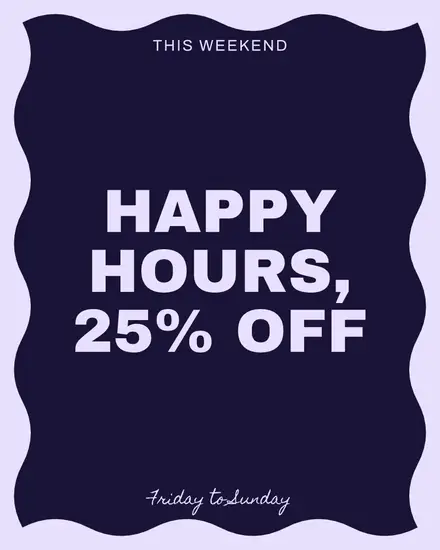
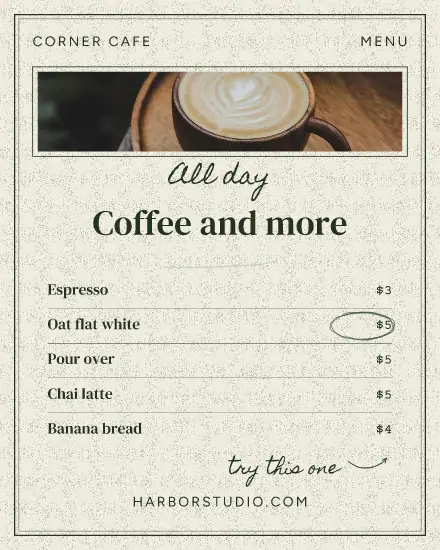
People open a local Page to check something: are you open on Monday, what is on this weekend, what does it cost. So these are the posts here: opening hours, events, offers, reviews, news. Put the answer in big words on the picture, because a lot of people never read the text above it.
Say the where and the when
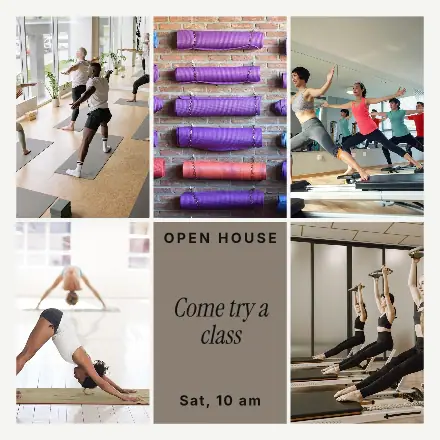
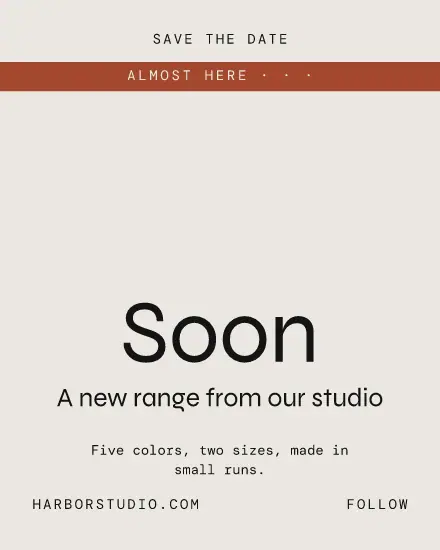
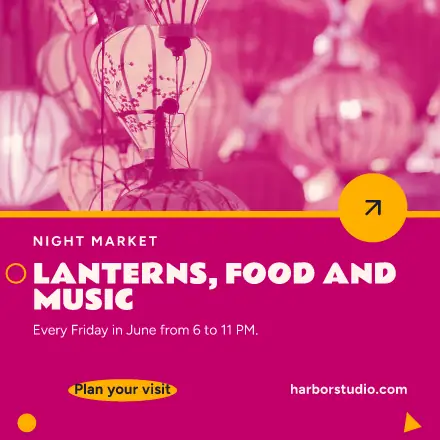
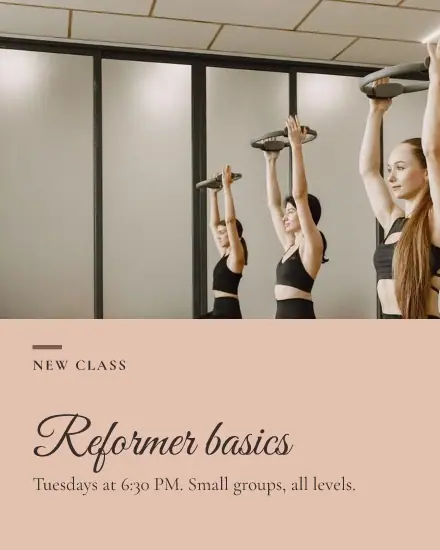
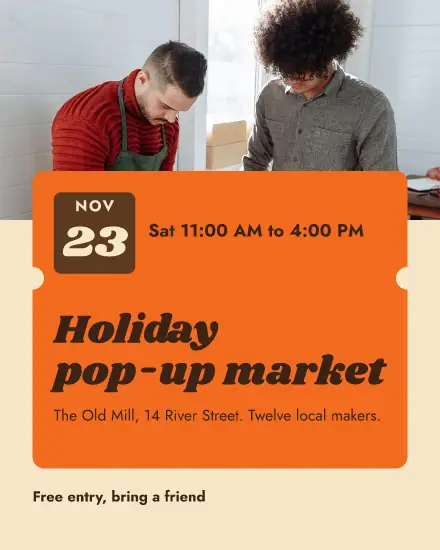
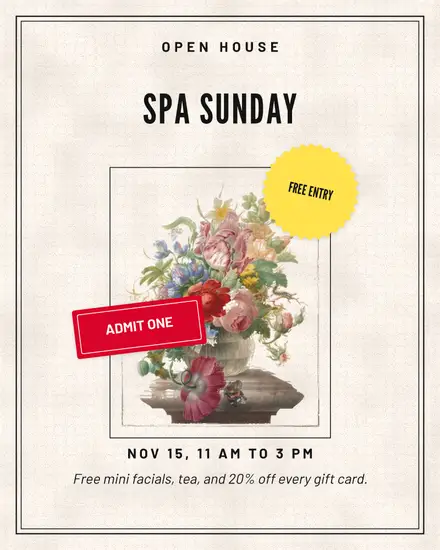
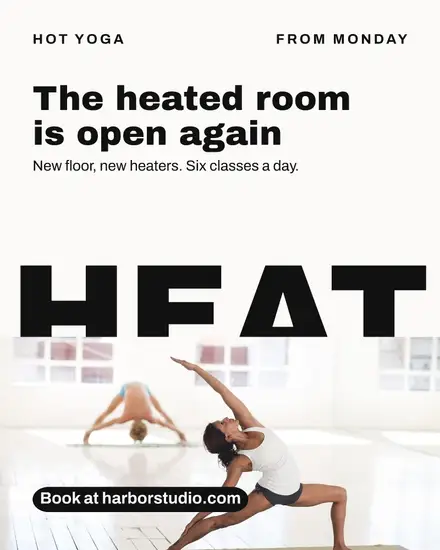
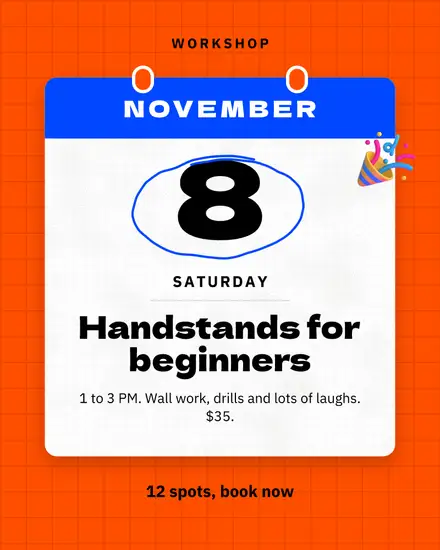
An event post without a date gets a nice comment and nobody at the door. Put the day, the time and the place on the picture itself, so it still works when someone shares it to a group. The event templates leave room for all three.
Square or 4:5
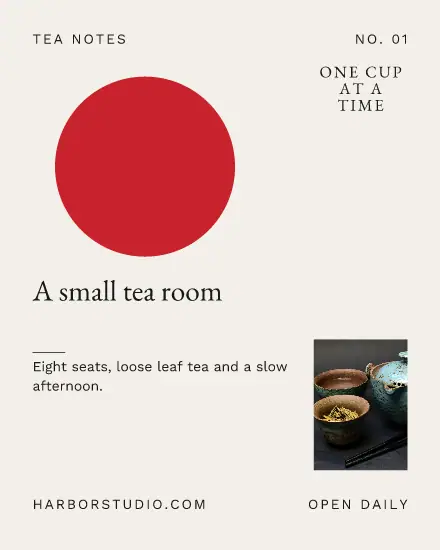
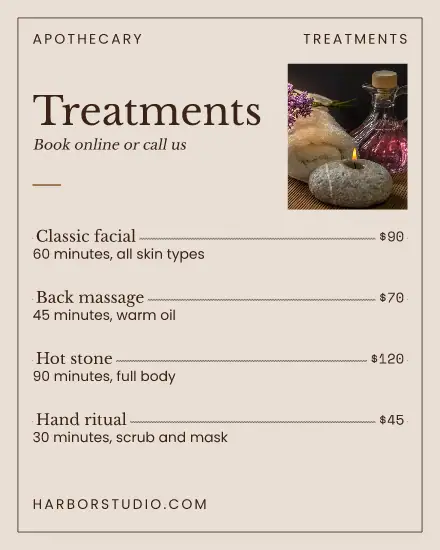
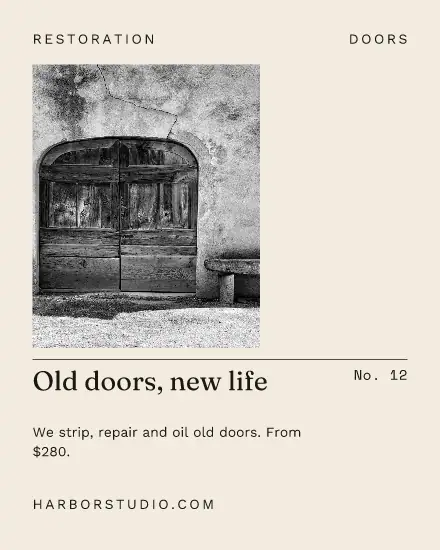
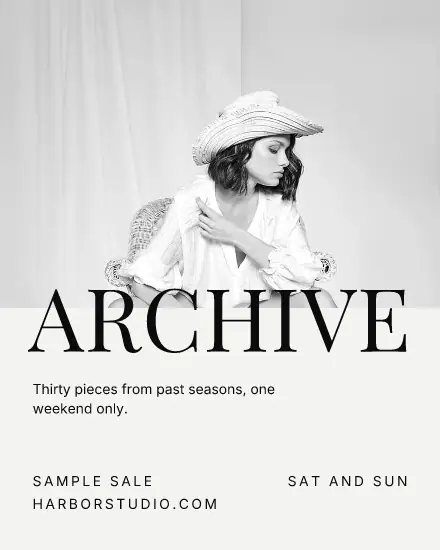
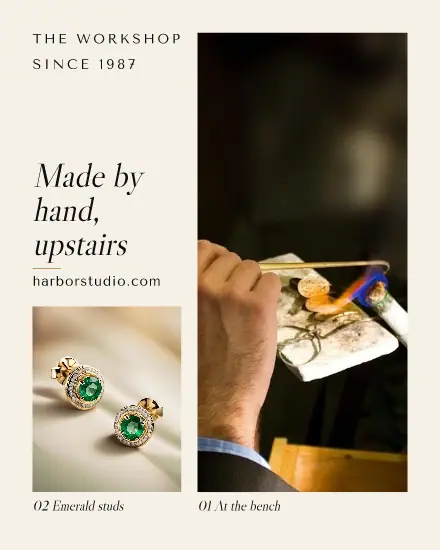
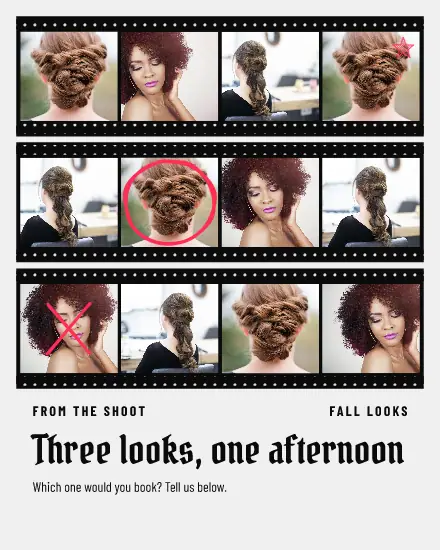
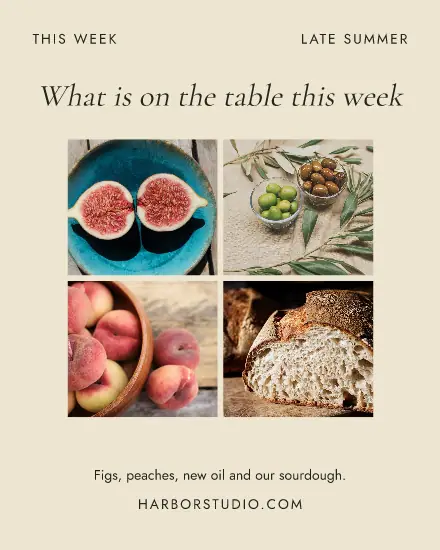
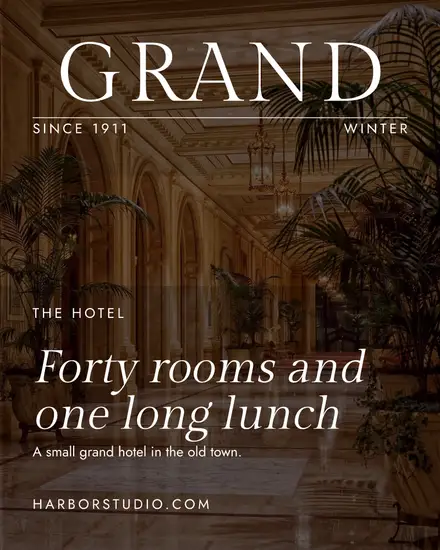
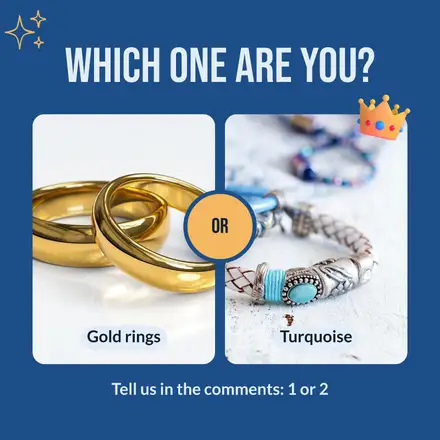
Facebook shows a square or 4:5 picture in full on a phone. A wide picture gets less of the screen. These templates are square or 4:5 for this reason. Facebook has no size of its own to worry about, so the same design often works for Instagram as well: post it to both from one place.
Reviews are your best post
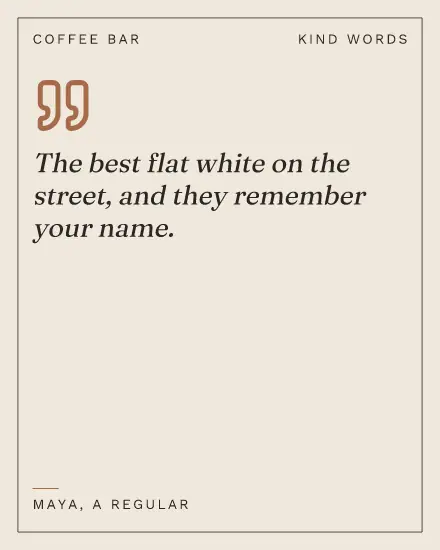
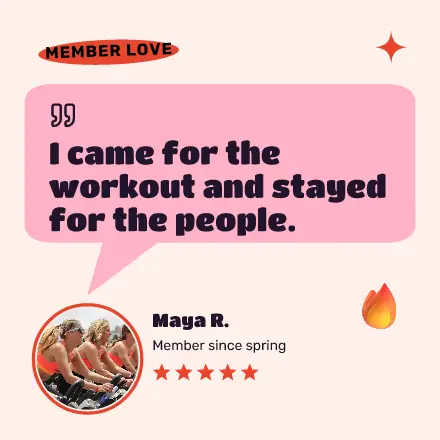
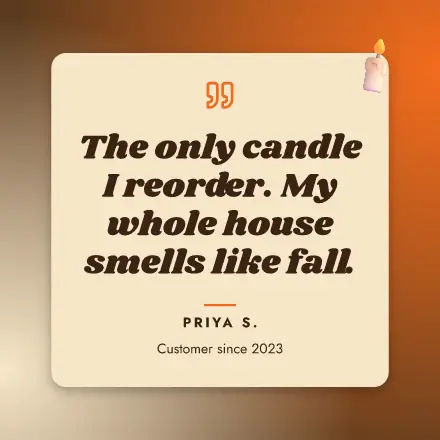
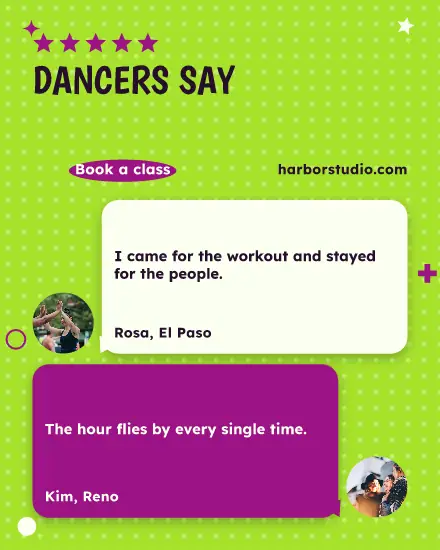
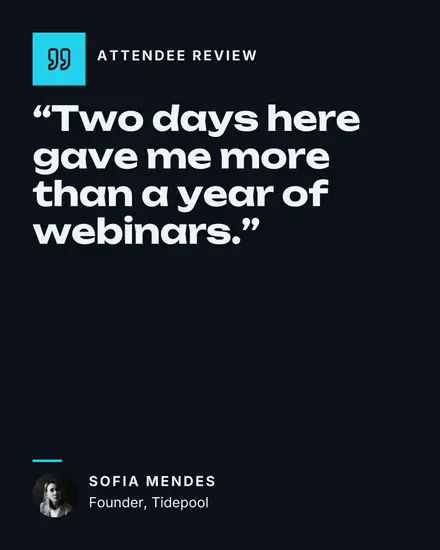
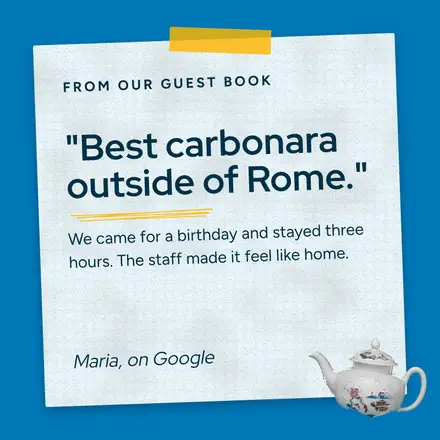
A happy customer in their own words beats anything you can write. Copy a line from a review, put it in a review template with the person's first name, and ask them first. It takes two minutes and answers the question every new customer has.
FAQ
What size should a Facebook post be?
1080 x 1080 pixels for a square, or 1080 x 1350 for 4:5. Both show in full on a phone.
Can Postfjord post to my Facebook Page?
Yes. Connect your Page under Channels, then press Share, then New post with this design, and pick a time.
Can I use the same picture on Instagram?
Yes. Tick both accounts in the post. You can write a different text for each while the picture stays the same.