Academy / Graphic design basics
Lesson 6 of 6 · 5 min
Pictures that earn their place
Quick recallYour design feels crowded. What should you try first?Think of your answer, then open.
Remove something or make it smaller. Take away before you add. Space lets the eye rest.
A picture shows the real thing or sets the mood. If it does neither, leave it out. Good type with no photo beats a random photo.
Choose well
- Real beats generic. Your plate, your bike, your studio.
- One subject, a calm background. A busy photo fights your words.
- Big enough. If it looks soft in the editor, pick another.
Crop with purpose
Put the subject a third of the way across, not in the dead center. With more than one photo, give them all the same filter at the same strength, so they look like a set.
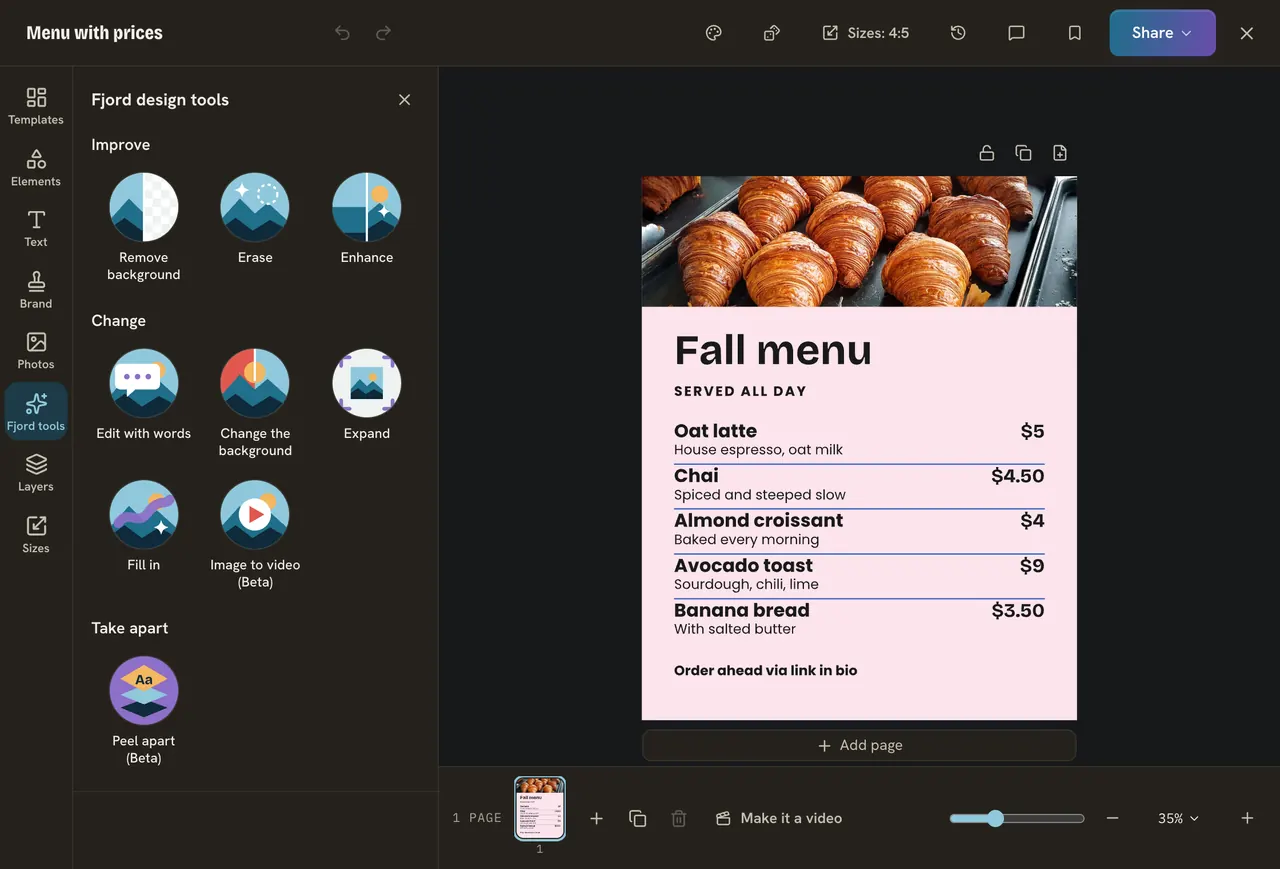
Do it
- Open Photos on the left and add one, or press Upload for your own.
- Double click it to crop. Move the subject a third of the way in, then press Done.
- Press Photo in the bar, then Filters, and pick a look at a low Strength.
- Last step: ask the question from lesson one. Does the design do its one job? Then you are done.
Quick check · 3 questions
Check what stuck
What does a good picture do for a design?
Show the answer
Shows the real thing or sets the mood. A picture that does neither should be left out.
You add three photos to one design. How do you make them feel like a set?
Show the answer
Give them the same filter at the same strength. The same treatment ties them together.
Where does a calm crop put the subject?
Show the answer
Along a line a third of the way in. A third of the way across feels calmer than the exact middle.
In this course
- 1What your design must sayEvery design has one job. How to name it before you open the editor, and how the Goal filter finds a template for it. · 4 min
- 2What people see firstHierarchy is a clear order of big, medium and small. Test it with a blur, then set it in Design. · 5 min
- 3Colors that work togetherContrast comes first, then few colors. Test your eye on eight pairs, then put your brand colors on a design in one click. · 5 min
- 4Fonts and how to pair themTwo fonts are enough. Judge six pairs with your own headline, then set yours in Design. · 5 min
- 5Space and alignmentEmpty space is part of the design, things that belong together stay close, and one clean edge makes a post look planned. · 5 min
- 6Pictures that earn their placeChoose a photo that supports the job, crop it so the right part shows, and give several photos one look. · 5 min