Academy / Presentations people follow
Lesson 1 of 5 · 3 min
Pick a deck
A blank page is the hardest place to start. A deck gives you the pages, the layout and the charts. You only change what is in them.
Open a deck
- Open Templates under Create.
- In the row of kinds, press Presentations.
- Each card is a whole deck in 16:9, from two pages for one chart to ten for a full pitch. Press one to see all its pages.
- Pick the one whose story is closest to yours: selling, reporting numbers, or asking for a decision. Look at the page order, not only the colors.
- Press Use template.
You can also type a word like "pitch" or "sales" into Search templates.
Change the words
Words in [brackets] tell you what to write, like [Your company] or [Number]. Click a text and type over it. Save lists any brackets you missed.
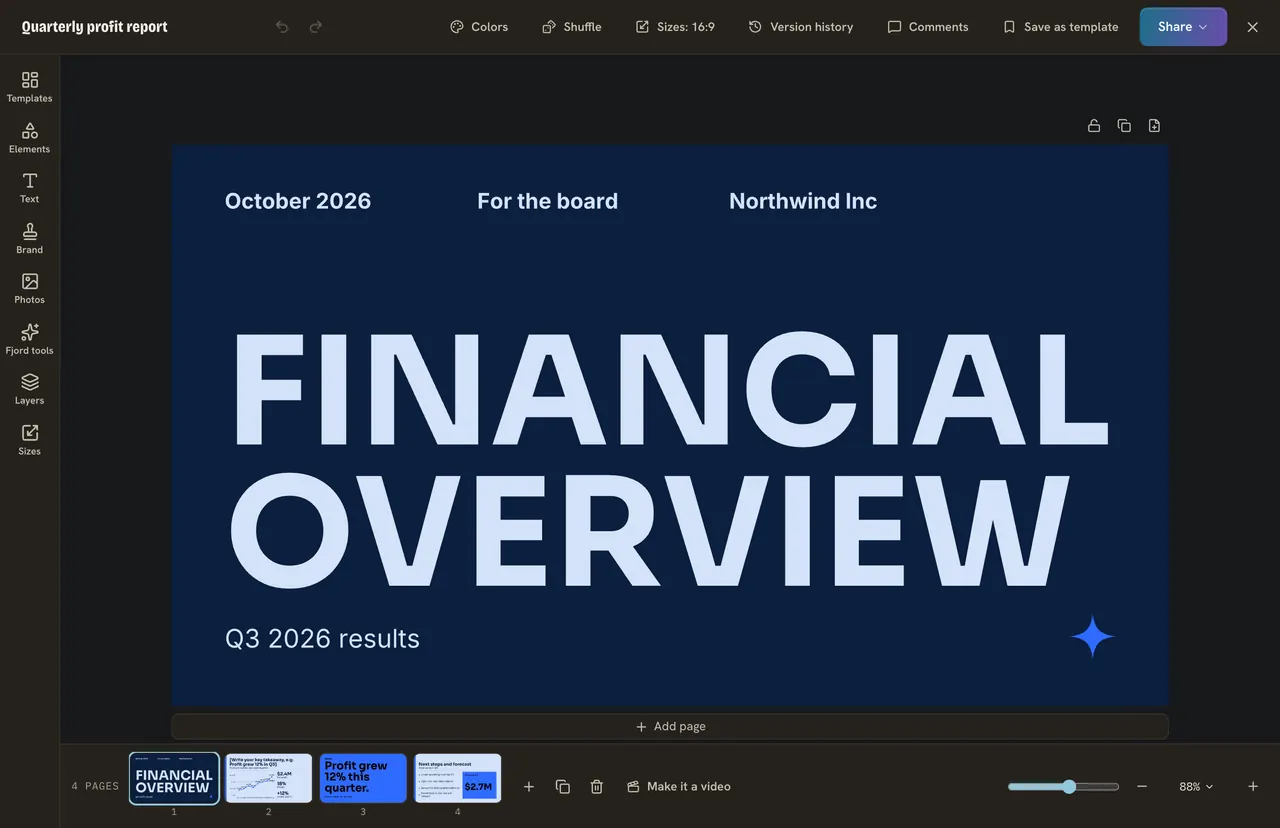
A deck holds up to 10 pages, and five or six is plenty for most talks. To remove a page, pick it at the bottom and delete it. To add one, use Add page under the page, or Templates on the left and Add as new page.
Do it
- For Petal and Stem, pick a sales or pitch deck of about five pages.
- Change the title page to your business.
- Fix every [bracket] on the first two pages.
Quick check · 3 questions
Check what stuck
What do the words in [brackets] on a deck mean?
Show the answer
They tell you what to write there. Change them to your own words. Save lists any you missed.
You need to show how your sales grew. Which deck do you pick?
Show the answer
One whose pages have a chart and a story like yours. Look at the page order and the charts first. Colors you can change in a click.
How many pages can a deck hold?
Show the answer
Up to 10. A deck holds up to 10 pages. Most talks need five or six.
In this course
- 1Pick a deckStart from a ready deck instead of a blank page, and swap in your own words. · 3 min
- 2One idea per pageWhy a page with one idea beats a list, and how to cut your words until the page can be read across a room. · 4 min
- 3Charts and tables with your numbersType or paste your own numbers into a chart, and put a small table on a page. · 5 min
- 4Your brand in one clickPut your colors and fonts on every page, charts and tables too, and try other looks with Shuffle. · 3 min
- 5Click order and PresentMake each point come up when you reach it, set the order, and show the deck full screen. · 4 min