Lesson 6 of 6 · 4 min
Check the result before you post
Quick recallWhy is Image to video the one to plan?Think of your answer, then open.
It uses more of your AI budget than the other tools. One video uses much more of your AI budget than the other tools. Fix the photo first so the first try is good.
Check your Corner Bean post the way you would check a post from a new helper.
The checklist
Go through it every time, even when the result looks fine.
- Facts. Every price, date, time and name is yours. The AI does not know them.
- Words in the picture. AI can write letters wrong inside a photo. Zoom in and read them.
- People. Faces, hands, fingers. If something looks odd to you, it looks odd to everyone.
- Edges. After Remove background or Erase, are they rough or blurry?
- Language. After a translation, have someone who reads the language check it.
- Rights. Do not change or animate a photo of a real person without their yes.
Fix what you find with hand tools. If a result is worse than before, press Undo.
What it cost
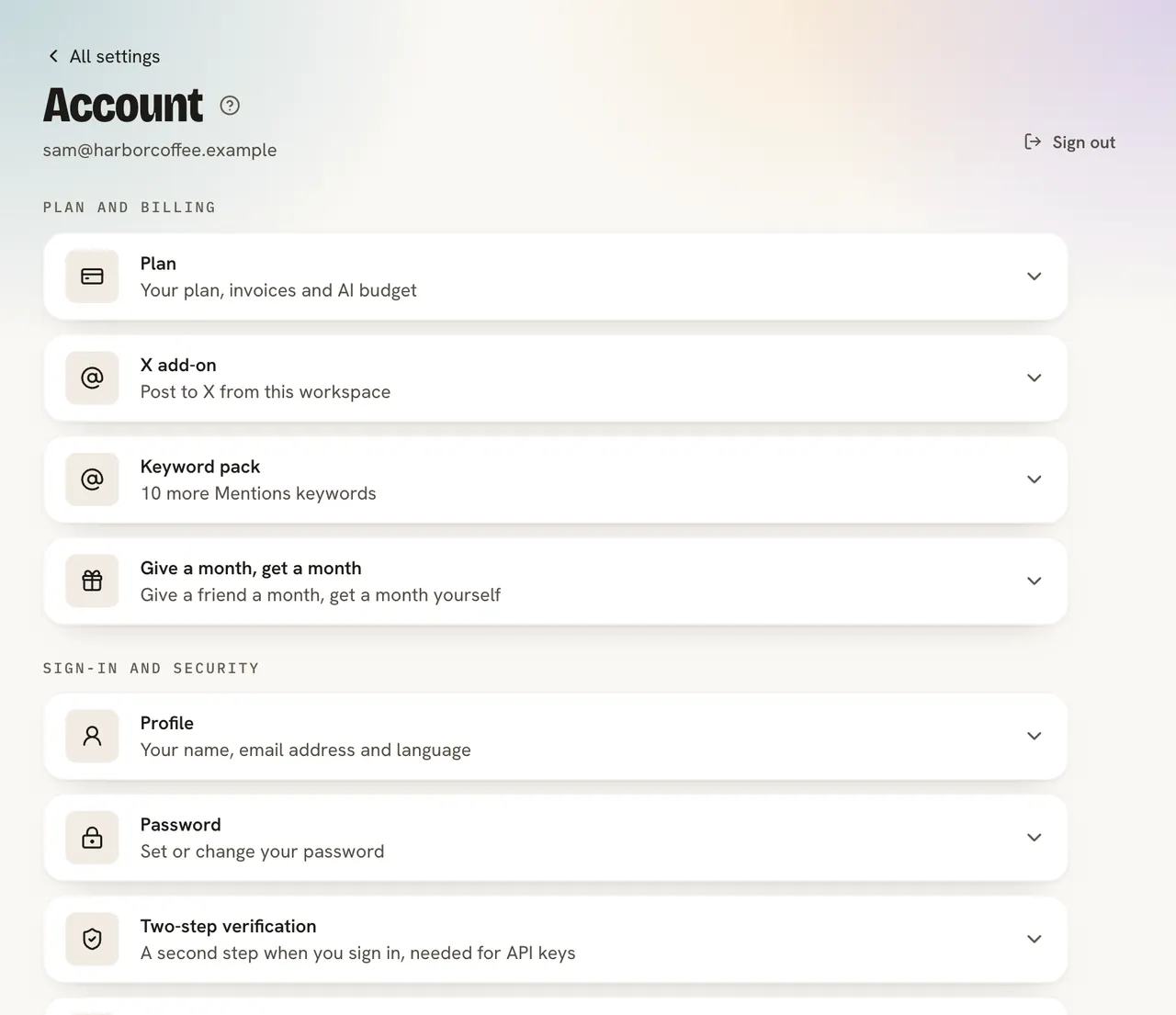
Postfjord sets aside a few cents while an AI call runs and counts the real price when it is done. The editor help page lists what each tool costs. If the budget runs out for the month, the editor says so and nothing changes. A workspace can also use the photo tools up to 500 times a day in total.
Want no AI in a post? Nothing runs until you press a tool, so skip the Fjord tools row and the Rewrite button.
Use AI for the slow, boring jobs, like a cut-out or a translation. Do the quick and personal ones yourself: your price, your offer, your voice.
Do it
- Read your Corner Bean post out loud.
- Check the price and the day.
- Schedule it, or download it.
Quick check · 3 questions
Check what stuck
Which part of an AI result do you always check?
Show the answer
Facts like prices, dates and names. The AI does not know your offer. Facts are yours to check, every time.
A result looks worse than your original. What do you do?
Show the answer
Press Undo, then try a clearer request or use a hand tool. Undo brings the old version back, so trying again costs only the run.
When does an AI tool in Design use your budget?
Show the answer
Only when you press the tool and run it. Nothing runs until you press a tool, so you can do a whole design by hand.
In this course
- 1Meet the Fjord design toolsWhere the AI tools live in Design, what each is for, and what they cost. · 4 min
- 2Change the words with RewriteRewrite one text, a whole carousel or pick a template from a goal, and when to type the words yourself. · 5 min
- 3Clean up your photoRemove a background, erase something, change a photo with a sentence, and the jobs hand tools do better. · 6 min
- 4Edit a flat picture and translate a designTurn a picture with words on it into text you can change, and copy a design into another language. · 5 min
- 5Make a photo move, and let Bo fill your pagesTurn a photo into a five second video, add motion with Animate for me, and fill a design with words Bo wrote. · 5 min
- 6Check the result before you postA short checklist for any AI result, what each run costs, and what to do when it goes wrong. · 4 min