Lesson 5 of 6 · 5 min
Make a photo move, and let Bo fill your pages
Quick recallWhat does Peel apart do?Think of your answer, then open.
Turns the words in a flat picture into text you can edit, and lifts the things onto layers. It works best on flat designs, like a post or a poster. It is in beta, so check the words.
Image to video
A photo that moves can catch the eye in a feed. Image to video makes a 5 second clip from your photo. It is in beta.
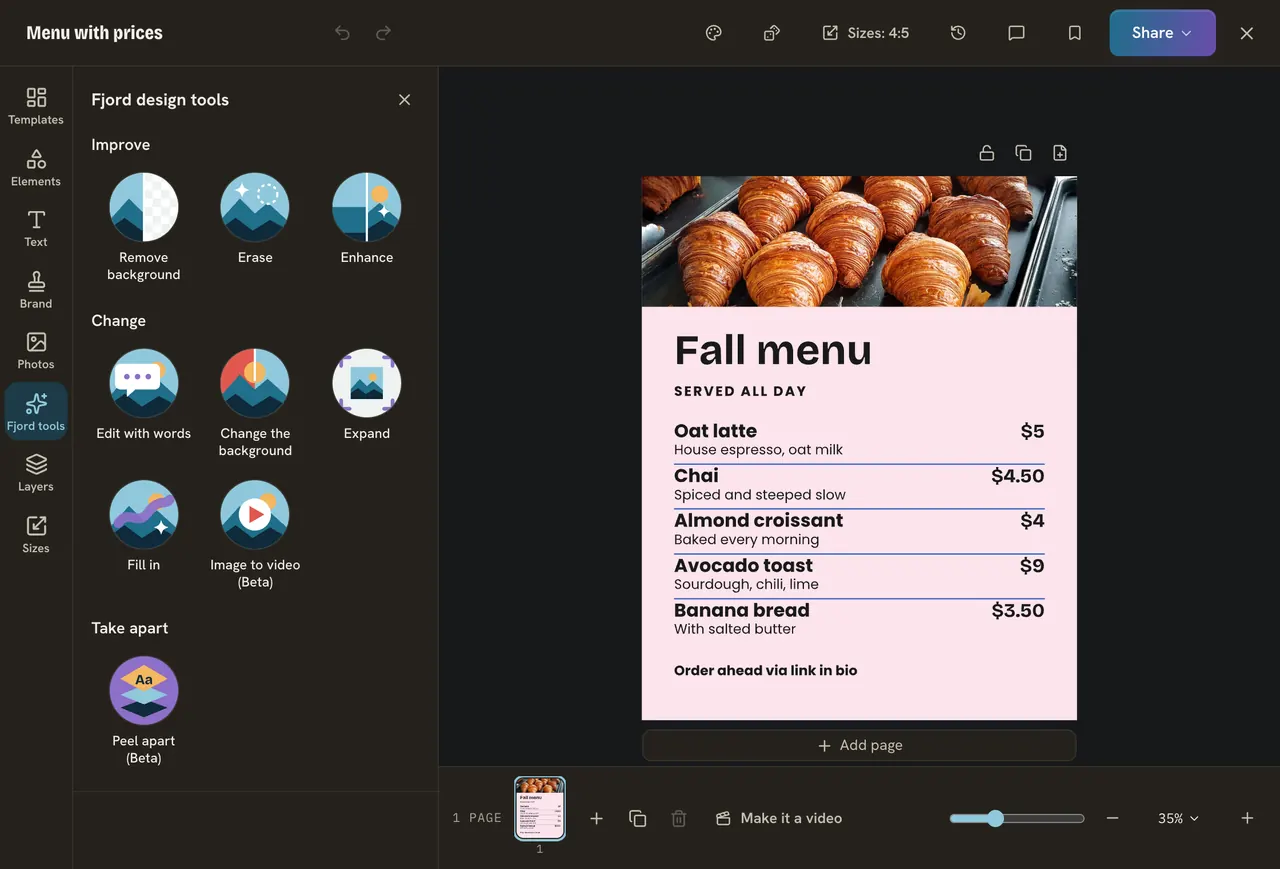
- Pick the photo, press Fjord tools, then Image to video.
- Pick Smart and AI chooses a gentle motion, or pick Custom and describe it, for example "steam rising slowly from the cup".
- Press Make a 5 second video. It takes 1 to 3 minutes.
- When the video plays where the photo was, press Done to keep it, Try again to change your words, or Undo to get the photo back.
The video has no sound, and a page has one video. It uses much more of your AI budget than the other tools, so plan it and make the photo good with hand tools first. Do not make a video from a photo of a real person unless they said yes.
Animate for me
If your design is a video, Animate for me picks an animation for every layer on every page. Find it in the clip's More, or at the top of Animate. Watch the page play once, and one undo takes it all back. It counts on your AI budget. By hand, pick one thing to move, like the headline. One moving thing often looks better than everything moving.
Let Bo fill your pages
Say you asked Bo in a chat for the words of a three page carousel about Corner Bean.
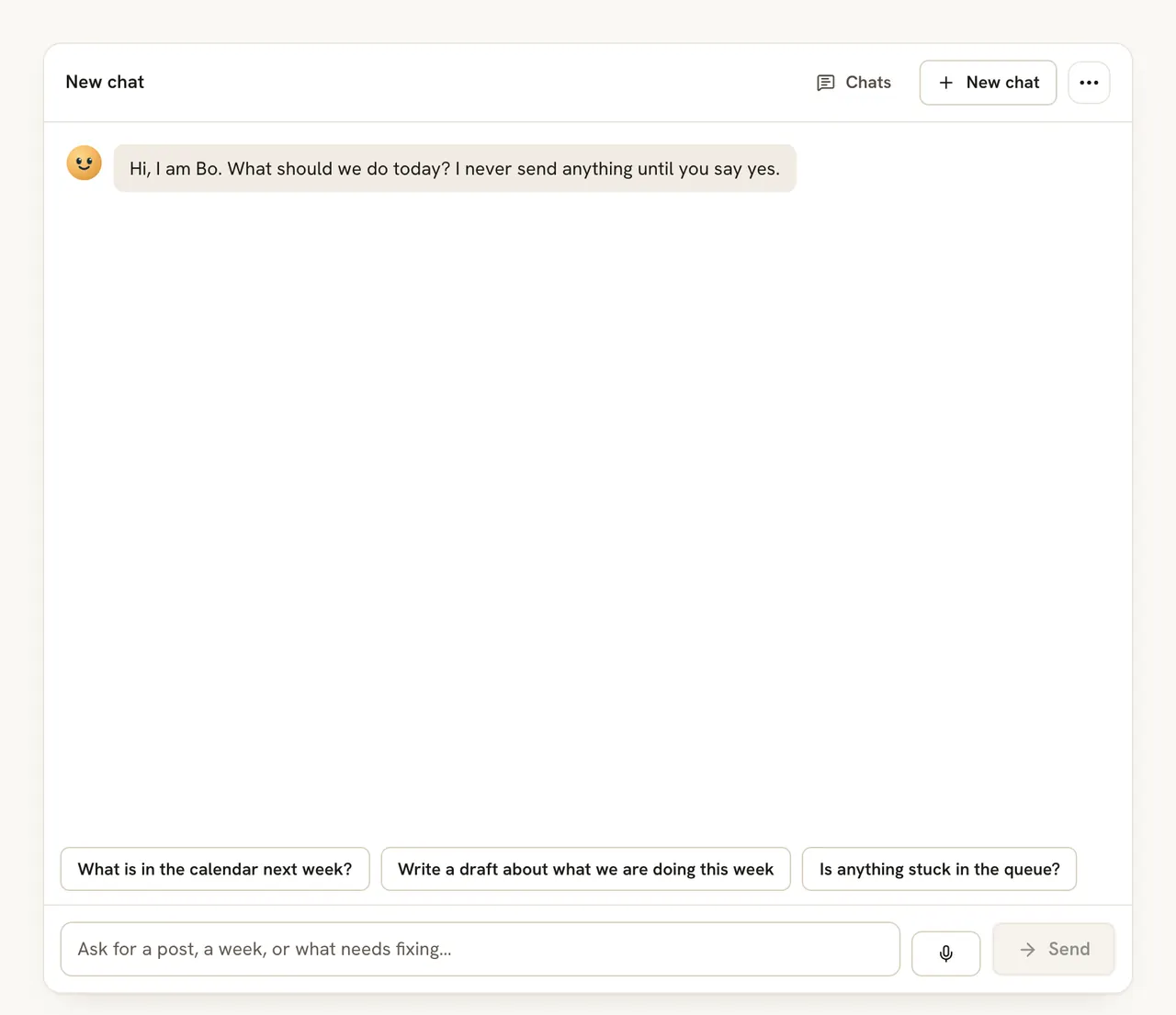
- On a computer, press Text on the left, then From Bo. On a phone, press Add, then From Bo.
- Press Fill the pages.
Bo's latest text goes into the pages you have, in your design's look, and the number of pages stays. Undo in the panel brings your old words back. Locked texts, pictures, charts and tables stay. On a one page design, press Add to page under each text instead.
Bo does not know that you ran out of oat milk. Check the facts.
Do it
- Pick one: make a 5 second video of your Corner Bean photo, or ask Bo for three short pages.
- For the pages, press Fill the pages.
- Check every fact.
Quick check · 3 questions
Check what stuck
Why is Image to video the one to plan?
Show the answer
It uses more of your AI budget than the other tools. One video uses much more of your AI budget than the other tools. Fix the photo first so the first try is good.
What happens to the pages when you press Fill the pages?
Show the answer
Bo's words go into the pages you have, and the number of pages stays. The words go into your design's look, and Undo in the panel puts your old words back.
Your video came out wrong. What do you press?
Show the answer
Try again, to change your words, or Undo to get the photo back. Done keeps the video, Try again goes back to your words and Undo brings the photo back.
In this course
- 1Meet the Fjord design toolsWhere the AI tools live in Design, what each is for, and what they cost. · 4 min
- 2Change the words with RewriteRewrite one text, a whole carousel or pick a template from a goal, and when to type the words yourself. · 5 min
- 3Clean up your photoRemove a background, erase something, change a photo with a sentence, and the jobs hand tools do better. · 6 min
- 4Edit a flat picture and translate a designTurn a picture with words on it into text you can change, and copy a design into another language. · 5 min
- 5Make a photo move, and let Bo fill your pagesTurn a photo into a five second video, add motion with Animate for me, and fill a design with words Bo wrote. · 5 min
- 6Check the result before you postA short checklist for any AI result, what each run costs, and what to do when it goes wrong. · 4 min