Lesson 3 of 7 · 3 min
Add your photos
Quick recallYou type a long headline and the letters get smaller. Why?Think of your answer, then open.
Text in a template shrinks to fit its box. Write more and it shrinks. Pick a size yourself and it stops.
A real photo of your own product beats any stock photo. Without one, Design has free photos at no cost.
Photos
Press Photos on the left. Upload sends photos to Media and onto the page. You also get a search box, buttons like Food and drink, and Choose photos for Media and your connected storage.
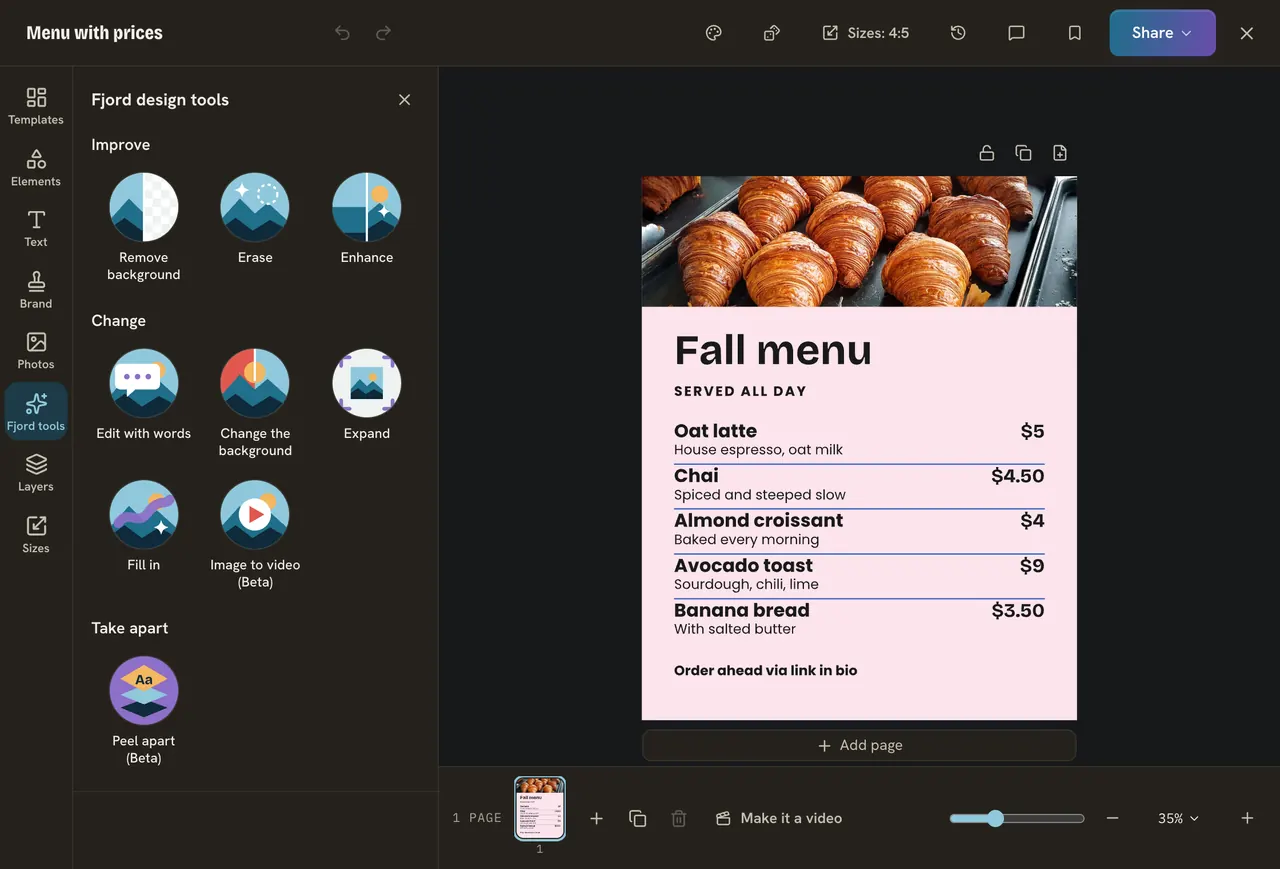
- Swap: drag a photo onto the template's photo. The size and shape stay. A locked photo is never swapped.
- Background: drag it to the edge, or press Fill page. Free makes it a frame again.
- Crop: double click the photo, or press Crop. Drag it inside the frame and use Zoom.
Do it
- Press Photos, then Upload. No photo? Search "coffee" and click one.
- Drag it onto the template's photo. No photo there? Click yours to add it, then press Fill page.
- Double click it and move it so the roll or the cup sits where you want.
- Press Done.
Quick check · 3 questions
Check what stuck
You want a new picture in the photo frame of a template. What is the quickest way?
Show the answer
Drag your photo onto the template's photo. Dropping a photo on another photo swaps the picture and keeps the frame.
What does Fill page do?
Show the answer
Puts the photo behind everything, over the whole page. The photo becomes the page background.
You uploaded a photo in Design. Where does it also go?
Show the answer
To Media. Uploaded photos are kept in Media, so you can use them again.
In this course
- 1Open Design and find a templateWhere Design is, and how to find a template with the search and Filter. · 3 min
- 2Change a template into yoursEdit the words, change the colors, put your brand on it, and undo anything you do not like. · 3 min
- 3Add your photosUpload your own photo or find a free one, swap one in a template, and use a photo as the background. · 3 min
- 4Elements, shapes and textAdd a shape, an icon or a sticker, add your own text box, and choose a font. · 3 min
- 5Layers and pagesSee, reorder, lock and line up the layers on your page, and add more pages for a carousel. · 3 min
- 6SizesWhy feed posts, stories and banners need different sizes, and how to save one design in several. · 3 min
- 7Save, download, post and schedulePress Share to save your design, download it, or turn it into a post and schedule it. · 3 min