Press the round Help button in the bottom right corner of any screen. A panel opens with three tabs at the bottom: Home, Help and Messages. On a phone it fills the screen.
Home
Home says hello and shows whether Postfjord is running as it should, the same line as postfjord.com/status. From there you can:
- Press Ask a question to write to Bo.
- Press Search for help to look through the help pages. The pages people read most are listed under it.
- Press Send us a message to write about something broken or an idea.
- Write an email to hello [at] postfjord.com. A link to book a call and a WhatsApp number show here once we have them.
Help
Type a word or two and the matching help pages show up. Press one to open it. If nothing fits, press Ask Bo and your words move to Messages.
Messages, Bo and Nicklas
Messages is one conversation between you and Postfjord. It stays there, so you can come back to it later.
- Pick what it is about: A question, Something is broken or An idea.
- Write your message and press Send, or press Enter. Shift and Enter makes a new line.
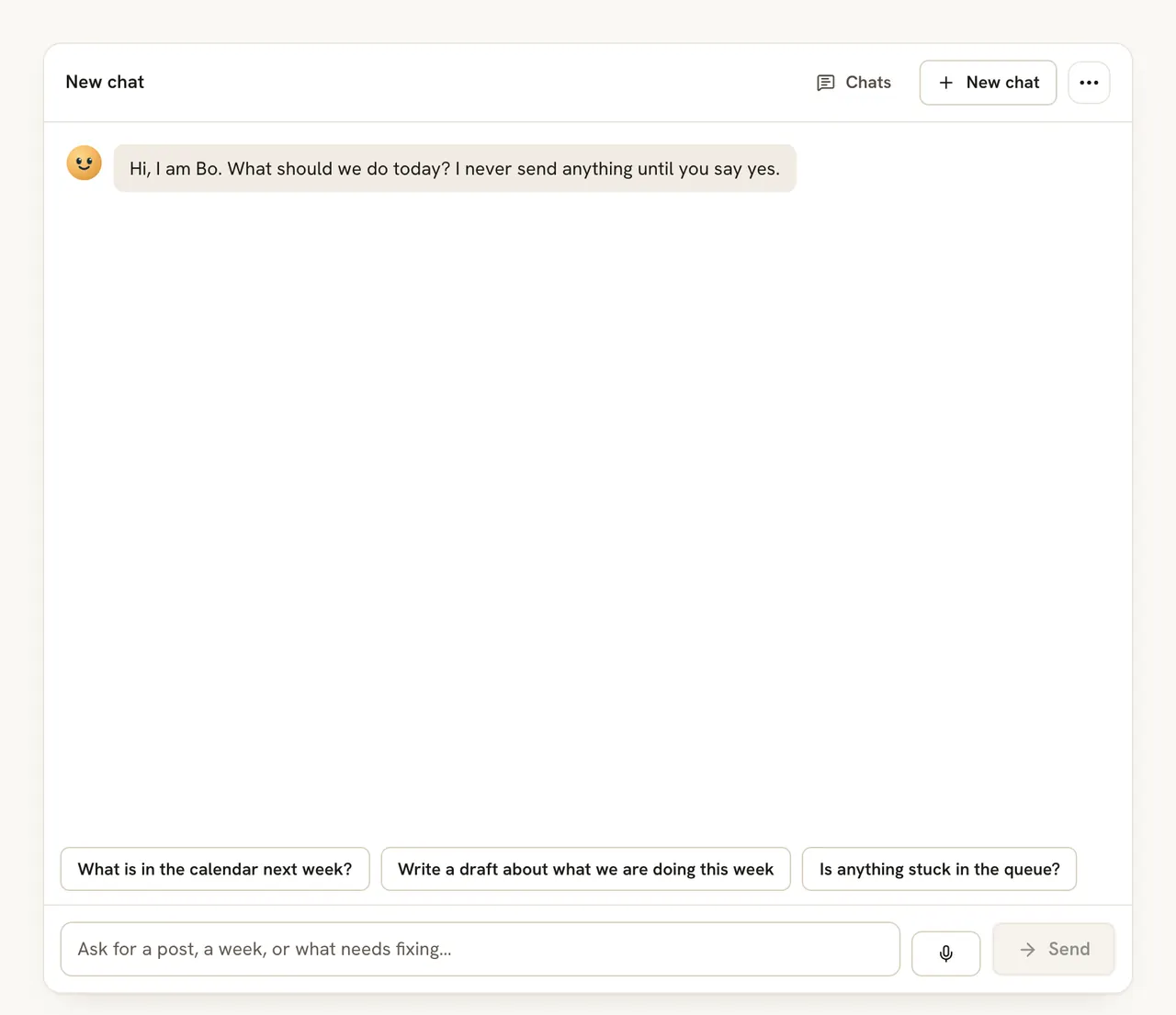
- Bo answers a question within a few seconds, from the help pages and the screen you are on. A button under the answer can take you to the right screen.
- When Bo does not know, or you press Talk to Nicklas, Bo passes the conversation to Nicklas, who built Postfjord. He usually answers within a day.
- Something is broken goes straight to Nicklas. Bo does not try to answer it.
- While a conversation waits for Nicklas, your messages go to him. In a hurry? Press Ask Bo instead, and Bo answers your next message. Nicklas still has the conversation and answers too.
- When Nicklas answers, you see his reply in Messages, and a red number on the Help button tells you something new is there. You also get an email with his answer, at most one an hour, to the address you sign in with once it is confirmed.
What goes with each message: the screen you are on, the app version, your browser and system, and the workspace and its plan. Nothing else is sent: no posts, contacts or messages from your inbox. Anyone in a workspace can write, whatever their role, and so can a paused workspace.
Pictures, GIFs, emoji and voice
The buttons under the text box add more to a message.
- Pictures: up to 3 per message, PNG, JPEG or WebP. Postfjord makes them smaller before they are sent.
- Emoji: a small set to pick from.
- GIF: search GIPHY and pick one. It shows where GIFs are open to your plan.
- Voice: press the microphone, talk for up to two minutes, then press Stop. You can listen before you send. Bo reads what you said, and Nicklas can both read and listen. Postfjord pays for voice messages, so they never use your workspace's AI budget. Voice is off in a paused workspace.
Limits
You can send 30 messages and 10 voice messages a day. If it cannot wait, write to hello [at] postfjord.com.
Cost
Bo's answers are not taken from your AI budget. They are counted per workspace so we can see what they cost, and a workspace can ask up to 1,000 questions a month. After that Bo passes your questions to Nicklas, and every answer is still on the help pages.
FAQ
Can I write in Swedish?
Yes. Bo answers in the language you write in.
What if Bo does not know?
Bo says it has passed your message to Nicklas, and he answers in Messages, usually within a day.
Who can read my messages?
You, and the people at Postfjord who answer support. Nobody else in your workspace sees them.
Are my messages kept?
Each message is deleted a year after it was sent. Deleting your account deletes the whole conversation, with its pictures and voice messages, at once.