









































Plan it a week ahead
Everyone posts on Friday morning, so a single post gets lost. This order gives you more chances:
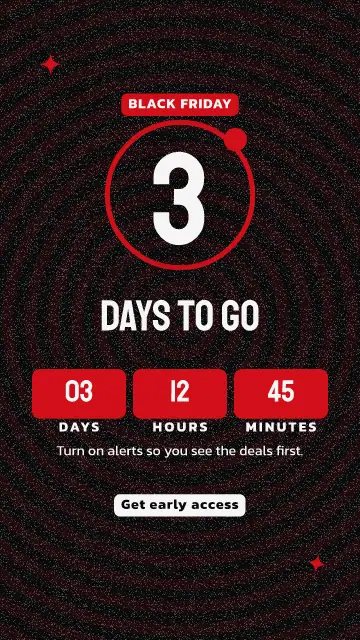
- The week before: a hint and a date. Ask people to turn on alerts.
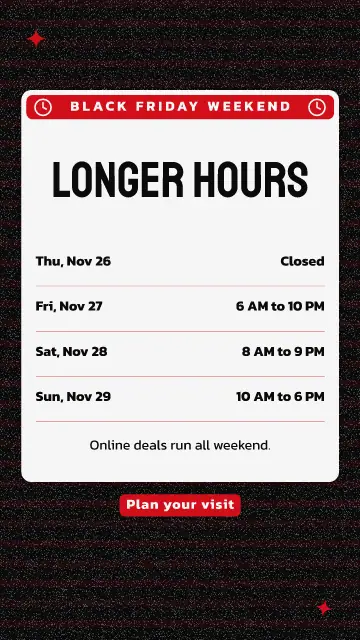
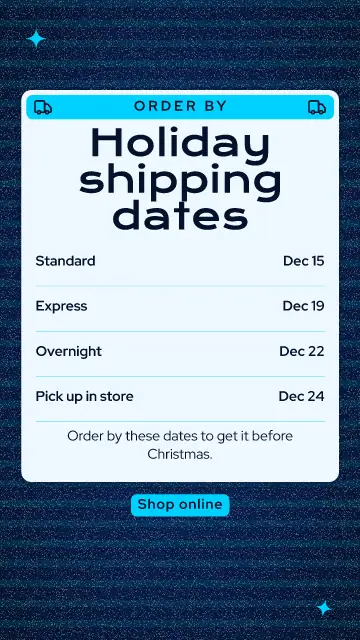
- Thursday: your longer hours or your shipping dates, which people need to know anyway.
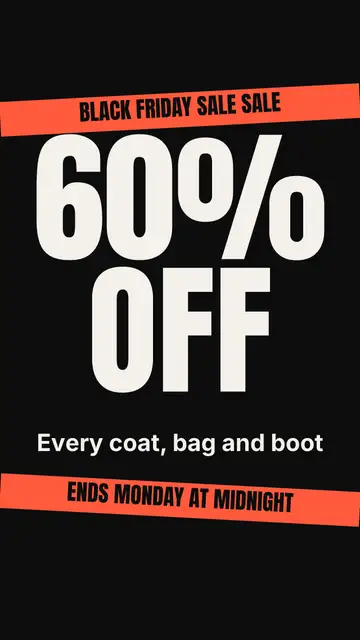
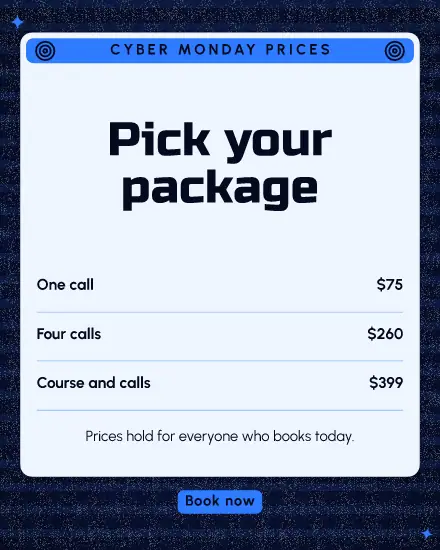
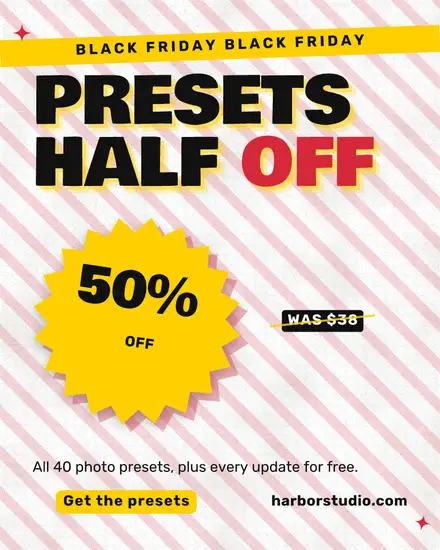
- Friday morning: the offer, in big words with a price.
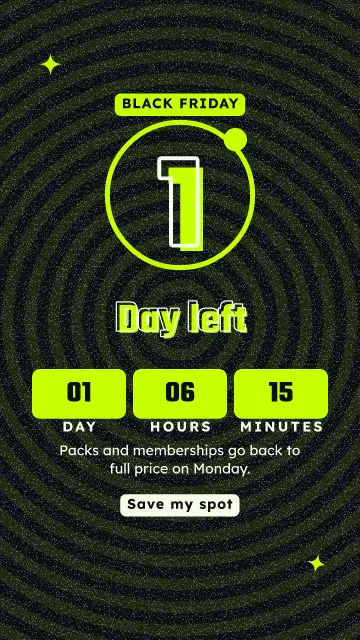
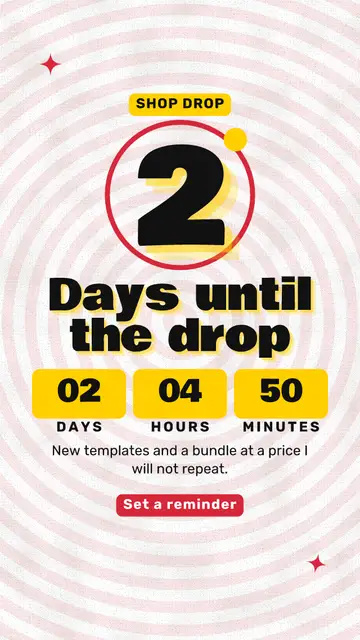
- Saturday and Sunday: a story with a countdown, and one customer favorite.
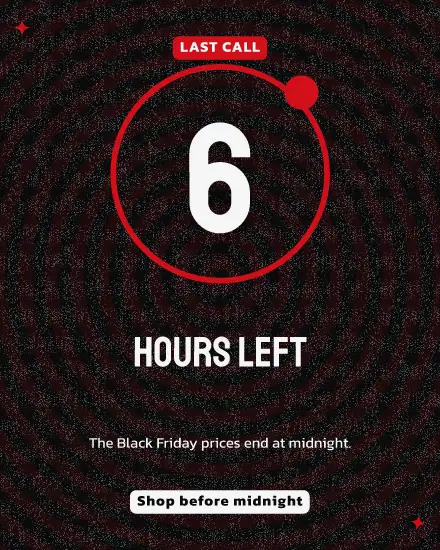
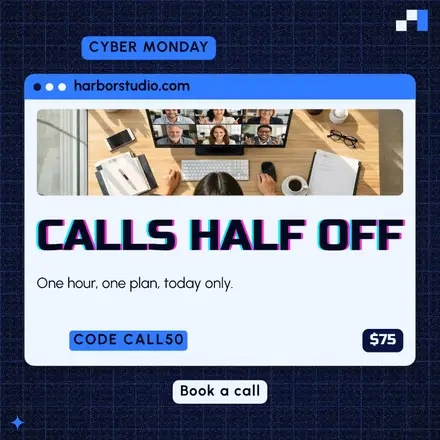
- Monday: Cyber Monday if you sell online, or a last call if you do not.
Make all of it on one afternoon and put it in the calendar. Then you are free to run the shop that weekend.
One clear offer
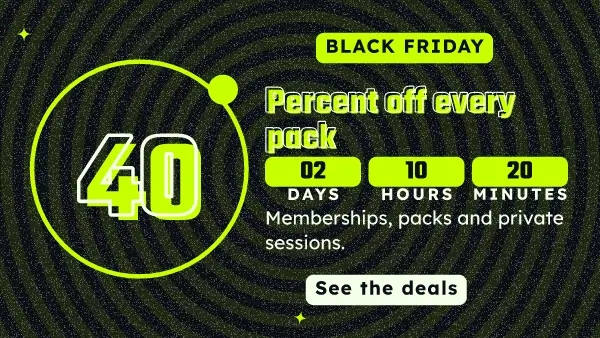
"40% off class packs until Monday" works. "Great deals across the store" asks people to go and find out. Put the old price next to the new one if you can, and make the end time real. A countdown means nothing if the sale is back next week.
If you cannot discount
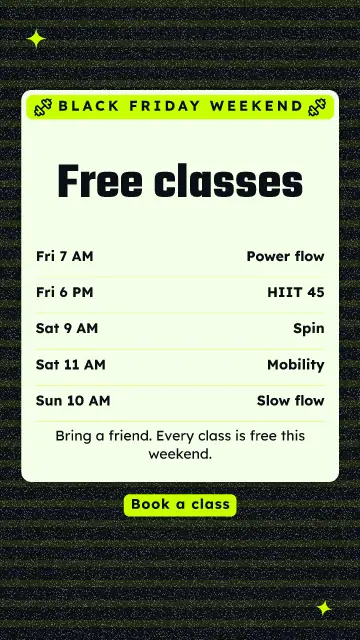
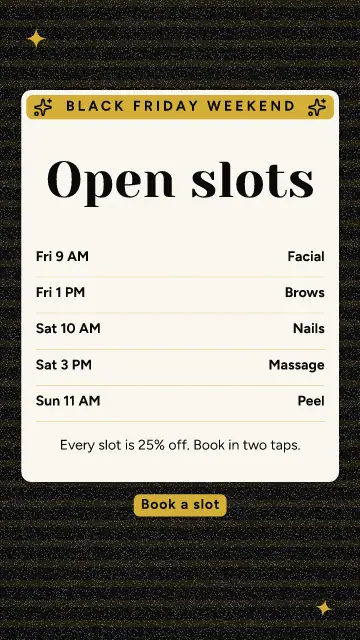
A small studio or a one-person shop often cannot give 40% away. Sell a gift card with a bonus: buy $100, get $20. Or add something instead: a free class, free shipping, a gift with the order. Several templates here are made for that, and you keep your prices where they are.
Say your hours
Hours and shipping dates are the posts people save and share. Make one early. They are not exciting, and they save you a lot of phone calls.
FAQ
When is Black Friday?
The Friday after US Thanksgiving, so November 27 in 2026. Cyber Monday is the Monday after, November 30.
Can I change the sale to my own dates?
Yes, every word on a template can change. Most of them work for any big sale when you swap the name.
Can I set all of it up at once?
Yes. Press Share, then New post with this design, for each one, and pick its time in the calendar. They all wait under Posts until they go.