Keep the menu to what people read
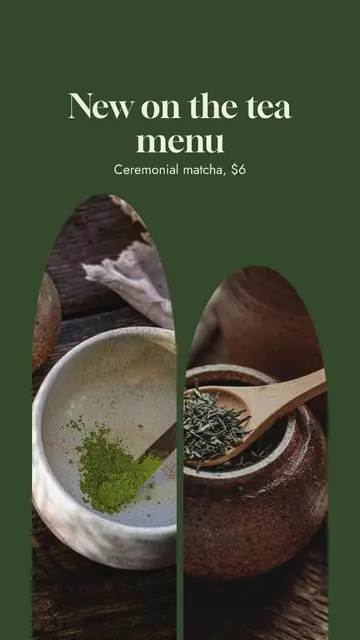
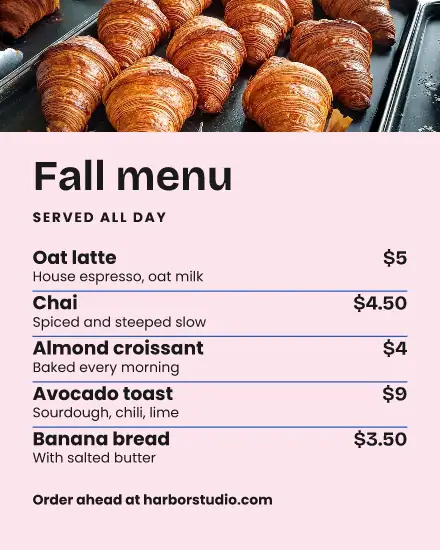
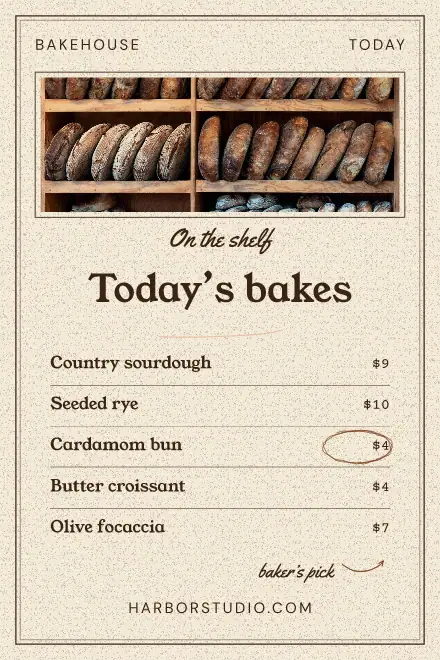
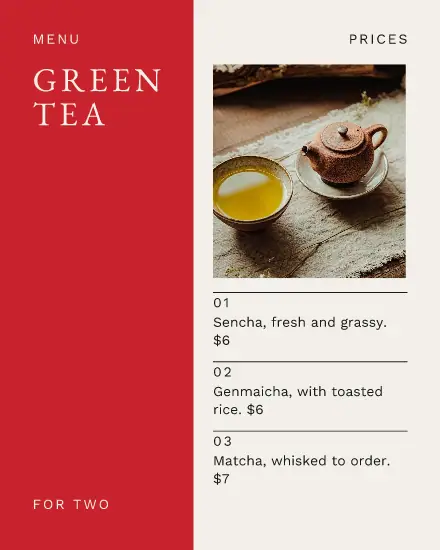
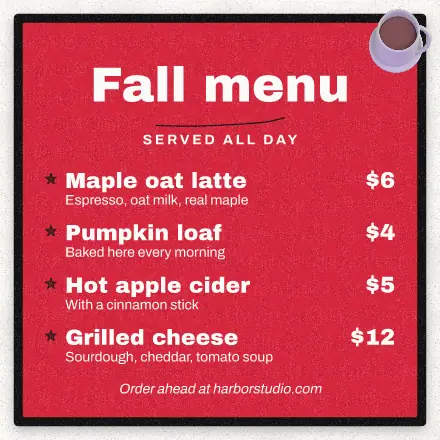
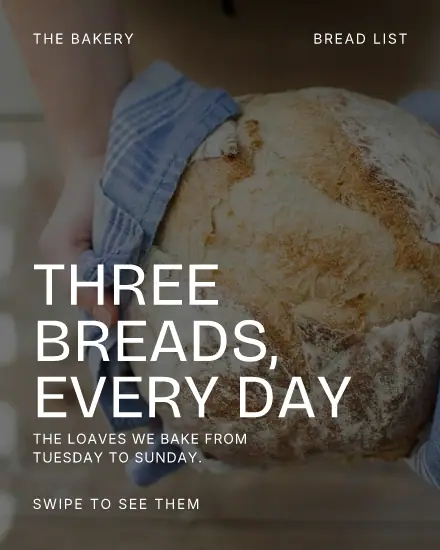
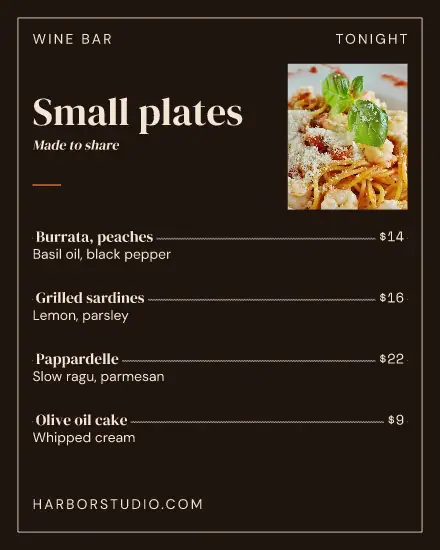
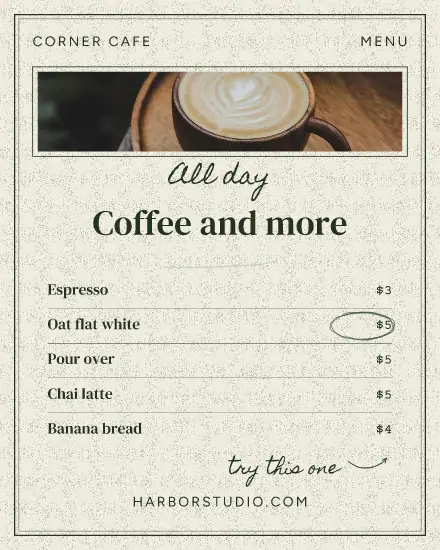
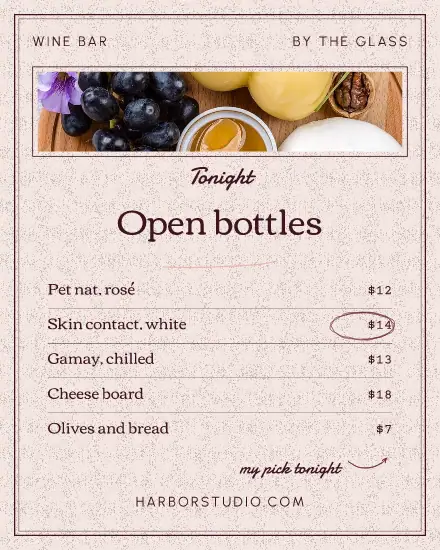
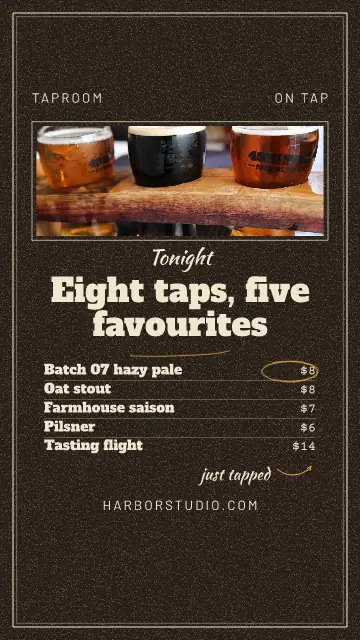
Five or six items read well on a phone. Past that, the words get too small and people stop at the third line. Post your whole menu as a carousel instead, one page per part of the day, or post what changed: this week's soup, the fall drinks.
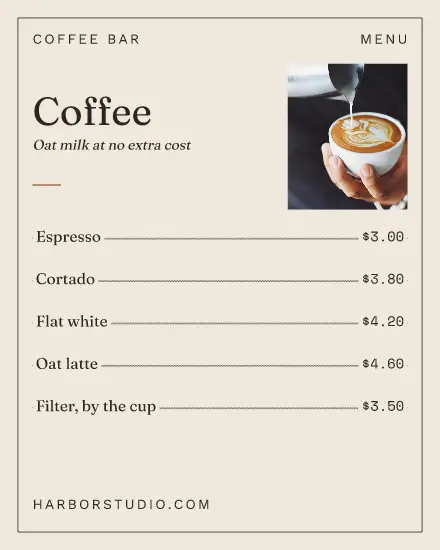
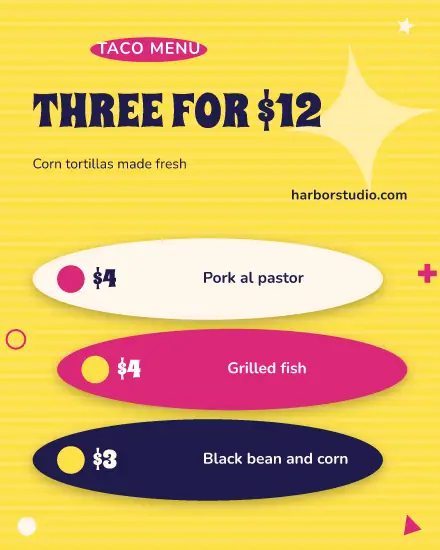
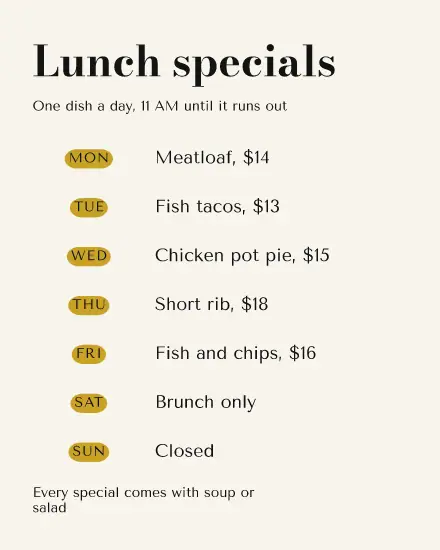
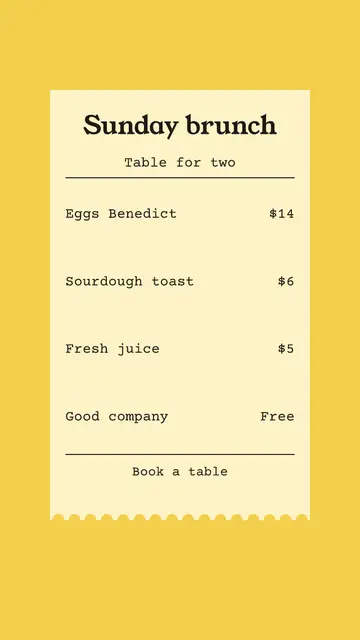
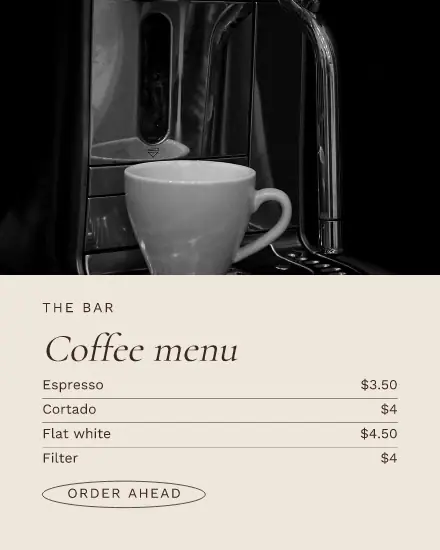
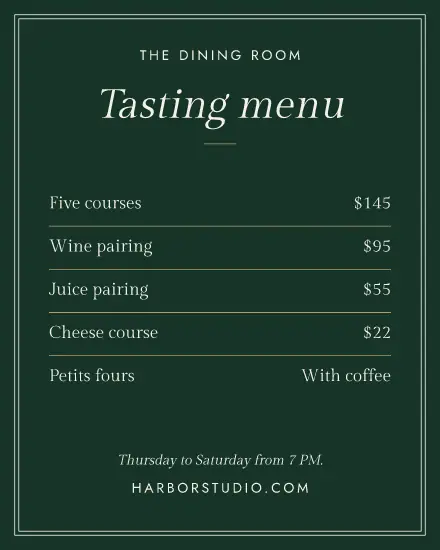
Put the price right after the name and leave out the currency signs on a long list if you like. Dotted lines help the eye across, which is why several of these have them.
Prices change, so make that easy
Oat milk goes up, the soup changes. Keep your menu as a saved design, open it, change the number and save it again. It goes out in every size you ticked, and it stays in Media for next time. Nobody has to redo the layout for a price.
Use the right photo
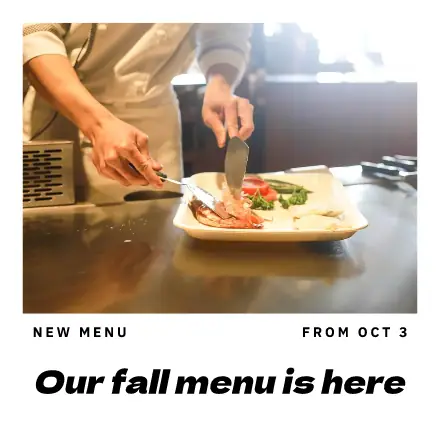
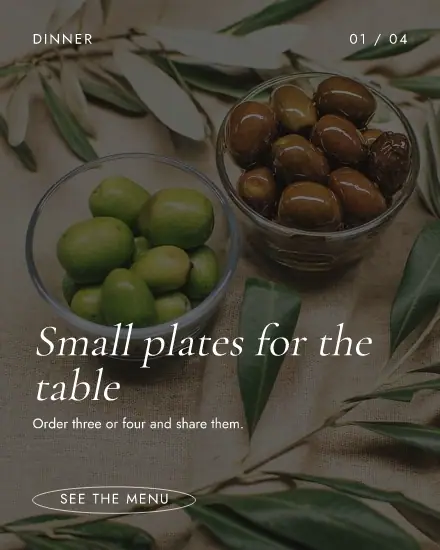
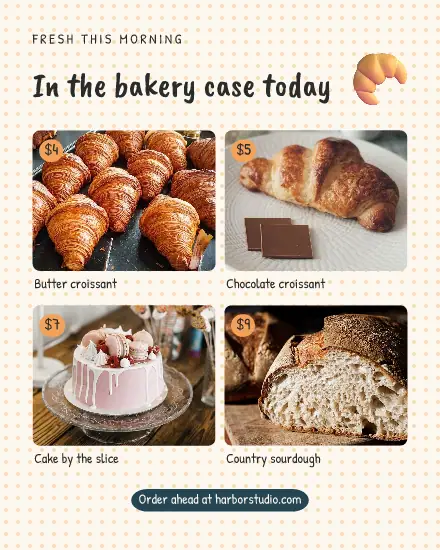
One real photo of your own counter does more than five stock pictures. Press the photo in the template and pick yours. Shoot near a window, from above or straight on. If the light was poor, Adjust can lift it.
Post it where people look
A menu in the feed gets saved. A menu in a story reaches people while they choose lunch, so post one in the morning. Tick both sizes under Sizes and put them in the calendar for different times. Add it to your link in bio page too, so the address stays the same when the menu changes.
FAQ
Can I print the menu?
Yes. Press Download and pick PDF, the best file type for printing. On a paid plan you can make it up to three times the design's size. Print one and check it on paper first.
Can I show the menu in a QR code?
Yes. Press Elements, then QR code, and paste the link to your menu.
What if I have several menus?
Make one design per menu, like breakfast and lunch. Press Duplicate on the first, and they keep the same look.