One moment, frame by frame
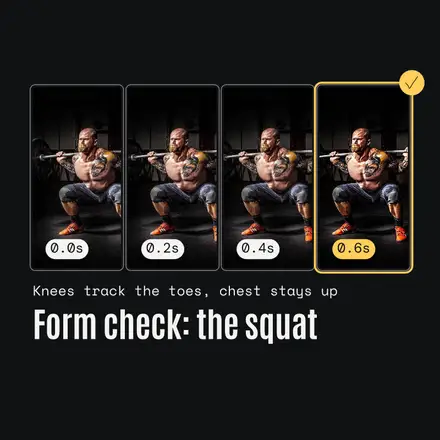
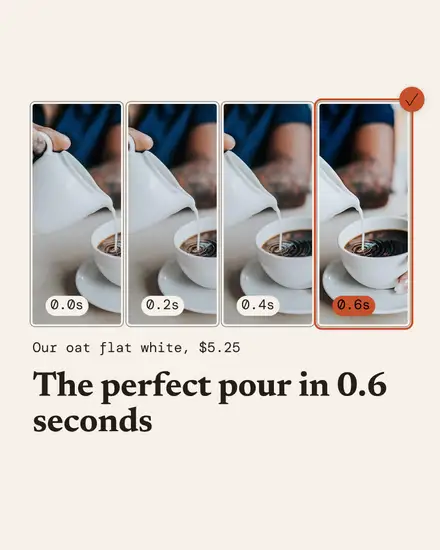
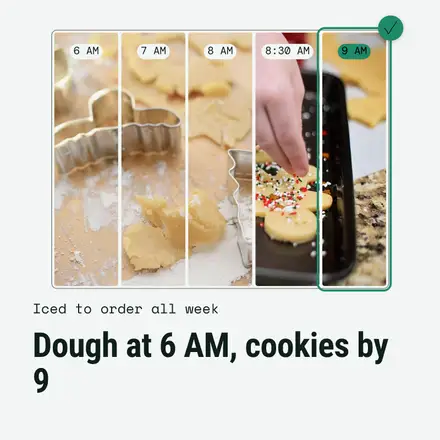
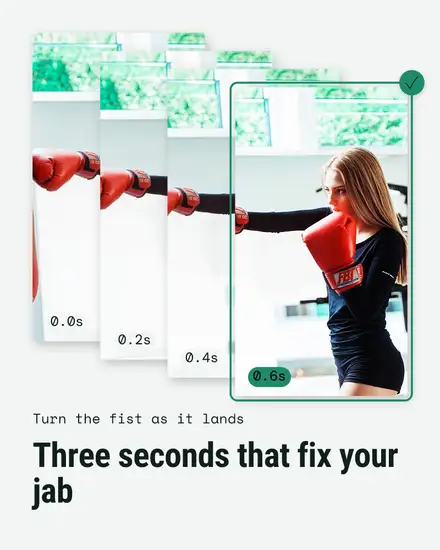
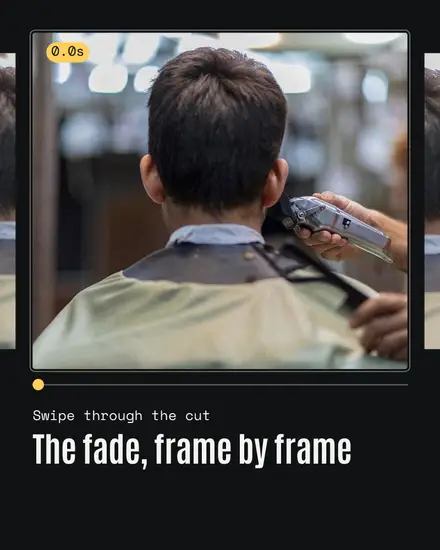
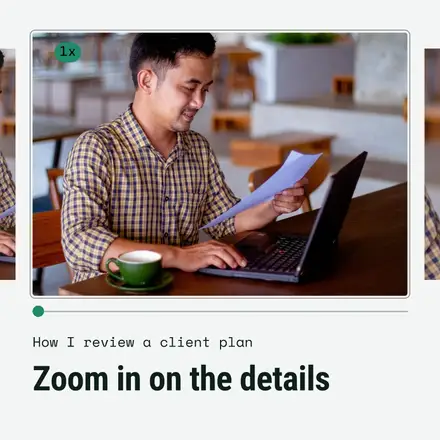
You have these photos already. Ten shots of the latte pour, the last pass of the fade, the bottom of the squat, the first dance. Most of them never get posted because they look alike. Burst Mode uses that: it shows the moment as a short run of frames, the way a camera shoots a burst, with timestamps under each, the early frames a little flat and the last one crisp and marked as the pick.
Each template opens with one sample photo in every frame, each a different crop. You can do the same with one photo of yours, or use the real burst from your phone, one shot per frame.
The looks in it
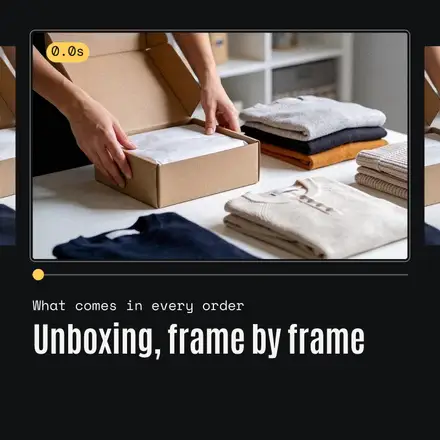
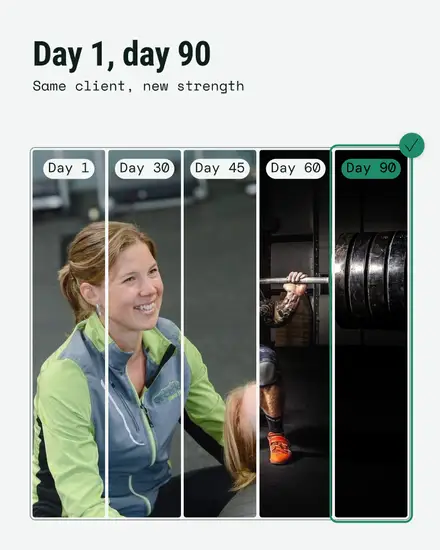
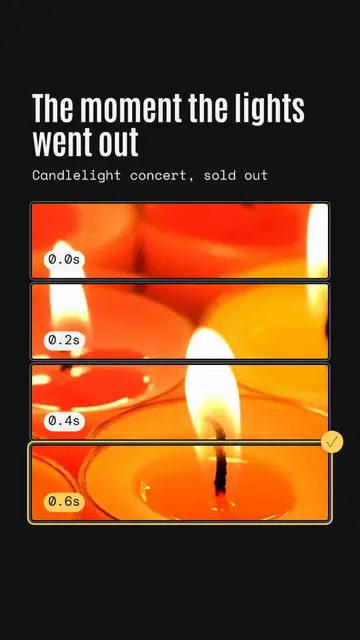
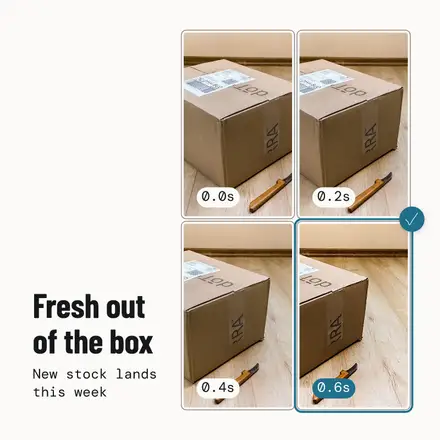
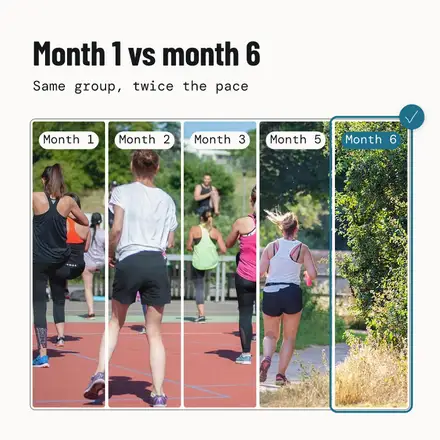
- The strip: four frames with timestamps, in a row, a grid or a sliding stack, the last one picked
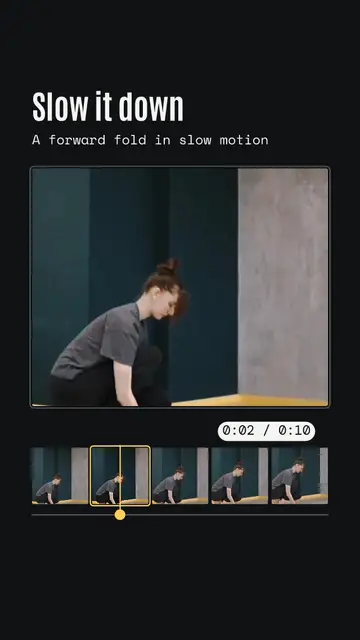
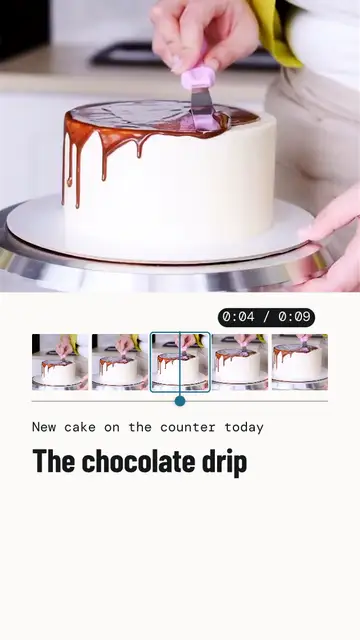
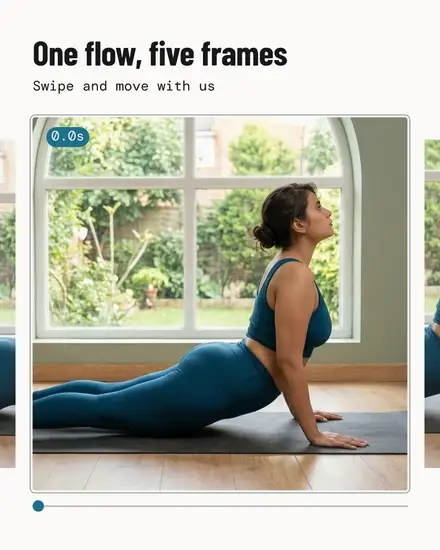
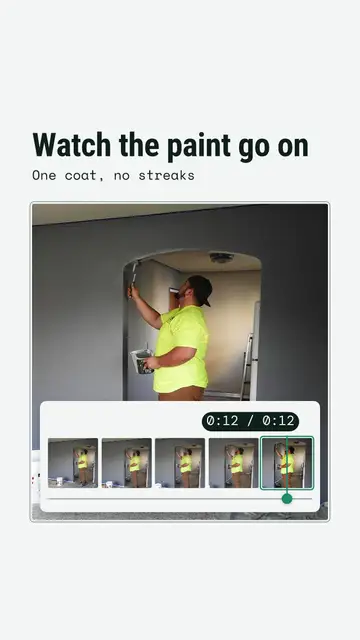
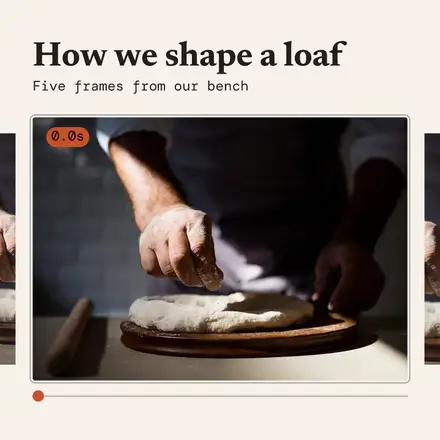
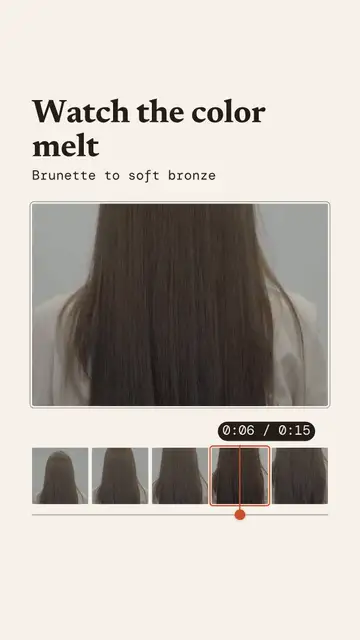
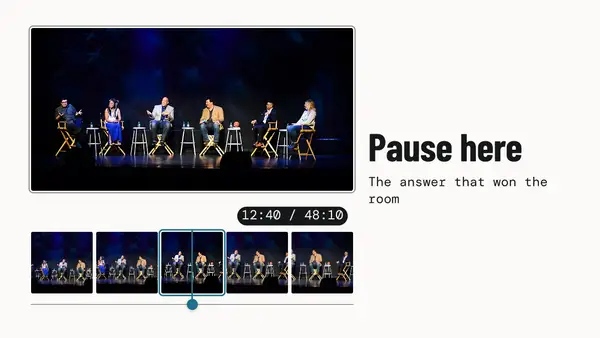
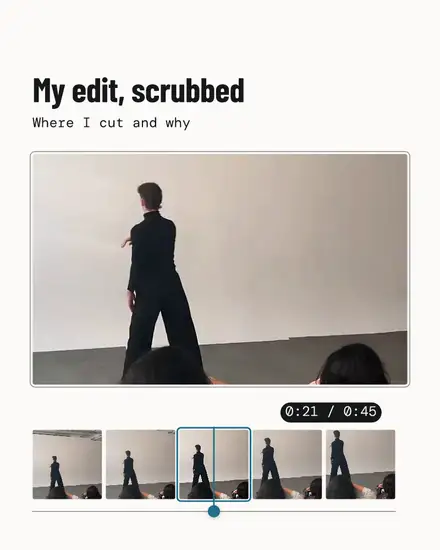
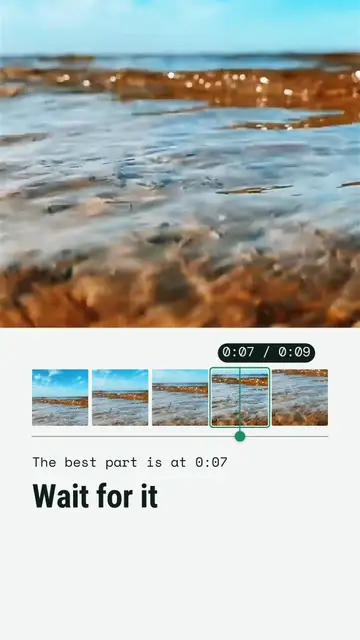
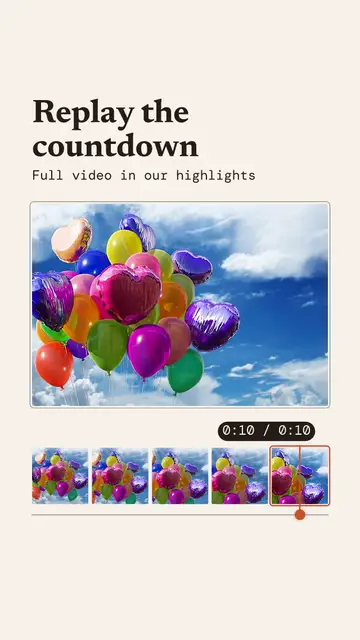
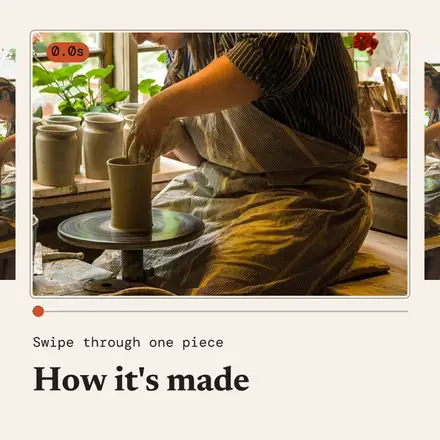
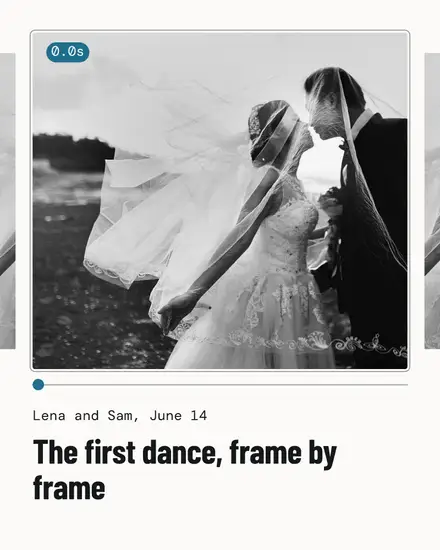
- The scrubber: one big frame with five thumbnails under it, a track and a round playhead
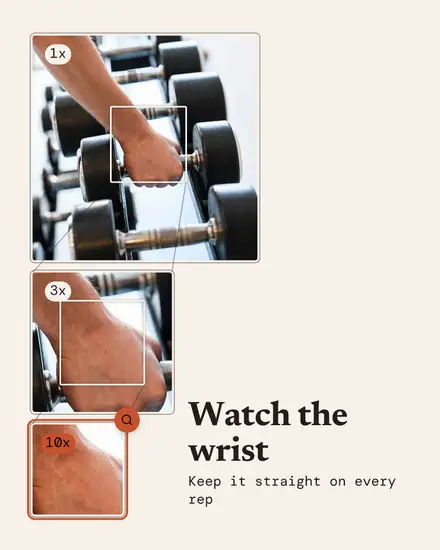
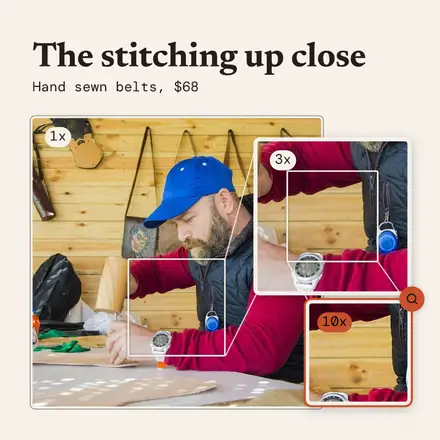
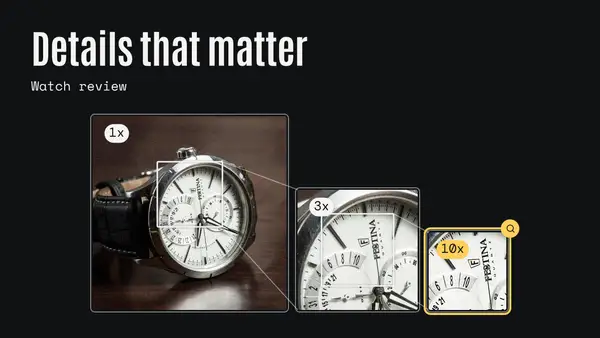
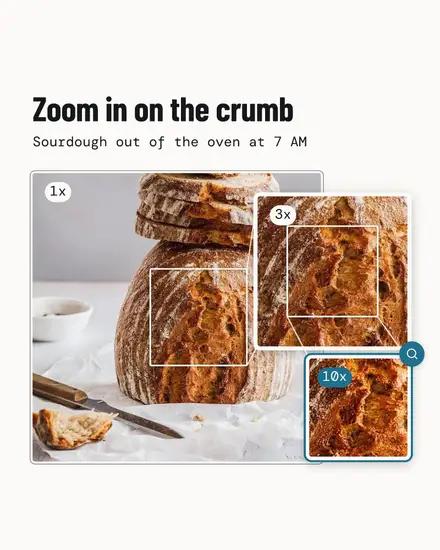
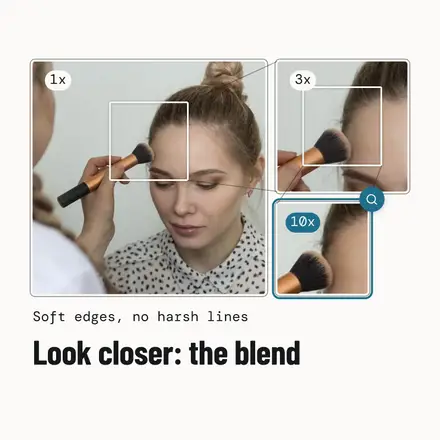
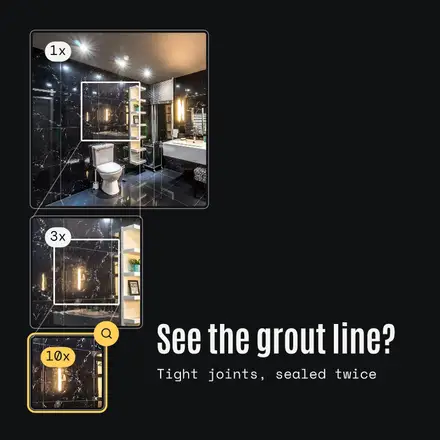
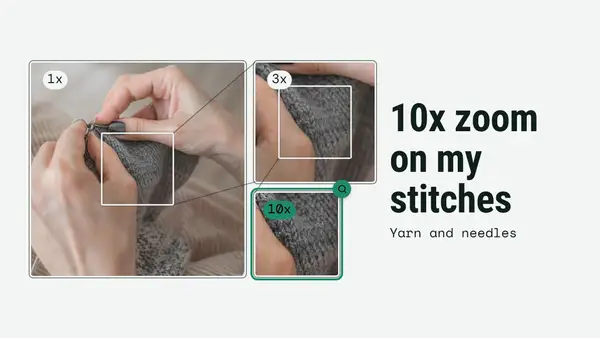
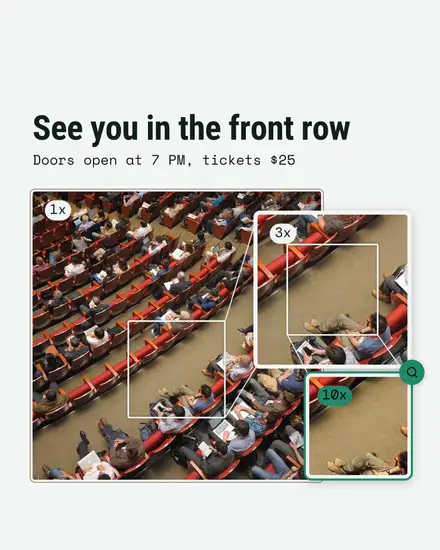
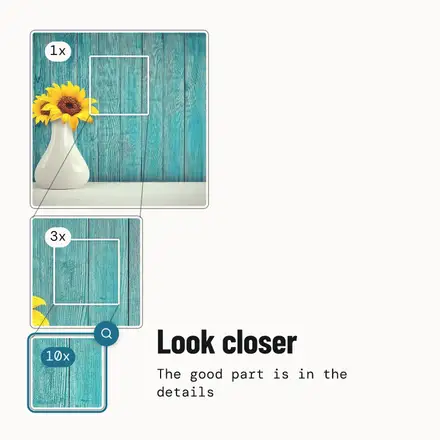
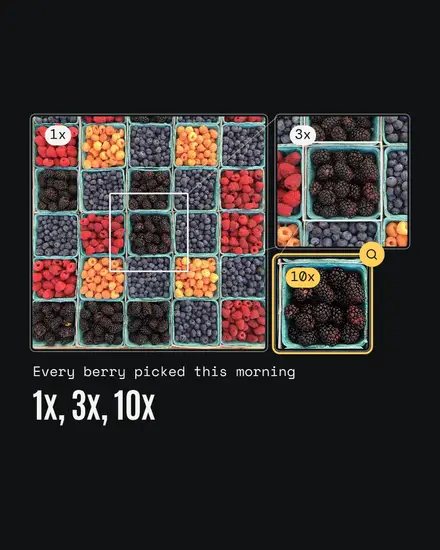
- The zoom: the same photo three times in smaller squares, 1x, 3x and 10x, ending on the detail
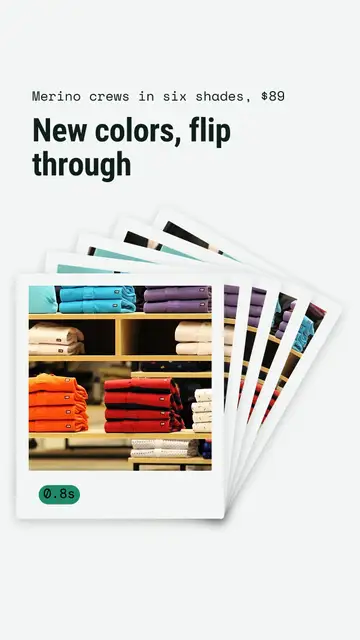
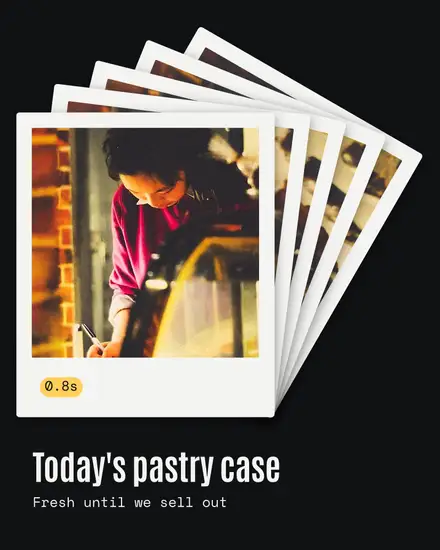
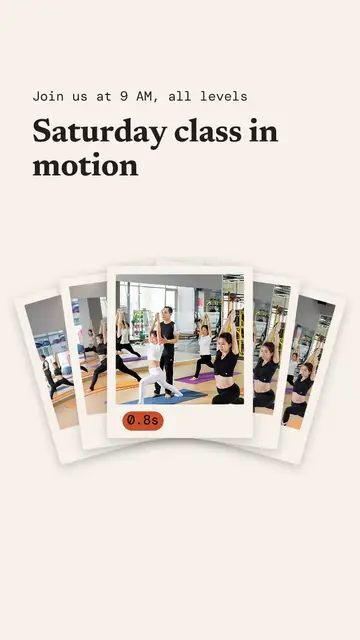
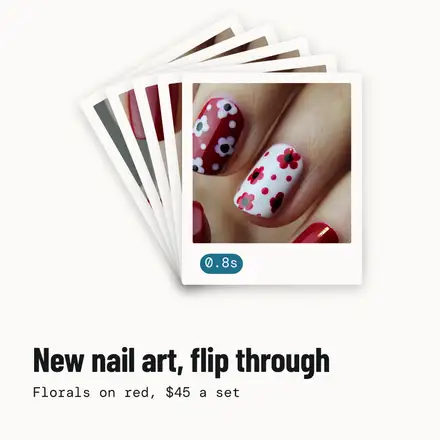
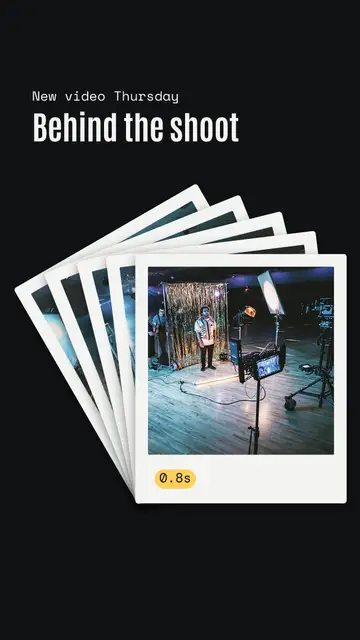
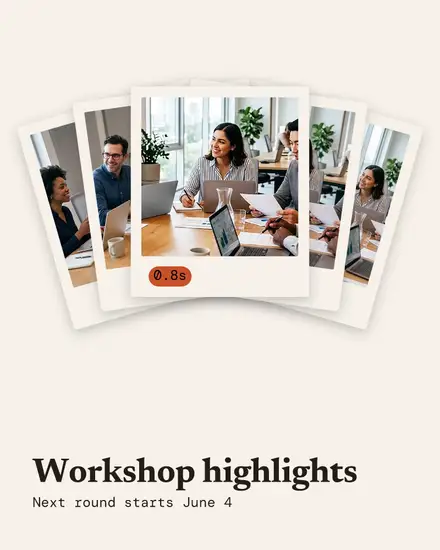
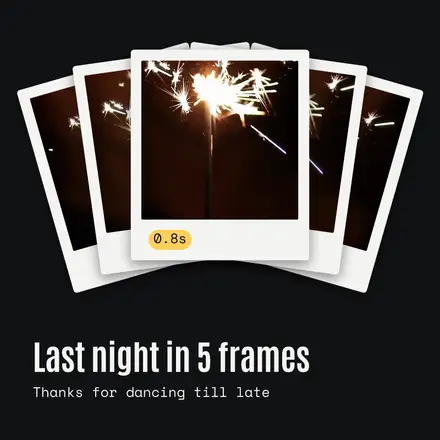
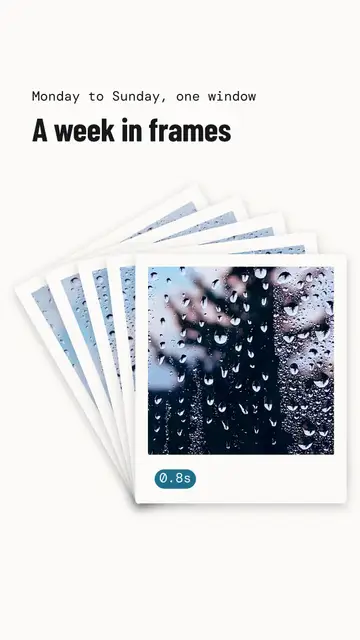
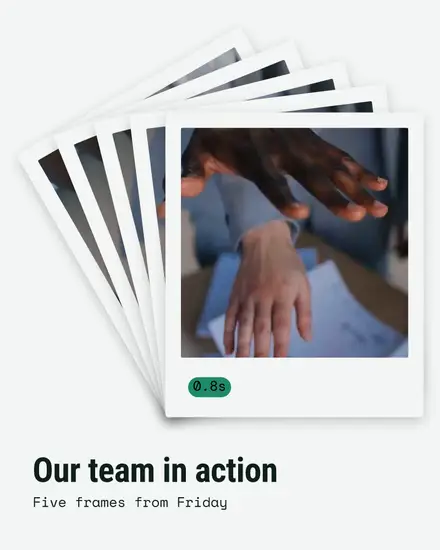
- The flipbook: five frames fanned out mid flick, the top one clear
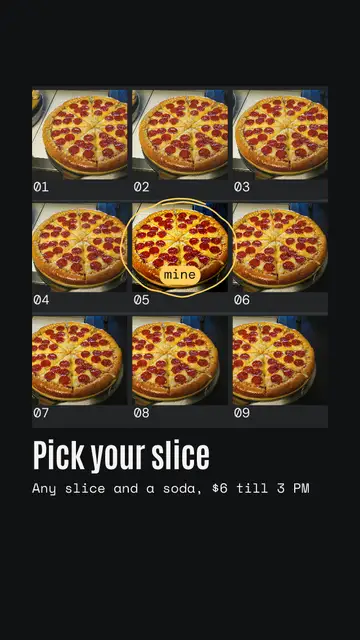
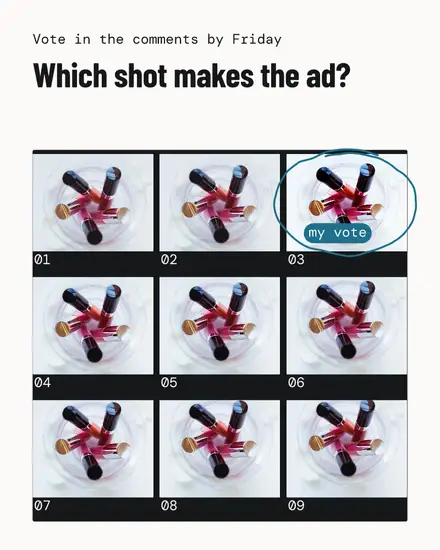
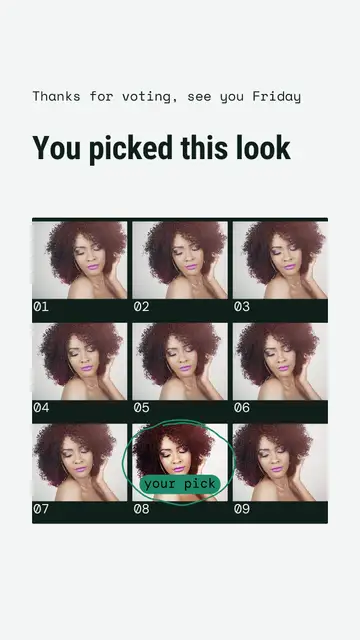
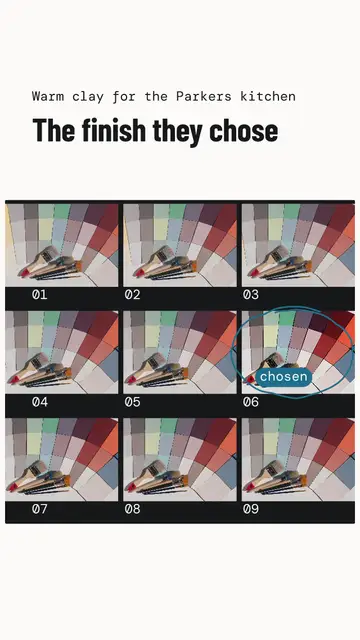
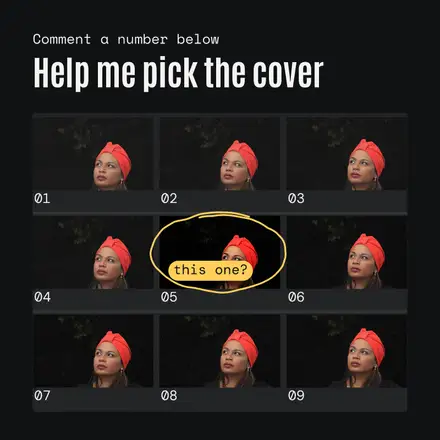
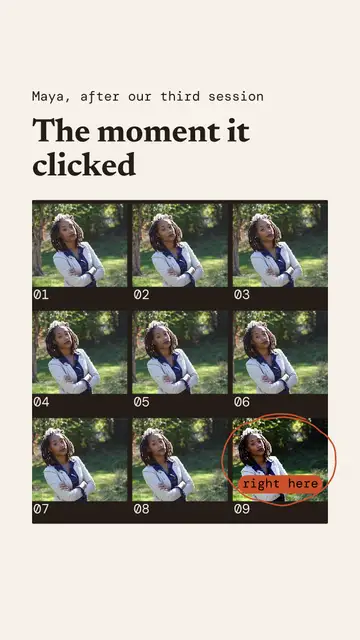
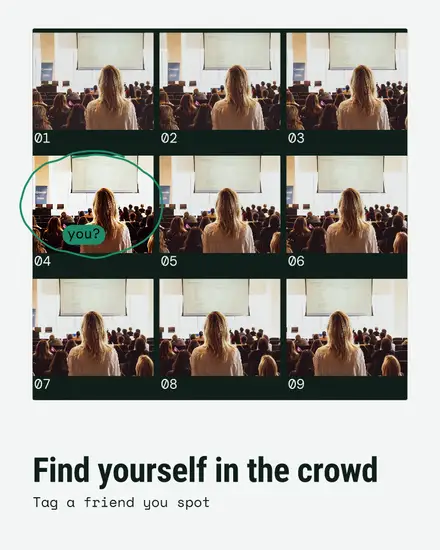
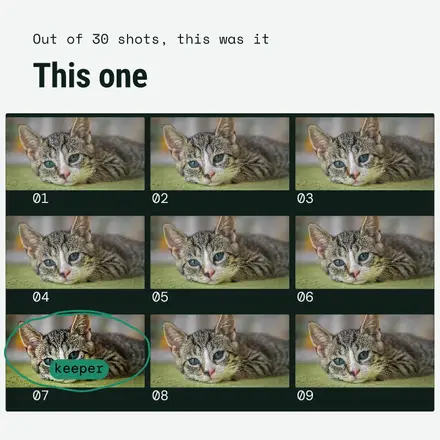
- The contact sheet: nine near identical frames in rows, one circled by hand with a note
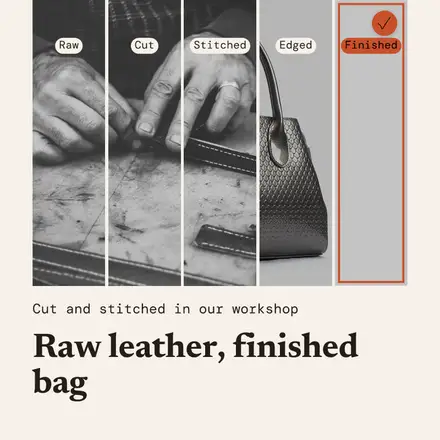
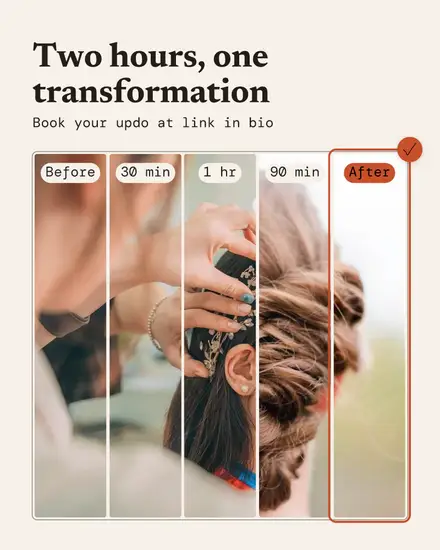
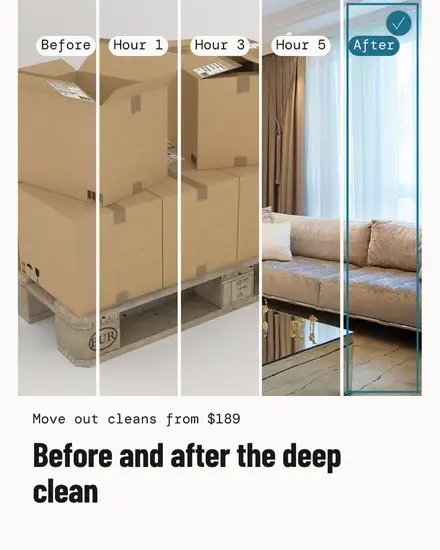
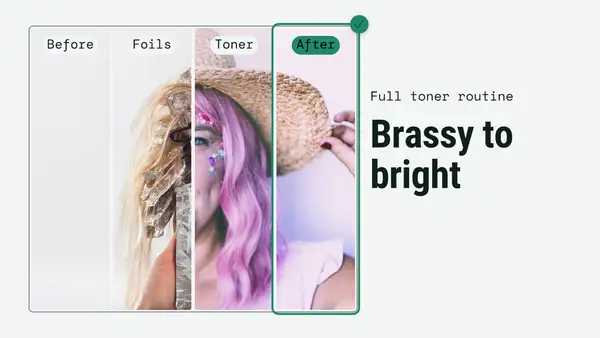
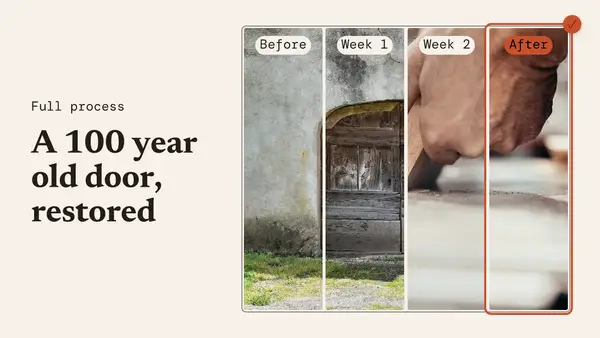
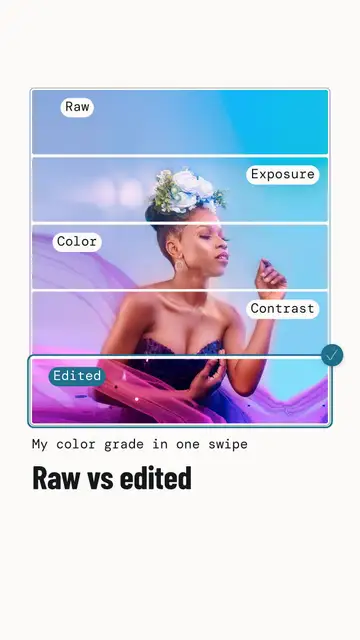
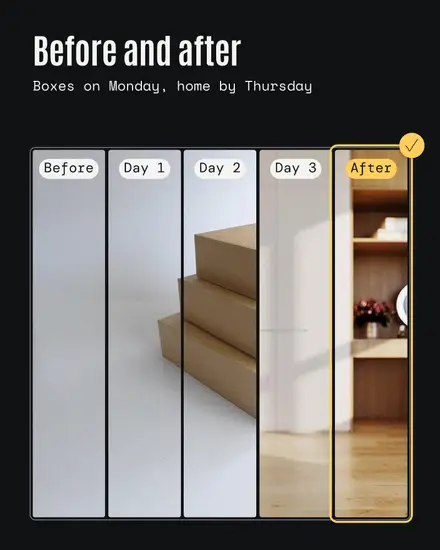
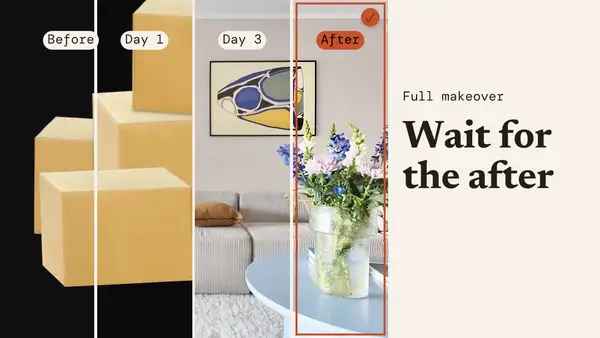
- The split: a before and after cut into slices that step from one to the other
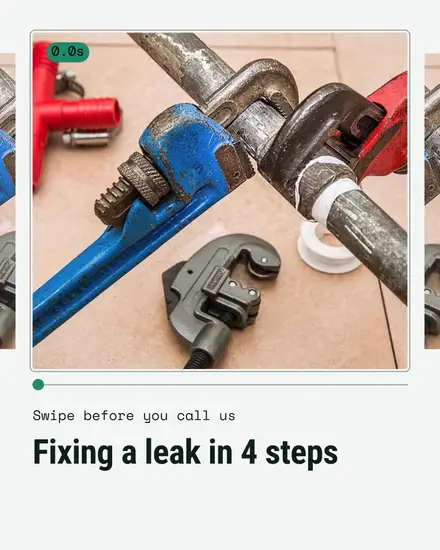
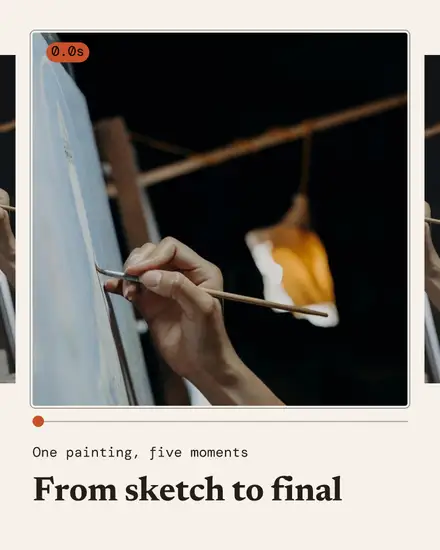
- The deck: a carousel with one frame a page on a timeline that runs across the pages
Who it suits
Anyone whose work happens in a moment or in steps. A coach showing a jab or a squat frame by frame. A baker zooming in on the crumb. A cleaner or painter with a before and after. A leather worker showing the stitching up close. A photographer picking the shot from a contact sheet. A wedding band with the first dance.
Pick the right photo
Click a frame, press Replace photo and pick your shot. Go left to right in time order, so the last frame is the one you like best. A new photo fills its frame from the middle, so press Crop to move in on what matters: for the zoom, crop each square a step closer to the detail, like the grout line or the latte art. For a before and after, put your before photo in the first slices and your after photo in the last.
Your colors
The photo is the hero, so the page stays quiet: paper or near black. One mark color, your accent, draws the playhead, the pick ring and its check. Press Colors and then Your brand to use yours. The style's own sets are paper with fjord blue, night with sun yellow, warm clay and cool mint.
FAQ
Do I need several photos?
No. You can put the same photo in every frame and crop each one a little differently. A real burst of a few shots a second apart looks the most alive.
Does it play like a video?
No, these are still pictures and carousels. They look like a moment in motion, and a carousel lets people swipe through the frames.
Can I use it as a Reel cover?
Yes. There are Reel cover and YouTube thumbnail sizes, and the scrubber look reads well as a cover for a slow motion clip.