


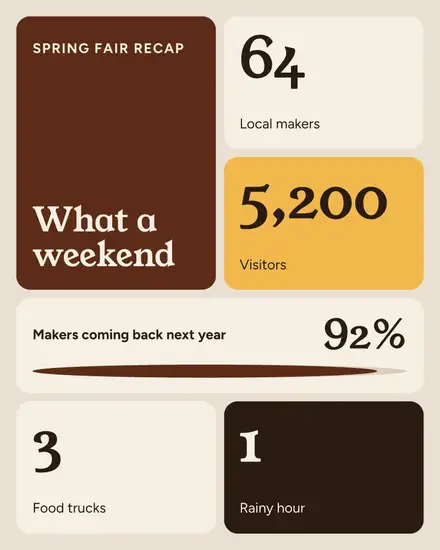
One thing per tile
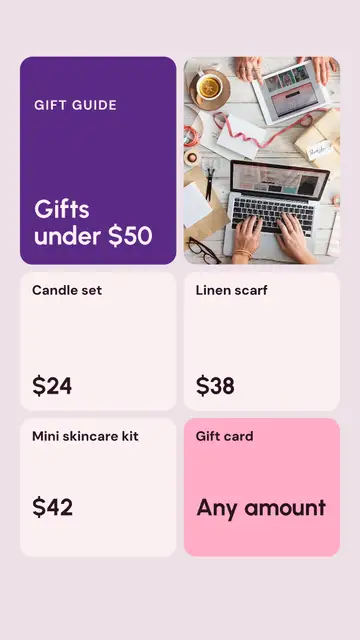
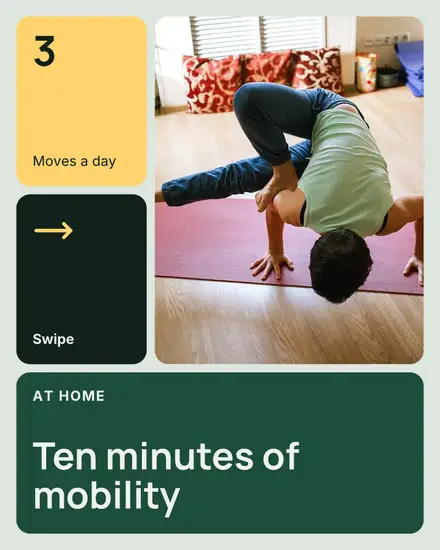
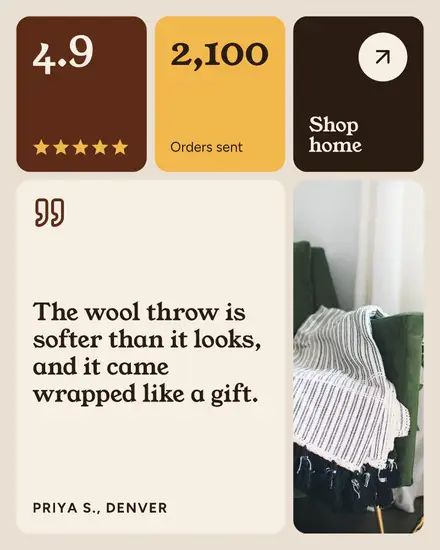
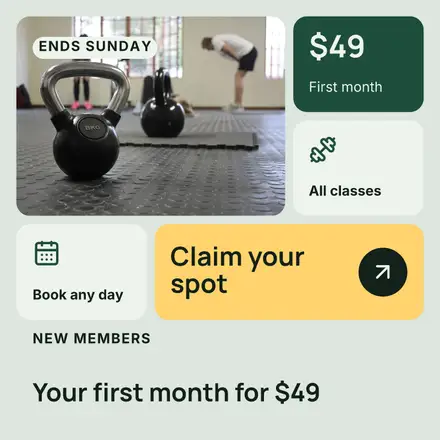
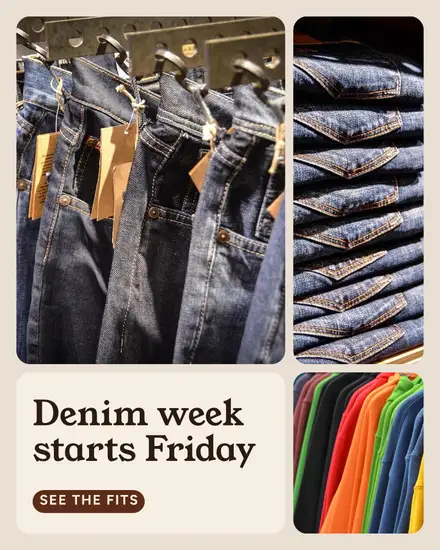
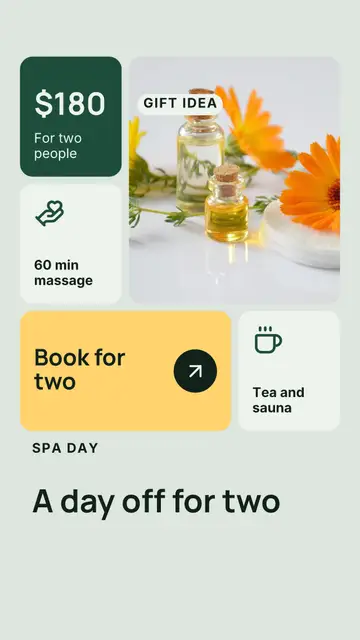
A bento box keeps each food in its own compartment. A bento grid does that with information: rounded tiles in different sizes, each holding one thing. A photo in the big one, a number in a small one, an icon with a word, a price, the button with an arrow. Product pages made the layout popular, and it reads well on a phone because the eye can jump from tile to tile.
The looks in it
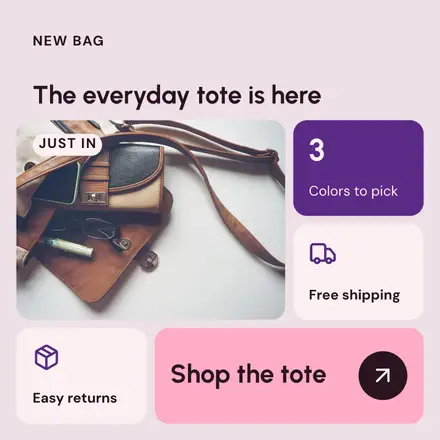
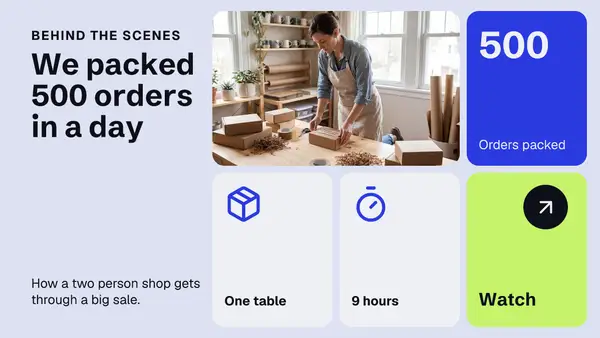
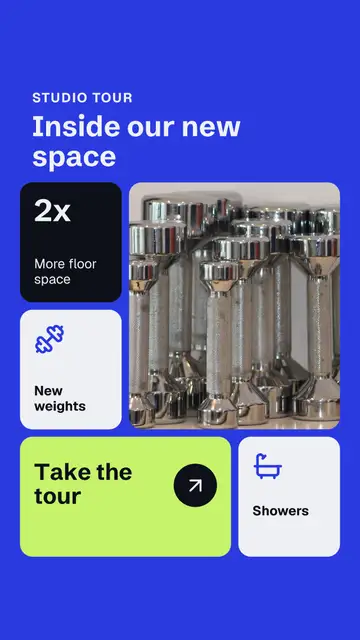
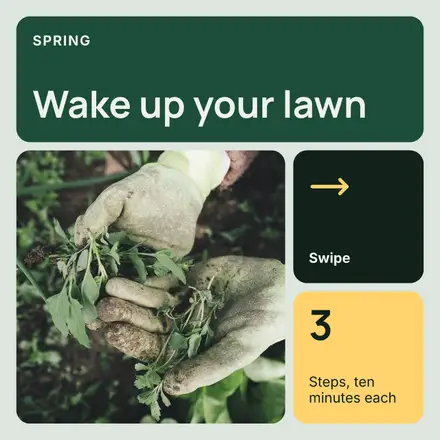
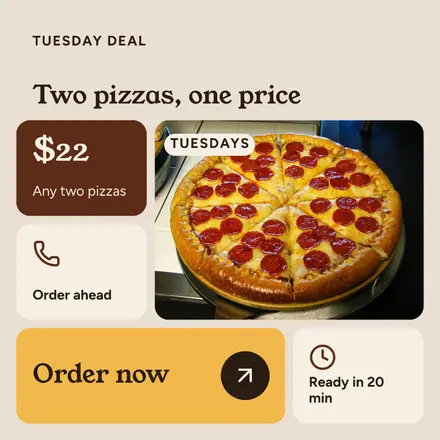
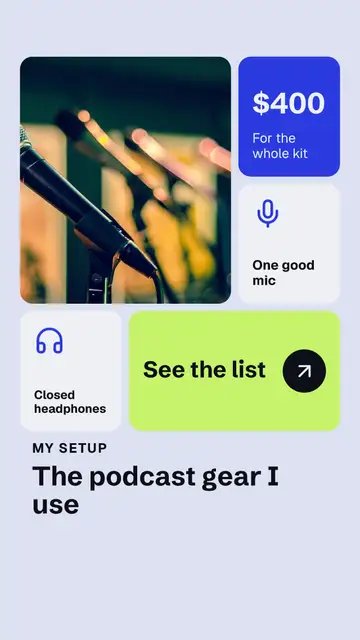
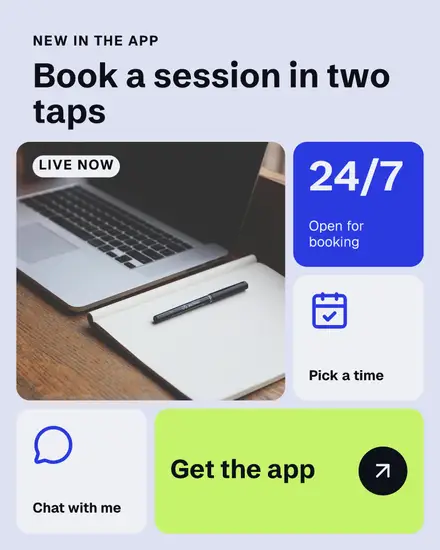
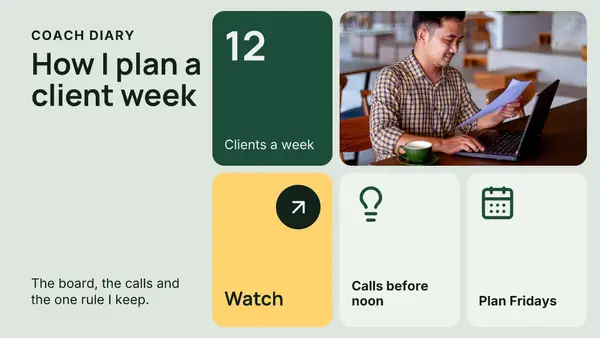
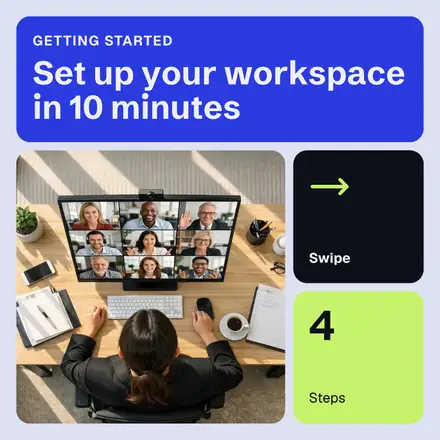
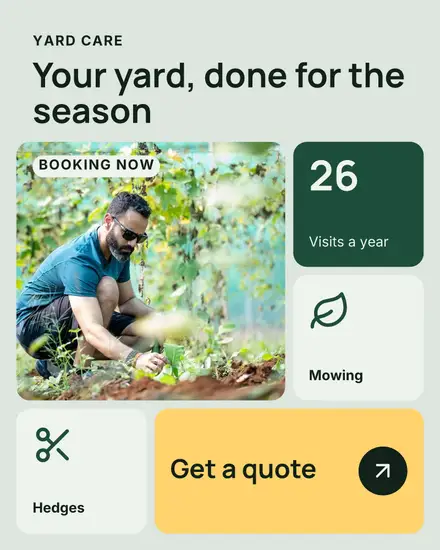
- Features: a headline over five tiles: a photo, a number, two icons with a word each and the button
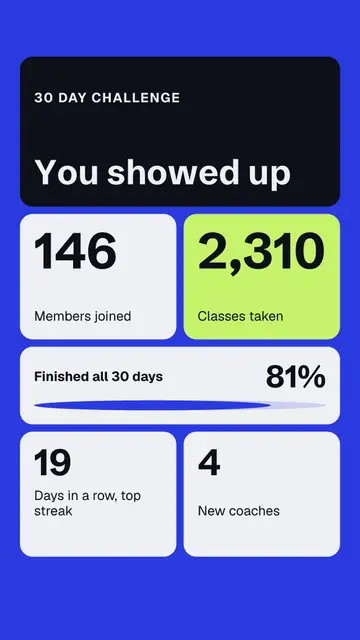
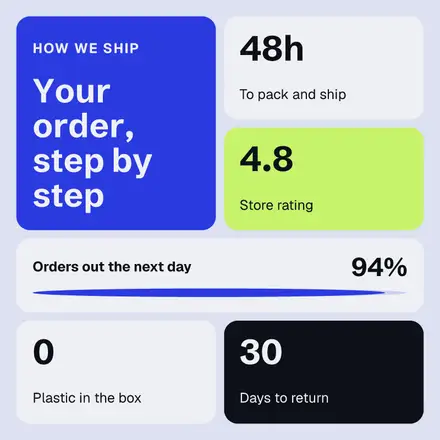
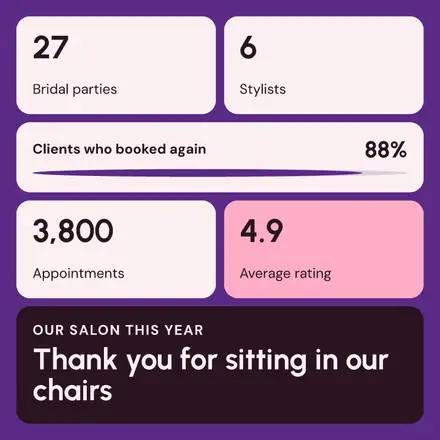
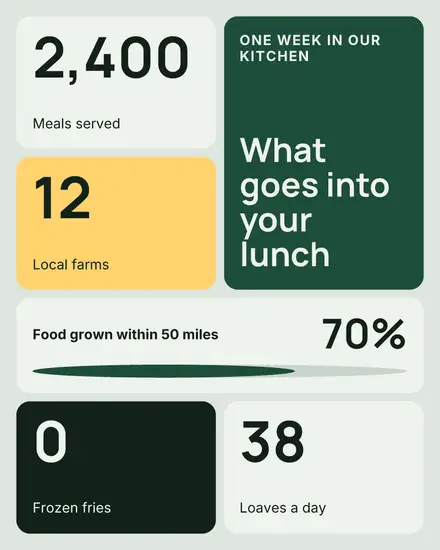
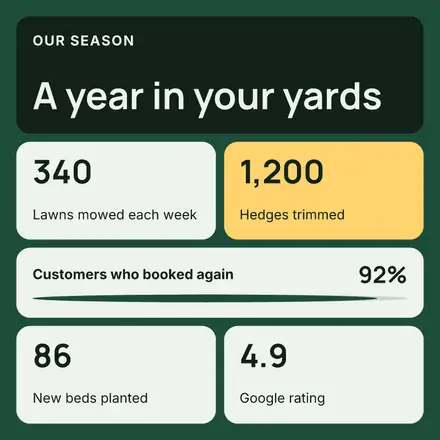
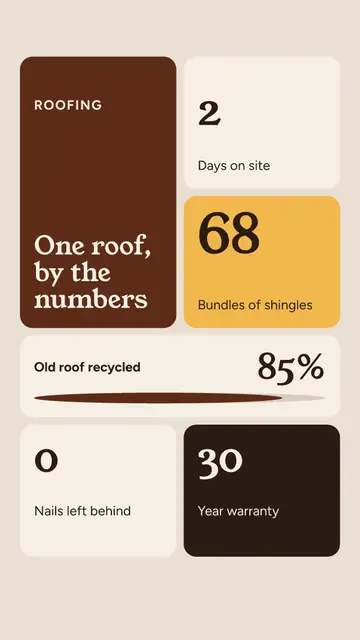
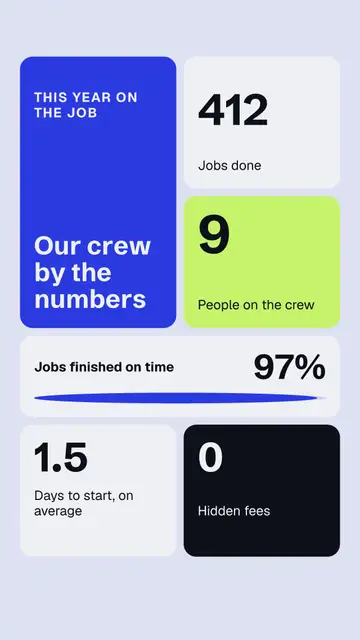
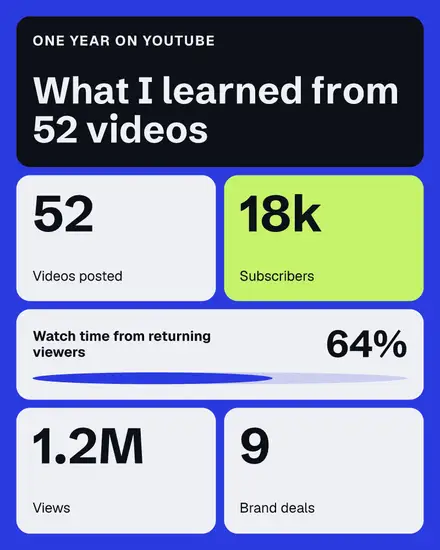
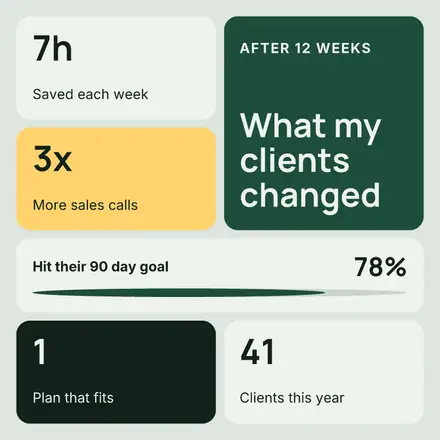
- Stats: a board with no photo, a headline tile, four number tiles and a wide progress bar
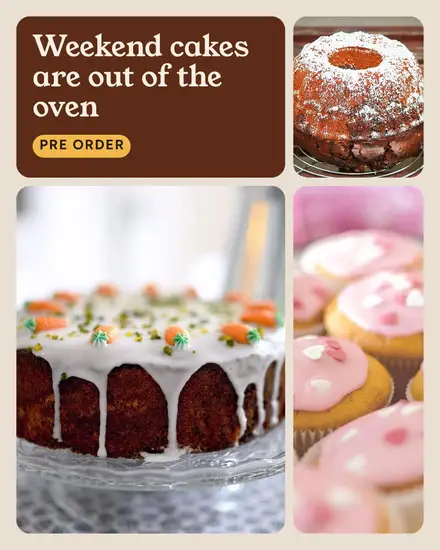
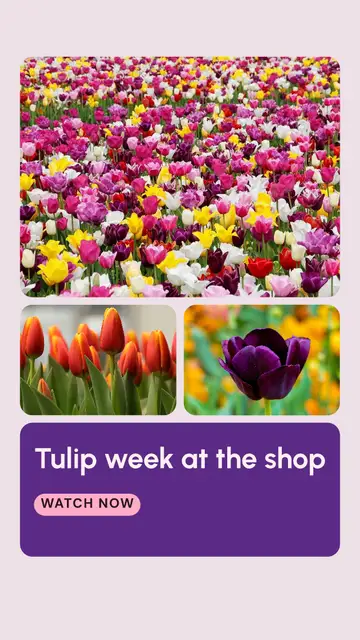
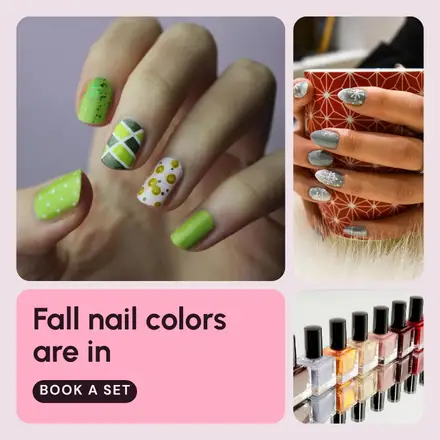
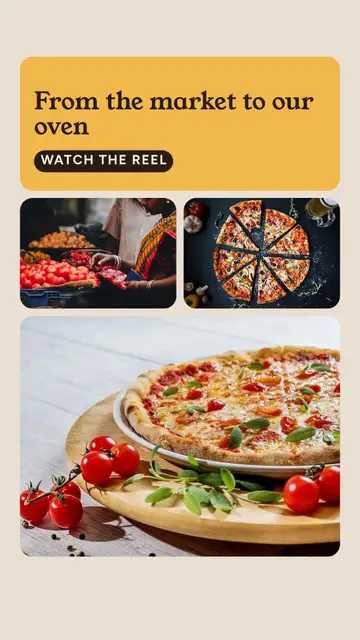
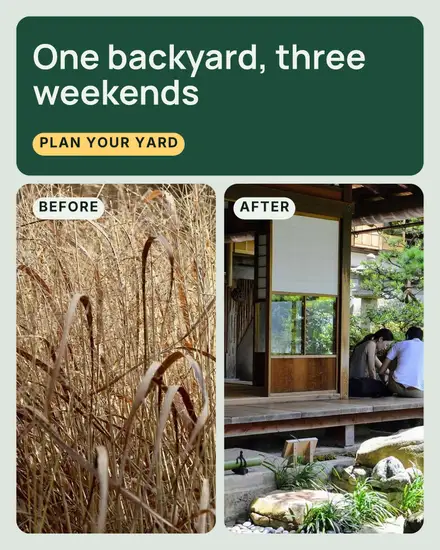
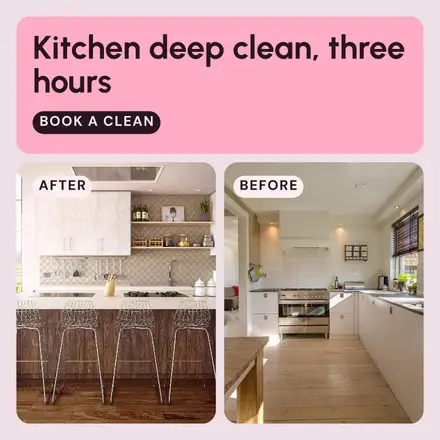
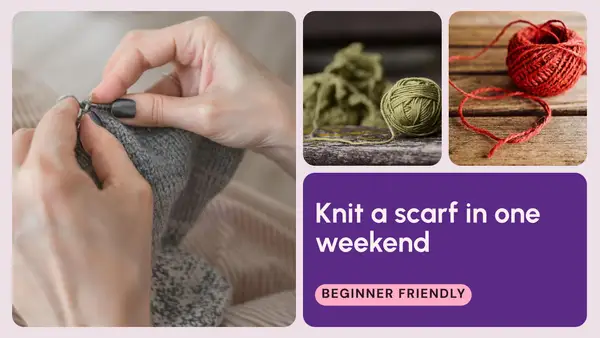
- Photos: three photos in three sizes and one tile of words, or two equal photos for a before and after
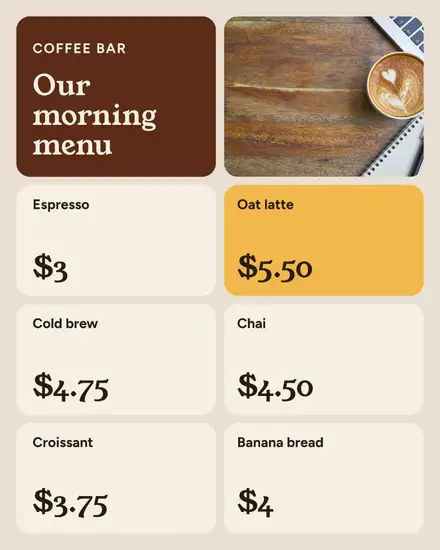
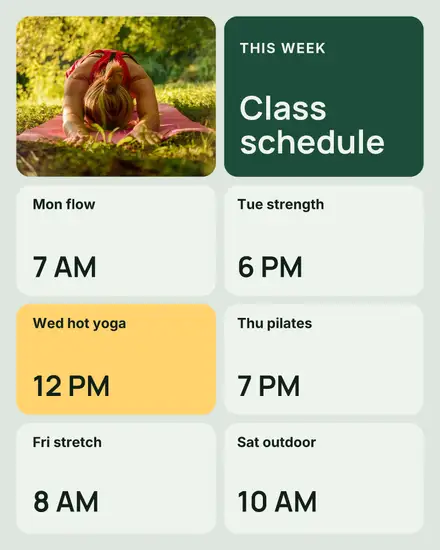
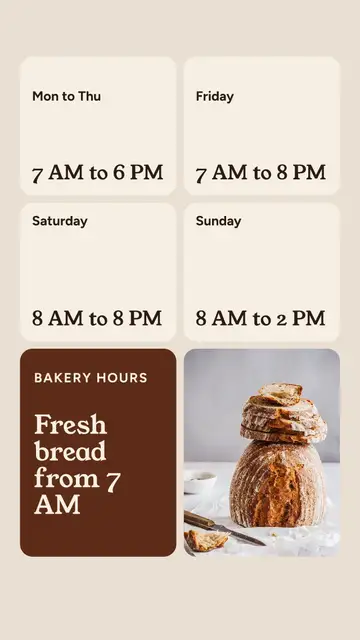
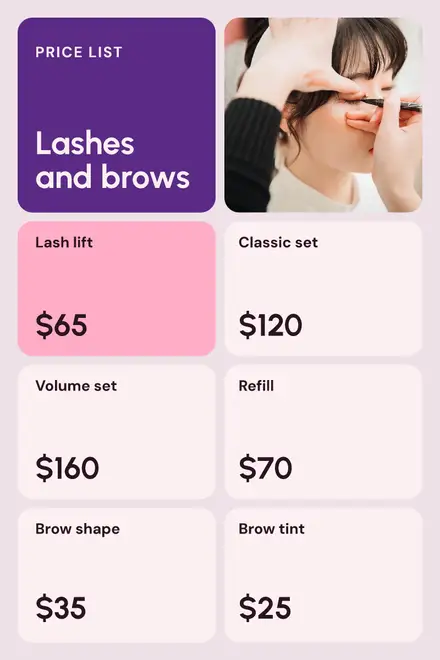
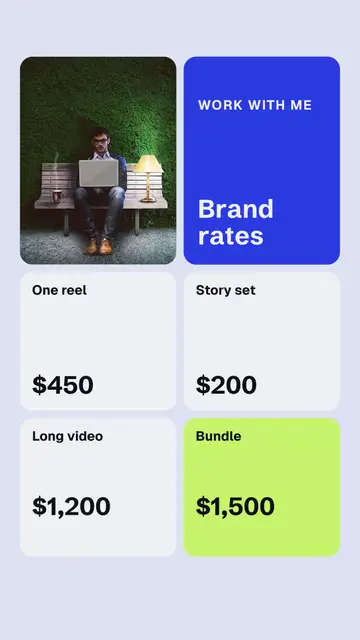
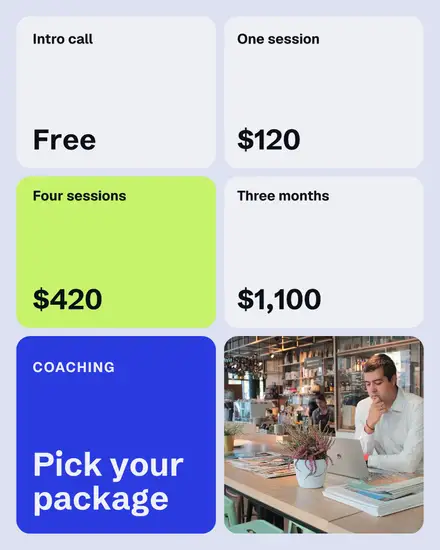
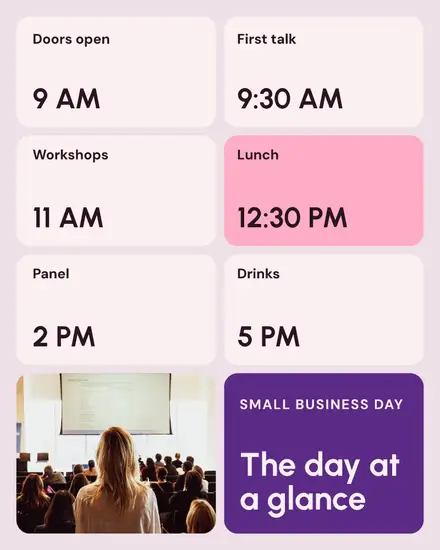
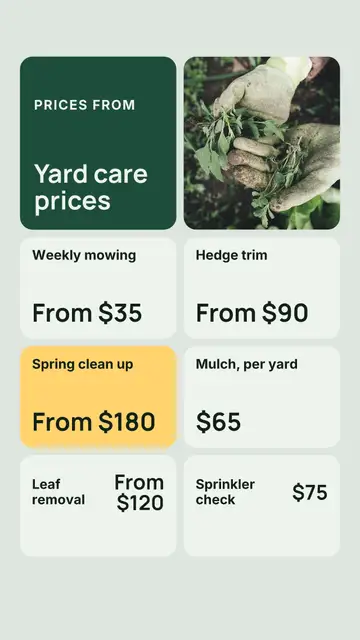
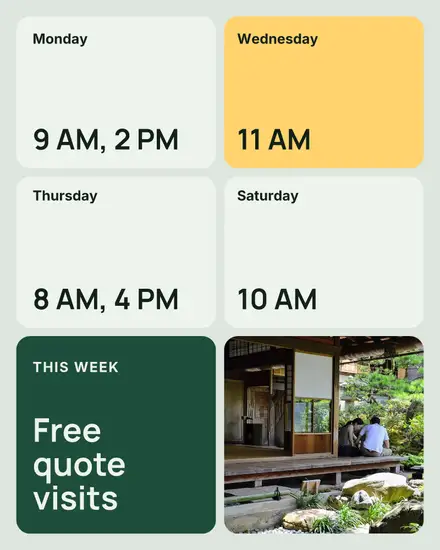
- The board: a price list, a menu or opening hours in four or six tiles, one lit up in your accent
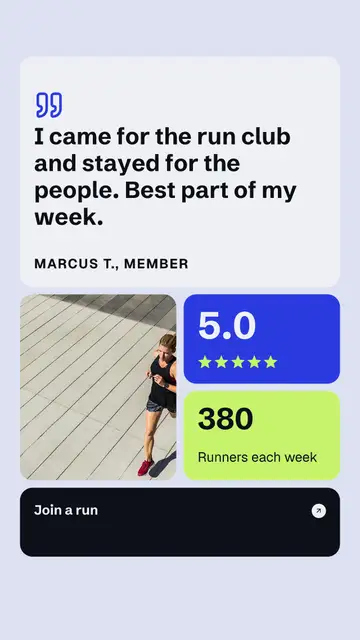
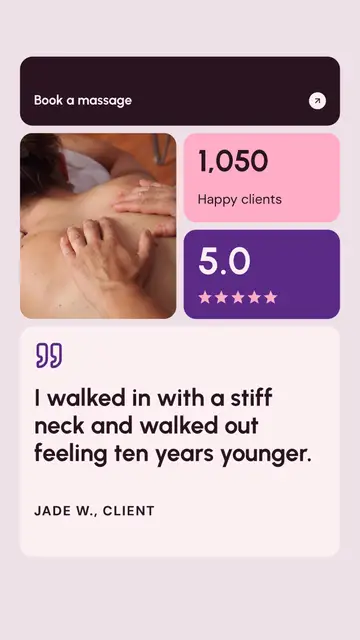
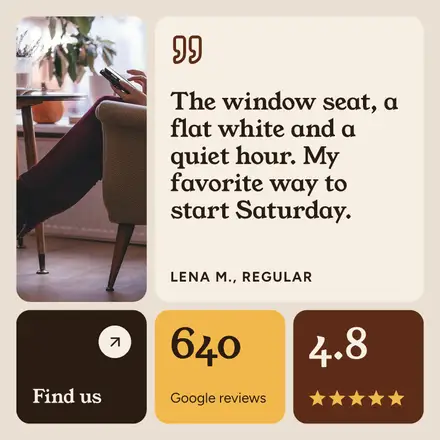
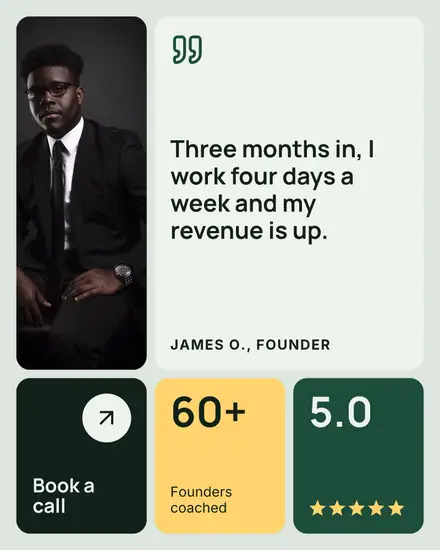
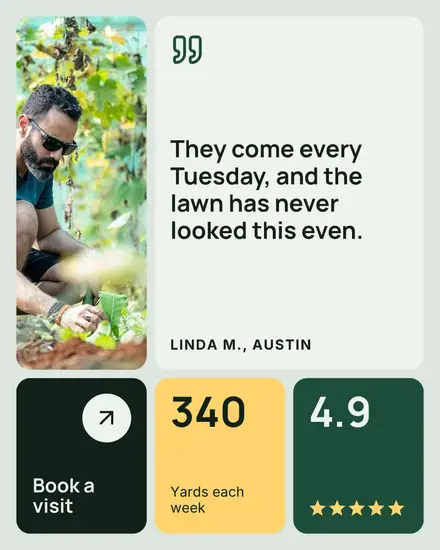
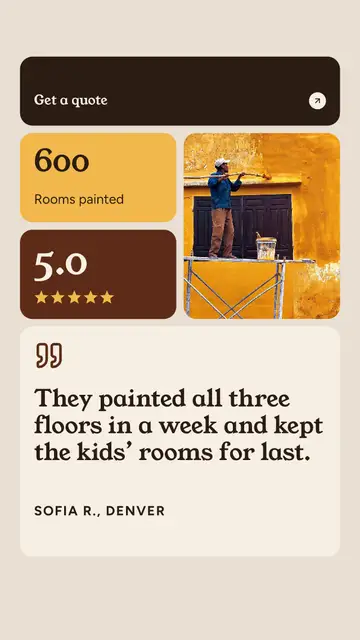
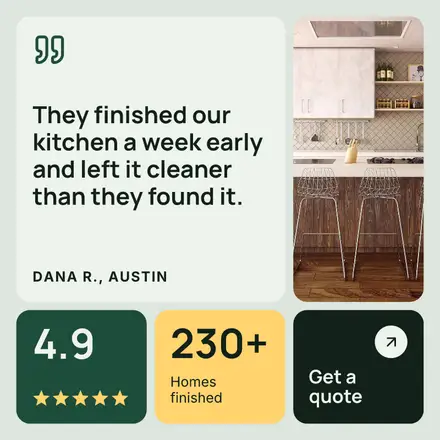
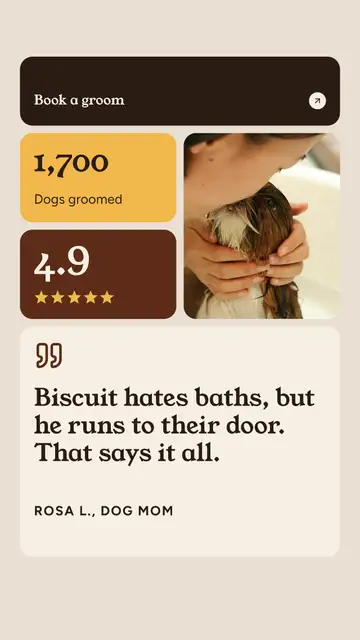
- Reviews: a quote tile, a portrait, five stars, a count and the button
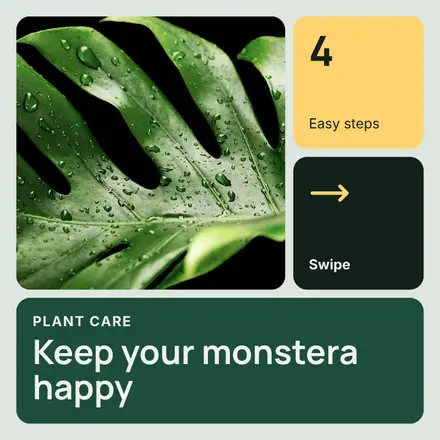
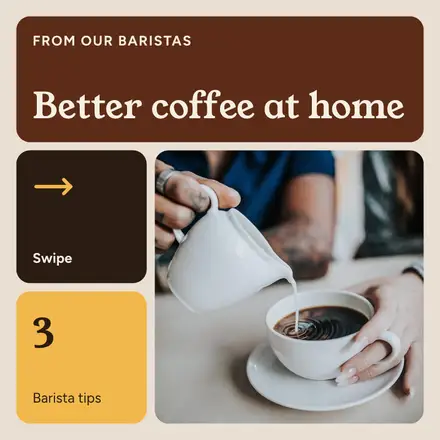
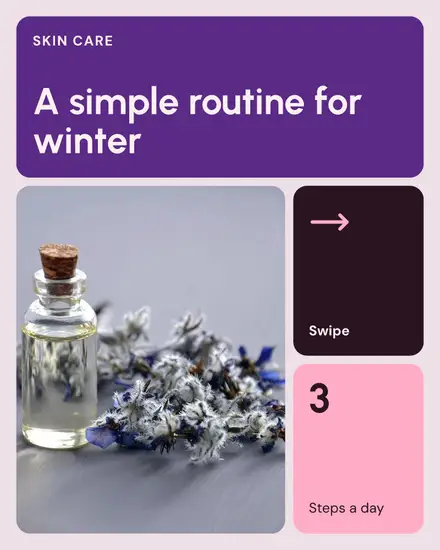
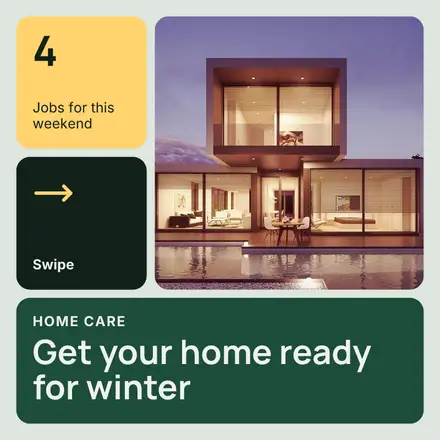
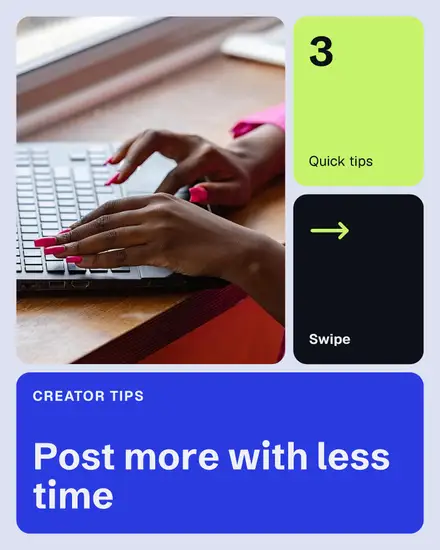
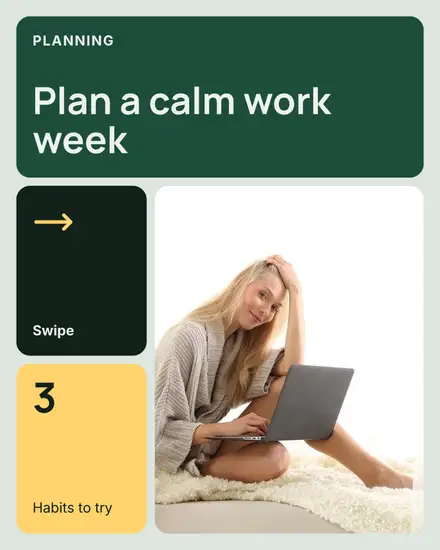
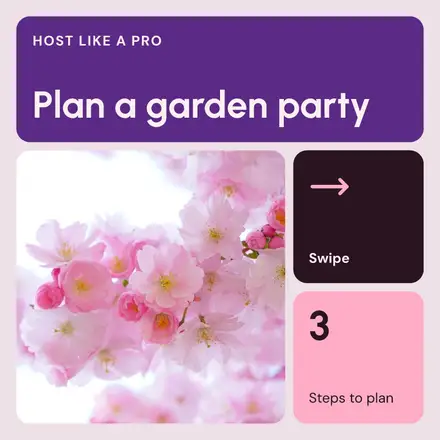
- Tips: a carousel with a big number, an icon and the words on each page
Who it suits
Any business with several facts to show at once. A salon's price list, a bakery's photos, a studio's class schedule, a handyman's flat rates, a coach's packages. It is the style software and service companies reach for on LinkedIn: a feature launch, the month's numbers, a webinar week, a support review. The stats look needs no photo at all, so it is quick to make every month.
Fill the tiles with real facts
A bento grid shows when a tile is padding. "Fast" in a tile says nothing; "Replies in 2 hours" says something. Write each tile as one fact with a number or a name in it. If you only have three facts, pick a look with fewer tiles.
Your colors
The page is your light color with a wash of your main color, so the light tiles stand out from it. The other tiles take your main color, your accent and your text color. Press Colors and then Your brand to use yours, and Shuffle for another arrangement of the same tiles.
FAQ
Can I change the icons?
Yes. Click an icon to change its color, or delete it and put another in its place from Elements, Icons in the editor.
Can I make a price list with more items?
The board holds four or six items. For a longer list, make a carousel with one board a page, or see the salon price list templates.
Does it work on LinkedIn?
Yes. The features and stats boards come in square and portrait sizes that LinkedIn shows in full.