Frosted glass over your photo
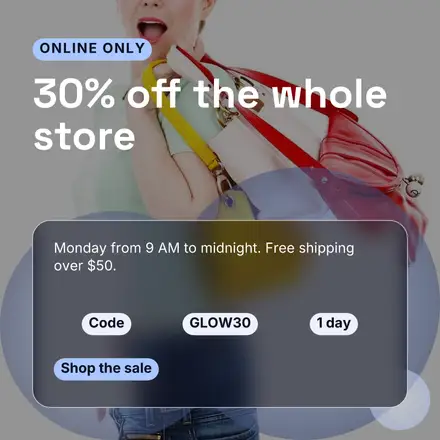
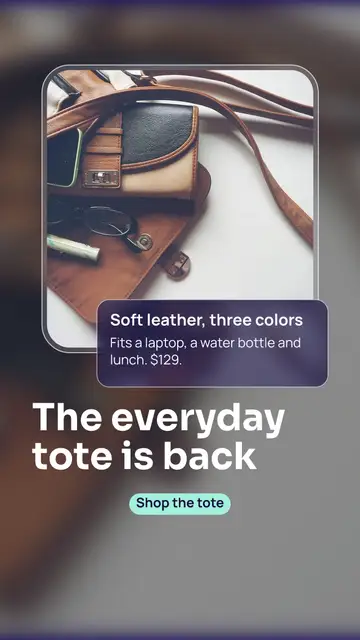
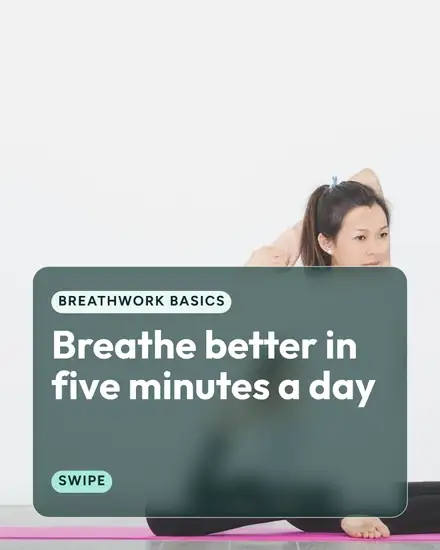
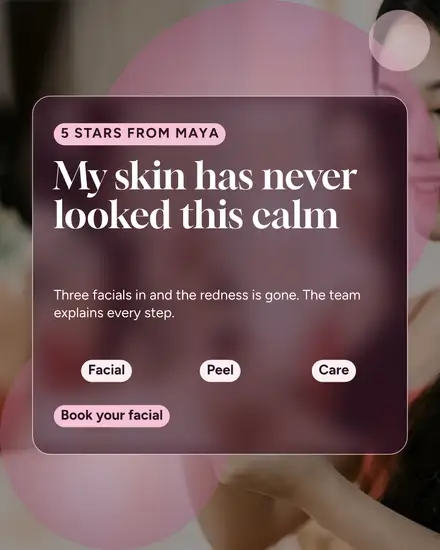
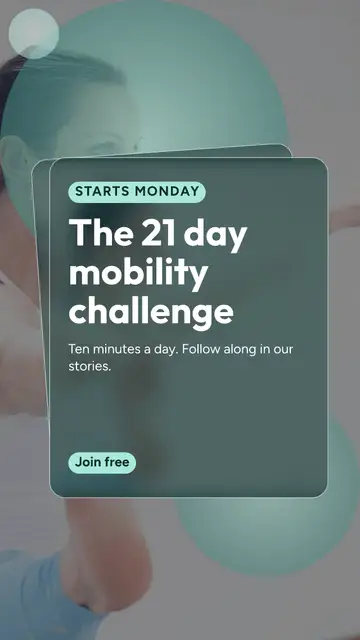
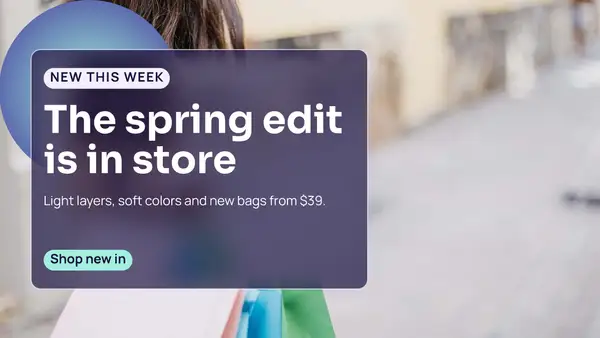
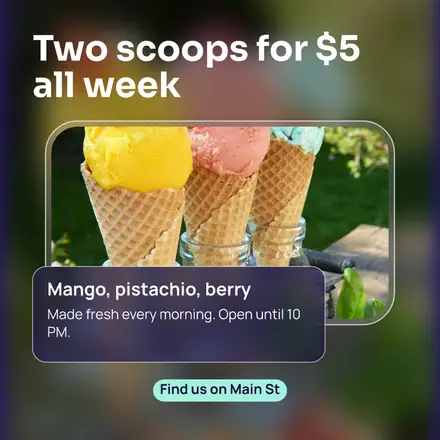
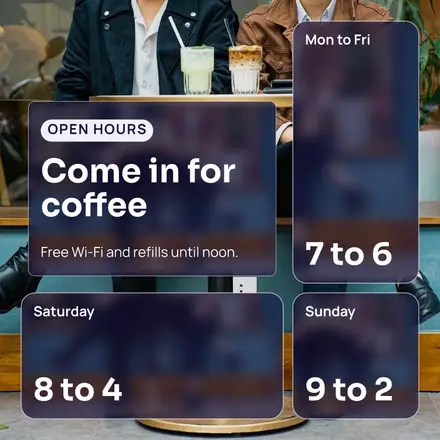
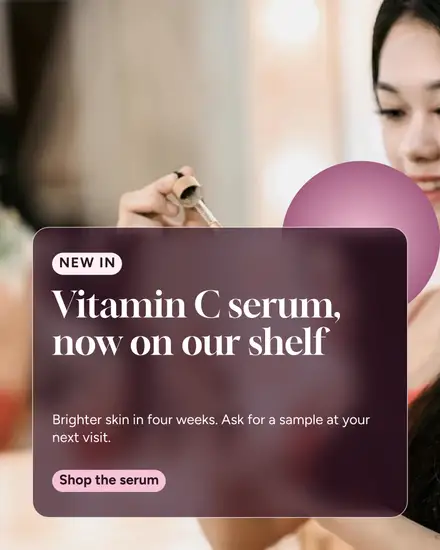
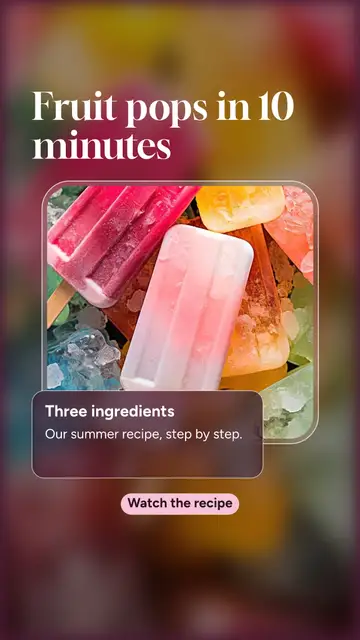
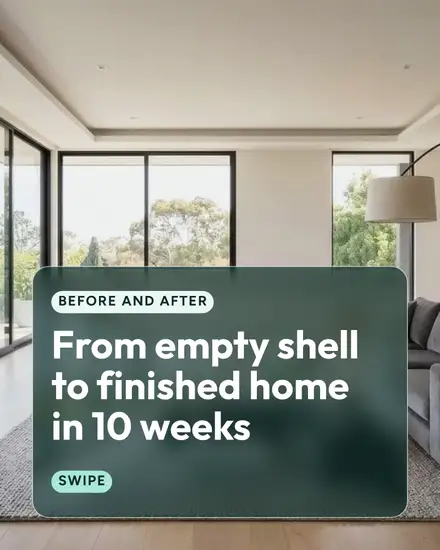
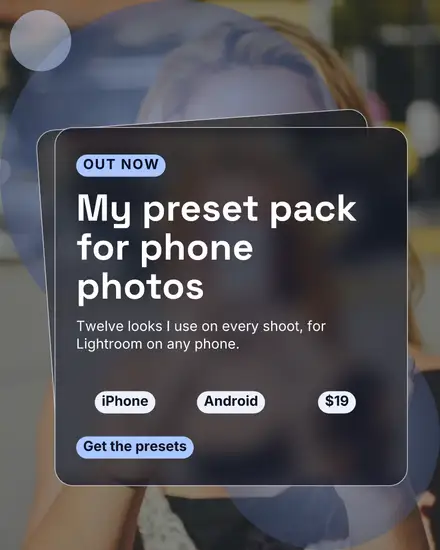
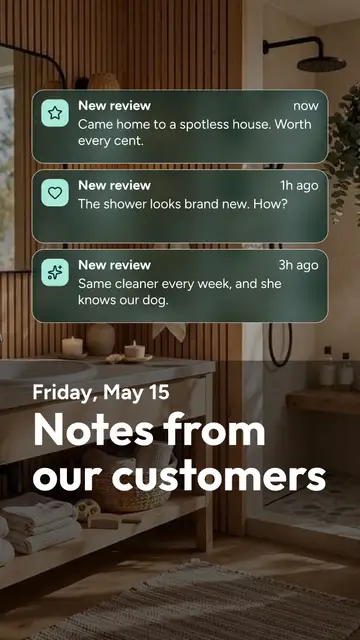
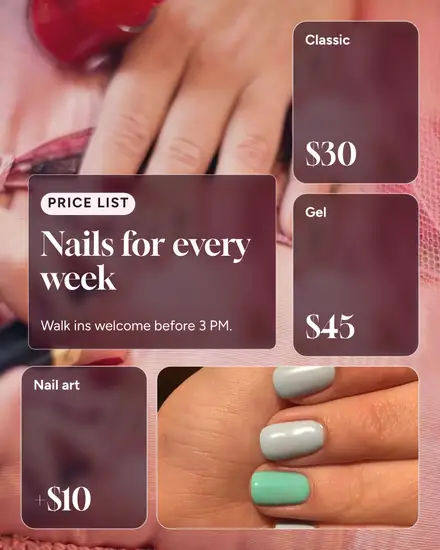
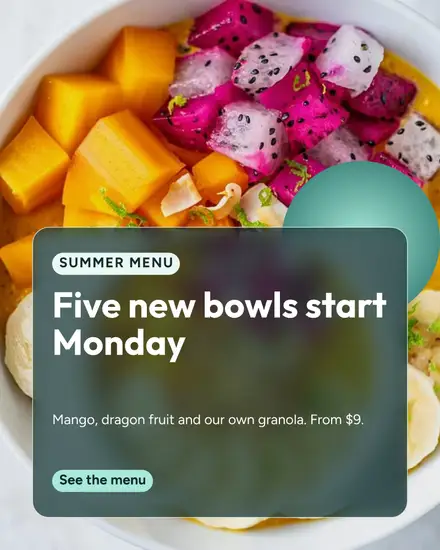
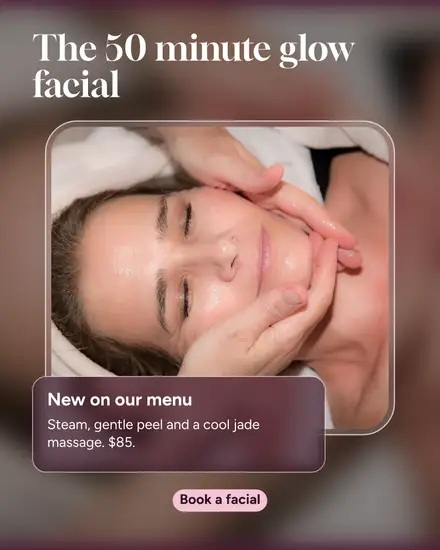
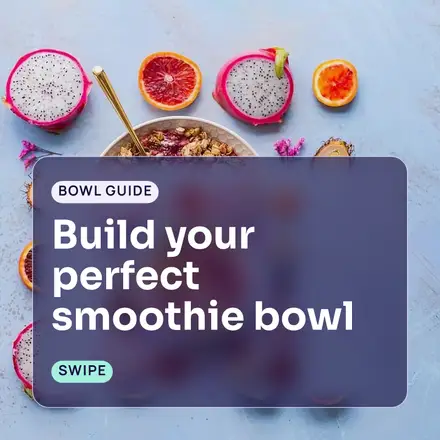
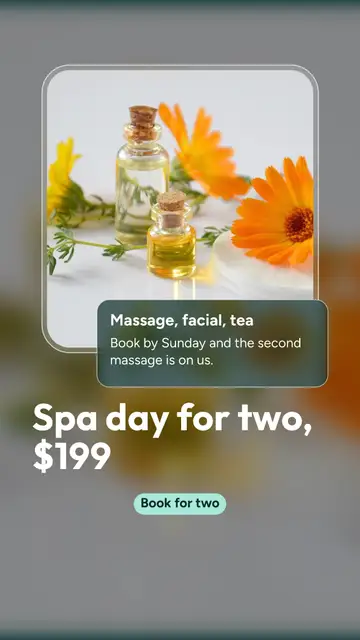
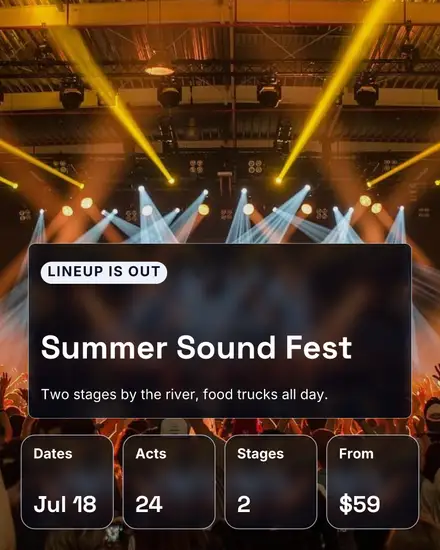
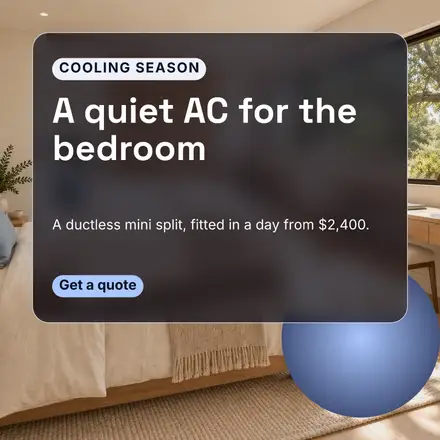
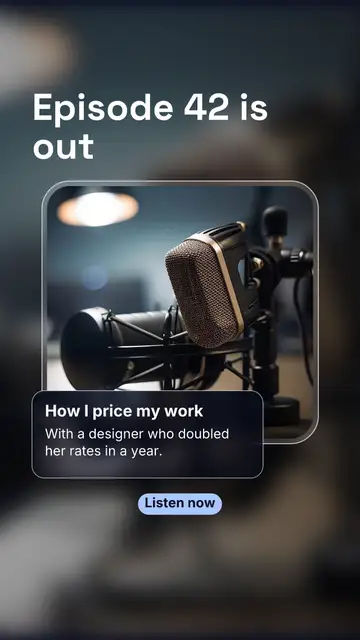
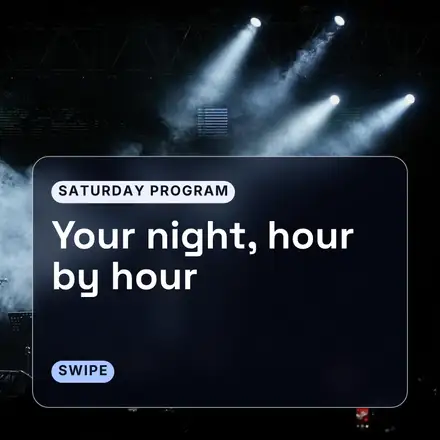
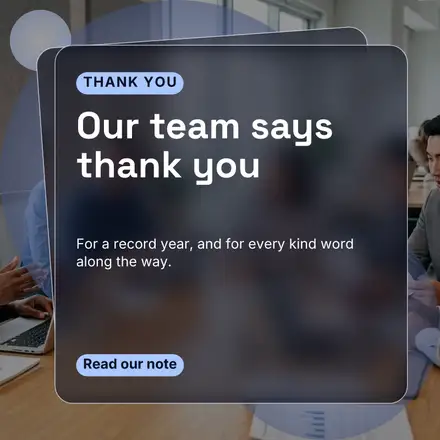
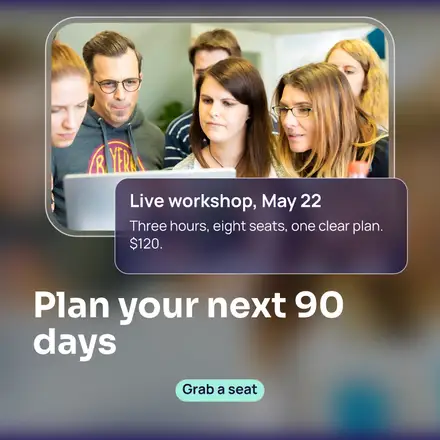
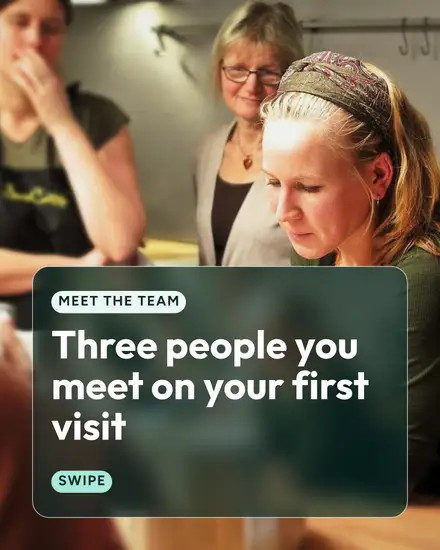
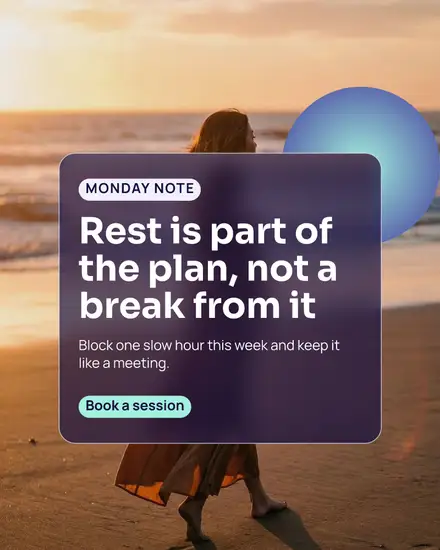
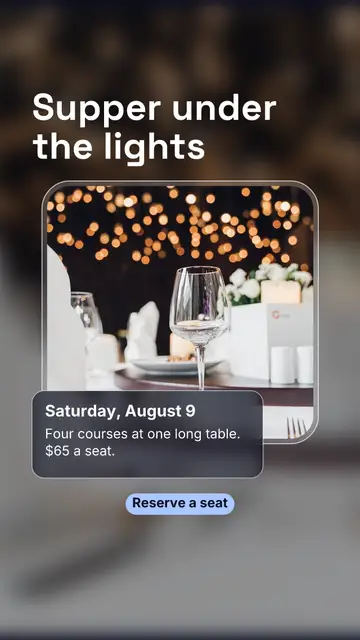
Glassmorphism is the look of a phone's lock screen and control center: cards of frosted glass floating over a picture, the picture blurred behind each card, a thin light edge and round corners. It feels modern and light, and it lets your photo fill the whole post while the words stay readable on the card.
Each card is your own photo again, blurred and darkened under the card. Swap the photo and the glass changes with it.
The looks in it
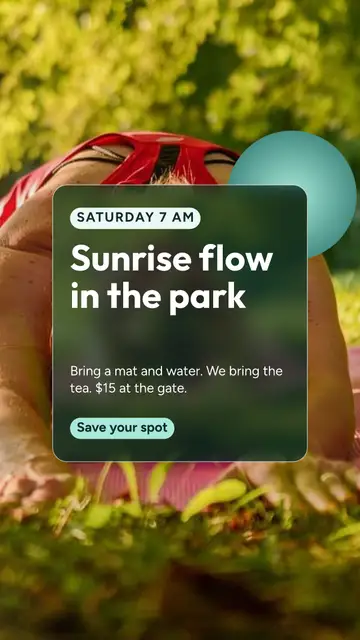
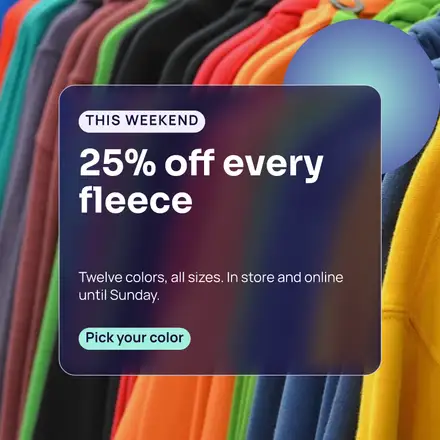
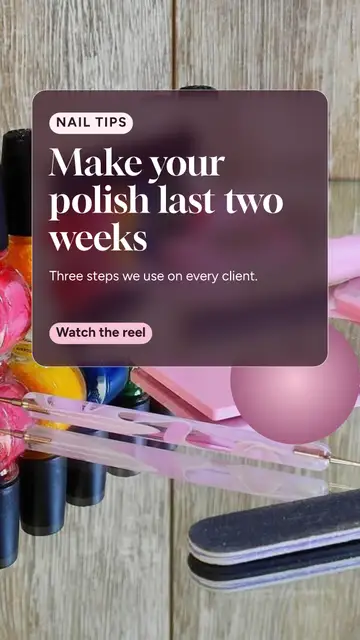
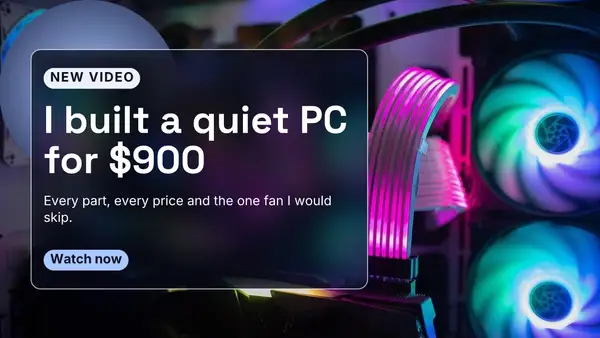
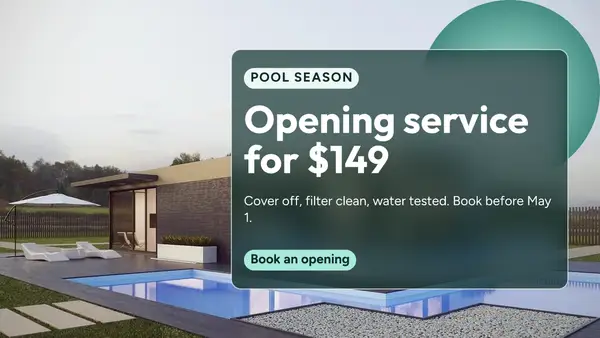
- The card: one frosted card over a sharp full photo, with a glowing ball tucked behind it
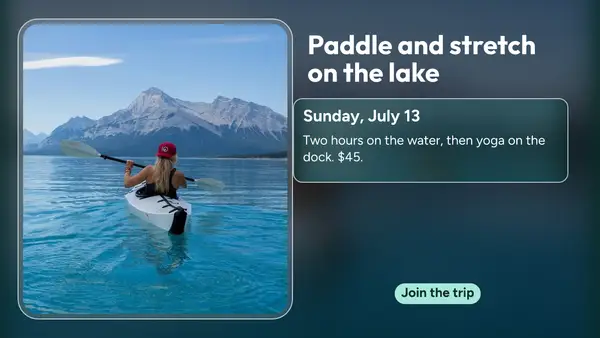
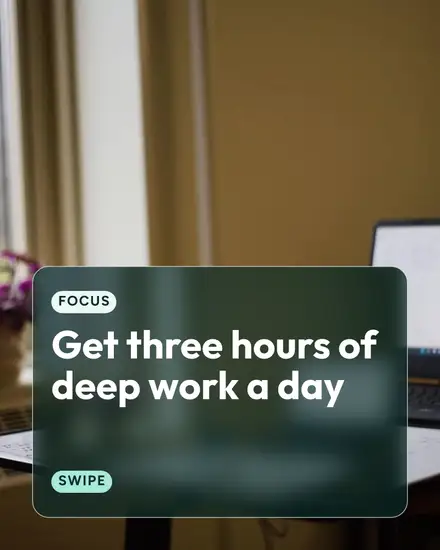
- The lens: the whole page blurred and the photo sharp in one round window, with a glass tag over it
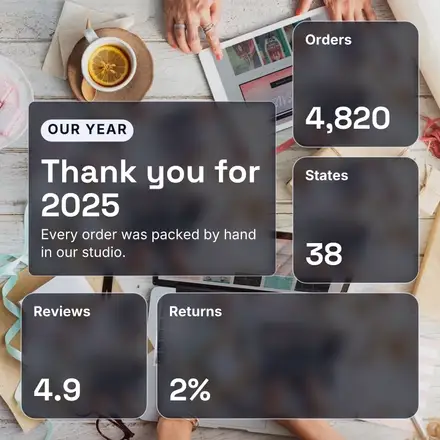
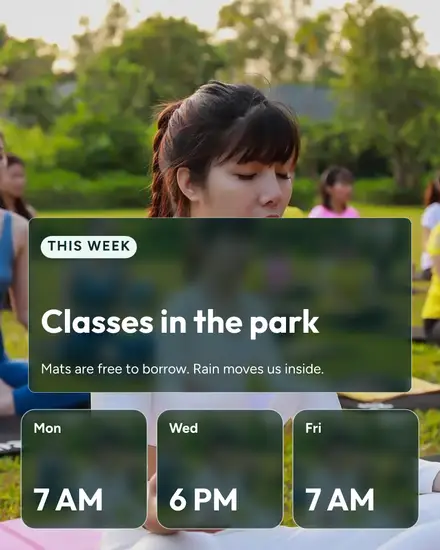
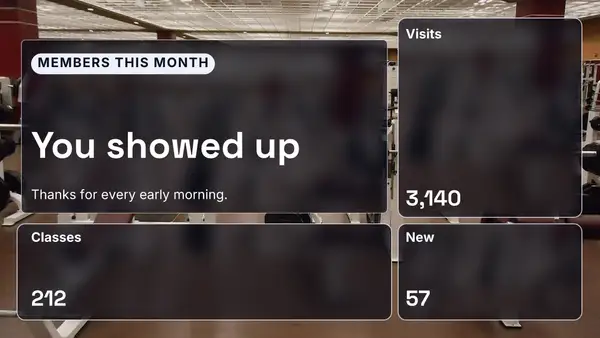
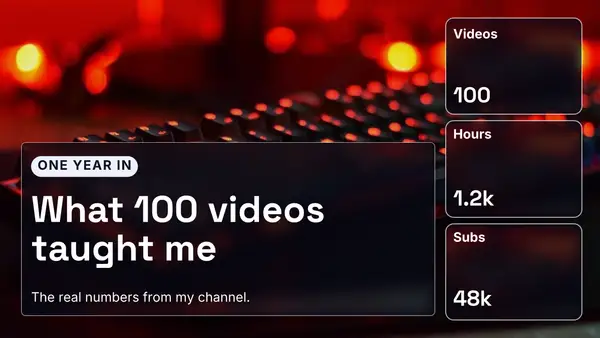
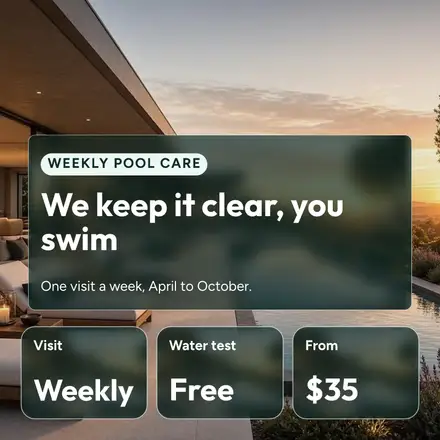
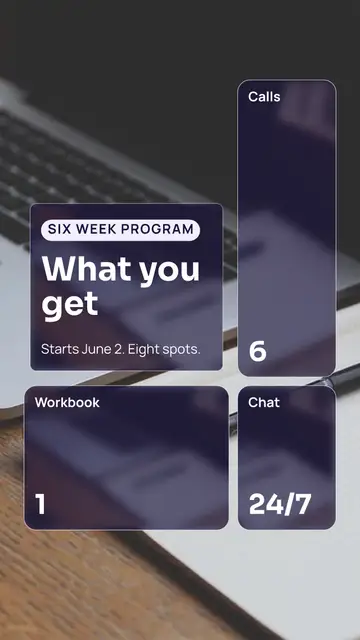
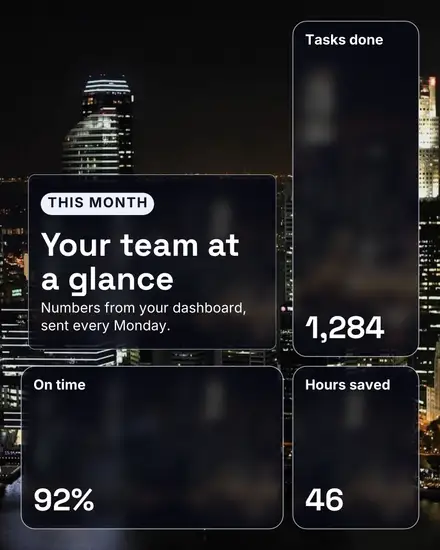
- Widgets: a board of glass widgets over a photo, like a phone's home screen, for numbers, hours or stats
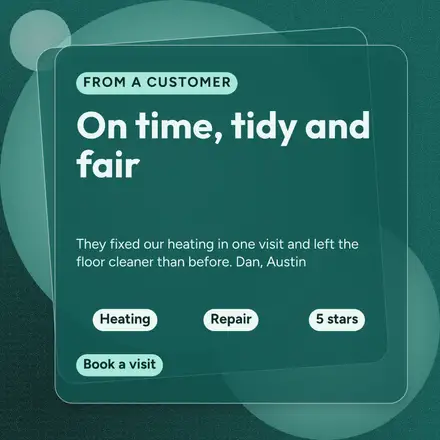
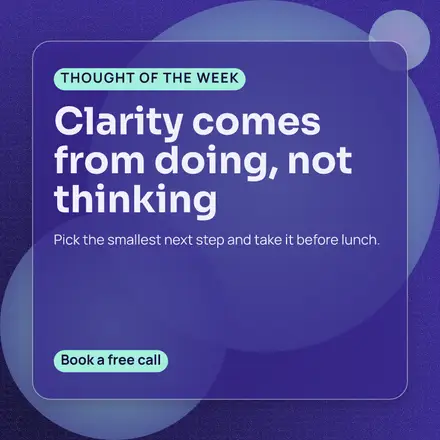
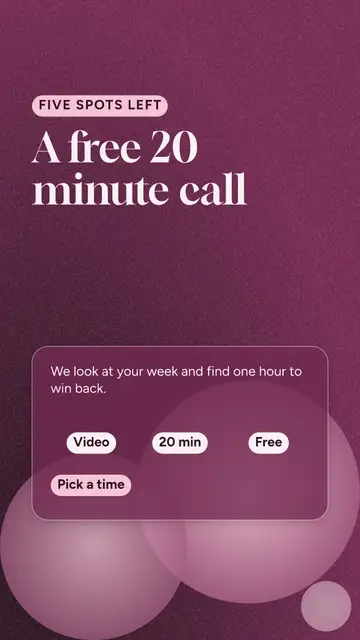
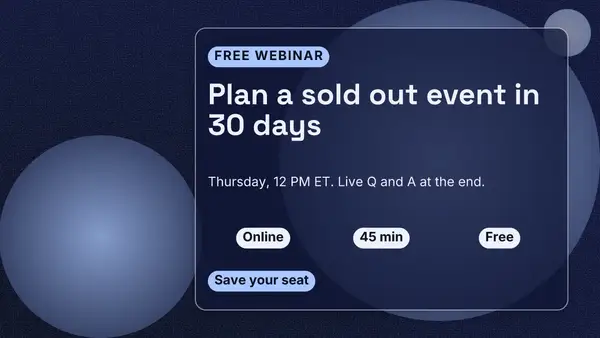
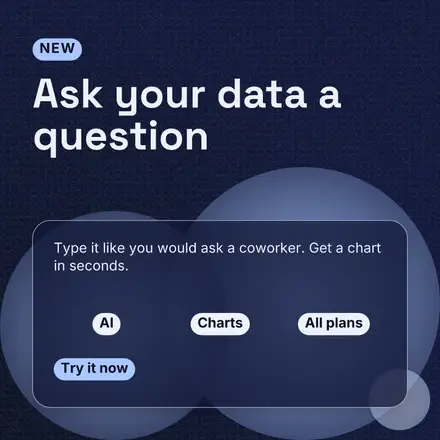
- Orbs: no photo, dark glass panes over soft balls of color with a little grain
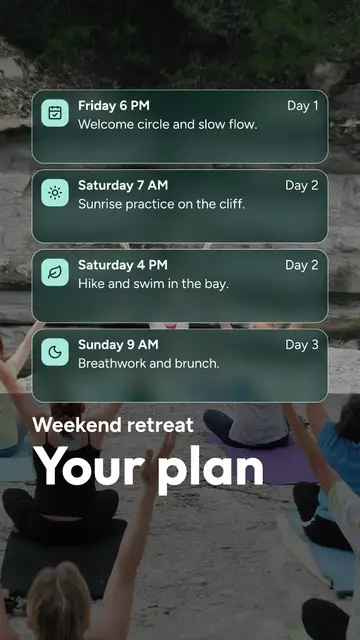
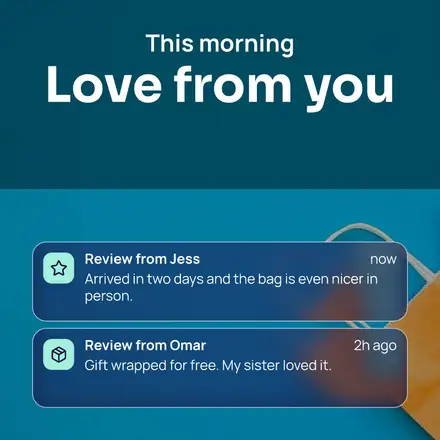
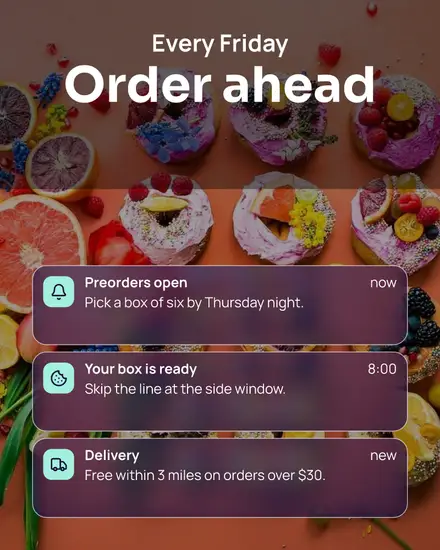
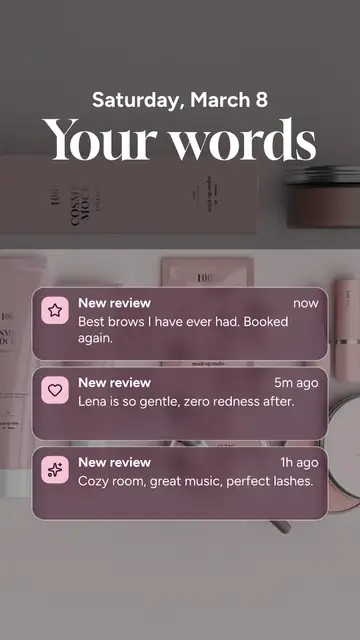
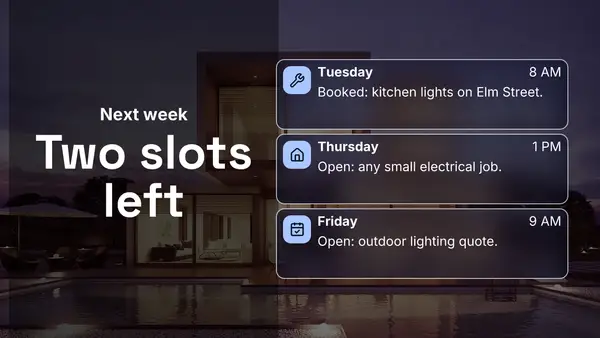
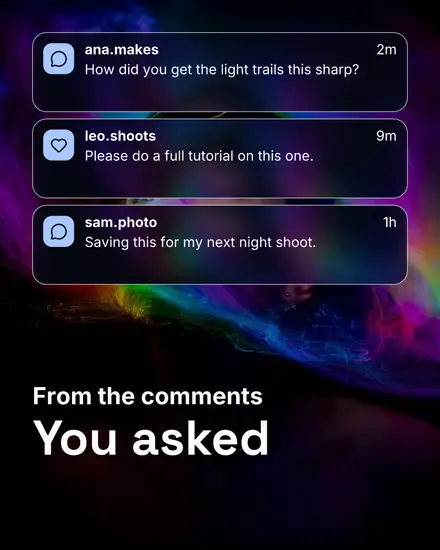
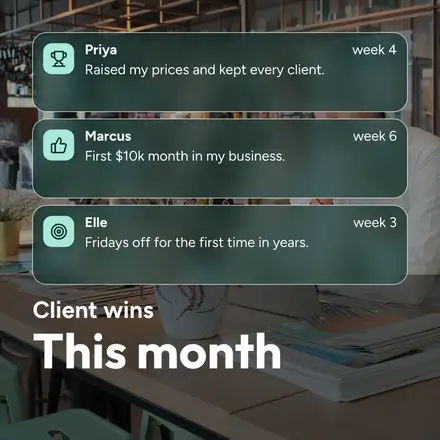
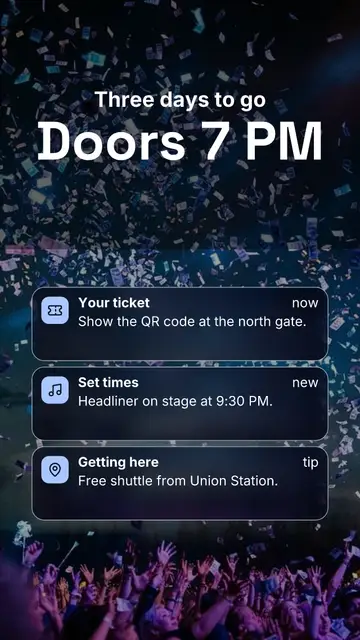
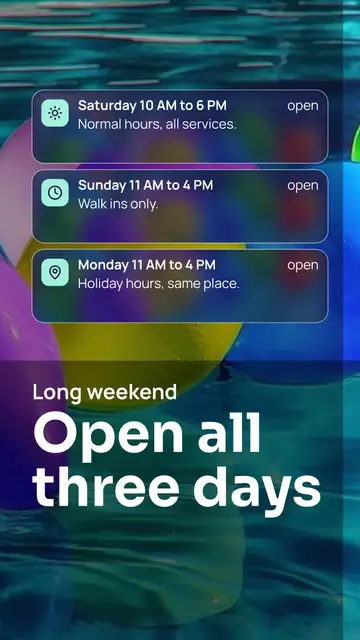
- The lock screen: a date, a big line and a stack of glass notifications over a photo
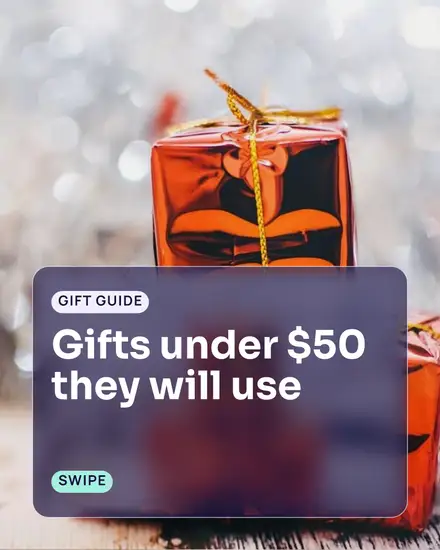
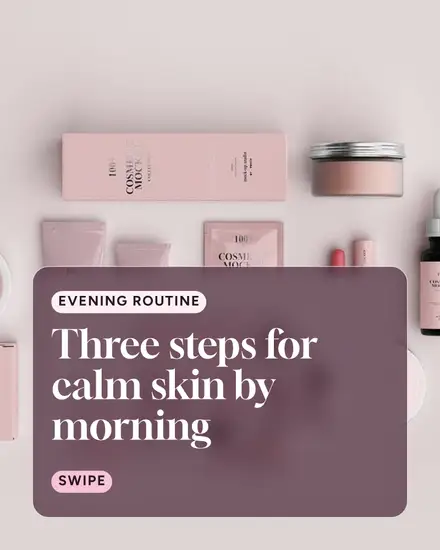
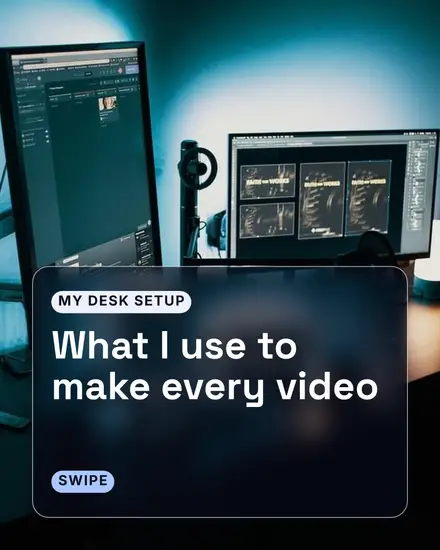
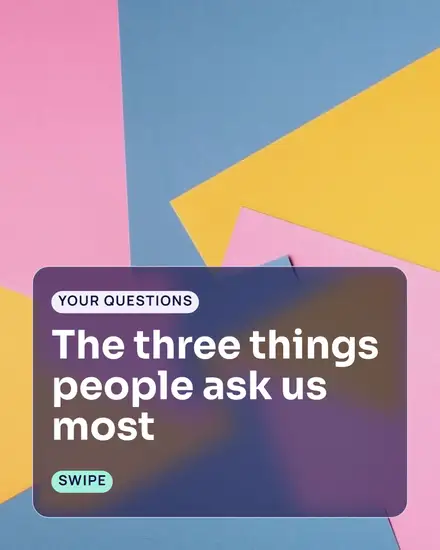
- The slides: a carousel of numbered glass cards over blurred photos
Who it suits
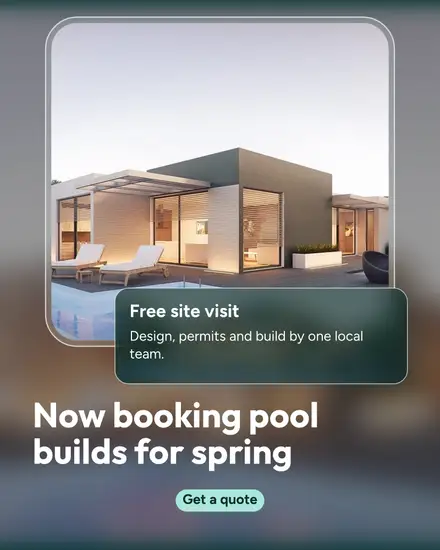
A skincare brand launching a serum, a nail artist's tips, a sunrise yoga class, a pool opening, an HVAC company's summer offer. Software teams use the orbs and widgets for a waitlist, a feature, a webinar or funding news, since the look already reads as an app. The lock screen is a good fit for a reminder: "Class starts in 30 minutes."
Pick a photo with color
Glass looks best over a photo with color and some shapes in it: a sunset, a shelf of products, a busy street at night. A pale or empty photo makes gray glass. If your photo is pale, the orbs look needs no photo at all.
Your colors
Words on the glass are white, so they read over any photo. Labels and buttons sit on small pills in your colors. Press Colors and then Your brand to use them. The style's own sets each have a deep main color for the glow pages and a pale accent for the buttons.
FAQ
Can I make the glass more or less blurred?
The blur is set per template so the words stay readable. Pick a different template of the same look if you want the photo sharper behind the glass.
Does the card update when I change the photo?
Yes. The glass is the same photo, blurred, so it follows when you press Replace photo.
Will it look right on LinkedIn?
Yes. There are square, portrait and wide sizes, and the orbs and widgets suit company news.