









Your photos as sun prints
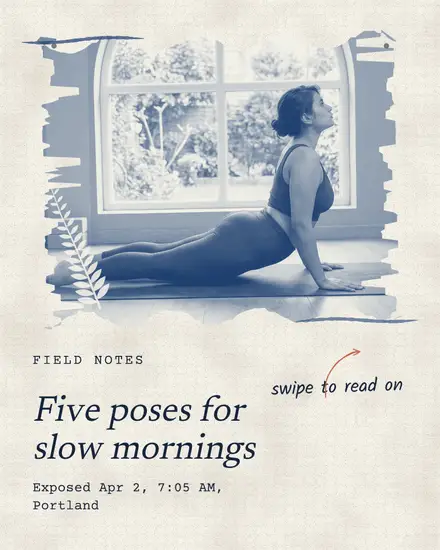
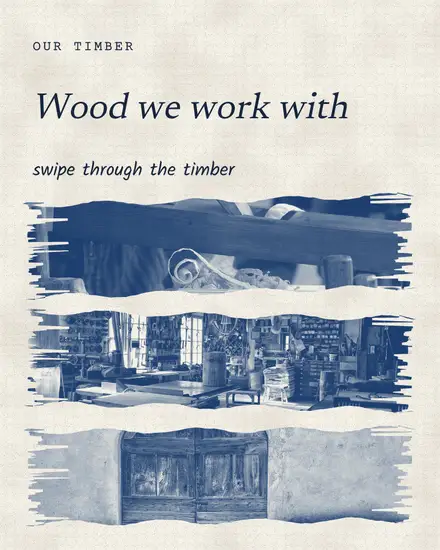
A cyanotype is an old way to print a photo with sunlight. It comes out in one deep blue on paper, with a brushed edge where the coating ran out. Sun Print does that to every photo you drop in: it becomes a print in your main color on your light color, with lifted contrast and a little fade.
That solves a problem most small brands have. Photos from three phones and a friend's camera never match in a grid. Printed in one color, they do.
The looks in it
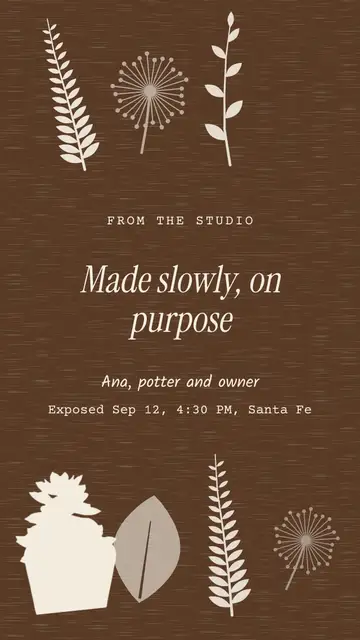
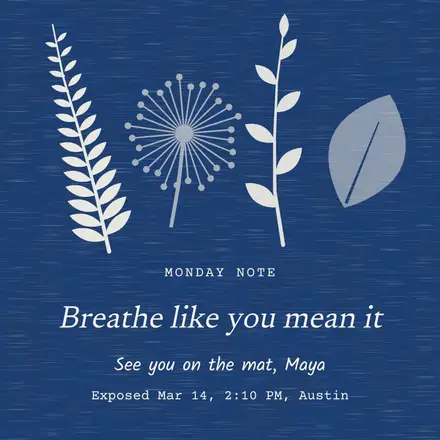
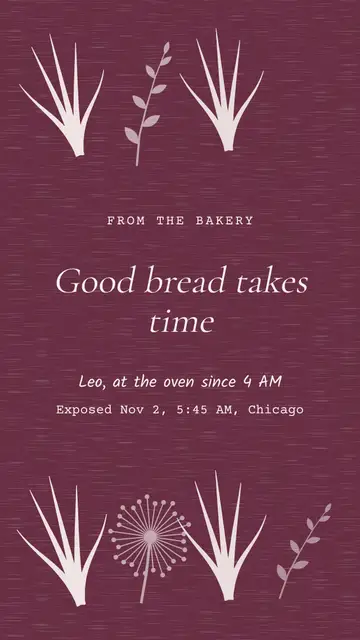
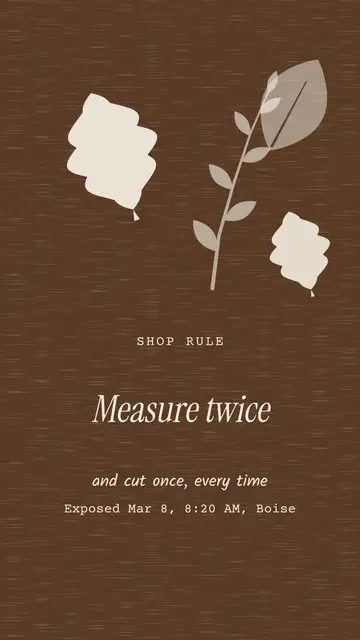
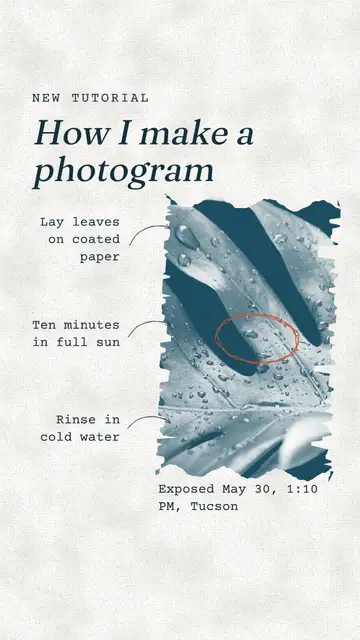
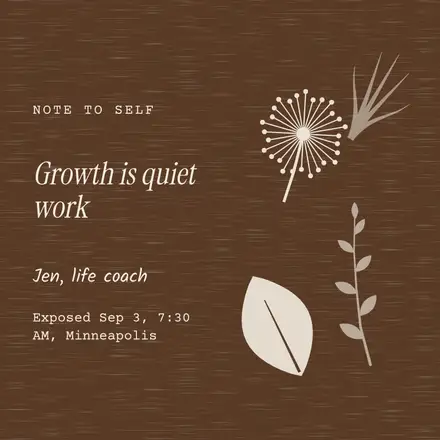
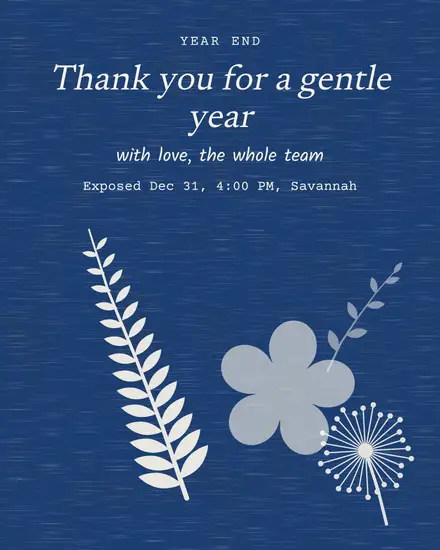
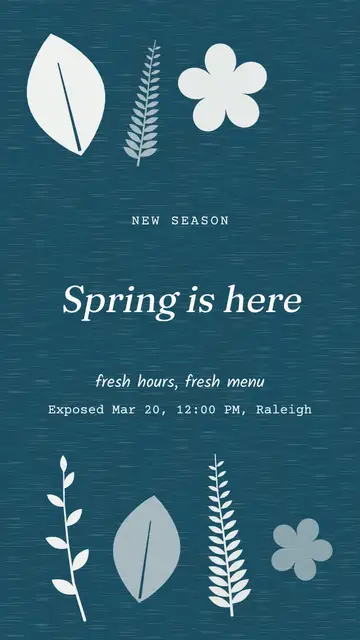
- The photogram: a blue page with white plant shapes laid on it, and the words in a clearing between them
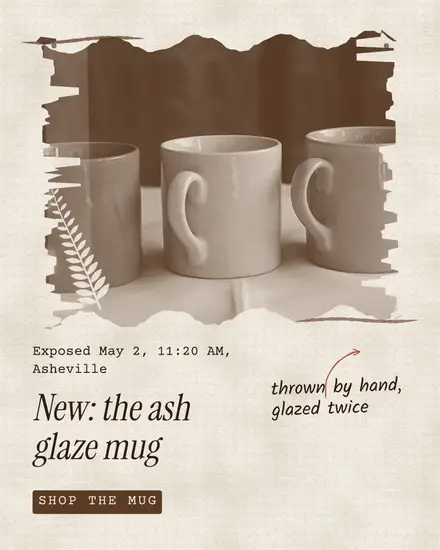
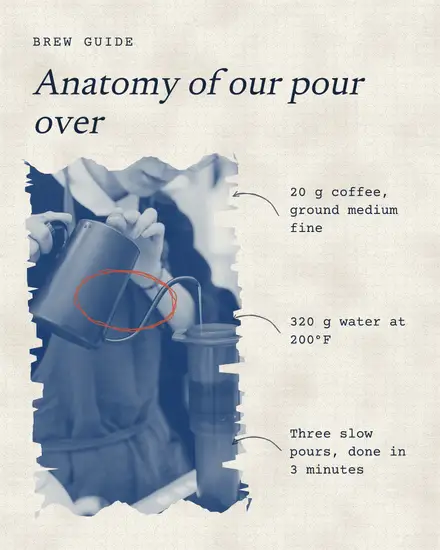
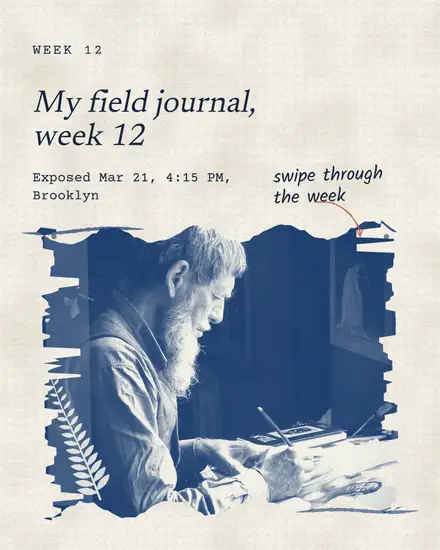
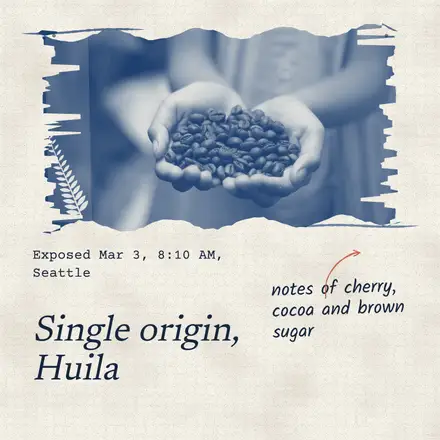
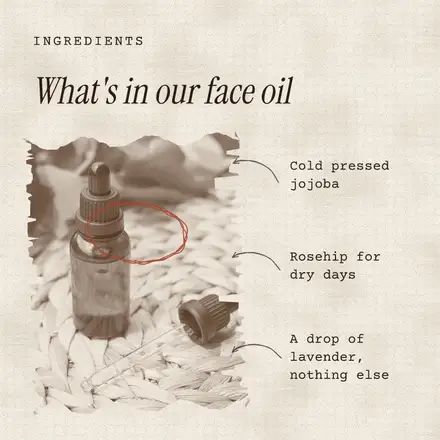
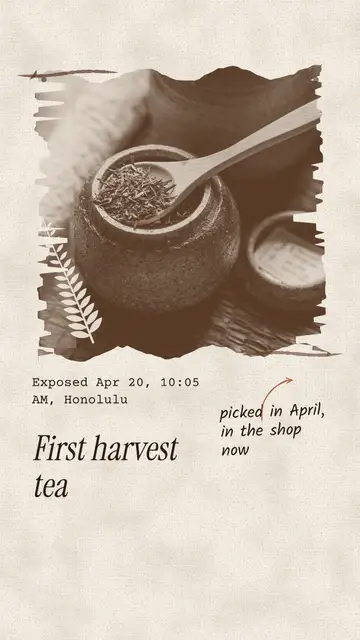
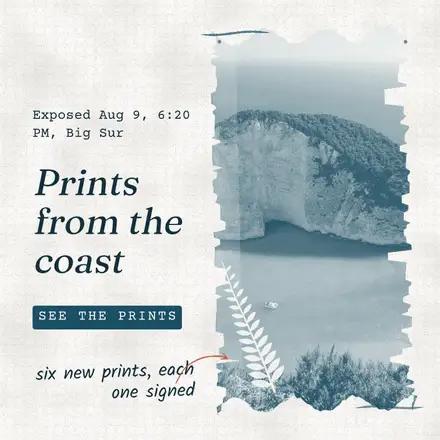
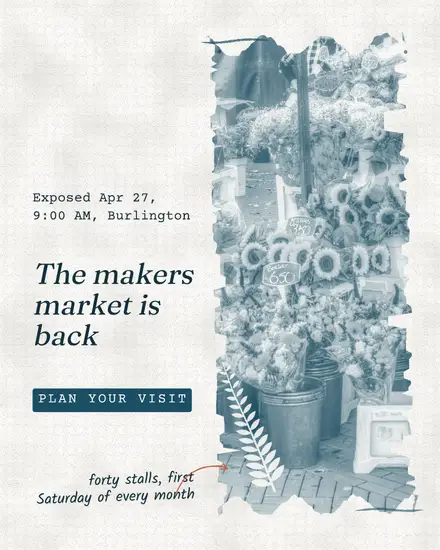
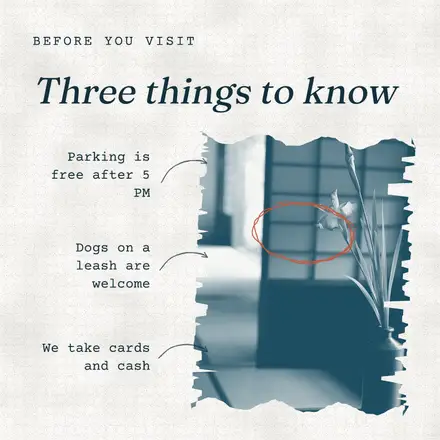
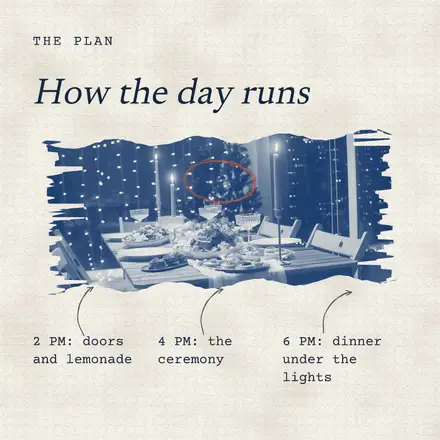
- The print: one photo on cream with a brushed edge, a pressed leaf, a typed note and a pencil caption with an arrow
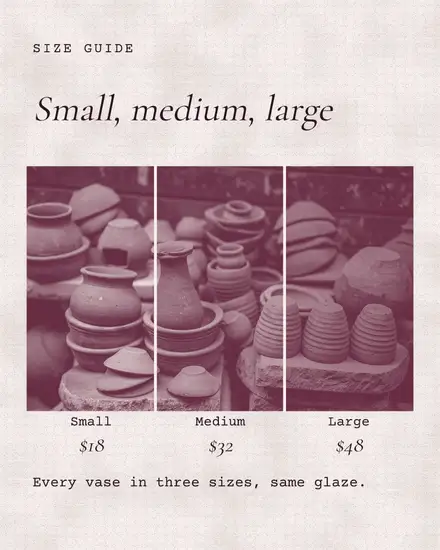
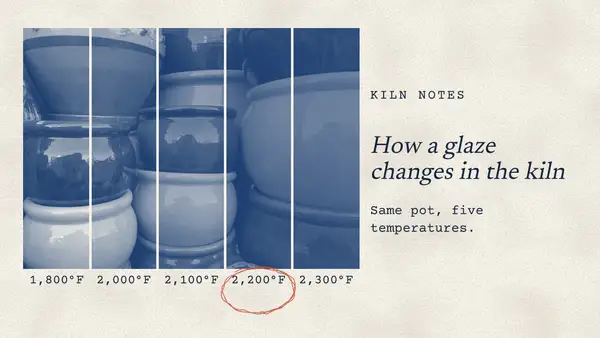
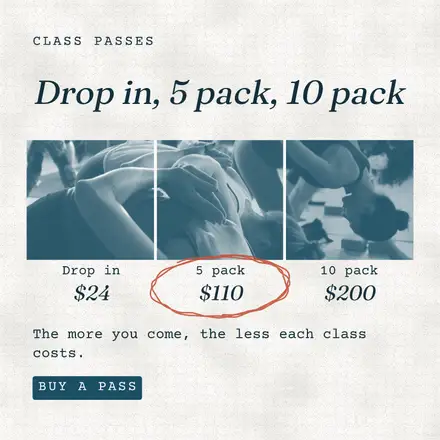
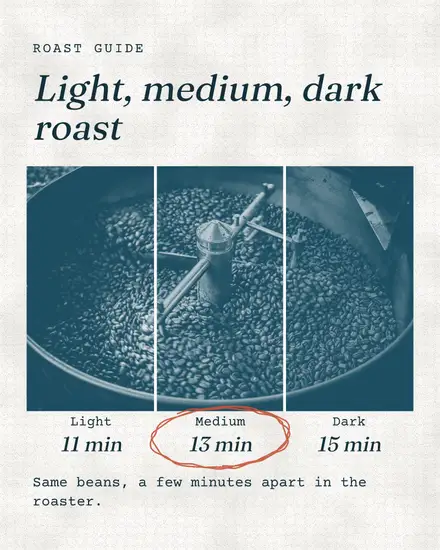
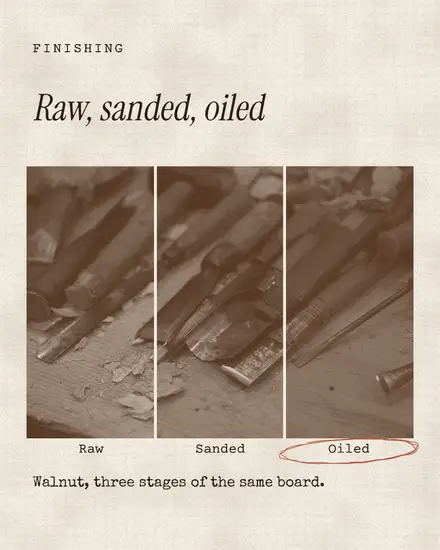
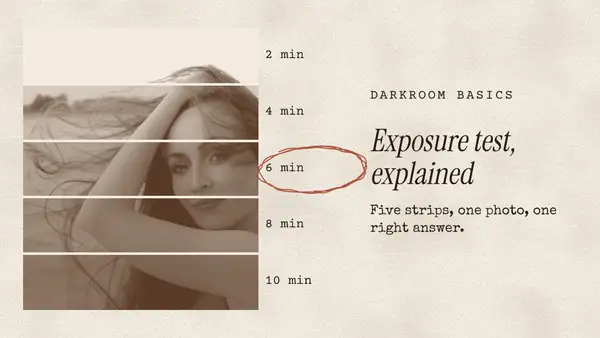
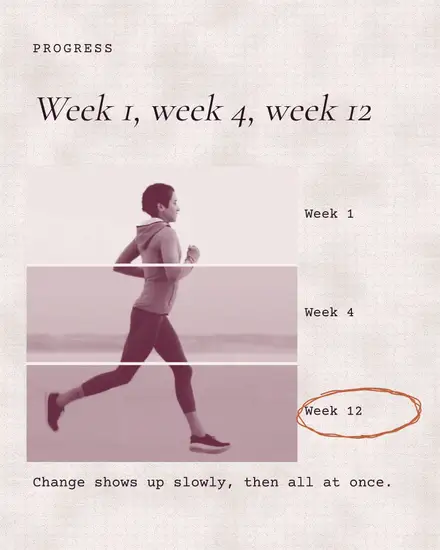
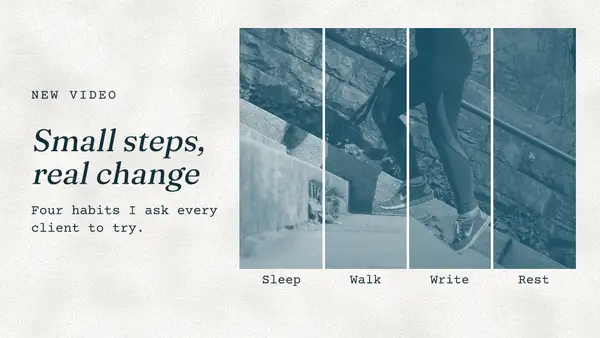
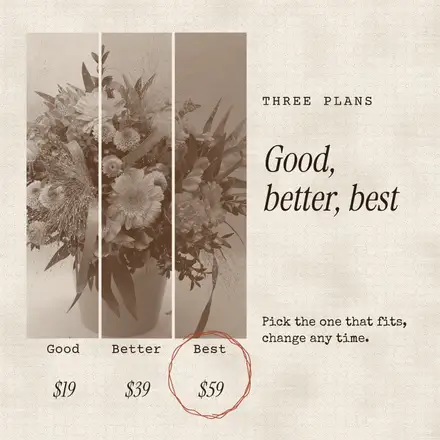
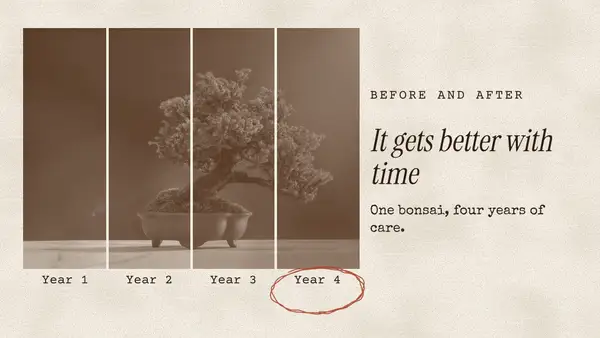
- The test strip: one photo cut into strips, each a little darker, with a label under each. Good for steps, prices or stages
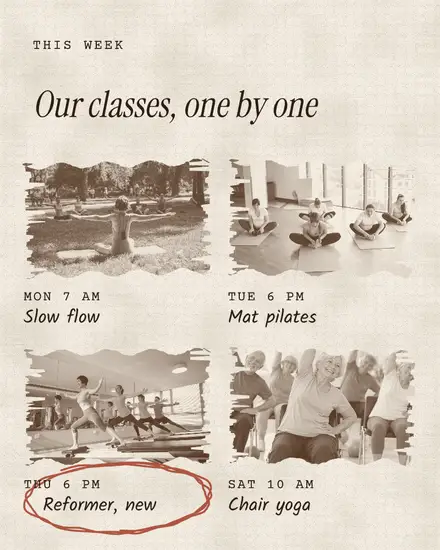
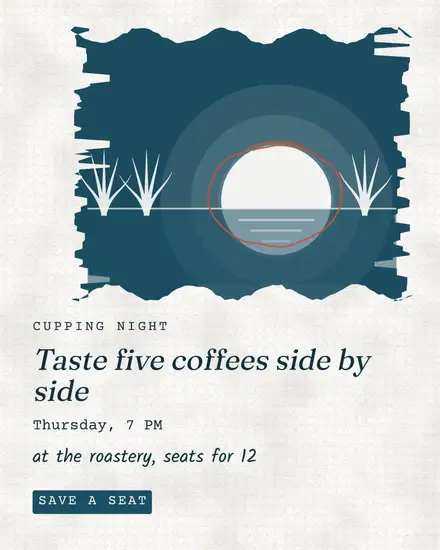
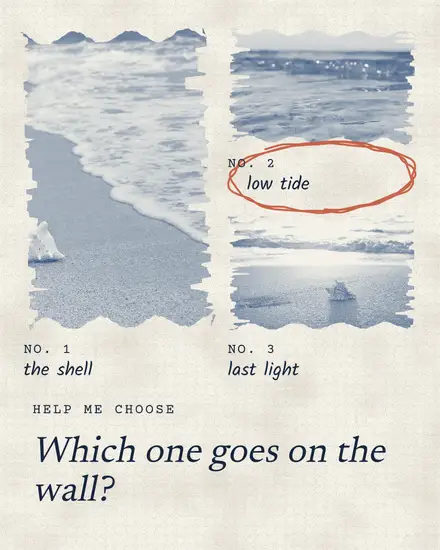
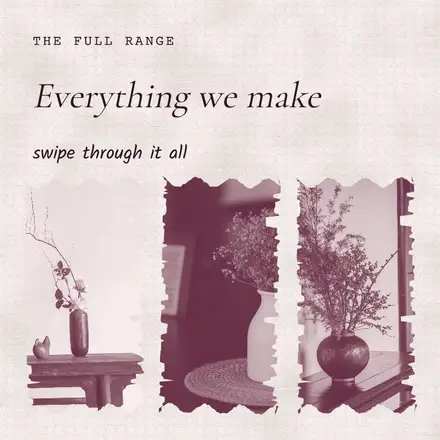
- The specimen sheet: two to six small prints with a typed number and a pencil name each, one ringed
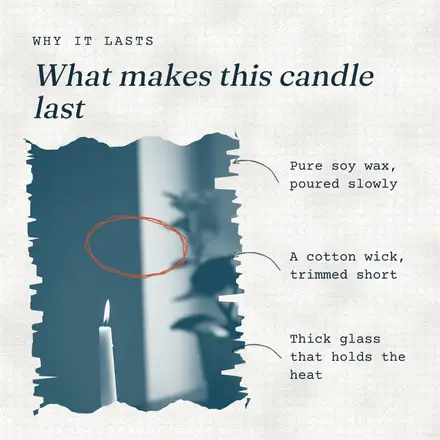
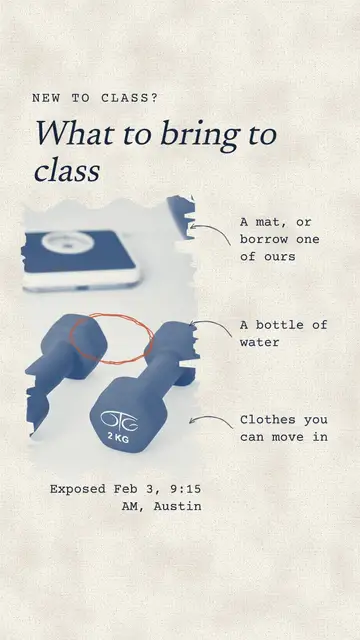
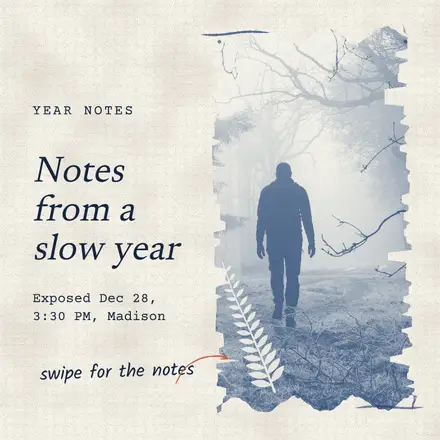
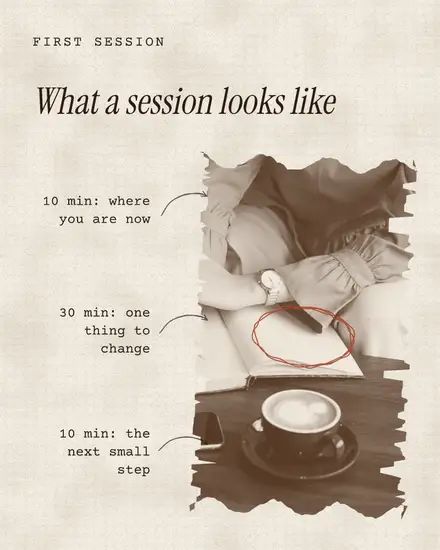
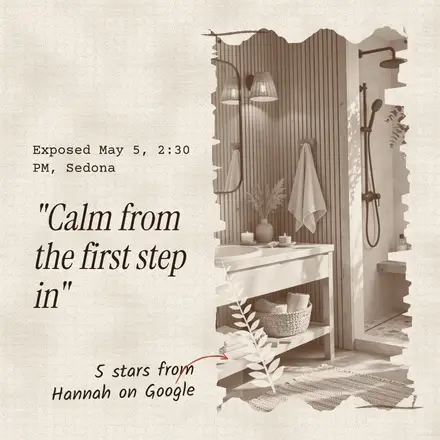
- The notes: a print turned a little, with pencil arrows to two or three notes
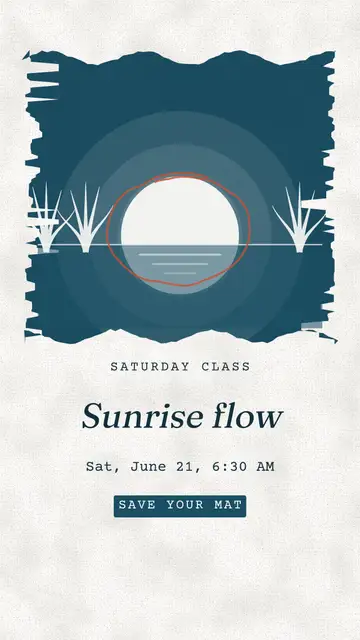
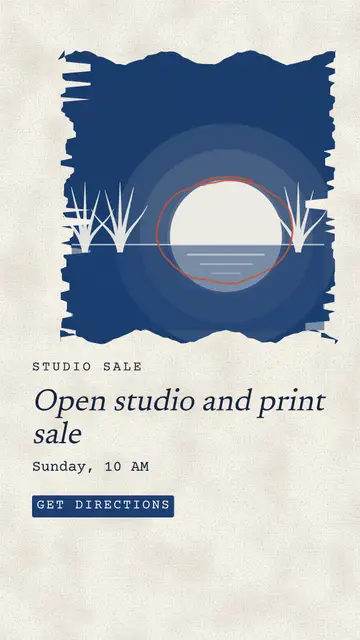
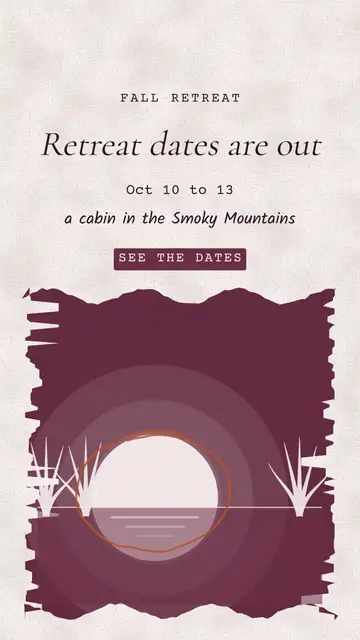
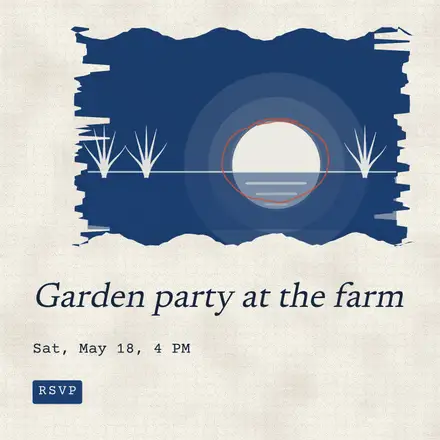
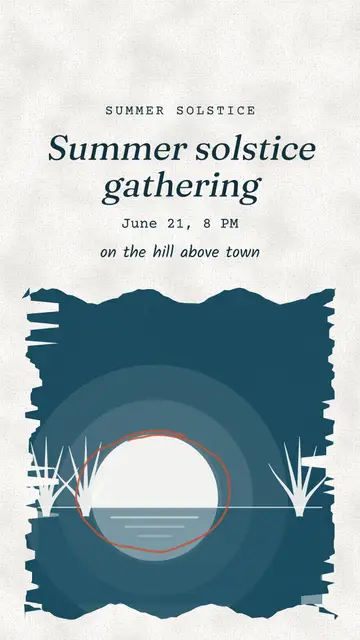
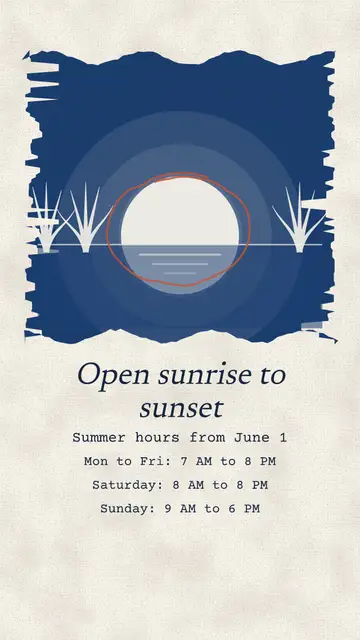
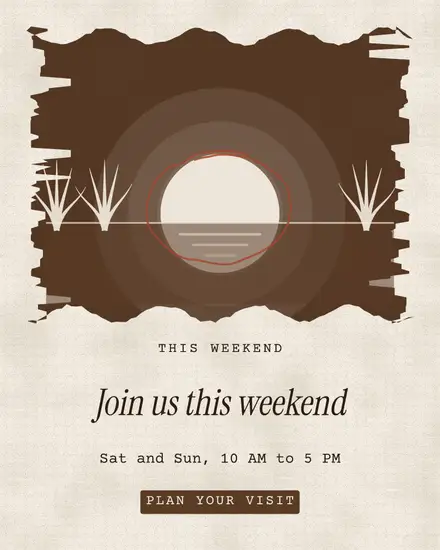
- The sun disc: a solar print where the sun is bare paper, with the date and place typed under it
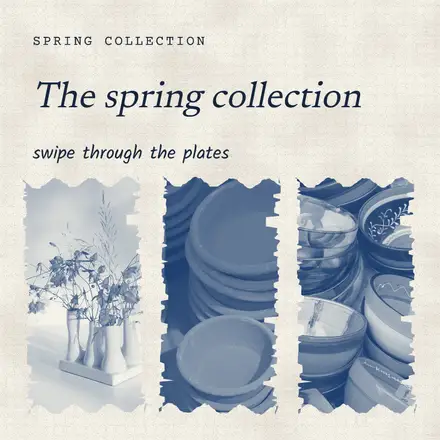
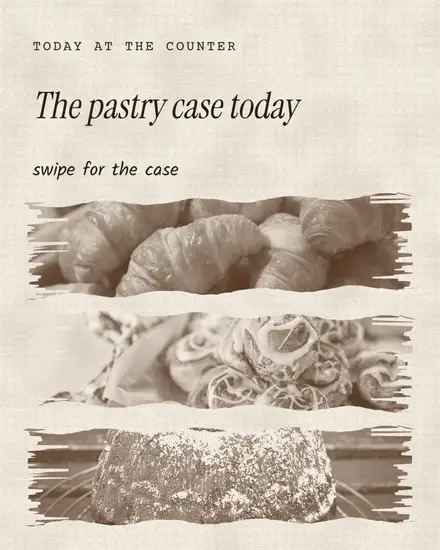
- Two carousels: a field journal with a print and a note a page, and a set of plates
Who it suits
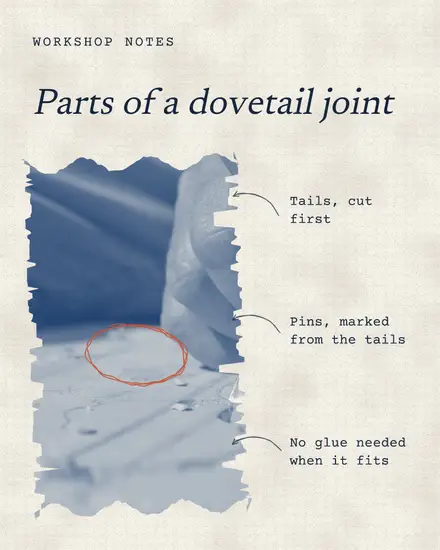
Anything slow and made by hand. A ceramics studio showing glaze tests. A candle maker explaining what is inside. A florist, a tea shop, a pour-over coffee bar, a woodworker showing a dovetail joint, a yoga studio, a coach with a reflective quote. The red pencil mark is the only loud thing in it, used once a post.
How to make it yours
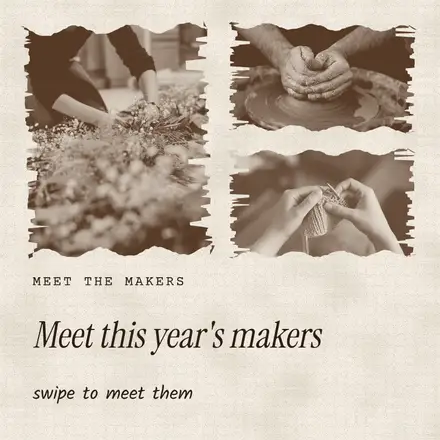
Press Colors and then Your brand and the print takes your main color and the paper your light one. A dark main color prints best: deep blue, brown, wine or green. The style's own sets are Prussian blue on warm paper, the Postfjord teal on white, a sepia print in tea brown and a wine print.
Swap a photo and it prints the same way, so you can use a phone photo of your workbench as it is.
FAQ
Do I need to edit my photos first?
No. The template prints any photo in its two colors. A photo with a clear shape and plain background prints best, like one object on a table.
Can I show my own product as a photogram?
Yes. Some photogram templates hold a product as a white shape instead of a leaf. Pick it, press Replace photo and choose a product photo with no background. Fjord tools, Remove background takes the background off for you on the paid plans.
Can I turn the print effect off?
Yes. Pick the photo, press Effects and pick No duotone, the first tile under Duotone. Then press Photo, Adjust and Reset adjustments to bring back its own colors. Your photo is still there underneath.