












Looks like you wrote it
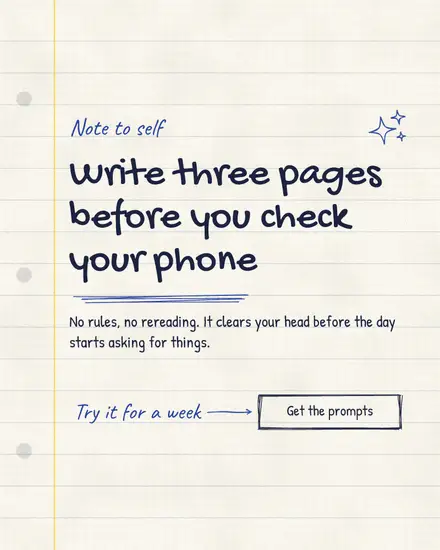
A post that looks written by hand in a notebook feels like a note from a person. The lines are a little wobbly, an arrow points at the thing that matters, a word has a scribble under it and a price has a circle round it. Highlighter sits behind the words that count. People read it the way they read a sticky note on the fridge.
The looks in it
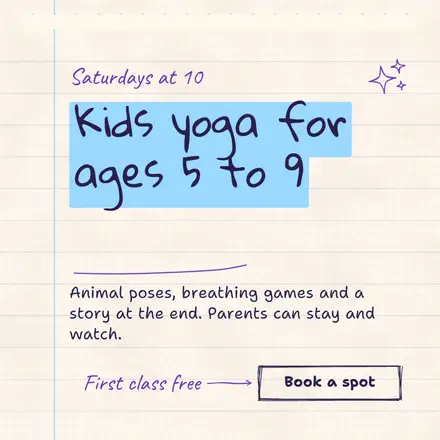
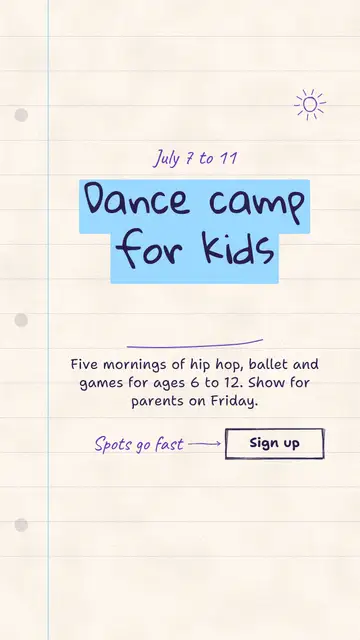
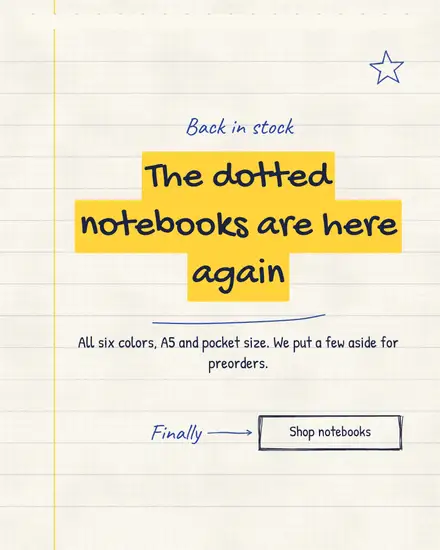
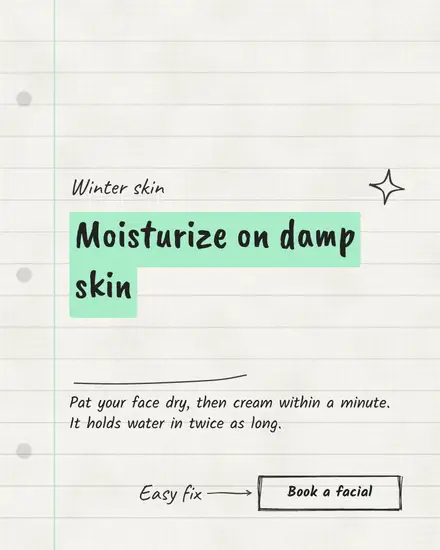
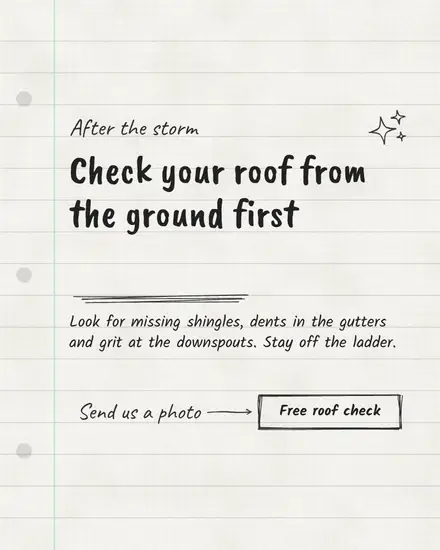
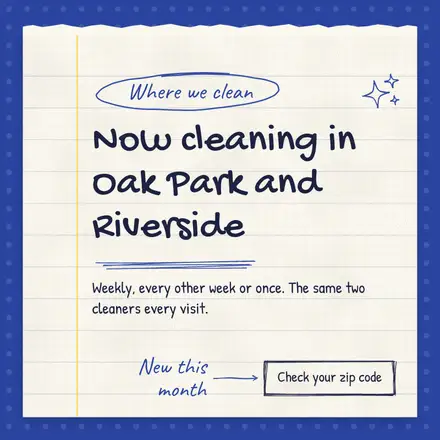
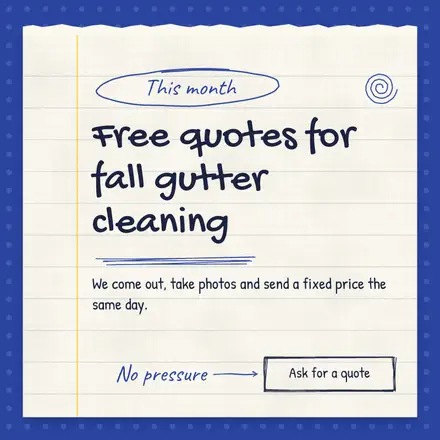
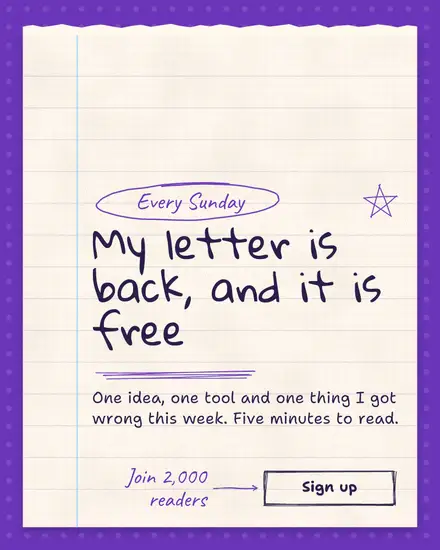
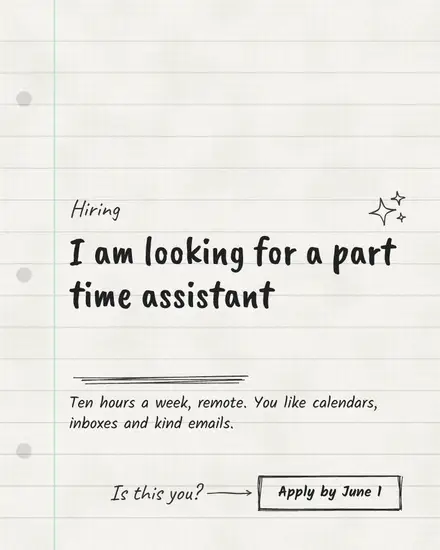
- The notebook: a ruled page with a margin line and ring holes, or a sheet torn out onto the desk, with a note and an arrow to a button
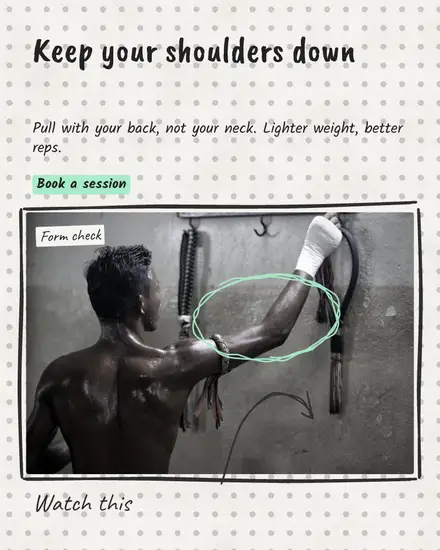
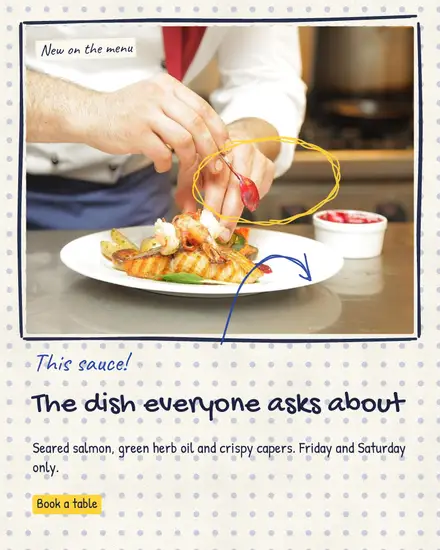
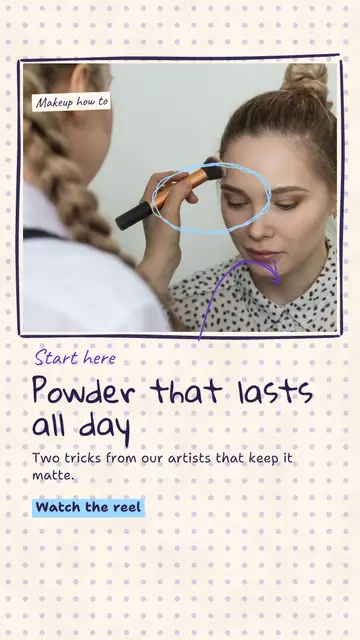
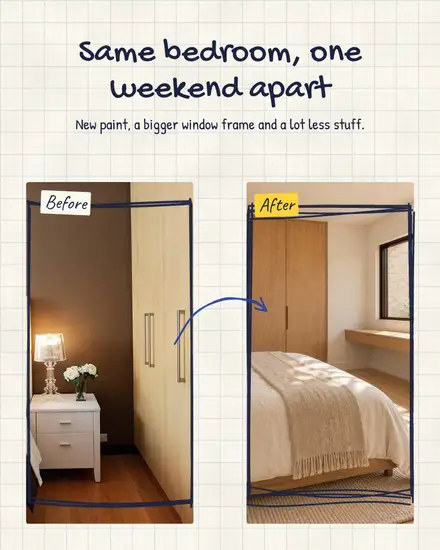
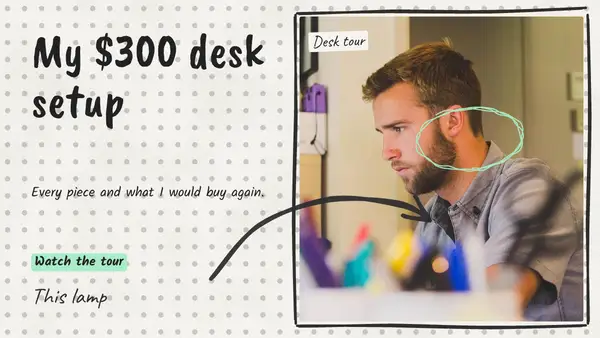
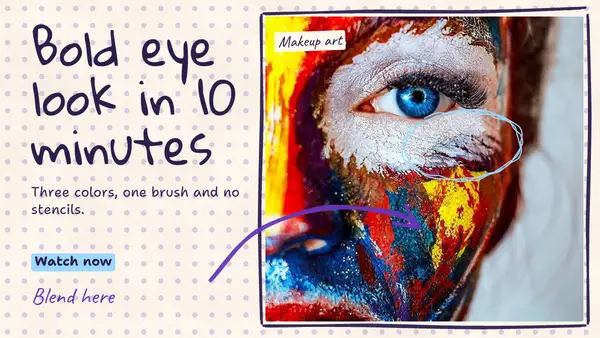
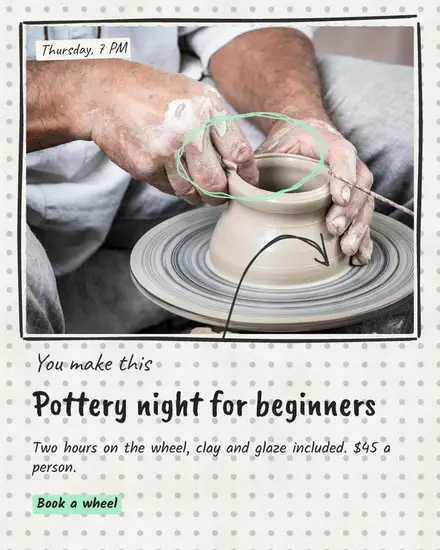
- Photo notes: your photo with a sketchy frame, a circle round one spot and an arrow from a handwritten note to it. With two photos, a before and after
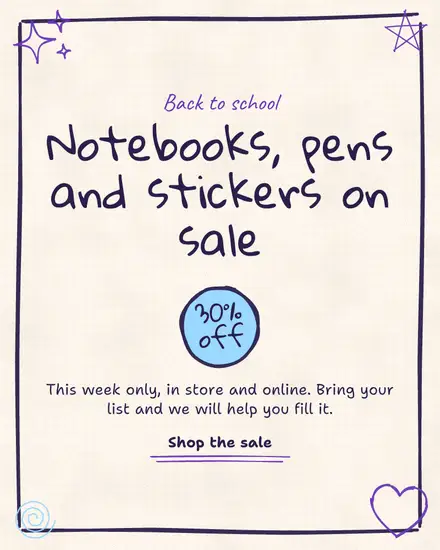
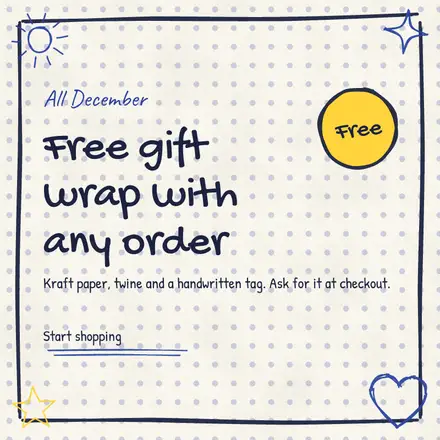
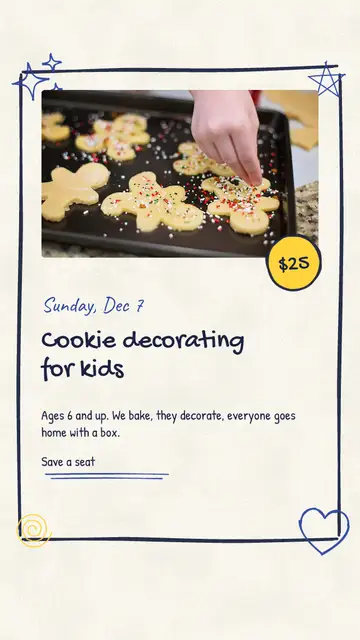
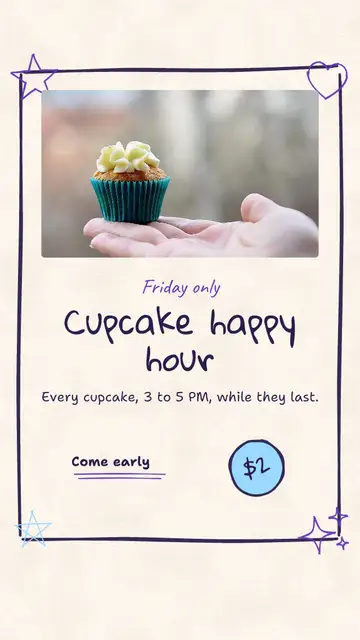
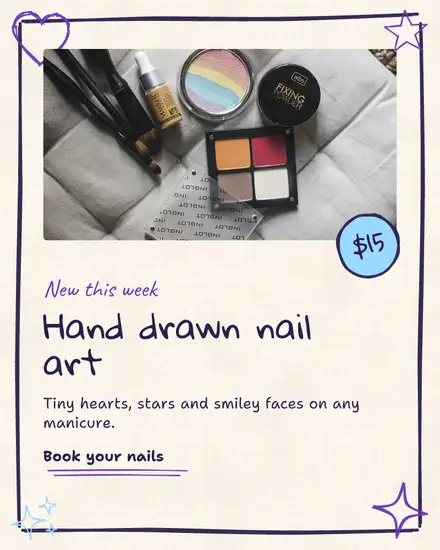
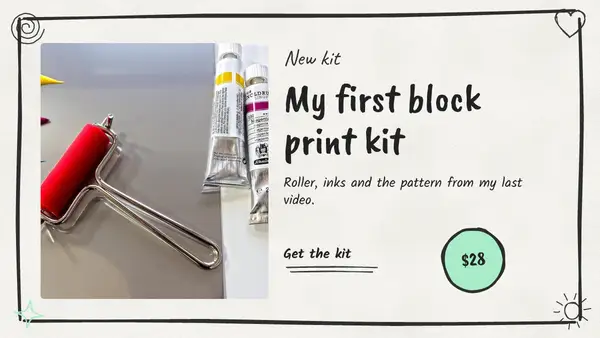
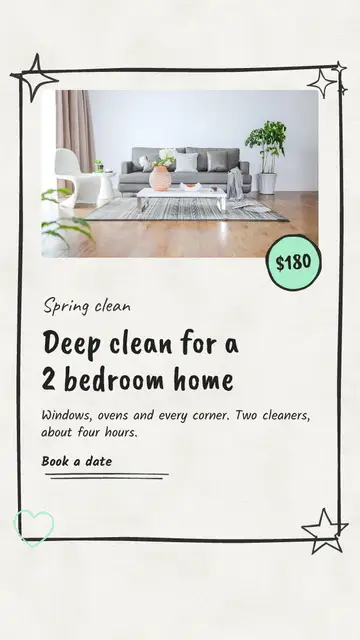
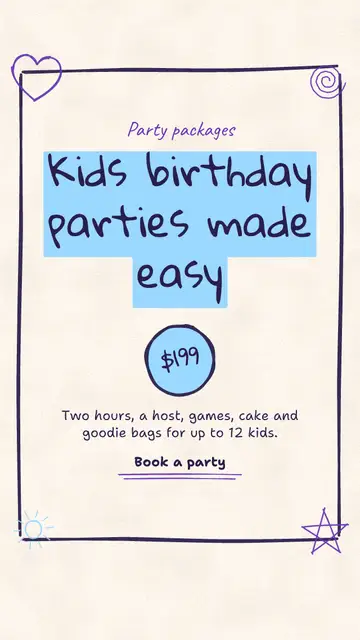
- The doodle card: a drawn frame with doodles in its corners, a big title and a price in a scribbled circle
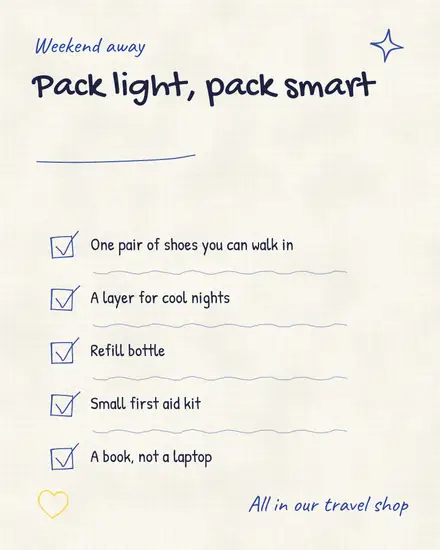
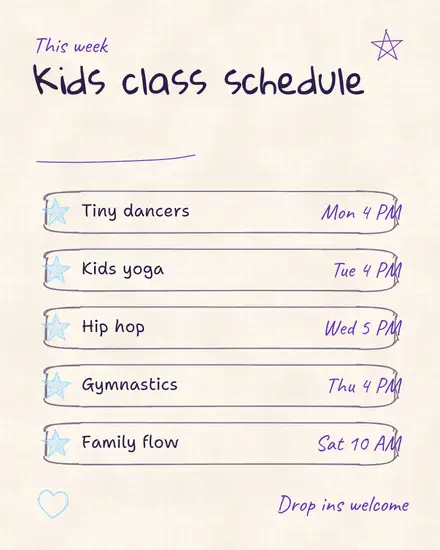
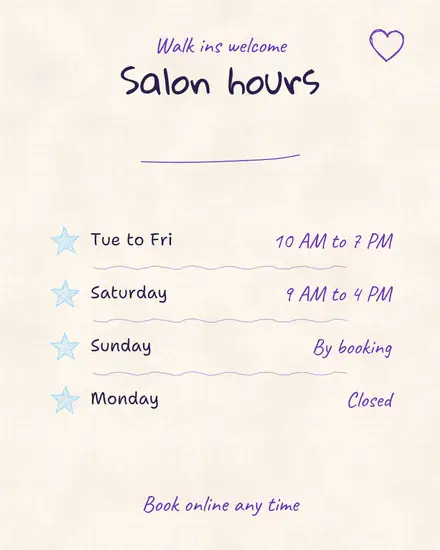
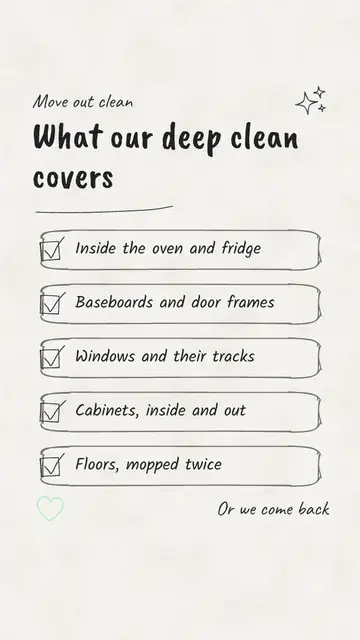
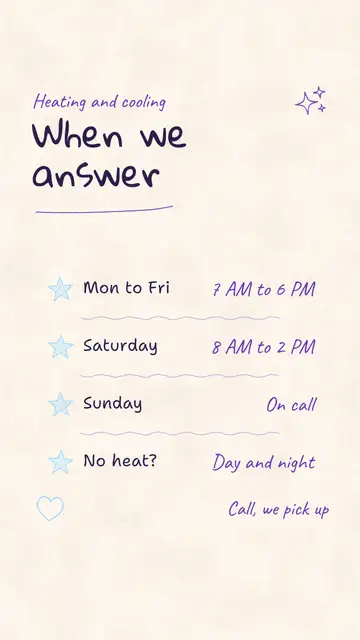
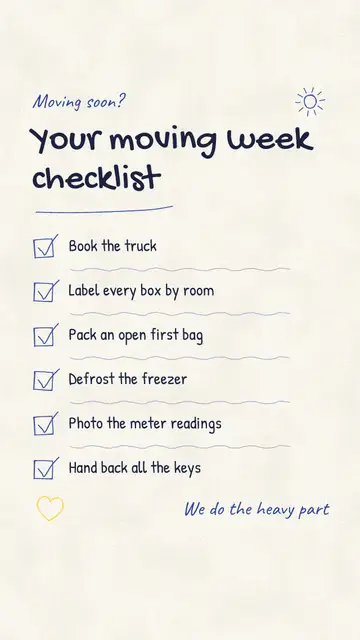
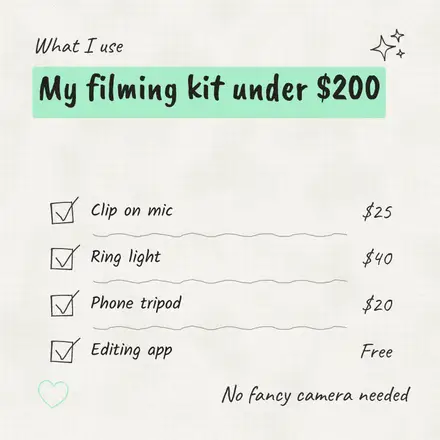
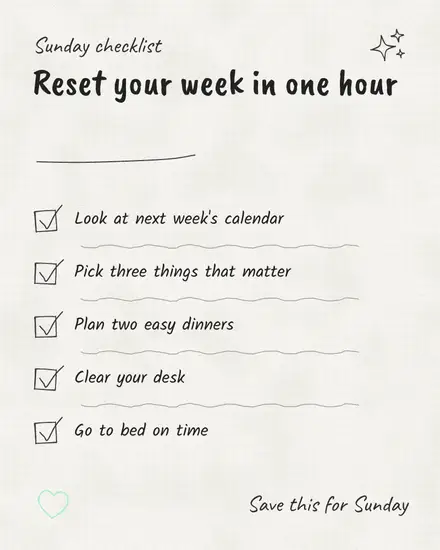
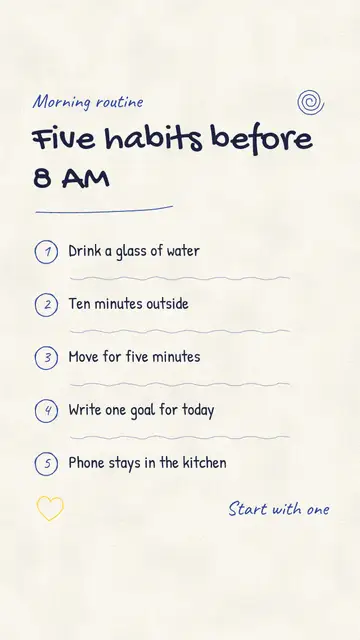
- The checklist: a list written by hand with tick boxes, circled numbers or stars, and a time or price at the end of each row
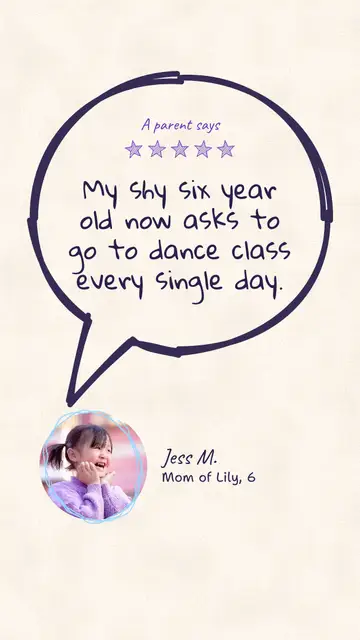
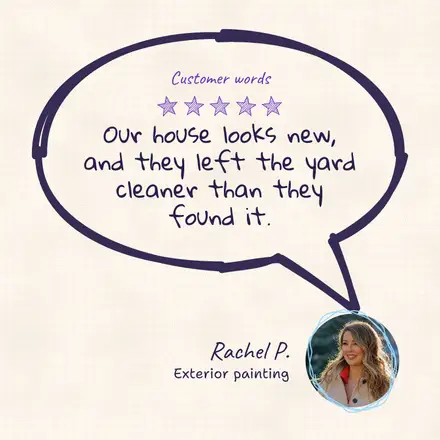
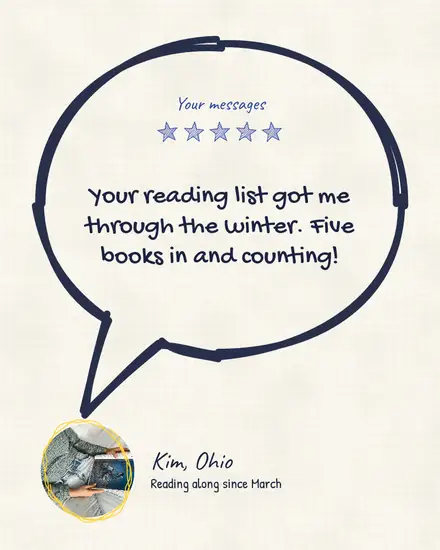
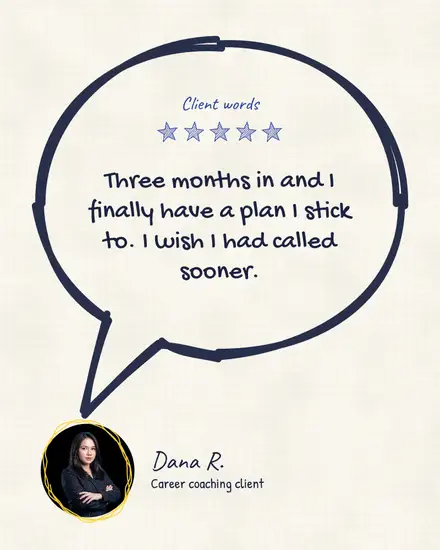
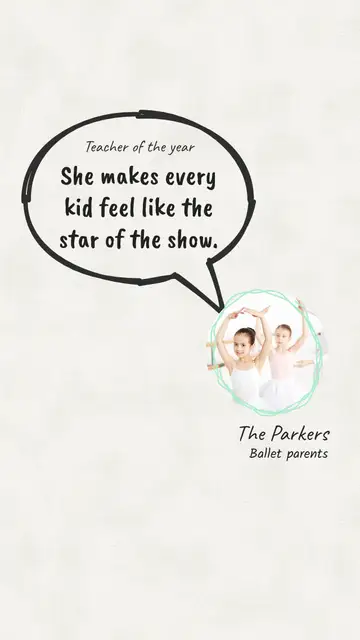
- The bubble: a speech bubble round a review or a quote, its tail pointing at a round photo of the person
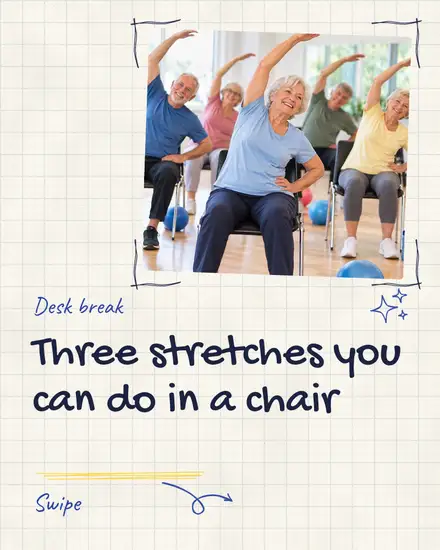
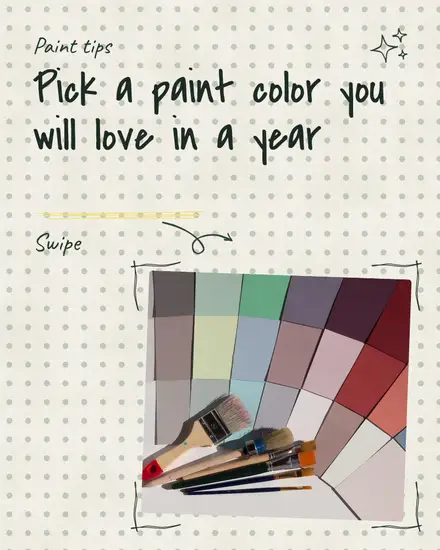
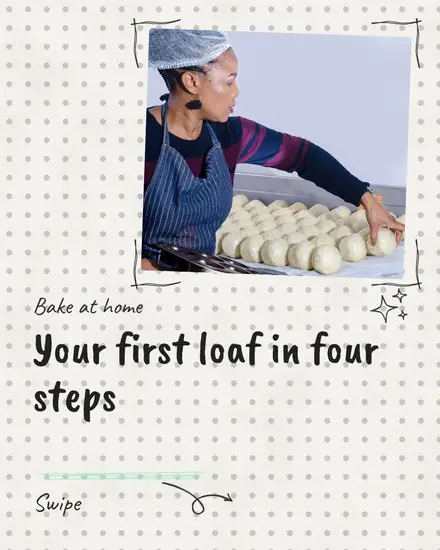
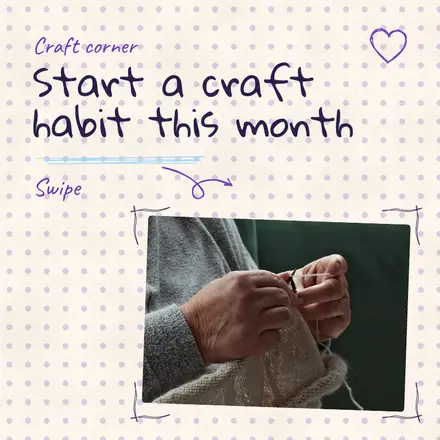
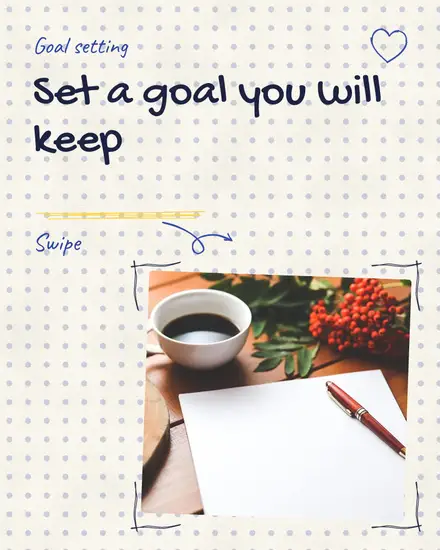
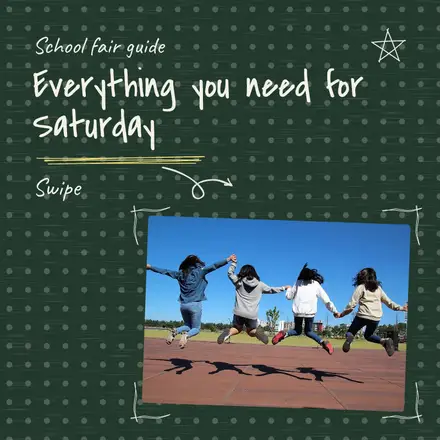
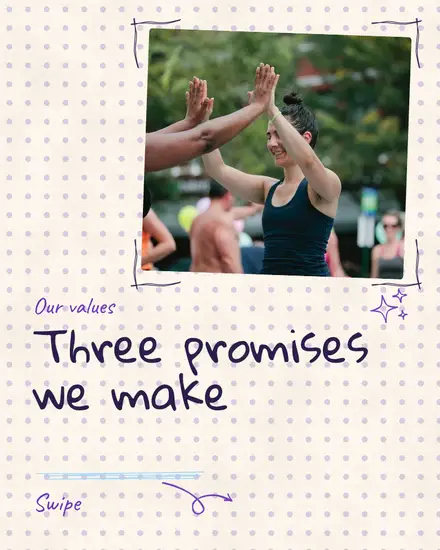
- The sketchbook: a carousel on dotted paper with a loop arrow to swipe and a circled number for each step
Who it suits
A coach with a workshop seat or a journal prompt. A kids class with a review from a parent. A trainer pointing out form on a photo. A painter or dog groomer with a before and after. A cafe's favorite on the menu, with an arrow to it. A creator's desk tour thumbnail. It suits tips best, since a drawn arrow says "look here" without a word.
Point at one thing
The circle and the arrow are the strongest part of this style, so use them for the one thing you want seen: the price, the detail in the photo, the box to tick. Click the arrow and drag it to point where you want. A page with three circles has no point.
Your colors
The paper is your light color and the ink is your text color. The highlighter is your accent, so the words on it get the matching text color. Press Colors and then Your brand to use yours. Notes are in a handwriting font, Caveat, and you can pick another in the font menu.
FAQ
Can I move the circles and arrows?
Yes. They are drawn shapes in the editor. Click one to move it, turn it or change its color.
Can I add more doodles?
Yes. Press Elements, then Shapes, and scroll to Hand drawn for more arrows, circles, underlines and highlighter strokes.
Does it work for a carousel?
Yes. The sketchbook look is a carousel, and the notebook and checklist pages work as carousel pages too.